 SniperAssassinGames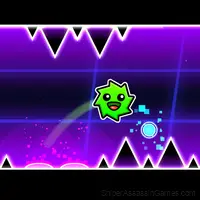












Platformer-Editor
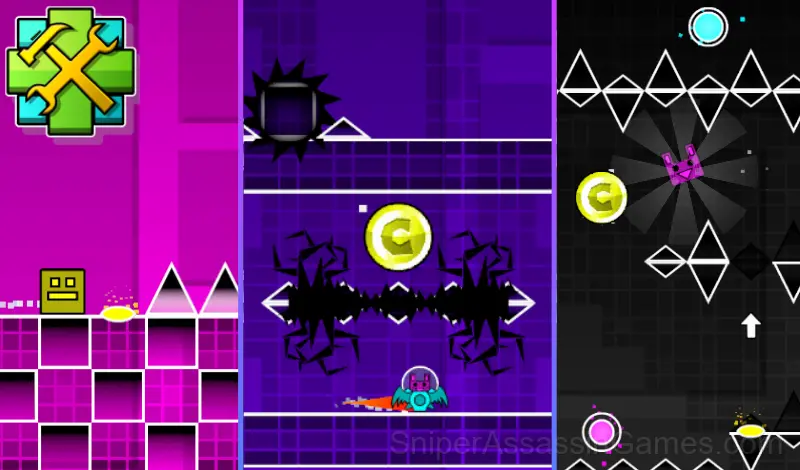
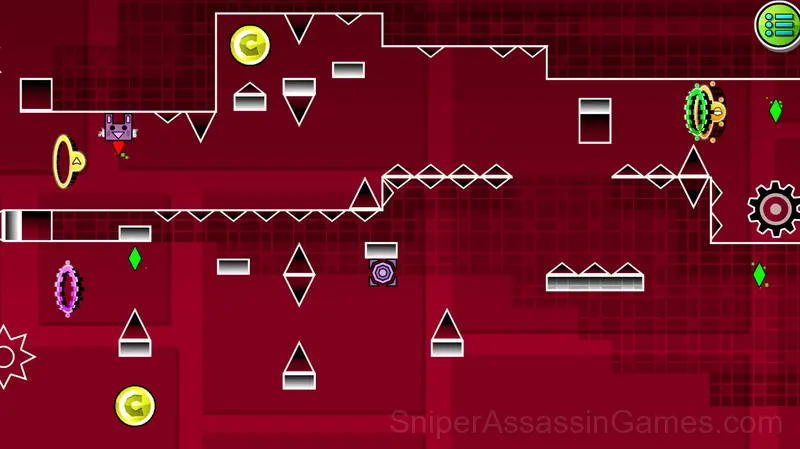
A game similar to "Geometry Dash" game with a built-in editor! Complete the ready-made levels to improve your skills or build your own level!
What is Platformer-Editor?
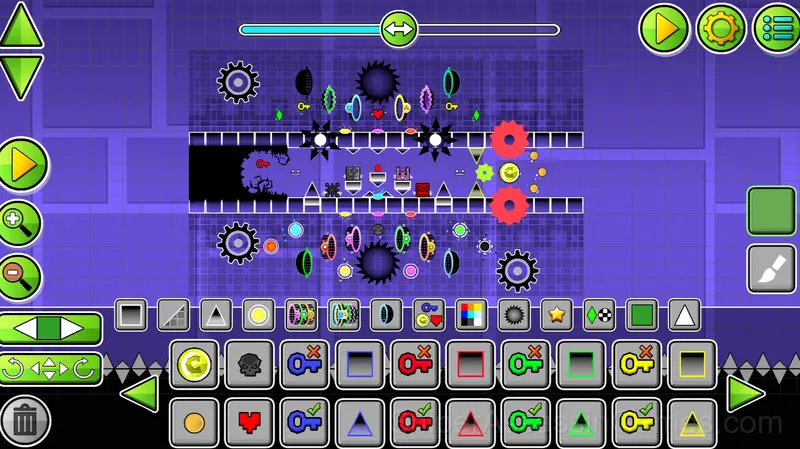
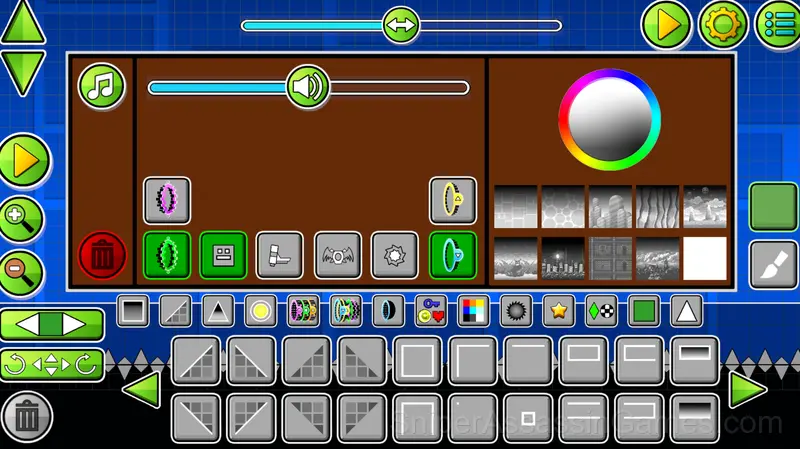
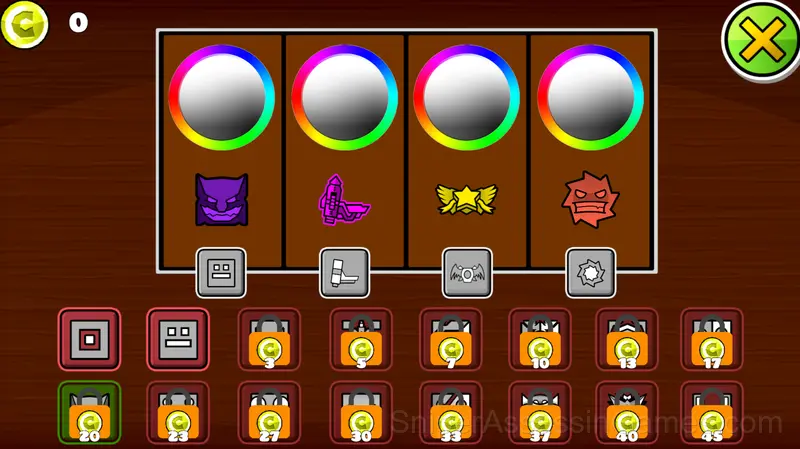
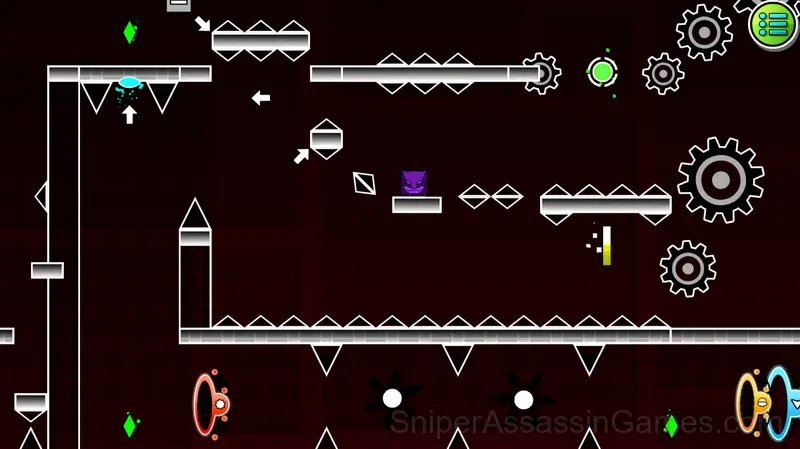
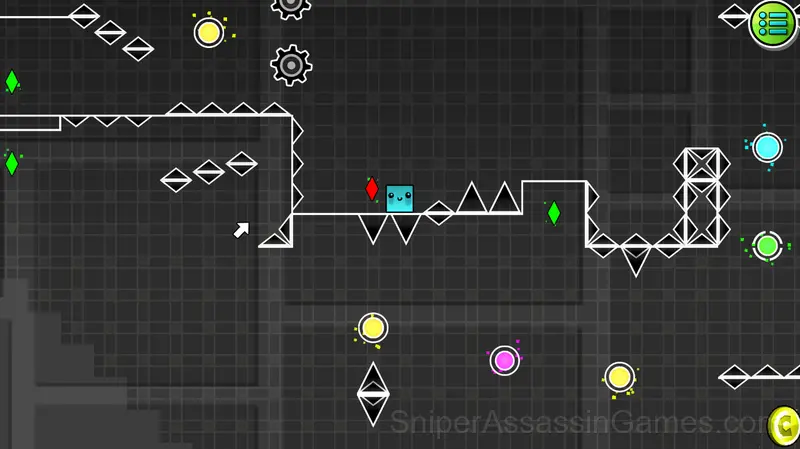
This game is similar to "Geometry Dash" game and this game also has an editor that contains:
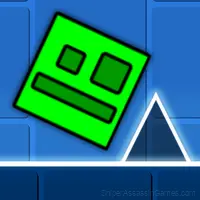
- cube mode
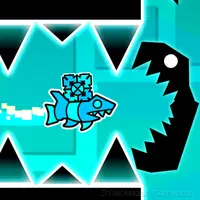
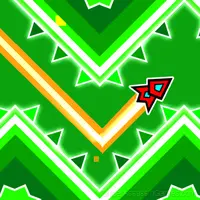
- ship mode
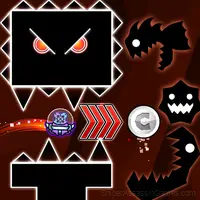
- UFO mode
- portals that change the gravity of the character
- portals that change the size of the character
- various blocks
- spikes
- various drawings
- checkpoints
- changing the background
- changing the color of characters and backgrounds
- changing the music
- changing the character's start position
You can also play ready-made levels to practice, each completed level opens up a new level with increased difficulty. These levels can also serve as training if you don't know what certain portals are responsible for. There are 15 levels in total, the last 5 are the most difficult, they can be completed to improve your reaction skills.
Screenshots
Tips and Strategies
- If the game has a tutorial, do it once properly. Skipping it and then struggling with basics wastes more time than the tutorial ever would.
- Learn the difference between what costs you progress and what costs you time. Avoiding the first is always more important than optimizing the second.
- Take breaks when frustration builds. Coming back after a few minutes often makes the solution or the right timing click naturally.
- Play for survival until you understand the scoring system. Dying early teaches you nothing about the late-game patterns where the real points are.
- Risk management matters more than raw skill. Knowing when to play safe versus when to go for a risky bonus separates good scores from great ones.
- Memorize the layout of the play area if the game reuses it. Spatial awareness is an advantage the game will not give you directly.
- Avoid the edges of the screen unless you know what spawns there. Corners are death traps in most arcade games.
About the Developer
Behind Platformer-Editor is Kokim, originally released in March 2025. They made the game available as a free browser title that works on desktop, laptop, tablet, and mobile devices.
Features in Platformer-Editor
- Age rating: 6+, appropriate for younger players.
- Landscape orientation, optimized for wider screens on desktop and tablet.
- Localized in 70 languages for global players.
- Cloud save support. Pick up where you left off on any device.
- Leaderboard support. Track your ranking against the community.
- In-game purchases for optional extras. Free to play without them.
Compatible Devices
You can access Platformer-Editor from Windows PCs, Macs, Chromebooks, Linux machines, Android phones, iPhones, and iPads. It runs in Chrome, Firefox, Edge, and Safari using landscape (horizontal) orientation.
Controls and Gameplay
In the game, you can play already created games or make your own level in the editor.
Character control - press the "A" button or ← to move the character to the left, press the "D" button or → to move the character to the right.
Circle control - press "W" or ↑ to jump.
Control the ship- hold the "W" or ↑ to fly.
UFO Control - press "W" or ↑ to jump even in the air.
Editor:
Initially, there is only one object in the editor and this is a red circle (Start Pos), a character appears in this place, this object can be moved by pressing the LMB or finger on the button on the bottom left of the screen and clicking on any cell in the editor and this object will appear where you clicked, there can only be such objects in the editor Alone. Other objects are created in the same way. A green diamond or crystal is a checkpoint, if a character enters it, then after he dies, he will appear in this checkpoint.
Gameplay Breakdown
The game communicates danger fast. Visual and audio cues in Platformer-Editor give you just enough warning to react, and learning to read those signals is the core skill you are building.
Platformer-Editor nails the arcade fundamental: simple inputs, complex outcomes. Moving and acting require just a few controls, but using them well requires understanding the game's rhythm.
Games Like Platformer-Editor
These Arcade Games play well alongside Platformer-Editor. All of them are free in your browser with no download needed:
- Geometry Dash: Ball Editor
- UFO Editor
- Geometry Dash: Ship Editor
- Meme Dash: Battle 2!
- Meme Dash: Battle!
- Wave Editor
- Geometry Wave: Neon Challenge 2
- Obby online with friends: Draw and Jump!
Jump Into Platformer-Editor
Platformer-Editor is a free browser arcade game that delivers on its premise. With 3.4K player reviews and a 3.7 rating, it has the engagement numbers to back up the quality. No download, no signup. Open the page and play.