 SniperAssassinGames
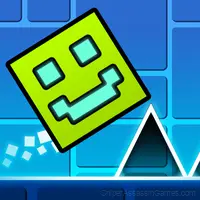
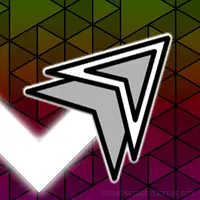
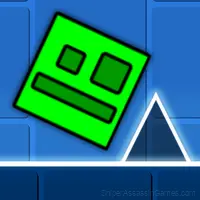
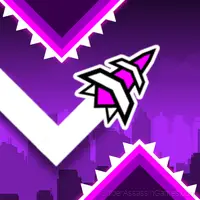
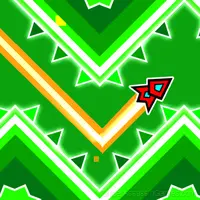


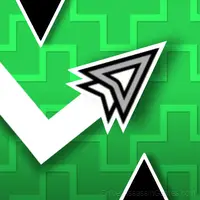
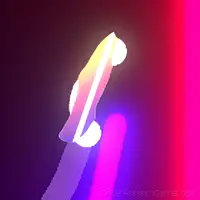


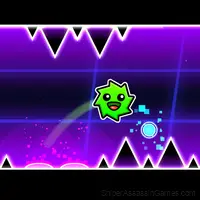

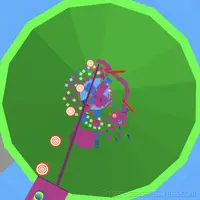
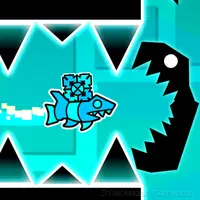

Geometry Wave: Neon Challenge
Show your dexterity in controlling the Wave and complete all the challenges to rhythmic music!
What is Geometry Wave: Neon Challenge About?
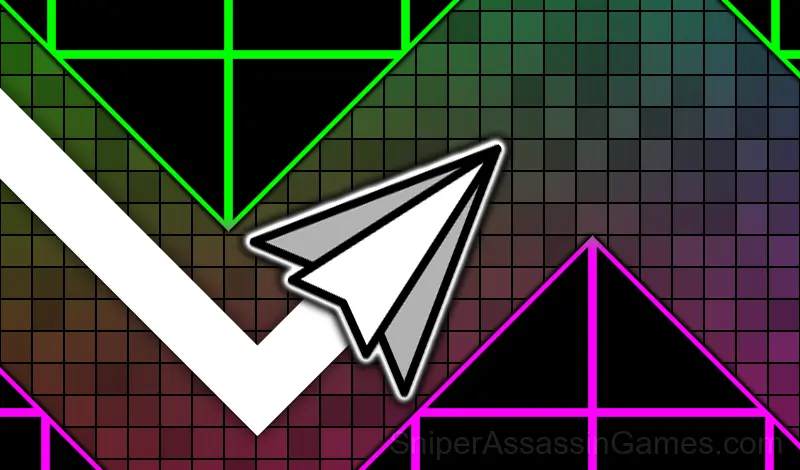
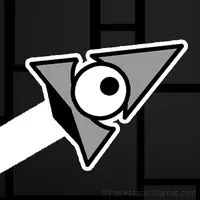
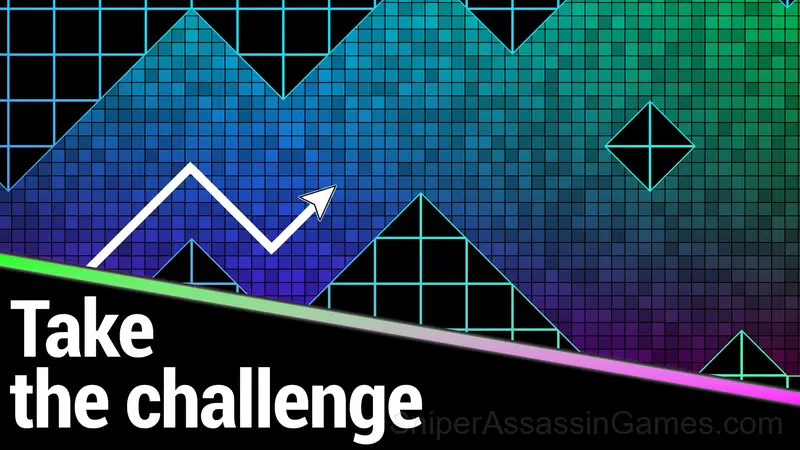
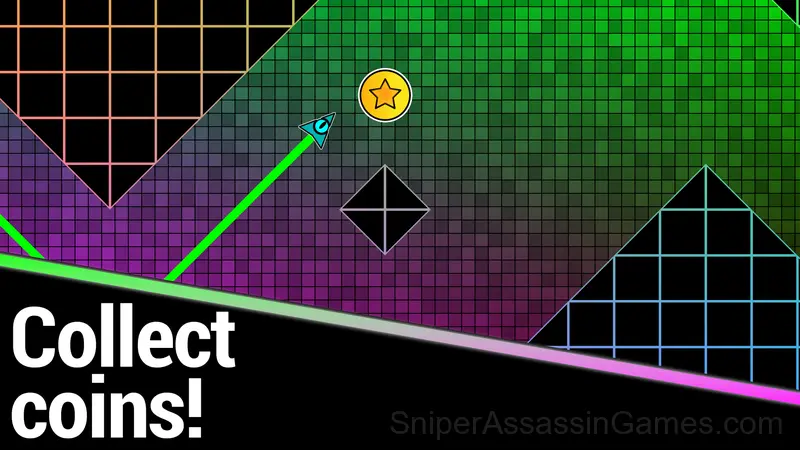
In the game "Geometry Wave: Neon Challenge" you control the Wave in an unusual neon world.
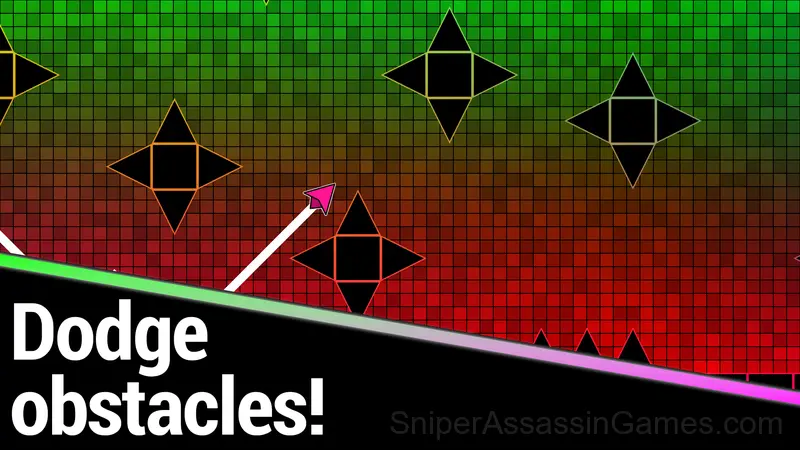
Your main task is to show all the dexterity of your fingers in controlling the Wave and avoid all obstacles to reach the finish line.
⭐️Get stars for levels and compete with other players on the leaderboard!⭐️
The game features:
• a colorful neon world;
• 20 exciting levels of increasing difficulty;
• rhythmic music;
• practice mode;
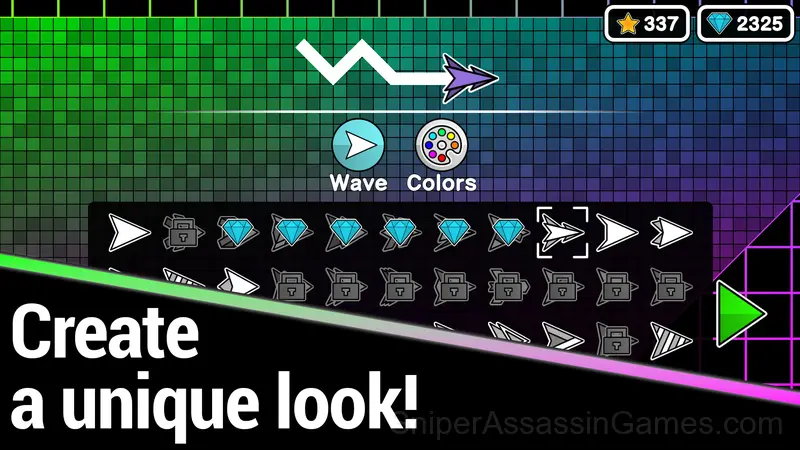
• customizable Wave: from appearance to color;
• simple and intuitive one-tap controls.
Geometry Wave: Neon Challenge Gameplay
The respawn loop in Geometry Wave: Neon Challenge is instant. Die, restart, go. That zero-friction restart keeps you in the flow state and removes the sting from failure.
Geometry Wave: Neon Challenge has that one-more-try pull that good arcade games need. Runs are short enough that restarting never feels like a punishment, but long enough that a good run feels earned.
Platform and Browser Support
Desktop and mobile devices both run Geometry Wave: Neon Challenge through the browser. Supported browsers are Chrome, Firefox, Edge, Safari, and Opera. The game uses landscape (horizontal) orientation. No downloads or plugins needed.
Who Made Geometry Wave: Neon Challenge?
IceRainWave released Geometry Wave: Neon Challenge as a free online arcade game, originally released in February 2024. The game needs no download and works on any device with a web browser.
Screenshots
How to Play Geometry Wave: Neon Challenge
Avoid obstacles and get to the end of the level!
Smartphone controls:
• Hold your finger down to make the Wave fly up;
• Don't press anything to make the Wave fly down.
Computer controls:
• Hold the left mouse button/spacebar to make the Wave fly up;
• Do...
Player Tips
- Learn the spawn timing. In arcade games, enemies and obstacles follow a rhythm. Once you internalize it, you can preposition for what comes next.
- Play a few complete rounds before looking up guides. Your own observations about the game's systems are more useful than generic advice written for someone else.
- Play for survival until you understand the scoring system. Dying early teaches you nothing about the late-game patterns where the real points are.
- Watch your own replays if the game supports them. You will spot mistakes in replay that you completely missed during live play.
- Learn the difference between what costs you progress and what costs you time. Avoiding the first is always more important than optimizing the second.
What is Included
- Plays in landscape mode for a wider view of the game.
- Family-friendly with a 6+ age rating.
- Free to play with optional in-game purchases.
- Cloud saves. Your progress carries across devices and sessions.
- Competitive leaderboards built into the game.
Games Like Geometry Wave: Neon Challenge
The following Arcade Games share common ground with Geometry Wave: Neon Challenge and are all playable for free in your browser:
- Meme Dash: Battle 2!
- Meme Dash: Battle!
- Geometry Cube 2: Challenge
- Geometry Wave: Neon Challenge 2
- Geometry Cube: Challenge
- Geometry Dash Wave: Original
- Geometry Wave: Online Editor
- Geometry: Black Wave 5
Jump Into Geometry Wave: Neon Challenge
If you want a free arcade game you can play right now, Geometry Wave: Neon Challenge is a solid option. 7.2K players and a 3.8 rating back that up. Opens in your browser, no download.