 SniperAssassinGames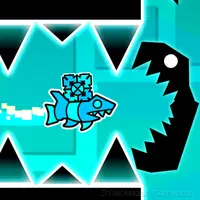








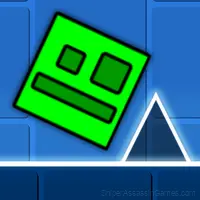





Geometry Dash: Ball Editor
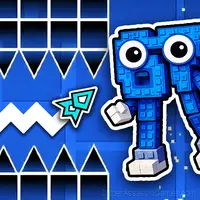
Try to play the popular Geometry Dash mode, namely the ball mode, but in order to play it, you need to create your own level of any difficulty!
Geometry Dash: Ball Editor Overview
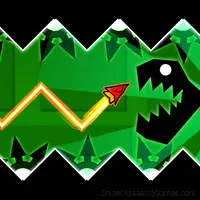
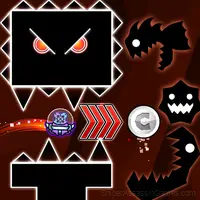
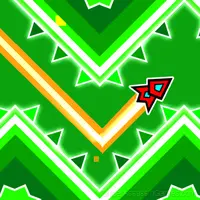
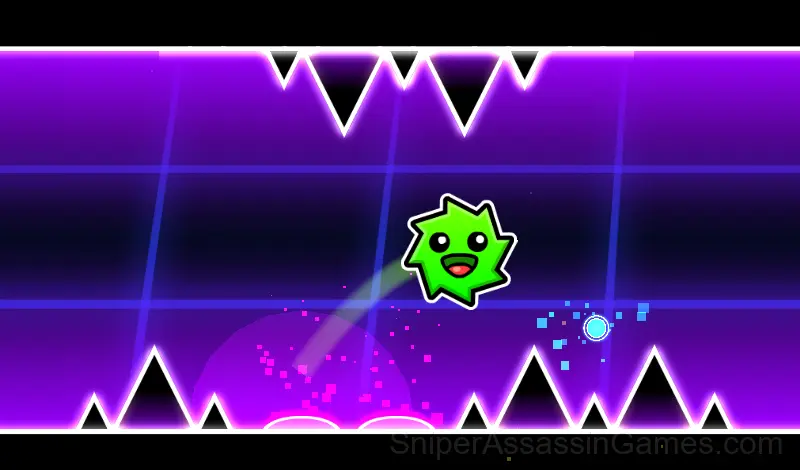
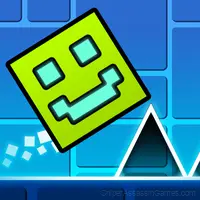
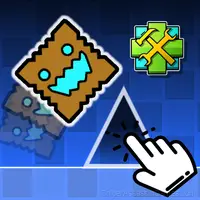
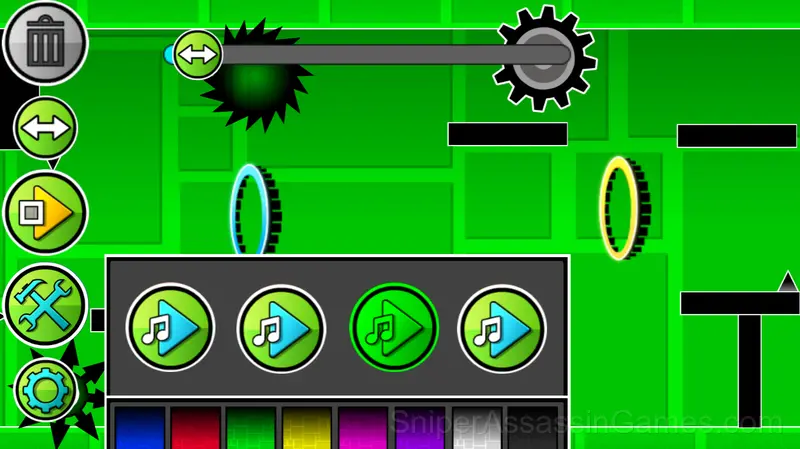
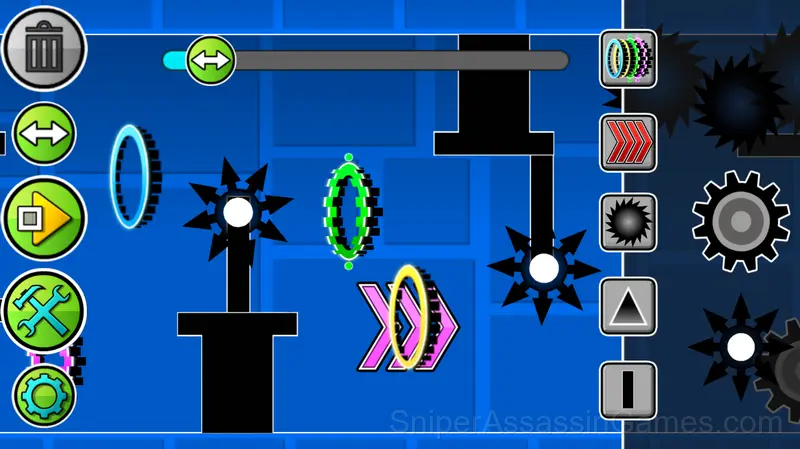
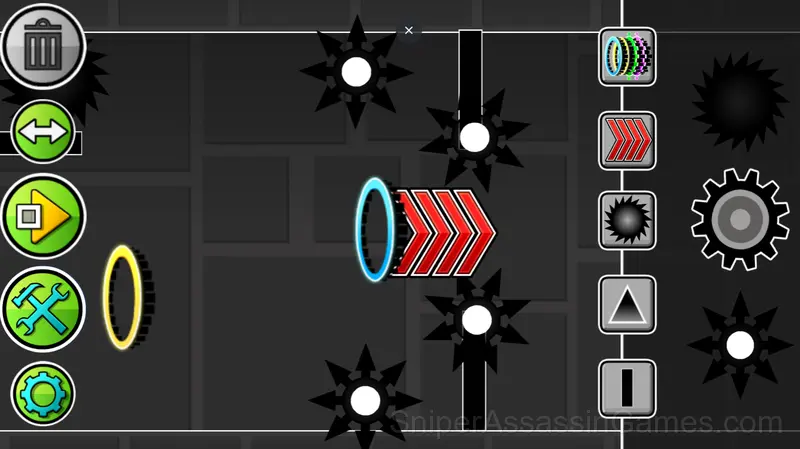
The game is a mode from the Geometry Dash game, called the ball mode, but unlike it in this game you need to create a level yourself. You can create blocks, saws, portals that modify the ball, as well as portals that change the speed of the ball. Combine all possible combinations, create interesting paths, experiment and create levels of varying difficulty to boost your ball control skills!
Compatible Devices
You can play Geometry Dash: Ball Editor on virtually any device with a web browser. It supports Chrome, Firefox, Edge, Safari, and other modern browsers. The game plays in landscape (horizontal) orientation and works on PCs, Macs, Chromebooks, tablets, and smartphones running Windows, macOS, Linux, ChromeOS, Android, or iOS.
The Gameplay
Score-chasing is the engine behind Geometry Dash: Ball Editor. Your first run sets a baseline; every run after that is about beating it. The game keeps track, and so do you, mentally replaying the moment where things went wrong.
The leaderboard pressure in Geometry Dash: Ball Editor is real. Even if you are only competing against yourself, the game frames every run as a chance to set a new personal best.
Geometry Dash: Ball Editor Features
- Plays in landscape mode for a wider view of the game.
- Family-friendly with a 6+ age rating.
- In-game purchases for optional extras. Free to play without them.
Screenshots
Getting Better at Geometry Dash: Ball Editor
- If there are multiple modes or difficulty levels, start on default. It is tuned for first-time players and gives you the experience the developer intended.
- Audio cues exist for a reason. Play with sound on at least once to learn what the game communicates through audio versus visuals.
- Take breaks when frustration builds. Coming back after a few minutes often makes the solution or the right timing click naturally.
- The high score is a byproduct of clean play. Focus on not dying and the score will follow.
- Learn the spawn timing. In arcade games, enemies and obstacles follow a rhythm. Once you internalize it, you can preposition for what comes next.
- If the game has a tutorial, do it once properly. Skipping it and then struggling with basics wastes more time than the tutorial ever would.
How to Get Started
The game is an editor where you can create any kind of levels: easy, difficult, insane and even impossible. There are many buttons visible on the screen, each responsible for its own mechanics. The "Play" button allows you to play your level. You play as a ...
About the Developer
Geometry Dash: Ball Editor comes from Kokim, originally released in August 2024. The game was designed for browser-based play and runs across all major platforms without any installation. It is free for all players.
Games Like Geometry Dash: Ball Editor
More free Arcade Games for players who like Geometry Dash: Ball Editor. Each one has its own mechanics but fits the same genre:
- Geometry Dash: Ship Editor
- Wave Editor
- Platformer-Editor
- UFO Editor
- Geometry Wave: Neon Challenge 2
- Geometry Wave: Online Editor
- Meme Dash: Battle 2!
- Obby online with friends: Draw and Jump!
Try Geometry Dash: Ball Editor Free
Geometry Dash: Ball Editor is a free browser arcade game that delivers on its premise. With 2.8K player reviews and a 4.1 rating, it has the engagement numbers to back up the quality. No download, no signup. Open the page and play.