 SniperAssassinGames



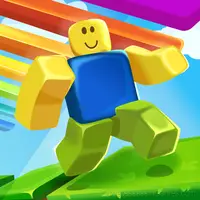


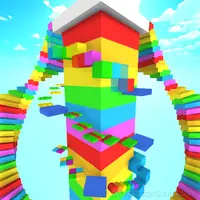
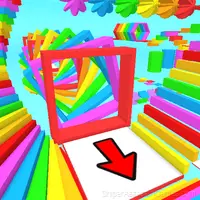




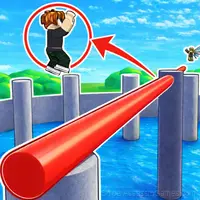
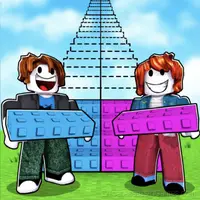
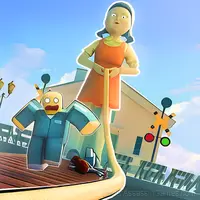

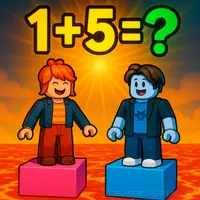
Good or Bad Obby
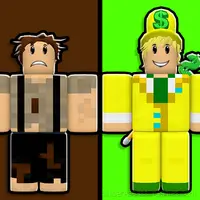
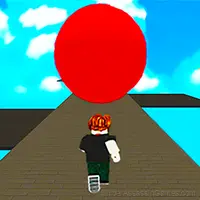
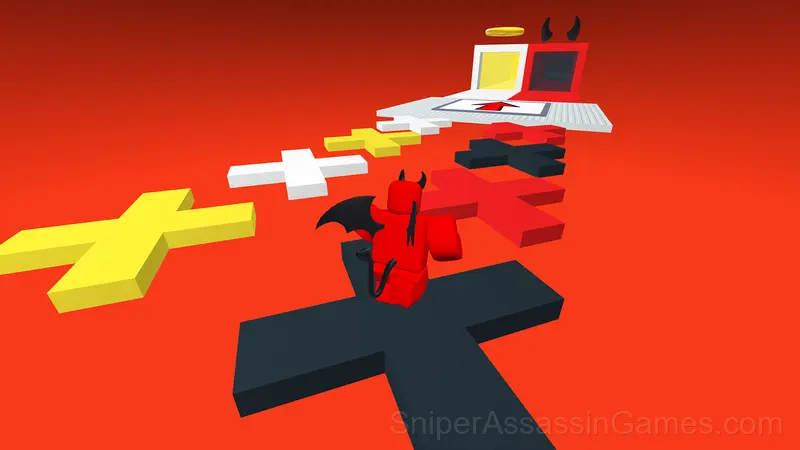
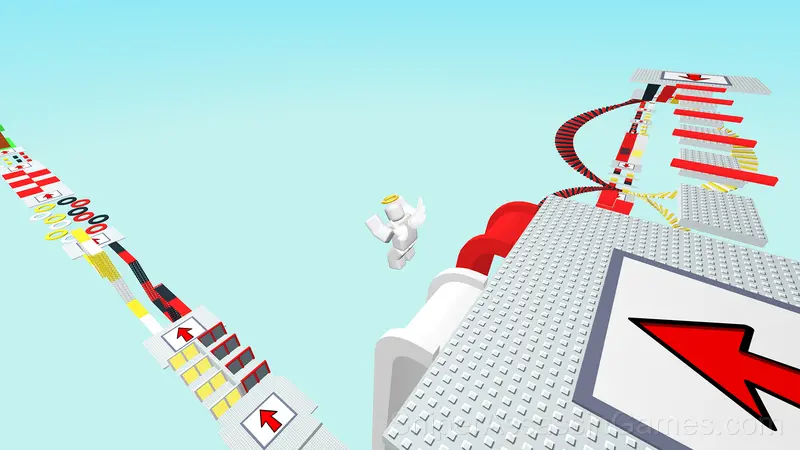
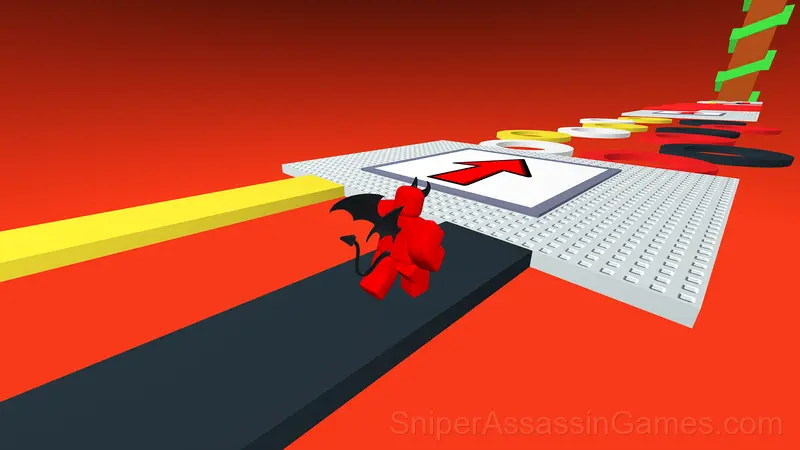
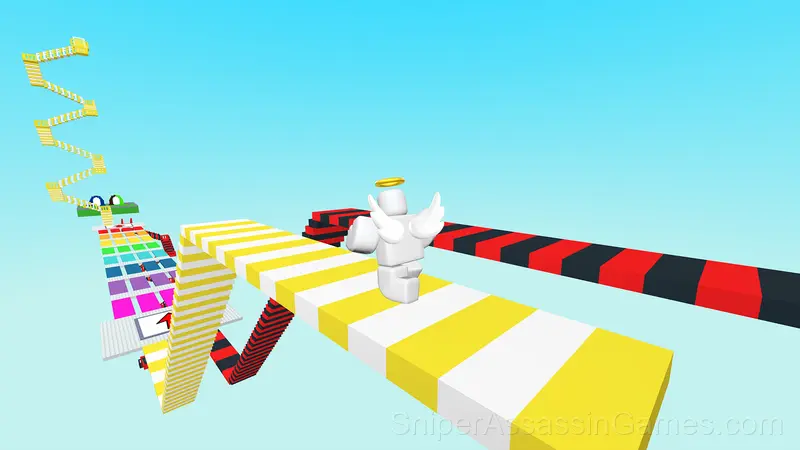
What will you choose: the path of the good or the bad hero? Overcome unique obstacles and discover who will win in this thrilling obby game!
Introduction to Good or Bad Obby
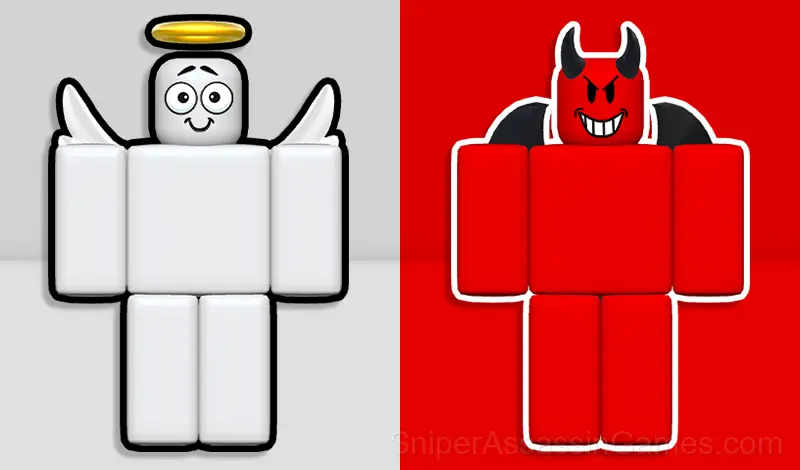
Choose your side: Will you become the hero fighting for good, or choose the dark side full of challenges and threats?
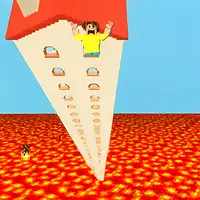
Journey through thrilling levels, overcome unique obstacles, choose your appearance, and face real challenges. What will you choose: the path of the good or bad hero?
In this game, every choice matters! Your fate depends on the path you choose. Exciting levels, unique obstacles, and unexpected twists await you at every step.
Try a world where good and evil collide face to face, and only you can decide who will emerge victorious. Get ready for incredible adventures and plenty of surprises!
Start your journey now!
Supported Platforms
Play Good or Bad Obby on any platform: Windows, macOS, Linux, ChromeOS, Android, or iOS. The game runs in Chrome, Firefox, Edge, Safari, and Opera using landscape (horizontal) orientation. Nothing to install.
Gameplay Details
Good or Bad Obby tells you your score and dares you to do better. The whole game is built around that dare. No story, no cutscenes, just the score counter and your growing refusal to accept it.
The leaderboard pressure in Good or Bad Obby is real. Even if you are only competing against yourself, the game frames every run as a chance to set a new personal best.
Helpful Tips
- Memorize the sections that kill you most. Targeted practice on weak spots improves your runs faster than just replaying from the start.
- Watch how the game responds before committing to a single approach. Most games reward players who experiment early and specialize later.
- Steady, clean play usually beats aggressive, risky play. Consistency compounds over time, and avoiding mistakes matters more than chasing big moments.
- When a new mechanic appears, use it immediately in a low-pressure situation. Build familiarity before the game puts you in a spot where you need it.
- Play a few complete rounds before looking up guides. Your own observations about the game's systems are more useful than generic advice written for someone else.
- Take breaks when frustration builds. Coming back after a few minutes often makes the solution or the right timing click naturally.
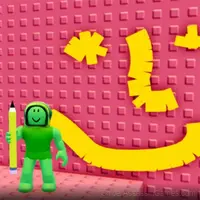
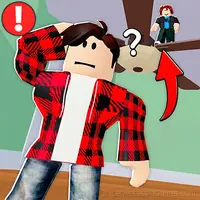
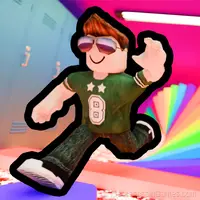
Screenshots

How to Get Started
PC Controls:
• Movement: Use the W, A, S, D keys to move forward, backward, and sideways.
• Jump: Press the Spacebar to jump.
• Camera Rotation: Hold the right mouse button and move the mouse to rotate the camera.
• Camera Zoom: Use the mouse wheel to zoom...
Good or Bad Obby Feature Rundown
- Plays in landscape mode for a wider view of the game.
- Free to play with optional in-game purchases.
- Leaderboard support. Track your ranking against the community.
- Age rating: 0+, appropriate for younger players.
- Cloud saves. Your progress carries across devices and sessions.
- Localized in 17 languages for global players.
About the Developer
Good or Bad Obby is a syrHamster game, originally released in November 2024. It was built for web browsers and distributed as a free title. No download or account is needed to play.
Games Like Good or Bad Obby
Fans of Good or Bad Obby often play these Arcade Games too. Each one is free and runs in your browser:
- 2000 Stairs to VIP Obby
- Rich or Poor Obby
- The Floor is Lava: Obby!
- Obby online with friends: Draw and Jump!
- Obby Glass Bridge: Squid Game
- Obby: Troll Slap Tower Online
- Draw an Obby
- Hide and Seek Online
Play Good or Bad Obby Online Free
Good or Bad Obby is a free browser arcade game that delivers on its premise. With 2.3K player reviews and a 3.8 rating, it has the engagement numbers to back up the quality. No download, no signup. Open the page and play.