 SniperAssassinGames



















Wave Editor
Try to play the popular Wave mode, but in order to play it, you need to create your own level of any difficulty!
Wave Editor: The Basics
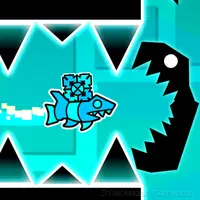
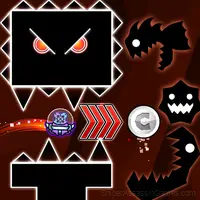
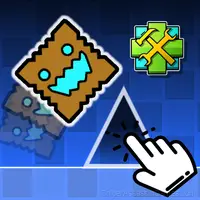
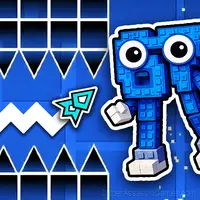
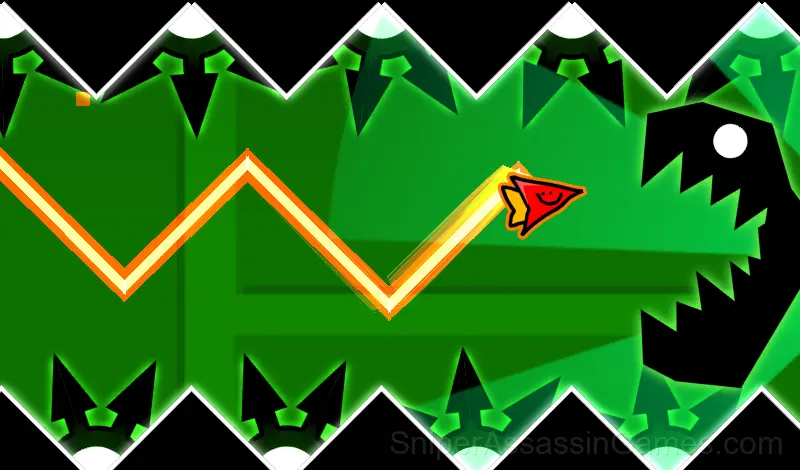
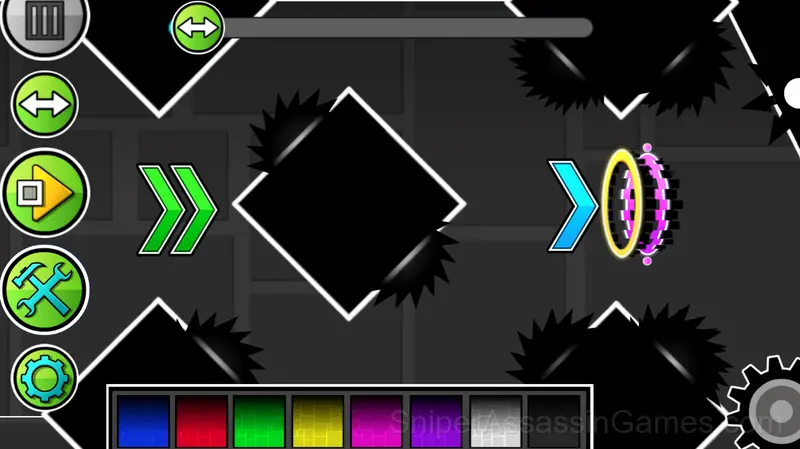
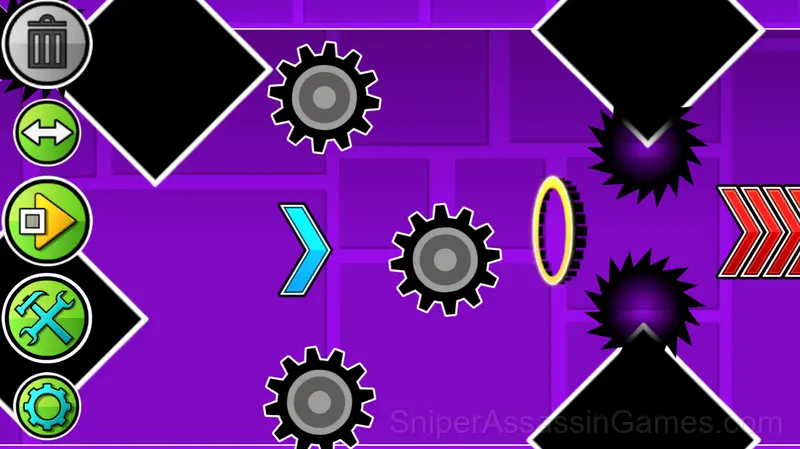
The game is a mode from the "Geometry Dash" game, called the wave mode, but in this game you need to create a level yourself. You can create blocks, saws, portals that modify the wave, as well as portals that change the speed of the wave. Combine all possible combinations, create interesting paths, experiment and create levels of varying difficulty levels to boost your wave control skills!
Wave Editor Feature Rundown
- Rated 6+, family-friendly content.
- Designed for horizontal play, best experienced on desktop or tablet.
- Free to play with optional in-game purchases.
Compatible Devices
Wave Editor has broad device support. It works in Chrome, Firefox, Edge, Safari, and Opera across Windows, macOS, Linux, ChromeOS, Android, and iOS. The game plays in landscape (horizontal) orientation and needs no download.
Controls and Rules
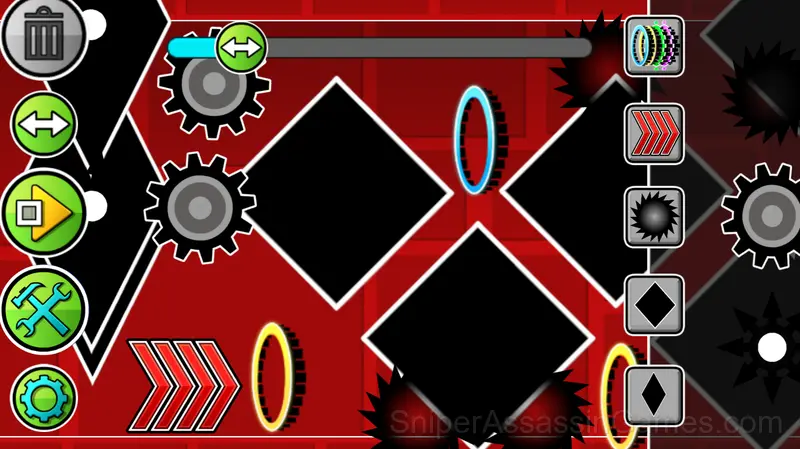
The game is an editor where you can create any kind of levels: easy, difficult and even impossible.
There are many buttons visible on the screen, each responsible for its own mechanics: A button like a "play" button allows you to play your level. You play a...
How Wave Editor Plays
The leaderboard pressure in Wave Editor is real. Even if you are only competing against yourself, the game frames every run as a chance to set a new personal best.
Every run in Wave Editor starts fresh but plays differently. The arcade format means your skill is the only thing that carries over, and each attempt teaches you something the previous one did not.
Tips to Improve
- If the game offers cosmetic rewards, ignore them until you are comfortable with the core mechanics. Progression systems can distract from actual skill development.
- The early levels teach mechanics that become critical later. Do not skip through them, even if they feel easy. The patterns they introduce come back.
- Play a few complete rounds before looking up guides. Your own observations about the game's systems are more useful than generic advice written for someone else.
- Play for survival until you understand the scoring system. Dying early teaches you nothing about the late-game patterns where the real points are.
- Audio cues exist for a reason. Play with sound on at least once to learn what the game communicates through audio versus visuals.
- Watch how the game responds before committing to a single approach. Most games reward players who experiment early and specialize later.
- Collect every bonus in the early waves. The point multipliers compound, and missing early pickups makes high scores much harder.
Developer of Wave Editor
Development of Wave Editor is by Kokim, originally released in July 2024. The game is free, browser-based, and accessible on any device with an internet connection and a modern browser.
Screenshots
Games Like Wave Editor
Want more games like Wave Editor? These Arcade Games are all free to play online and share a similar style:
- Geometry Dash: Ball Editor
- Geometry Dash: Ship Editor
- Platformer-Editor
- UFO Editor
- Geometry Dash: Super Editor
- Geometry Wave: Neon Challenge 2
- Infinite Dash 2
- Geometry Wave: Online Editor
Start Playing Wave Editor
Wave Editor holds a 4.2 rating from 4.8K players. It is a free online arcade game that runs in your browser on any device. No download or installation needed.