 SniperAssassinGames





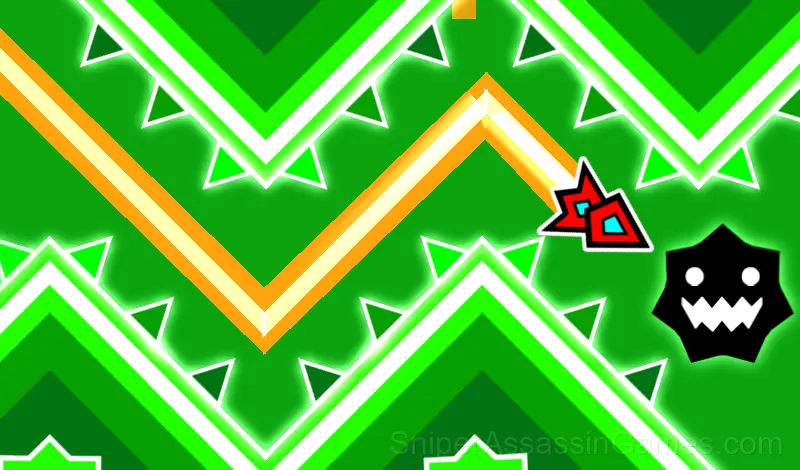














Geometry Wave: Online Editor
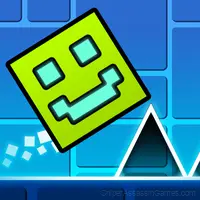
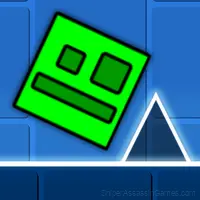
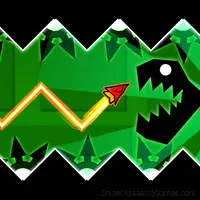
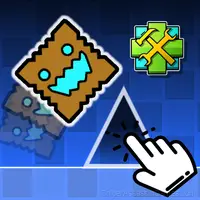
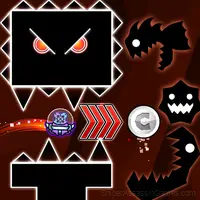
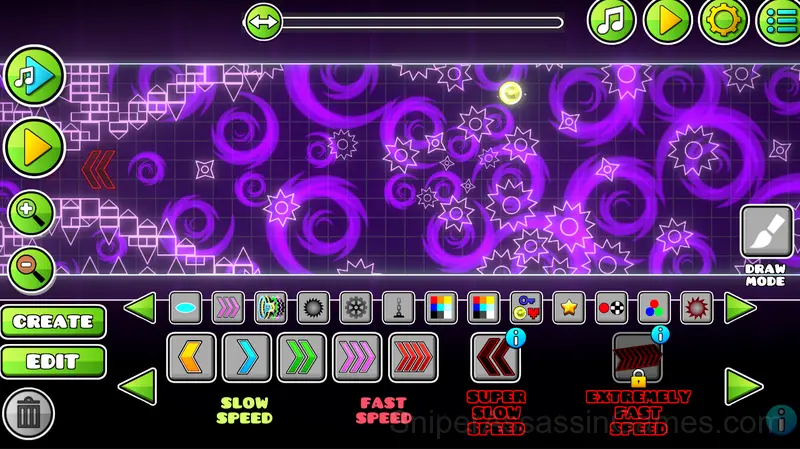
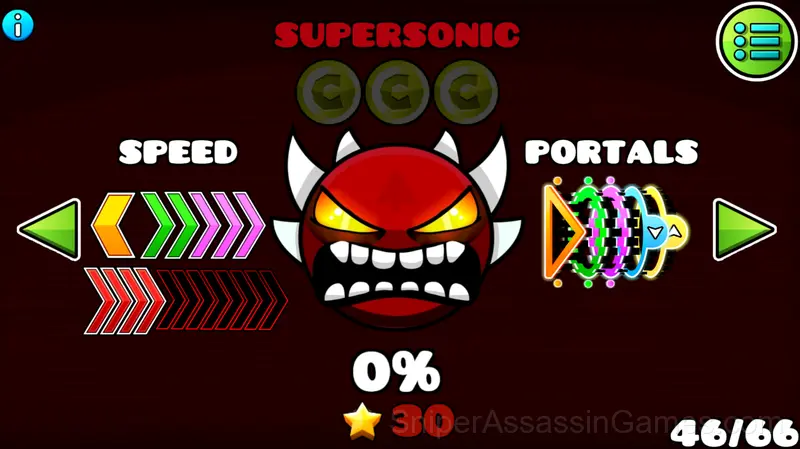
Play over 65 levels of the popular Geometry Dash wave mode! Build your own level or play players' levels online!
Geometry Wave: Online Editor: The Basics
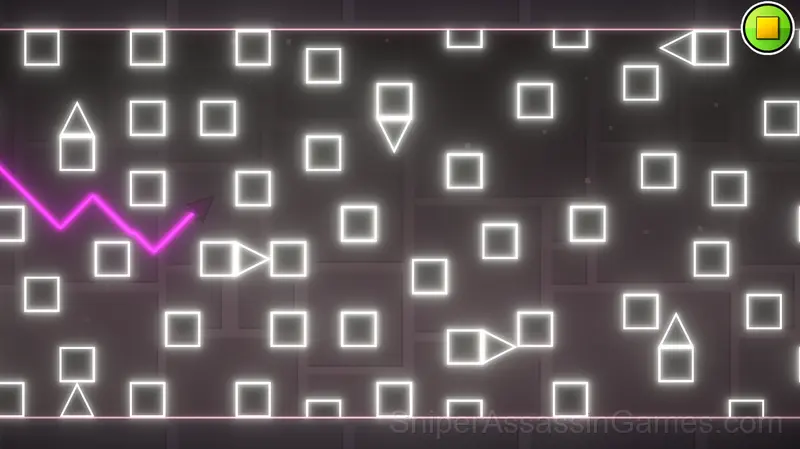
Wave is a popular mode from the Geometry Dash game, which is famous for its popularity due to its difficulty!
There are more than 65 levels in this game, but that's not the limit! You can create as many levels as you want, as well as upload them so that other players can play them! You can also play other players' levels, as well as rate them!
Player Tips
- Audio cues exist for a reason. Play with sound on at least once to learn what the game communicates through audio versus visuals.
- Avoid the edges of the screen unless you know what spawns there. Corners are death traps in most arcade games.
- Watch your own replays if the game supports them. You will spot mistakes in replay that you completely missed during live play.
- Pay attention to what the scoring system rewards. Understanding the game's priorities helps you focus on the right actions.
- Play a few complete rounds before looking up guides. Your own observations about the game's systems are more useful than generic advice written for someone else.
- Play for survival until you understand the scoring system. Dying early teaches you nothing about the late-game patterns where the real points are.
Learning the Controls
- PC controls:
To make the wave fly up, press any of these keys:
- "W" key
- space bar
- up arrow
- Left mouse button(LMB)
The game also has a practice mode, to activate it, open the pause and press the corresponding button to set checkpoints, press the "...
Feature List
- Cloud save support. Pick up where you left off on any device.
- Family-friendly with a 6+ age rating.
- Plays in landscape mode for a wider view of the game.
- Competitive leaderboards built into the game.
- Free to play with optional in-game purchases.
Who Built Geometry Wave: Online Editor?
Released by Kokim_, originally released in February 2026, Geometry Wave: Online Editor is a free online arcade game built for browser play. It works across all major browsers and devices, from desktop PCs to smartphones, with no download required.
Gameplay Details
The scoring system in Geometry Wave: Online Editor is more than a number going up. It measures how well you read the game, how efficiently you moved, whether you took the optimal path or just the safe one.
Obstacle sequences in Geometry Wave: Online Editor follow a rhythm. Once you hear it, the game goes from reactive chaos to a pattern you are executing. That shift is what hooks arcade players.
Supported Platforms
Play Geometry Wave: Online Editor on any platform: Windows, macOS, Linux, ChromeOS, Android, or iOS. The game runs in Chrome, Firefox, Edge, Safari, and Opera using landscape (horizontal) orientation. Nothing to install.
Screenshots


Games Like Geometry Wave: Online Editor
If Geometry Wave: Online Editor clicked with you, try these free online Arcade Games. They are all browser games with no download required:
- Meme Dash: Battle 2!
- Meme Dash: Battle!
- Geometry Wave: Neon Challenge
- Geometry Cube 2: Challenge
- Geometry Wave: Neon Challenge 2
- Geometry Cube: Challenge
- The Floor is Lava: Obby!
- Obby online with friends: Draw and Jump!
Play Geometry Wave: Online Editor Now
A 4.1 rating from 1.2K players puts Geometry Wave: Online Editor among the better free Arcade Games available online. It plays in your browser with no download required and works on both desktop and mobile.