 SniperAssassinGames









Geometry Vibes
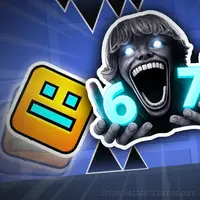
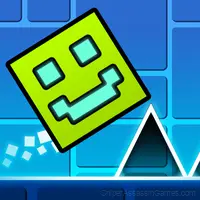
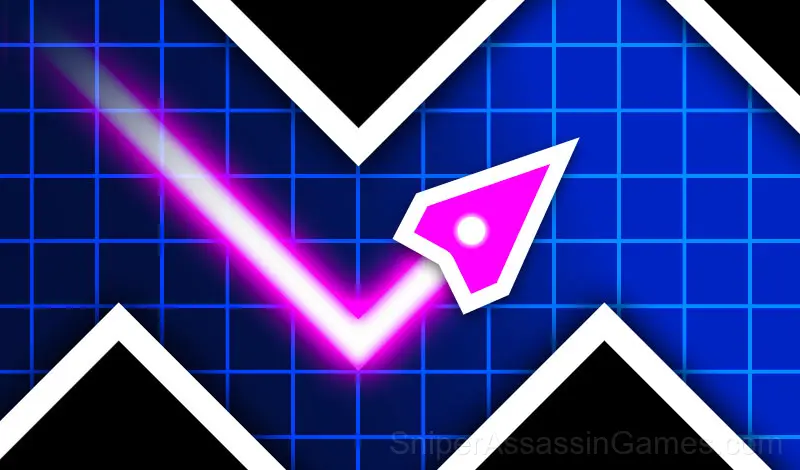
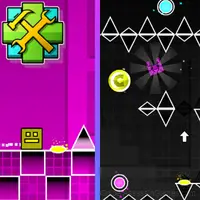
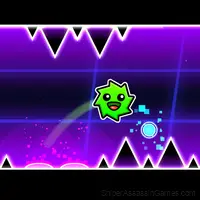
Geometry Vibes is a reaction-based arcade game where you try to avoid waves of obstacles, traps and spikes. Try to get as far as possible.
A Look at Geometry Vibes
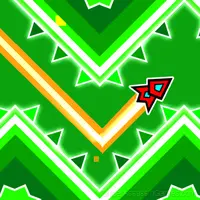
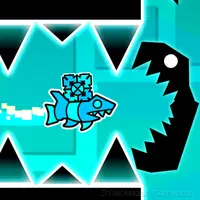
Geometry Vibes is a reaction-based arcade game where you avoid obstacles, traps and spikes that come at you in waves. Your goal in the game is to keep your arrow on the route and take it as far as possible. Geometry Vibes, where the excitement never ends, invites you to challenge.
Classic Mode:
There are 10 levels in this game mode and the game starts to get harder with each level pass. When you reach level 10, the game becomes impossibly difficult. In the last levels, both your attention and patience should be at the highest level.
Endless Mode:
There is no limit in the endless mode of the game and it is a challenge where you will push yourself to improve your record. As the distance increases, the speed of the arrow increases and it becomes more difficult to avoid obstacles.
Race Mode:
Race mode is a mode designed for you to experience the excitement of the Geometry Vibes game with your friends. You can play the same levels in the classic mode with 2,3 and even 4 players.
Inside Geometry Vibes
Speed is the variable that makes Geometry Vibes interesting. Early on you have time to react. Later, the game compresses your decision window until you are playing on instinct, not thought.
Pattern recognition drives most of what happens in Geometry Vibes. Obstacles, enemy spawns, item placements. They follow logic you can decode, and decoding them is half the game.
What Geometry Vibes Offers
- Free to play with optional in-game purchases.
- Supports 6 languages.
- Plays in landscape mode for a wider view of the game.
- Age rating: 6+, appropriate for younger players.
- Leaderboard support. Track your ranking against the community.
Screenshots
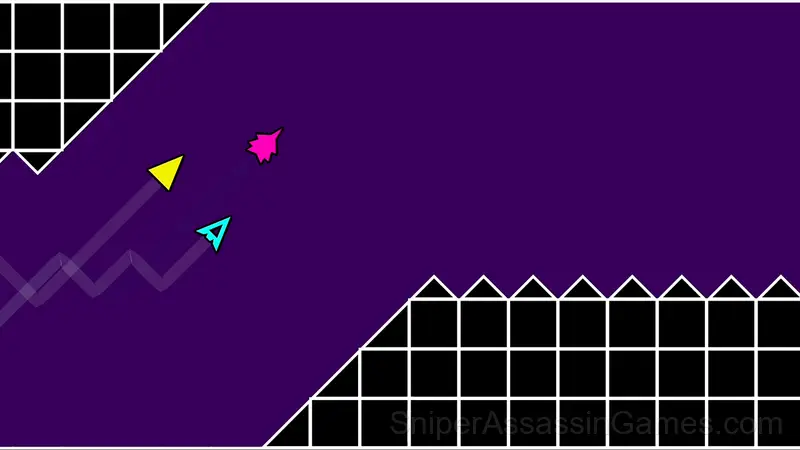
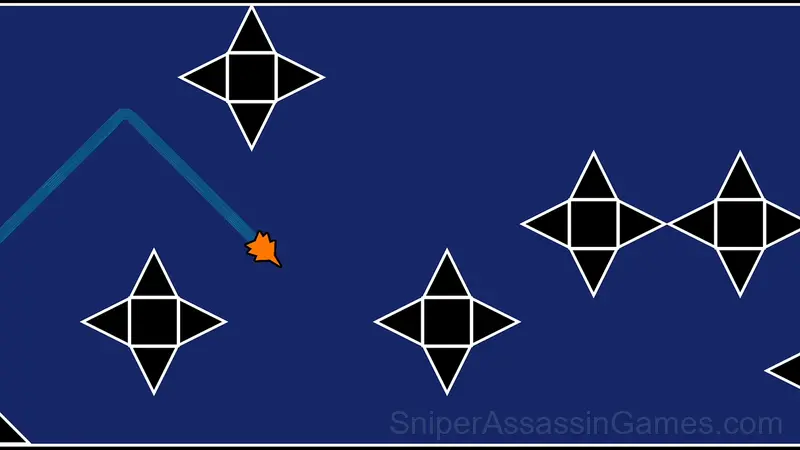
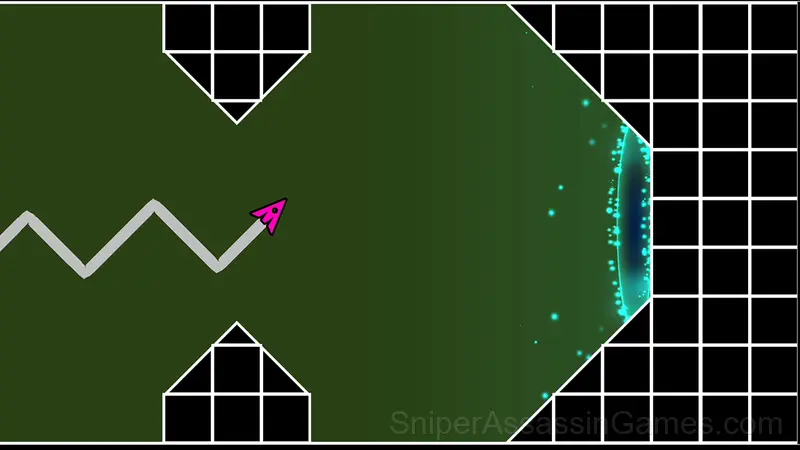
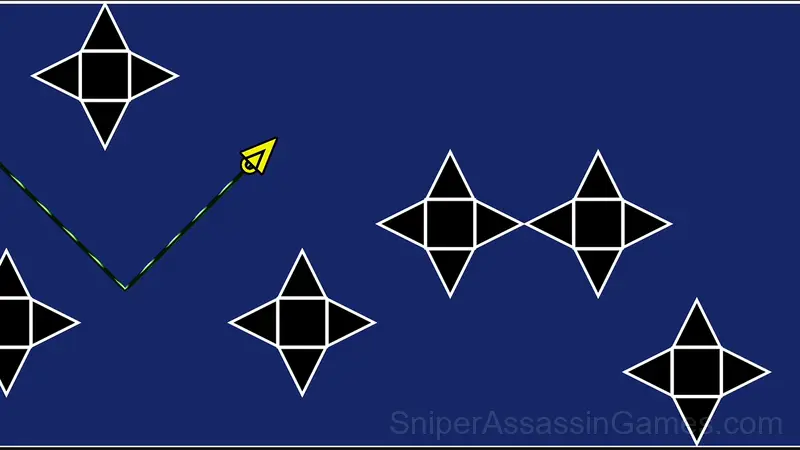
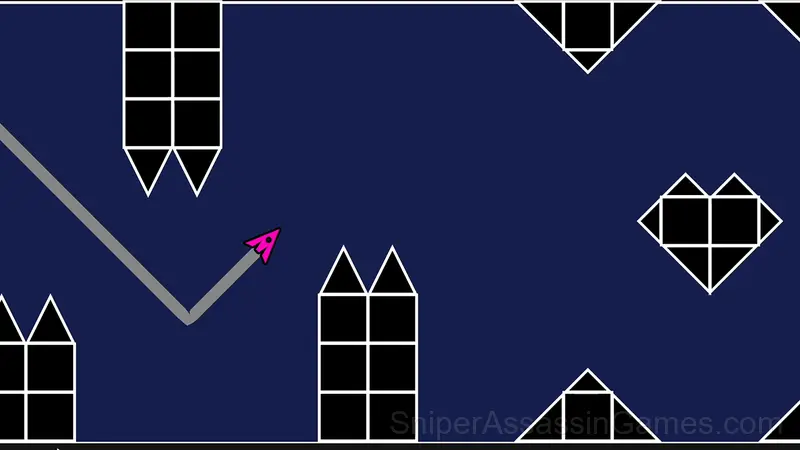
Learning the Controls
- The game is quite simple to play, but difficult to master.
- Try to continue without hitting obstacles.
- Click to "MOUSE LEFT-CLICK" or "UP ARROW" and hold to fly up.
- Release the button to dive down.
- In 2,3,4 Player game modes, players are controlled...
Helpful Tips
- Collect every bonus in the early waves. The point multipliers compound, and missing early pickups makes high scores much harder.
- Audio cues exist for a reason. Play with sound on at least once to learn what the game communicates through audio versus visuals.
- Play for survival until you understand the scoring system. Dying early teaches you nothing about the late-game patterns where the real points are.
- Steady, clean play usually beats aggressive, risky play. Consistency compounds over time, and avoiding mistakes matters more than chasing big moments.
- If the game has a tutorial, do it once properly. Skipping it and then struggling with basics wastes more time than the tutorial ever would.
Developer Details
Behind Geometry Vibes is gameVgames, originally released in January 2025. They made the game available as a free browser title that works on desktop, laptop, tablet, and mobile devices.
Where to Play Geometry Vibes
Geometry Vibes has broad device support. It works in Chrome, Firefox, Edge, Safari, and Opera across Windows, macOS, Linux, ChromeOS, Android, and iOS. The game plays in landscape (horizontal) orientation and needs no download.
Games Like Geometry Vibes
Here are more Arcade Games that Geometry Vibes players tend to enjoy. All free, all browser-based:
- Labyrinth for two
- Geometry Wave: Neon Challenge 2
- Geometry Dash 2.2: New Arrow
- Meme Dash: Battle 2!
- Meme Dash: Battle!
- Geometry Wave: Neon Challenge
- Geometry Cube 2: Challenge
- Repo androids for two
Play Geometry Vibes for Free
A free browser arcade game with 1.9K player reviews and a 3.8 rating. That is Geometry Vibes. Play it on any device with no download.