 SniperAssassinGames
















Russian Checkers vs. computer
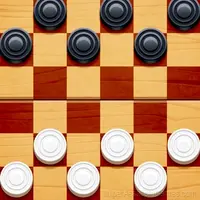
Discover the timeless strategy of Russian Checkers online! Play in the classic board game. Play against artificial intelligence, develop strategic thinking, capture your opponent's checkers, advance your pieces to the queens.
Russian Checkers vs. computer at a Glance
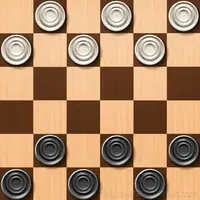
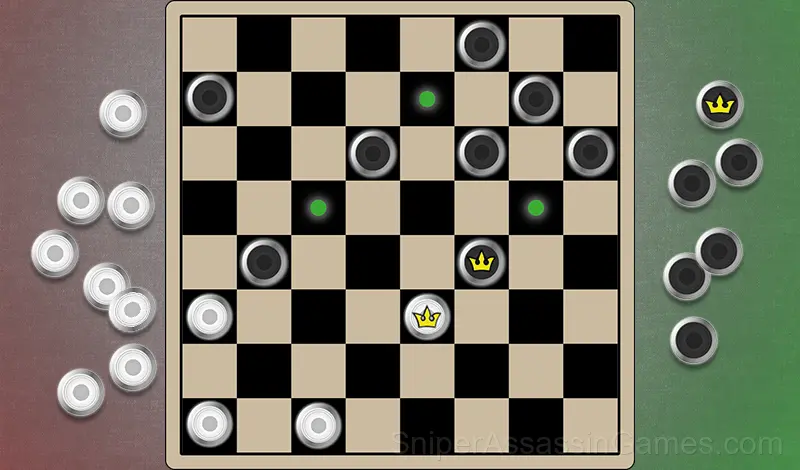
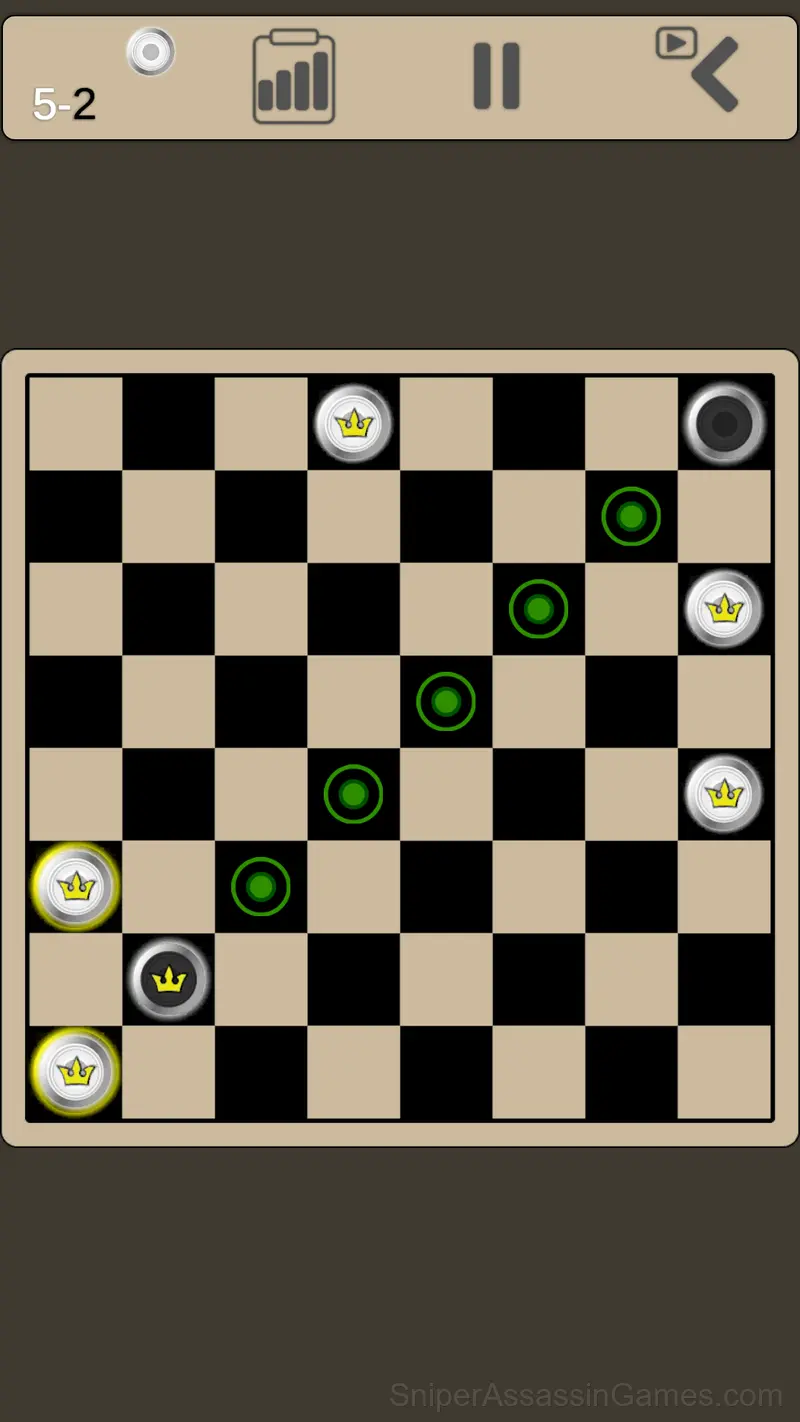
Russian Checkers vs. Computer" is characterized by detailed, user-friendly graphics and intuitive interface, so that players of all ages can easily orient themselves and enjoy the game.
Take part in exciting games against the computer, matching your skill level to the difficulty of the game, track your stats and improve. Artificial Intelligence uses advanced algorithms to plan your moves, taking into account not only your current position on the board, but also anticipating possible future scenarios. AI is able to quickly analyze the situation on the board and make optimal decisions in short periods of time.
What Russian Checkers vs. computer Offers
- Portrait orientation, designed for mobile phones held upright.
- Age rating: 0+, appropriate for younger players.
- Optional in-game purchases available. The core game is free.
- Automatic cloud saves that sync across devices.
Screenshots
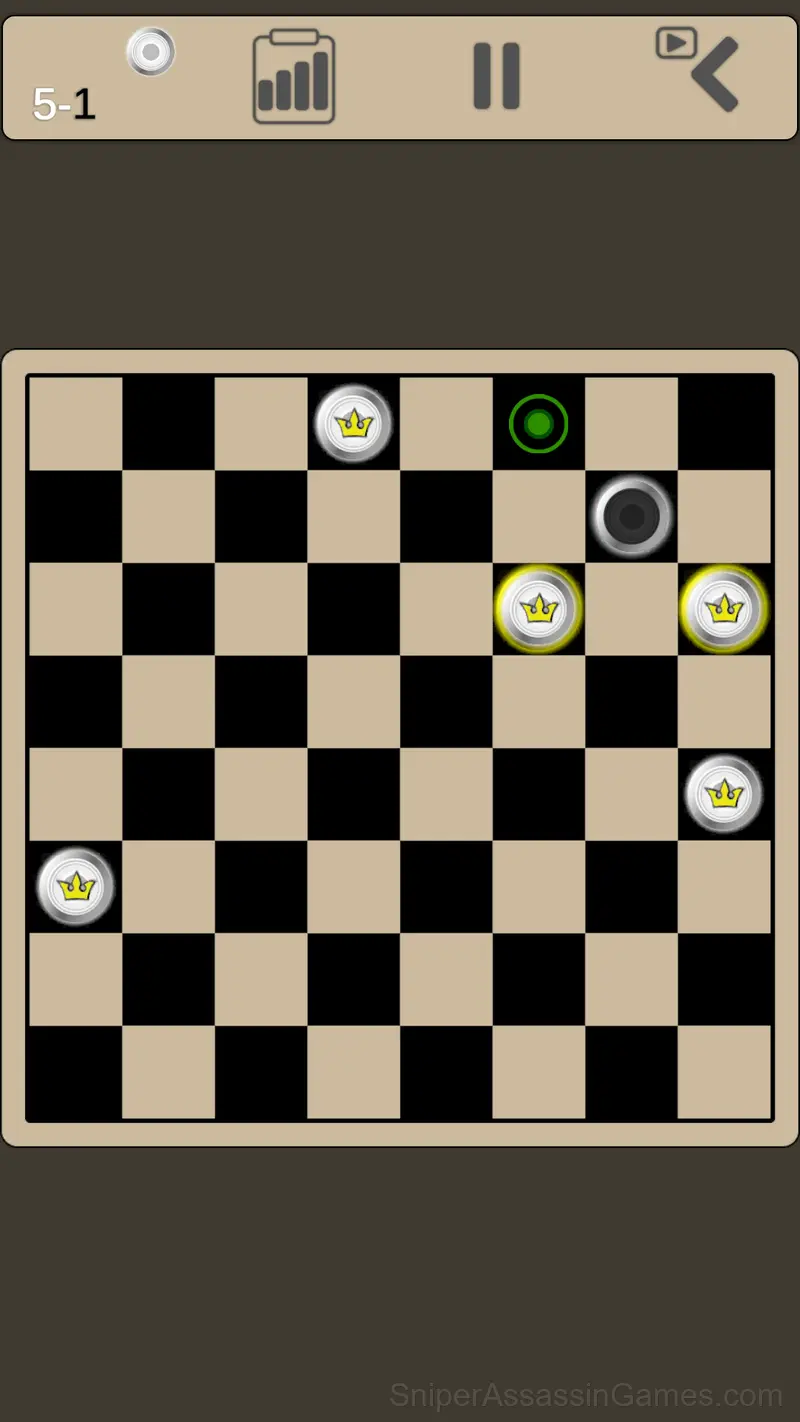
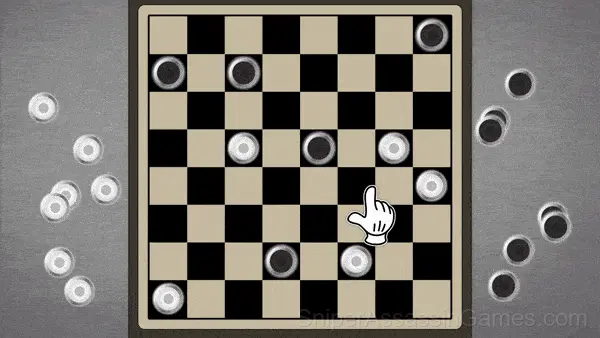
Russian Checkers vs. computer Controls
The goal of the game is to capture or block all of the opponent's checkers.
Players take turns making moves. A checker can move one cell forward diagonally to a free cell.
If an opponent's checker is on an adjacent diagonal square and the square behind it...
How Russian Checkers vs. computer Feels to Play
The pacing in Russian Checkers vs. computer adjusts to player skill without making it obvious. Struggles in one section lead to slightly more forgiving conditions in the next, keeping frustration from becoming the dominant emotion.
The core loop in Russian Checkers vs. computer reveals its depth over time. First sessions feel straightforward, but returning players start noticing patterns, shortcuts, and optimizations the game does not advertise.
Device Compatibility
Russian Checkers vs. computer works on any device with a browser and an internet connection. Supported platforms include Windows, macOS, Linux, ChromeOS, Android, and iOS. The game uses portrait (vertical) orientation.
Russian Checkers vs. computer Developer
The developer of Russian Checkers vs. computer is LQGAMES, originally released in March 2024. As a browser-based title, Russian Checkers vs. computer requires no download and runs on any device with a modern web browser. LQGAMES has made the game freely available to play online.
Tips and Strategies
- Try the opposite of what keeps failing. If you are playing aggressively and dying, play defensively. If you are playing cautiously and timing out, push forward. The answer is often the reverse of your instinct.
- Watch how the game responds before committing to a single approach. Most games reward players who experiment early and specialize later.
- If there are multiple modes or difficulty levels, start on default. It is tuned for first-time players and gives you the experience the developer intended.
Games Like Russian Checkers vs. computer
Enjoyed Russian Checkers vs. computer? These related Board Games offer similar gameplay and are all free to play with no download:
Play Russian Checkers vs. computer in Your Browser
Russian Checkers vs. computer is free, works in your browser, and has 10K player reviews with a 4.2 average. Open the page and play on any device.