 SniperAssassinGames






Corners
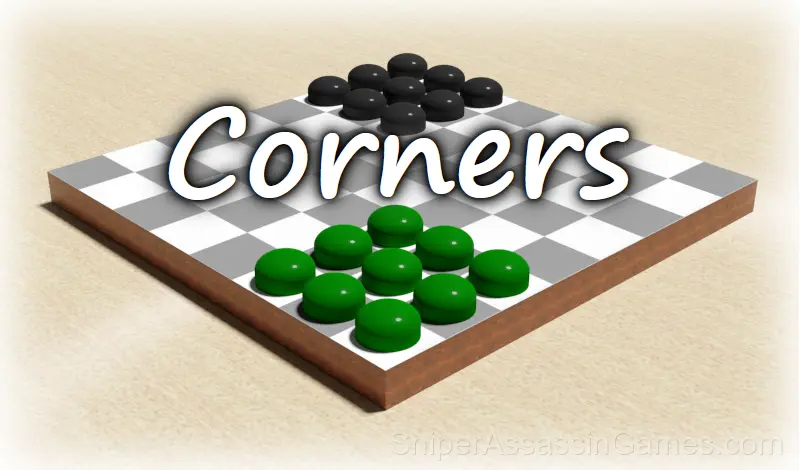
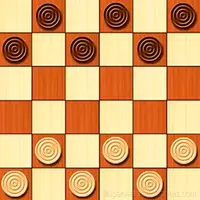
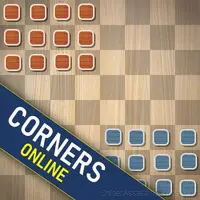
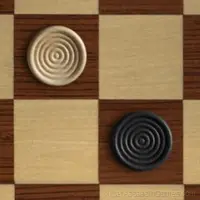
Variant of Checkers game. The opponent is a computer, which calculates moves instantly. There is a sound accompaniment. Smooth animation of checkers movements. Two game types. You can choose a side.
What is Corners About?
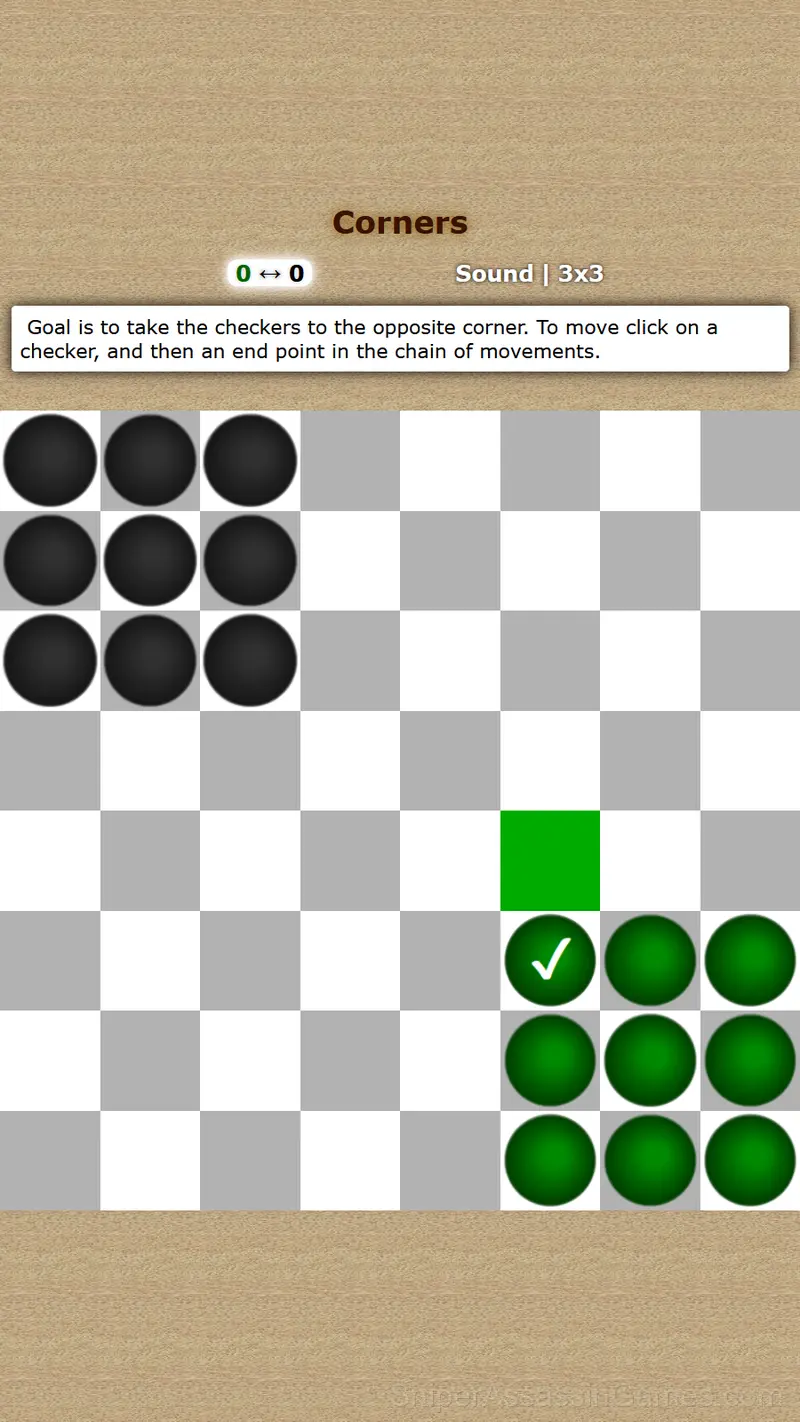
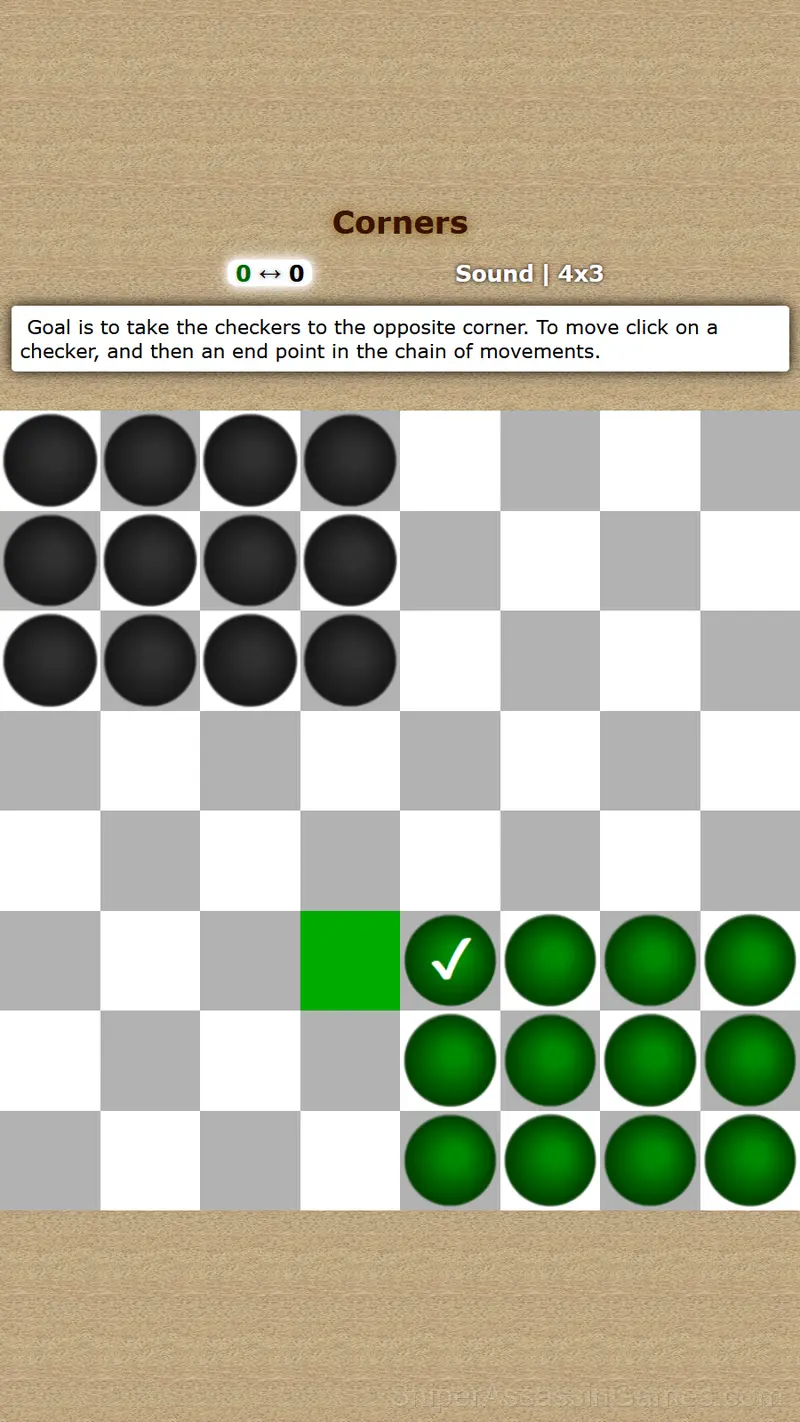
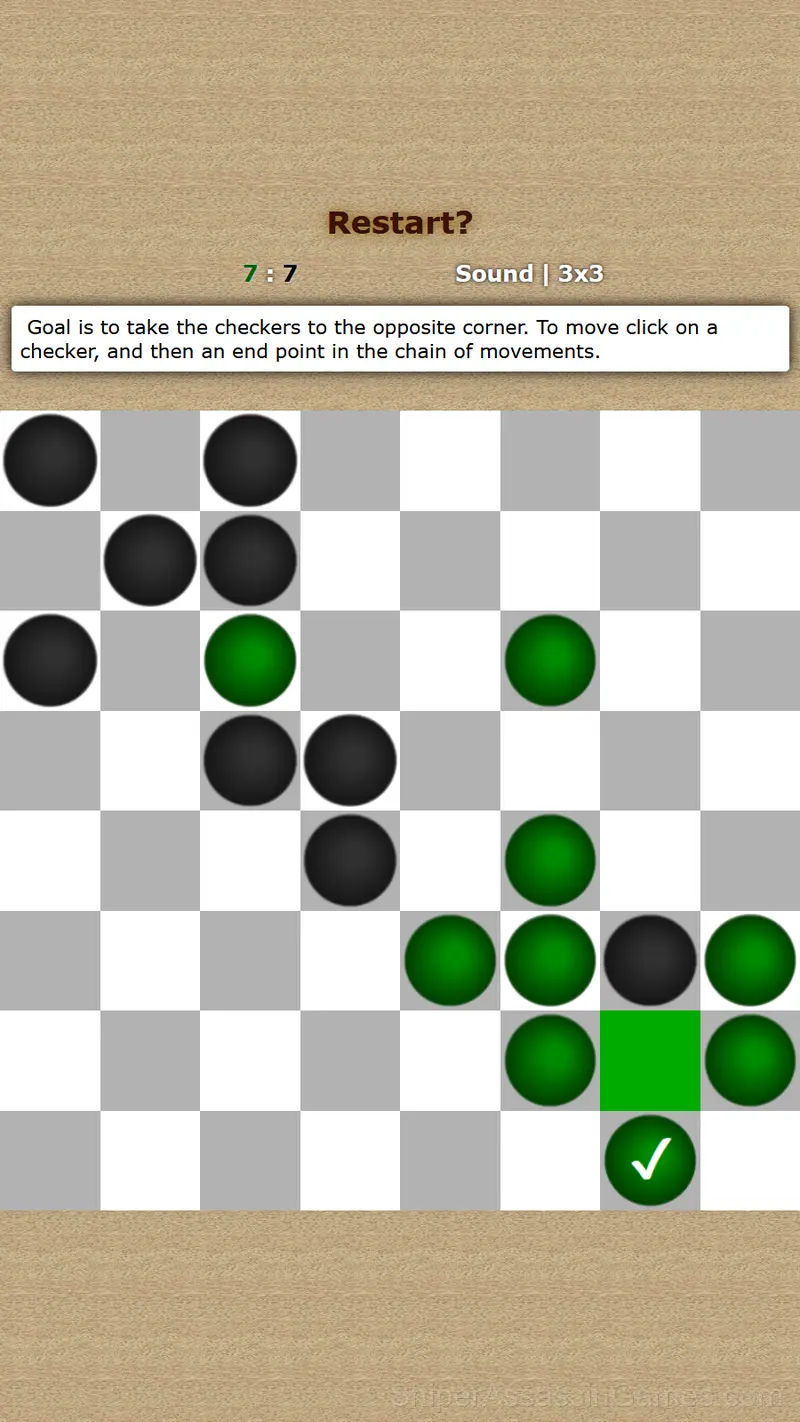
Goal is to take the checkers to the opposite corner, ahead of a computer. To move click on a checker, and then an end point in the chain of movements.
There are two variants of the game: with corners of 9 (3x3) and 12 (4x3) checkers.
Screenshots
Devices That Run Corners
You can access Corners from Windows PCs, Macs, Chromebooks, Linux machines, Android phones, iPhones, and iPads. It runs in Chrome, Firefox, Edge, and Safari using portrait (vertical) orientation.
Controls and Rules
Point is to take the opposite corner, ahead of a computer. Both sides have the same number of moves. If the player occupies the opposite corner, and on the next move the computer does the same, the game ends in a draw. To make a move, you need to click on a...
Gameplay Details
The best puzzles in Corners have that quality where the solution looks obvious in hindsight. You wonder how you missed it, and that is exactly the feeling the designers intended.
Difficulty in Corners comes from combining familiar elements in new arrangements. You know what each piece does individually. The challenge is figuring out how they work together in each new configuration.
The Developer
Corners is a Oldshelf game, originally released in March 2020. It was built for web browsers and distributed as a free title. No download or account is needed to play.
Corners Tips
- Watch your own replays if the game supports them. You will spot mistakes in replay that you completely missed during live play.
- Test the edges of each mechanic. Move in directions the game does not suggest. Interact with things that look static. The boundaries tell you a lot about how the game works.
- Work backward from the goal. Sometimes knowing where you need to end up makes the starting moves obvious.
- Watch how the game responds before committing to a single approach. Most games reward players who experiment early and specialize later.
- If there are multiple modes or difficulty levels, start on default. It is tuned for first-time players and gives you the experience the developer intended.
What You Get in Corners
- Age rating: 0+, appropriate for younger players.
- Available in 6 languages.
- In-game purchases for optional extras. Free to play without them.
- Portrait orientation, designed for mobile phones held upright.
Games Like Corners
Players who like Corners tend to enjoy these Puzzle Games as well. All of them are free to play in your browser:
Start Playing Corners
Corners does what a good free online puzzle game should: it is fast to load, easy to pick up, and engaging enough to keep 26K players coming back. Play it in your browser. No download needed.