 SniperAssassinGames
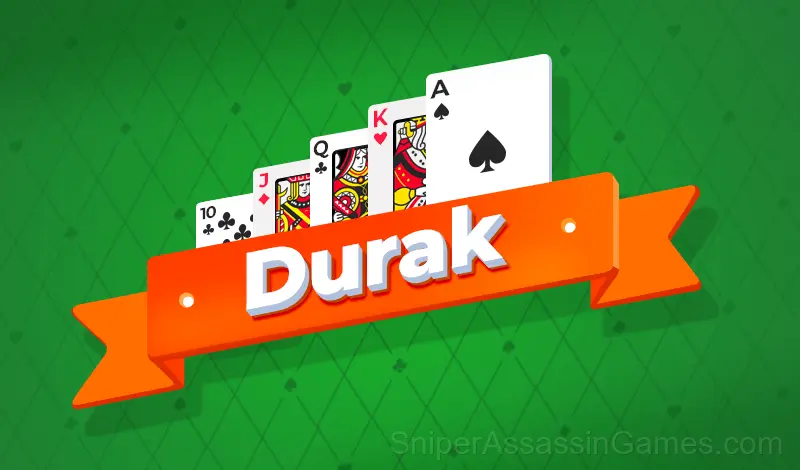




Durak
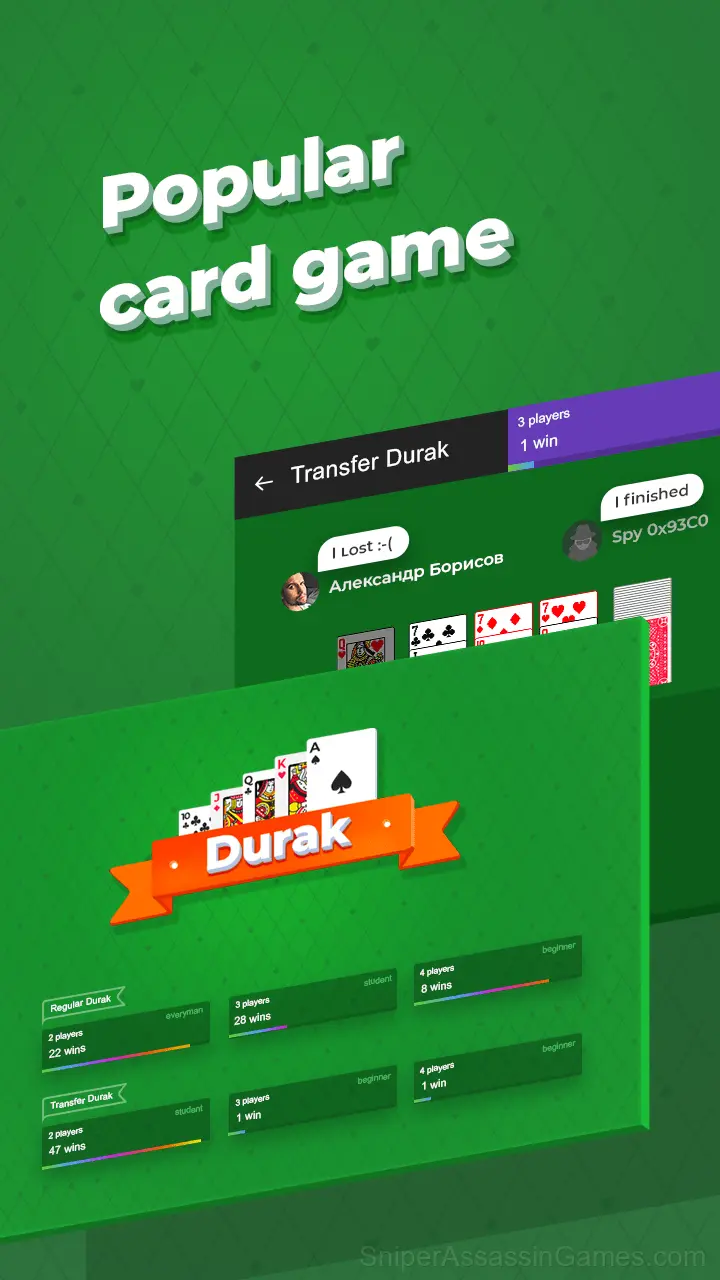
Durak means fool and it is the most popular card game in Russia and in many post-Soviet states.
Durak: The Basics
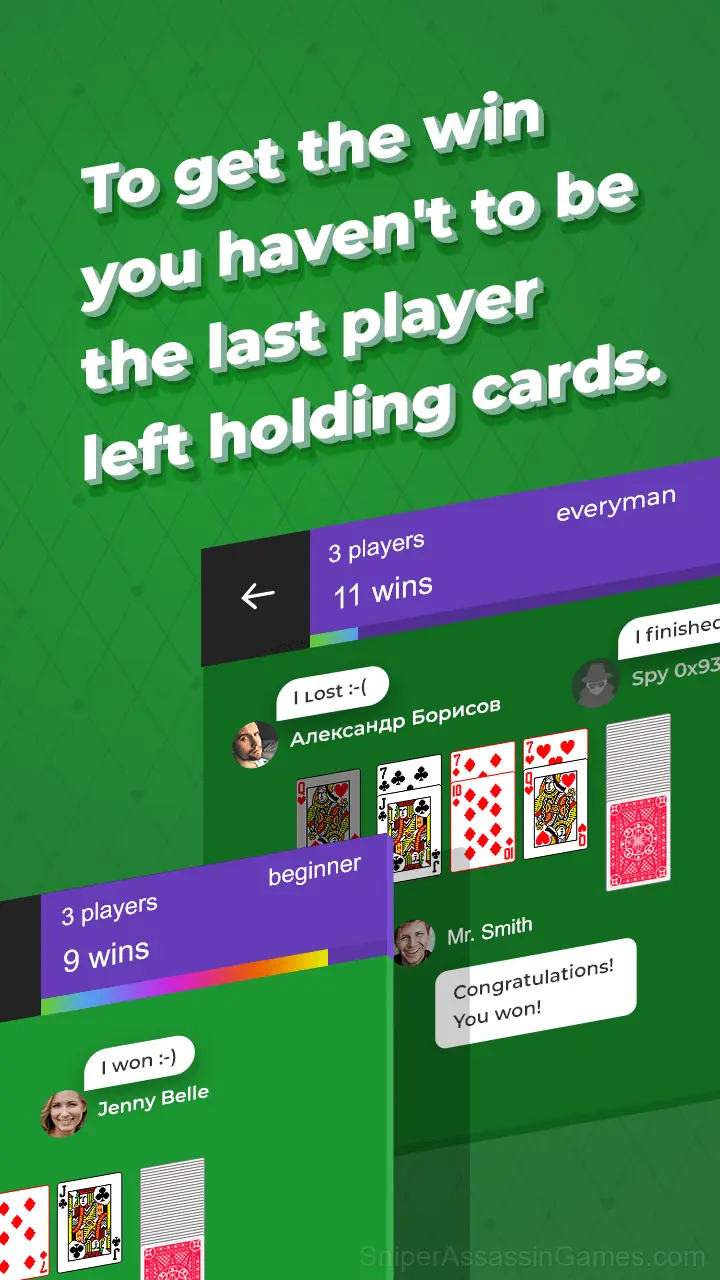
Durak means fool and it is the most popular card game in Russia and in many post-Soviet states. The object of the game is to avoid being the last player with cards.
Browser and Device Support
Desktop and mobile devices both run Durak through the browser. Supported browsers are Chrome, Firefox, Edge, Safari, and Opera. The game uses portrait (vertical) orientation. No downloads or plugins needed.
Tips to Improve
- Learn the difference between what costs you progress and what costs you time. Avoiding the first is always more important than optimizing the second.
- Watch your own replays if the game supports them. You will spot mistakes in replay that you completely missed during live play.
- Figure out what ends your runs most often. The most common failure point is usually the most valuable thing to improve.
The Developer
Released by razlozhi, originally released in March 2020, Durak is a free online card game built for browser play. It works across all major browsers and devices, from desktop PCs to smartphones, with no download required.
Durak Feature Rundown
- Localized in 13 languages for global players.
- Portrait orientation, designed for mobile phones held upright.
- In-game purchases for optional extras. Free to play without them.
How Durak Plays
The core loop in Durak reveals its depth over time. First sessions feel straightforward, but returning players start noticing patterns, shortcuts, and optimizations the game does not advertise.
Controls in Durak are responsive enough that mistakes feel like your fault, not the game's. That accountability is what makes improvement satisfying. You know exactly what to do differently next time.
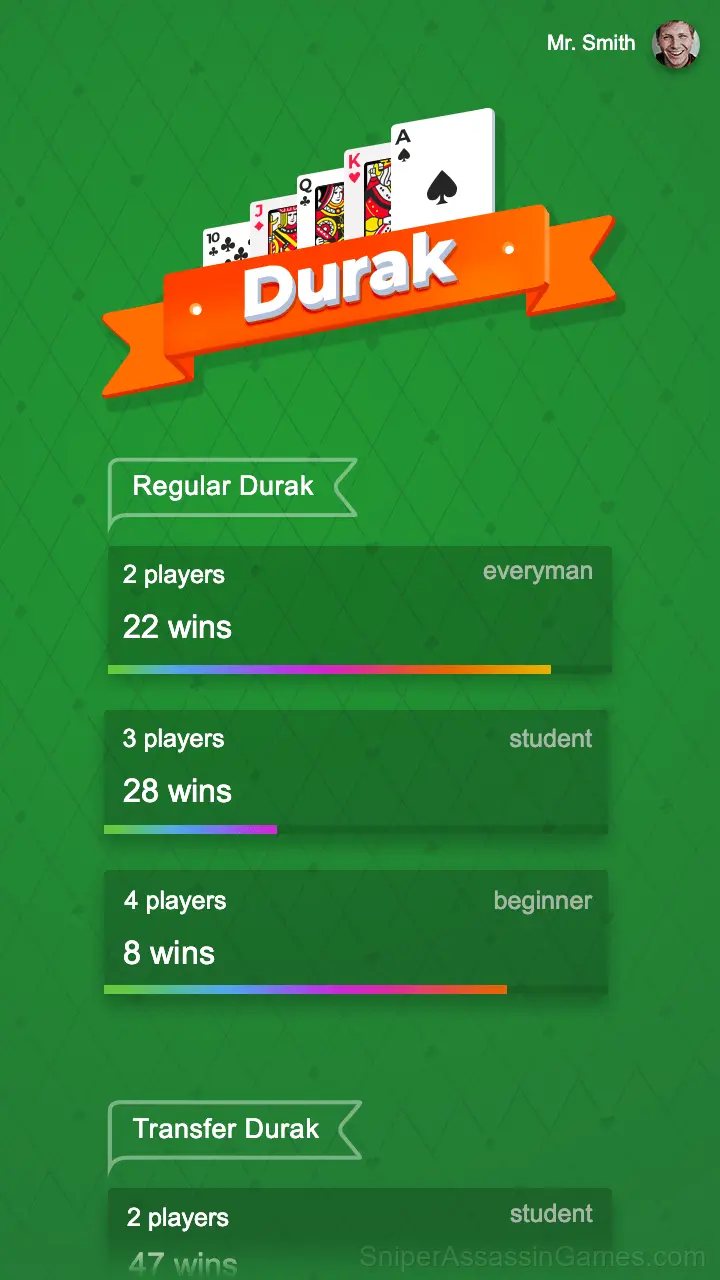
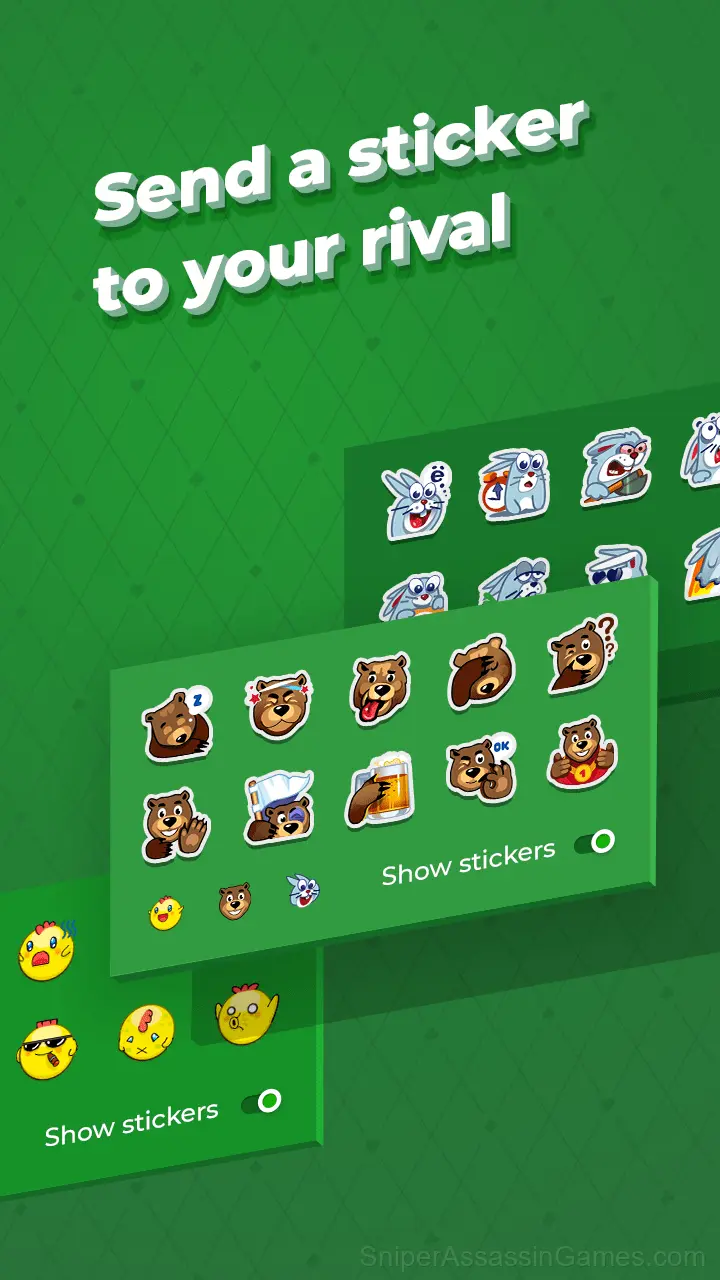
Screenshots
How to Play
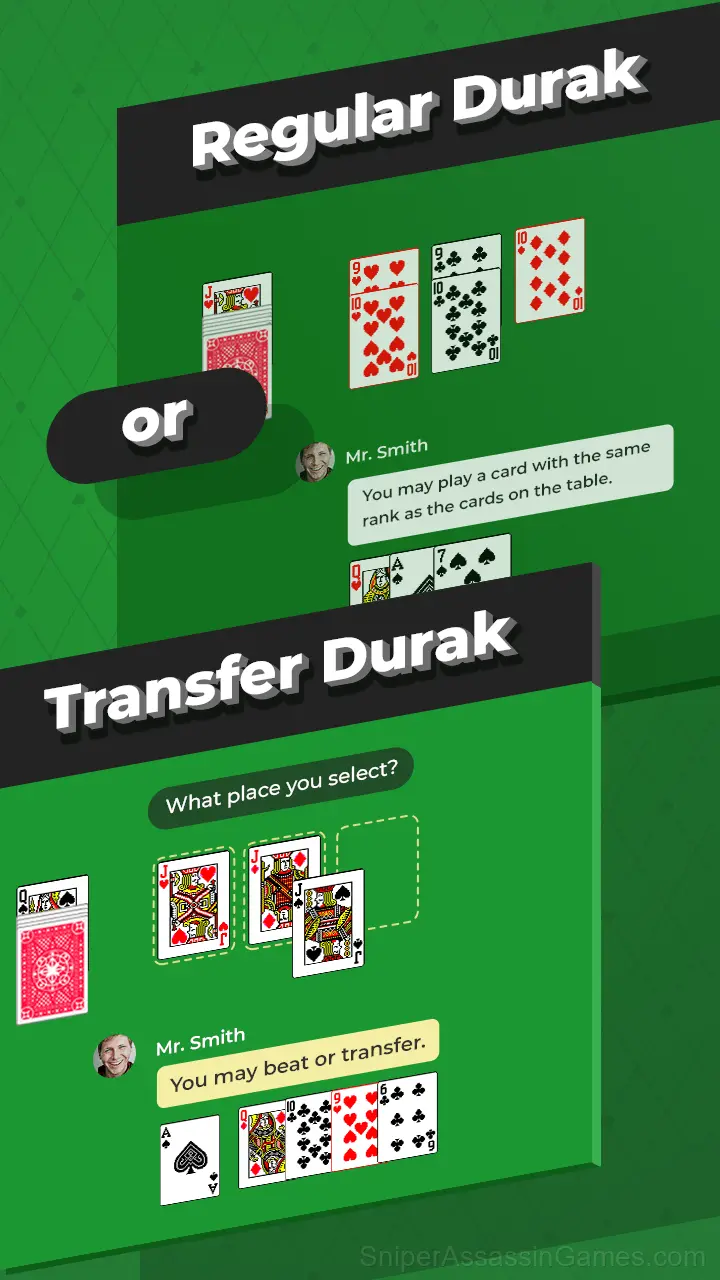
Begin by playing any card from hand.
To beat off the attack the defender will have to beat this and all subsequent attacking cards. A card which is not a trump can be beaten by playing a higher card of the same suit, or by any trump. A trump card can only b...
Games Like Durak
The following Card Games share common ground with Durak and are all playable for free in your browser:
- Durak: Classic & Transferable
- Solitaire Classic Klondike
- Klondike Solitaire
- Durak card game
- Alternation Solitaire
- Spider Solitaire (1, 2, and 4 suits)
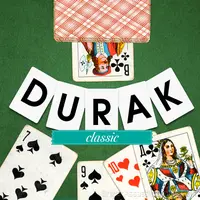
- Durak classic
- Solitaire Klondike - Deluxe
Play Durak in Your Browser
53K players have rated Durak at 4.1 out of 5, making it one of the more popular free online Card Games. It runs in any modern browser with no download or installation. Just open and play.