 SniperAssassinGames




















Chess with a computer
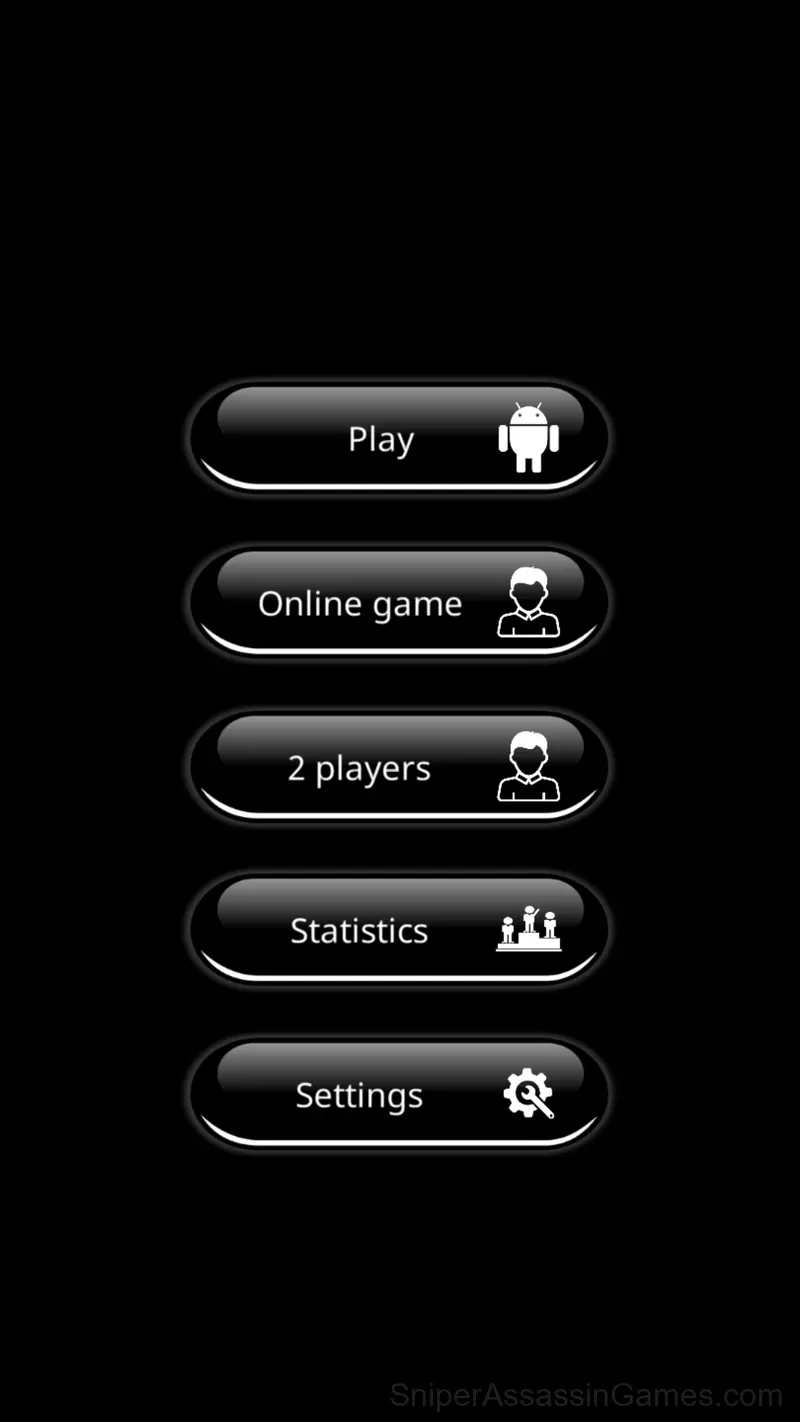
Free game of chess with a computer. You can also play together, against each other, without registration.
About This Game
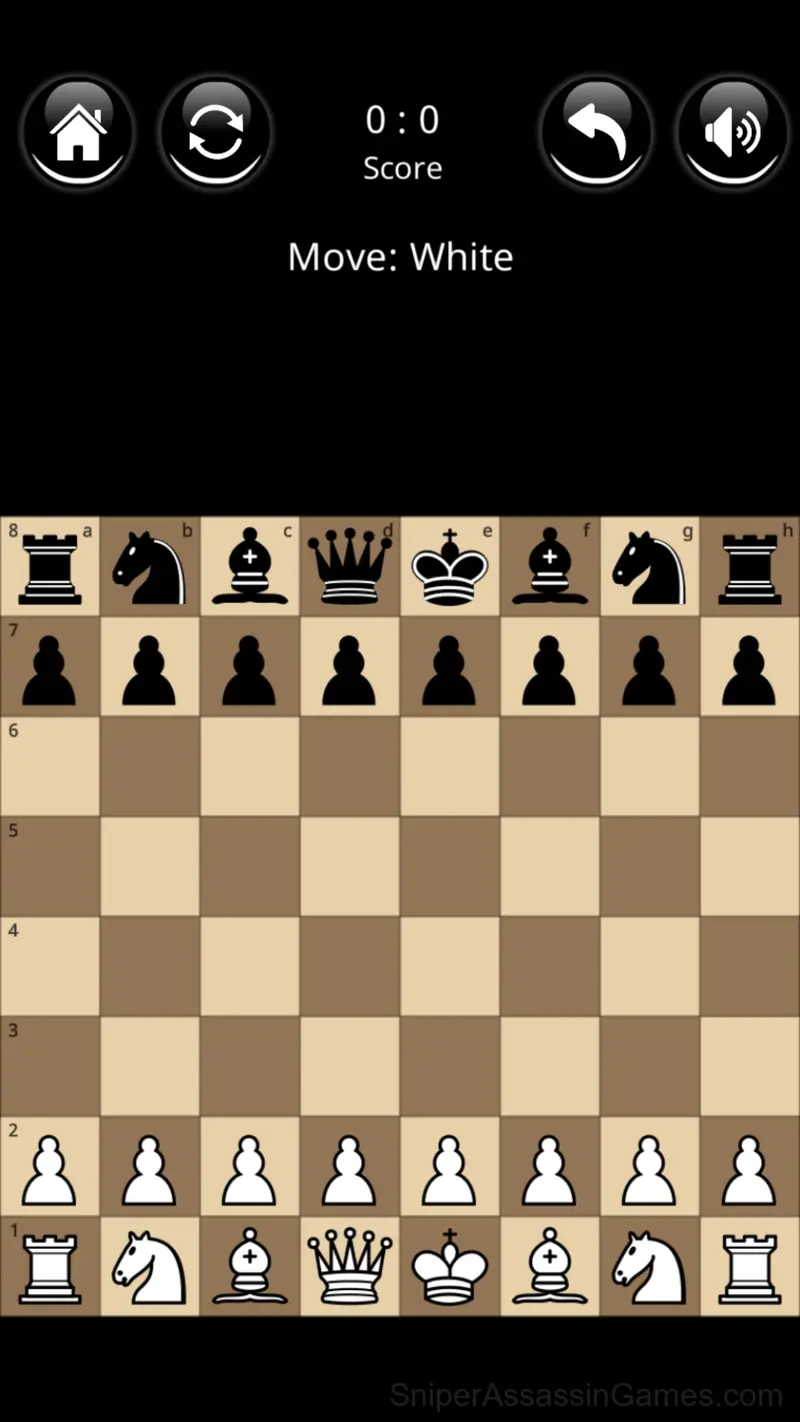
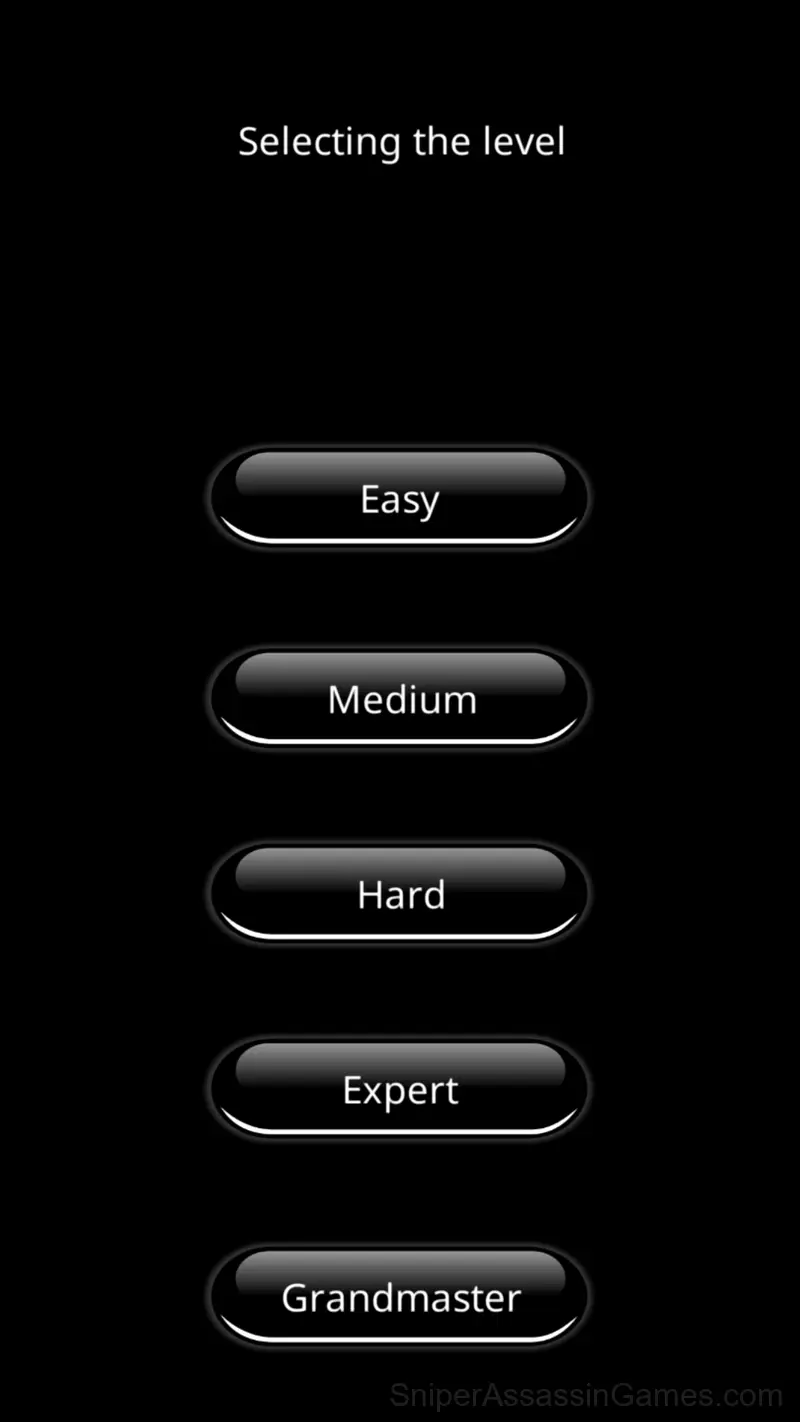
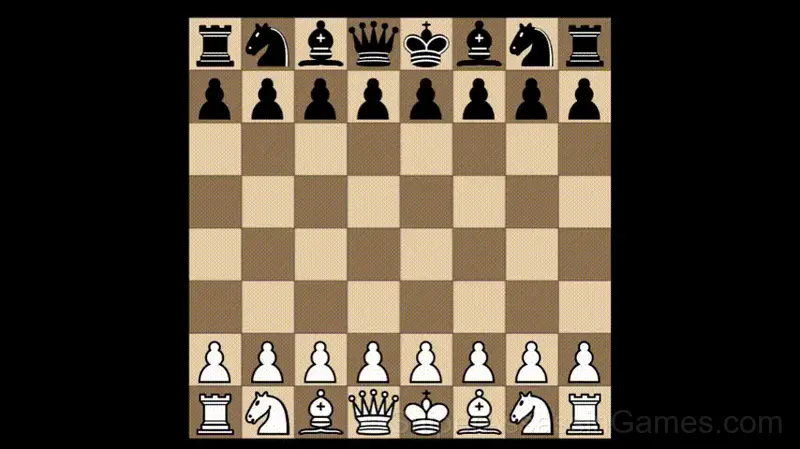
The classic game "Chess with a computer". There are two game modes, against the computer or with each other. The game with artificial intelligence (against PC) has 5 difficulty levels. Where a beginner can beat an easy level, but not everyone will be able to overcome a difficult one.
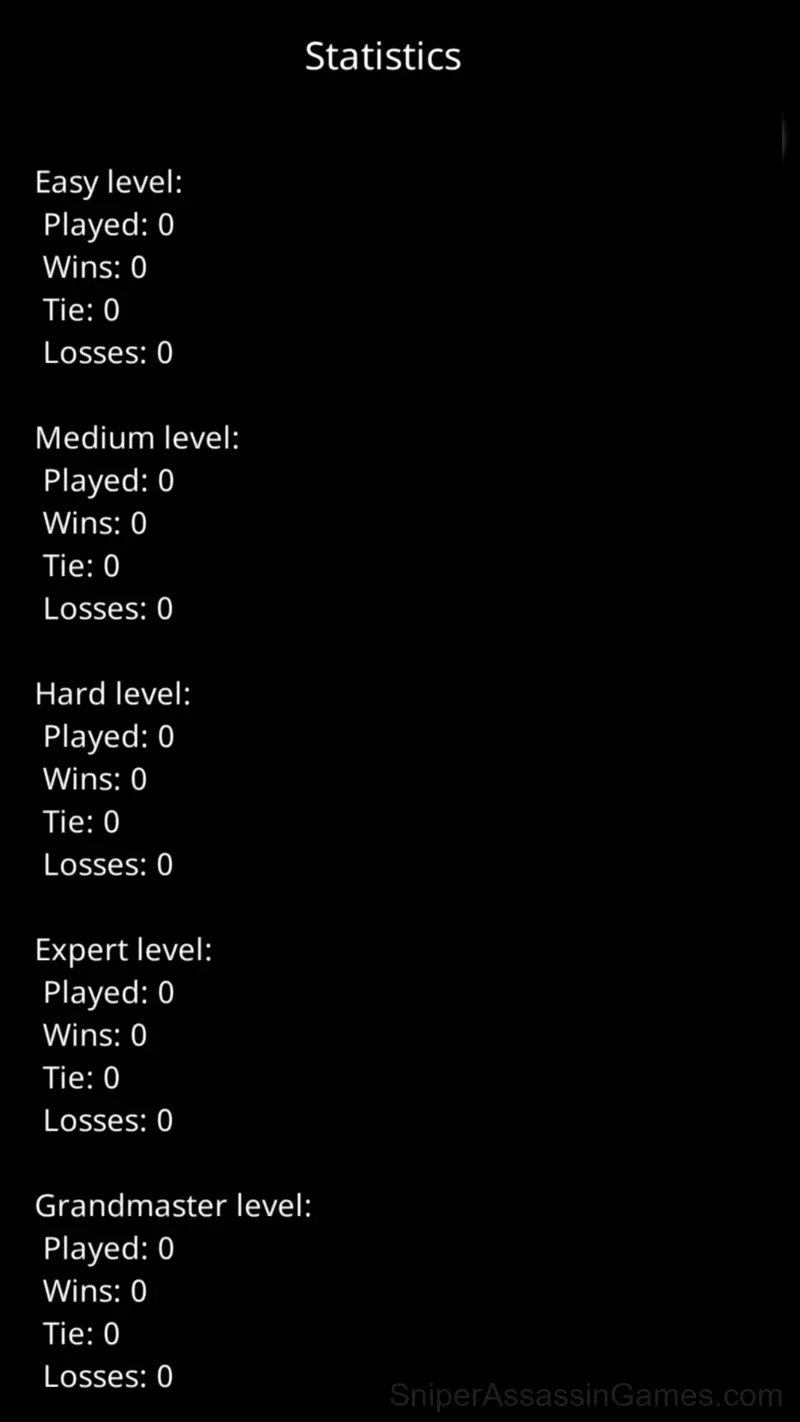
In the game, you can set the background color: black or white, enable or disable sound effects. There are also statistics of your games - victories and defeats, divided by difficulty levels. Nothing more! Play for fun!
Browser and Device Support
Browser compatibility for Chess with a computer includes Chrome, Firefox, Edge, Safari, and Opera on both desktop and mobile. The game is designed for landscape (horizontal) orientation and runs without any downloads on Windows, macOS, Linux, ChromeOS, Android, and iOS.
Tips to Improve
- Memorize the layout of the play area if the game reuses it. Spatial awareness is an advantage the game will not give you directly.
- The early levels teach mechanics that become critical later. Do not skip through them, even if they feel easy. The patterns they introduce come back.
- Pay attention to what the scoring system rewards. Understanding the game's priorities helps you focus on the right actions.
- When a new mechanic appears, use it immediately in a low-pressure situation. Build familiarity before the game puts you in a spot where you need it.
- Take breaks when frustration builds. Coming back after a few minutes often makes the solution or the right timing click naturally.
Chess with a computer Controls
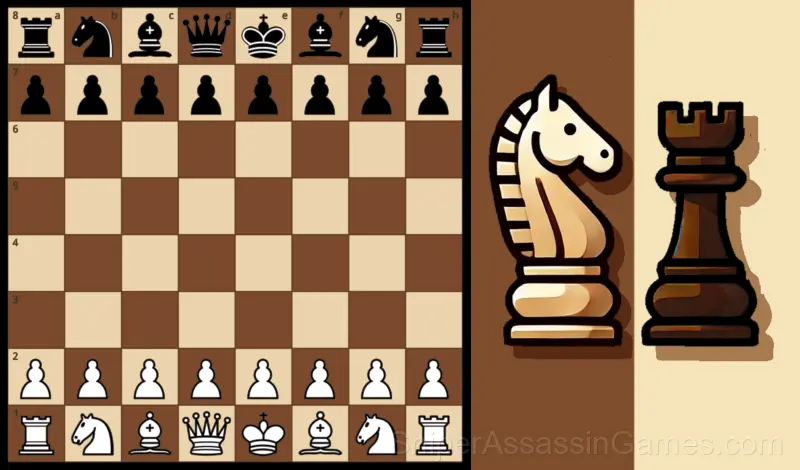
It is very easy to play, the rules correspond to the classical rules of chess. All chess pieces are standard and follow international rules. Choose the level first for easier, and then more difficult, try to go through all the difficulty levels.
You can al...
What the Game Includes
- Global leaderboards to compare your scores with other players.
- Free to play with optional in-game purchases.
- Supports 10 languages.
- Plays in landscape mode for a wider view of the game.
- Age rating: 0+, appropriate for younger players.
How Chess with a computer Feels to Play
The game does not explain everything upfront. Chess with a computer trusts you to figure things out through experimentation, and the moments of self-discovery are more satisfying than any tutorial could be.
Session length in Chess with a computer is flexible. The game saves progress in ways that let you stop and return without losing momentum. Quick sessions and long sessions both feel worthwhile.
About the Publisher
sb-games made Chess with a computer available for free browser play, originally released in December 2022. It runs on standard web technologies and does not require any plugins, downloads, or installations.
Screenshots
Games Like Chess with a computer
More free Board Games for players who like Chess with a computer. Each one has its own mechanics but fits the same genre:
- Chess online 2 players
- Checkers vs Computer
- Chess
- Chess for free
- Classic chess
- Checkers
- Backgammon Master
- Chess: Knight Move!
Start Playing Chess with a computer
Chess with a computer is a free browser board game that delivers on its premise. With 42K player reviews and a 4.2 rating, it has the engagement numbers to back up the quality. No download, no signup. Open the page and play.