 SniperAssassinGames









My Chess
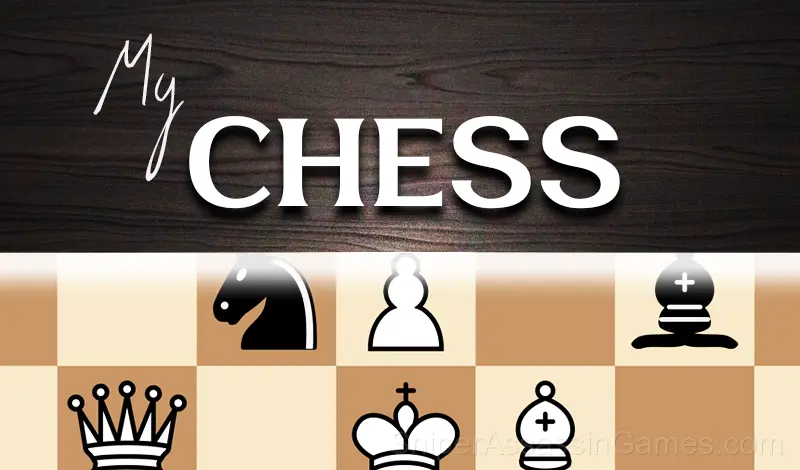
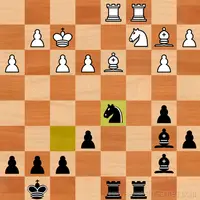
Chess online or with AI! Play My Chess on your computer and phone. Challenge your friends. Different levels of computer difficulty. Sharpen your mind!
About This Game
Welcome to My Chess!
Features of the game:
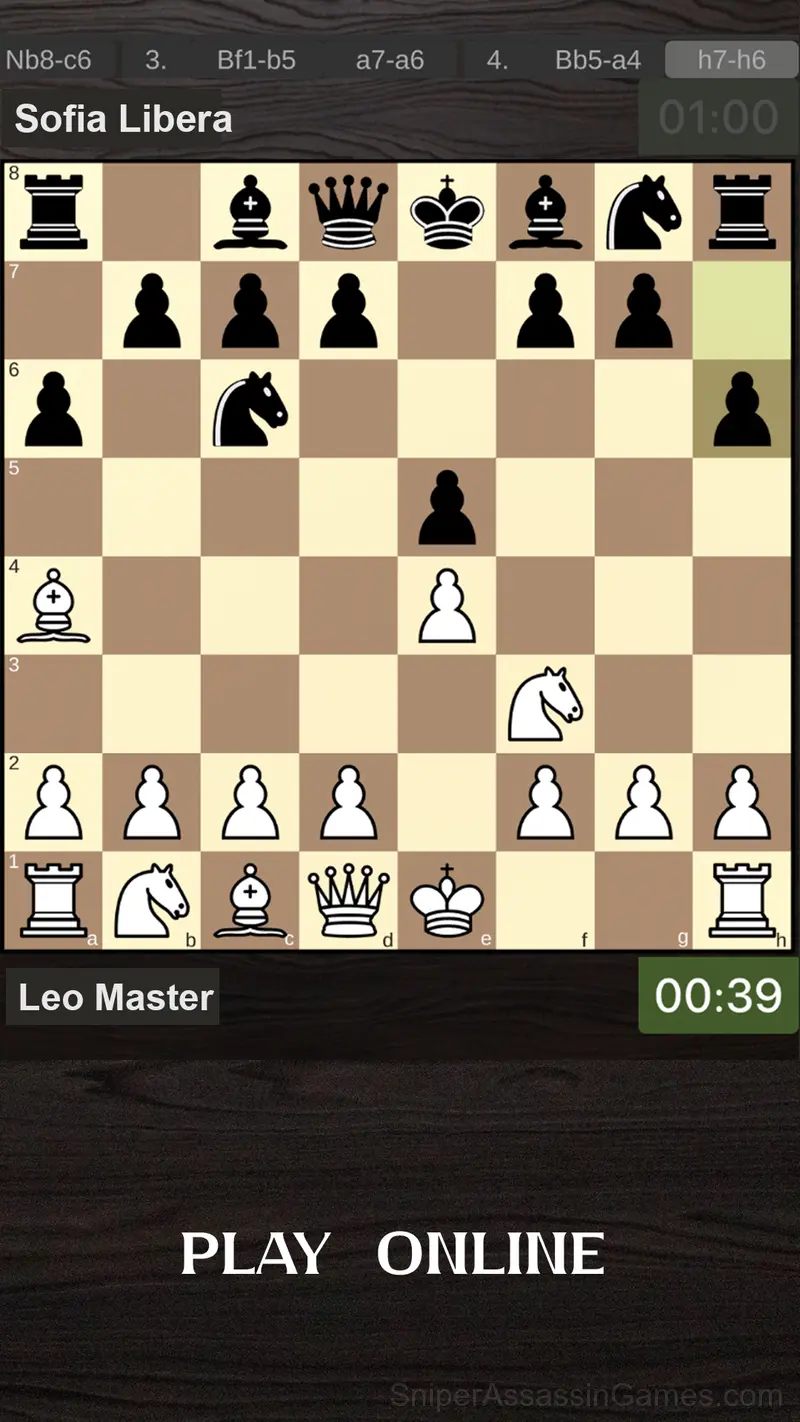
* Playing chess online on the Internet. Timer: 1 minute is given for each turn.
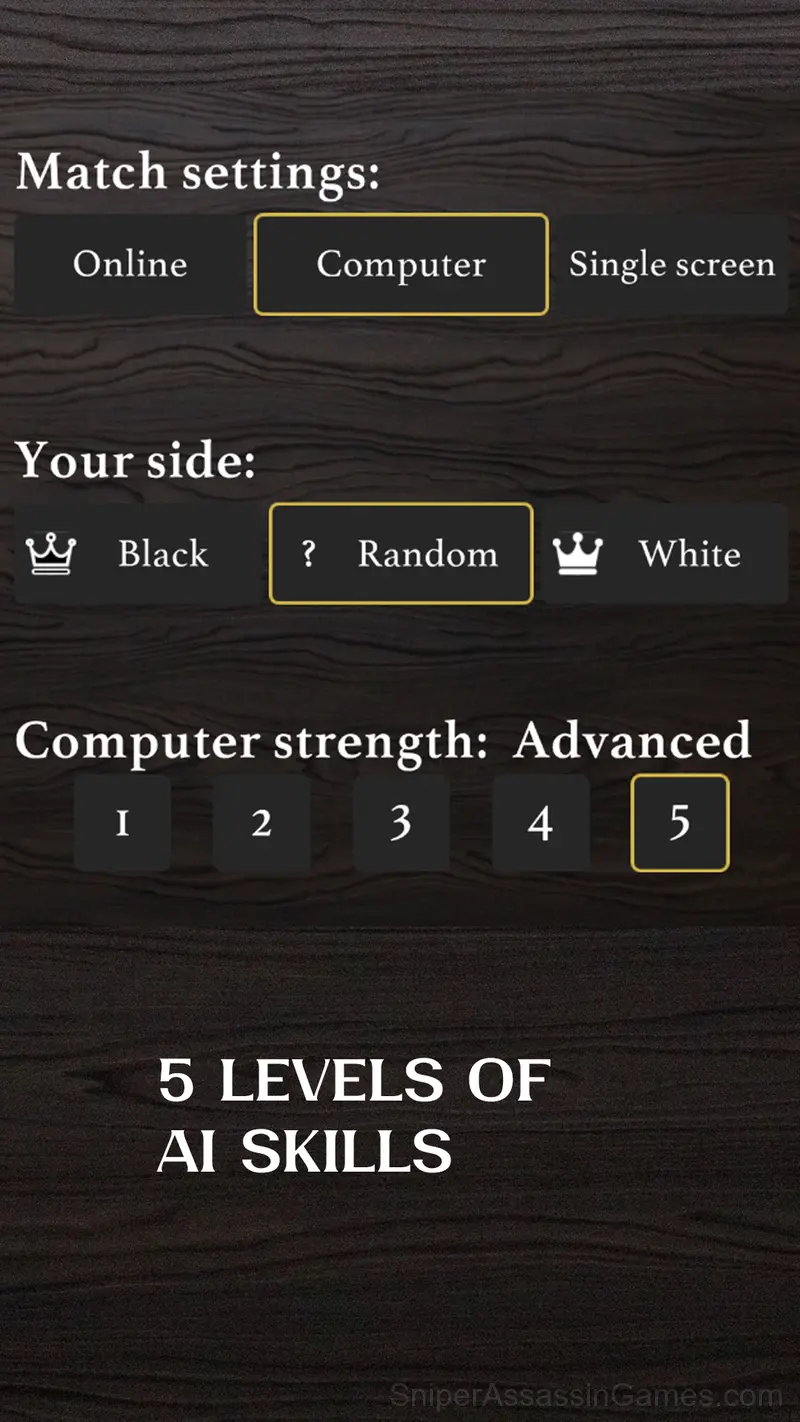
* You can train with a computer, there are 3 simple computer skill levels available. More advanced levels are in the next updates;
* Playing with a friend on the same screen;
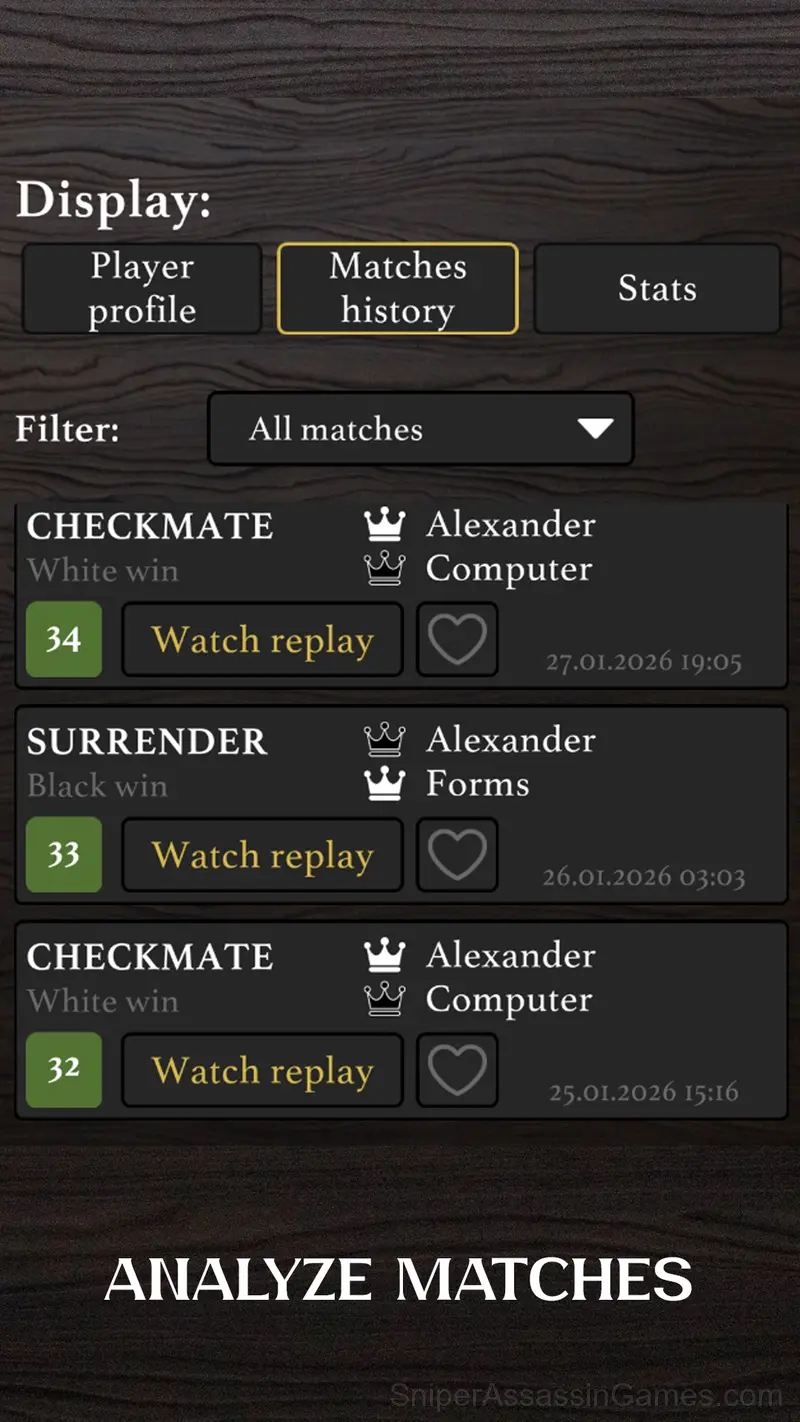
* Statistics of wins and losses;
* All the classic rules work in the game: draw after 3 repetitions, castling, taking on the pass;
* Smooth movement of pieces and highlighting of moves – just like in the best world chess games.
Play chess!
My Chess Features
- In-game purchases for optional extras. Free to play without them.
- Competitive leaderboards built into the game.
- Cloud save support. Pick up where you left off on any device.
- Portrait orientation, designed for mobile phones held upright.
- Family-friendly with a 0+ age rating.
Screenshots
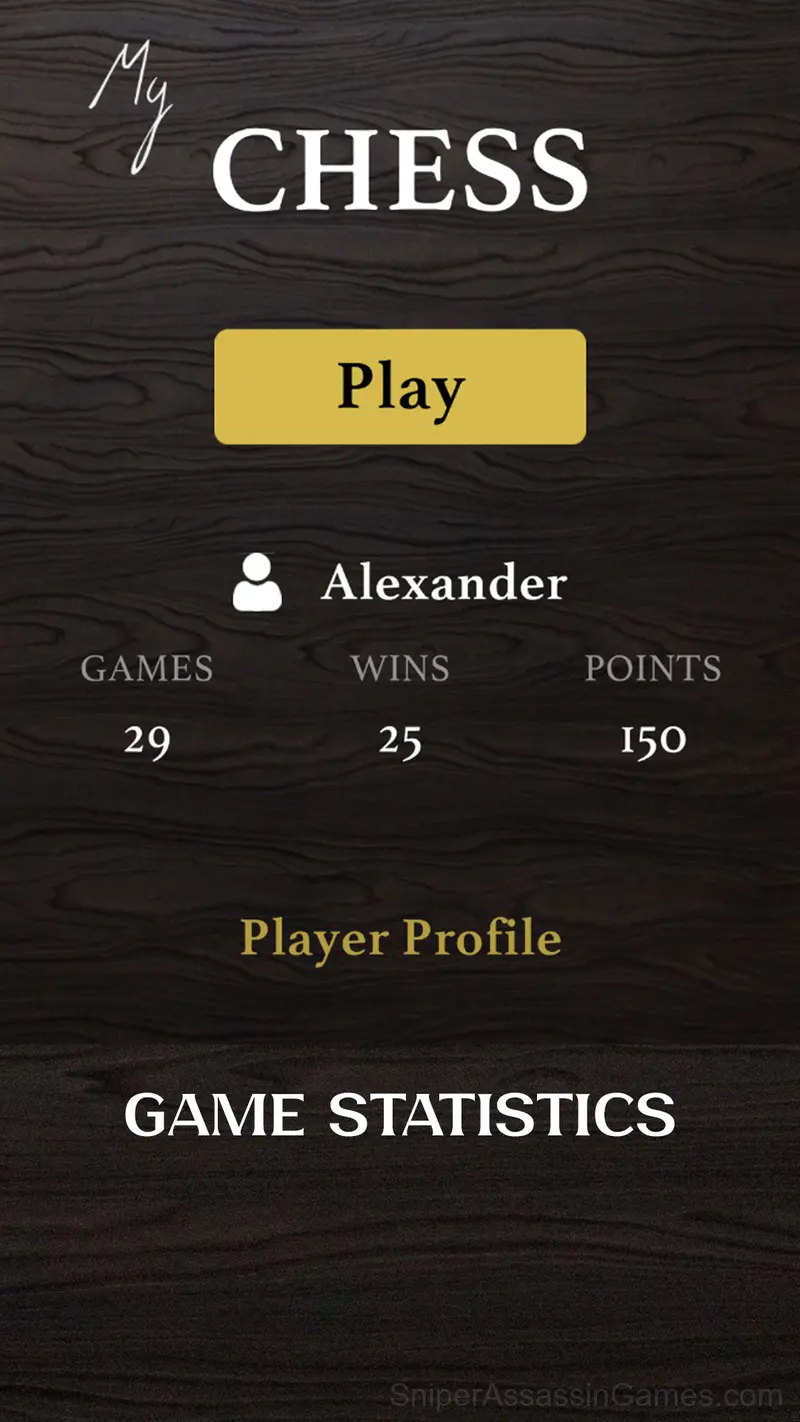
Gameplay Breakdown
Hints exist in My Chess, but the game is designed so you rarely need them. The visual layout of each puzzle contains enough information to reach the solution through observation alone.
The puzzle design in My Chess follows a teach-test-combine pattern. New mechanics get introduced in isolation, then levels start mixing them in ways that force you to think about interactions.
My Chess Controls
Choose the game mode: with a computer, over the Internet or with a friend.
Choose the color of the shapes: for black, for white, or a random selection.
Start the game!
During your turn, click on the piece you want to make a move with, the available cells w...
Supported Platforms
My Chess works on any device with a browser and an internet connection. Supported platforms include Windows, macOS, Linux, ChromeOS, Android, and iOS. The game uses portrait (vertical) orientation.
The Developer
Development of My Chess is by Forms, originally released in December 2023. The game is free, browser-based, and accessible on any device with an internet connection and a modern browser.
My Chess Tips
- Steady, clean play usually beats aggressive, risky play. Consistency compounds over time, and avoiding mistakes matters more than chasing big moments.
- If there are multiple modes or difficulty levels, start on default. It is tuned for first-time players and gives you the experience the developer intended.
- If two elements look similar, they probably interact. The game uses visual consistency to signal relationships between puzzle pieces.
- When you hit a wall, look for a mechanic you are underusing. The game usually gives you the tools before the challenge that requires them.
- Audio cues exist for a reason. Play with sound on at least once to learn what the game communicates through audio versus visuals.
Games Like My Chess
The following Puzzle Games share common ground with My Chess and are all playable for free in your browser:
Start Playing My Chess
Play My Chess free in your browser right now. With a 4.0 rating across 4.2K reviews, the game has a solid track record. No download, no account, no cost.