 SniperAssassinGames

















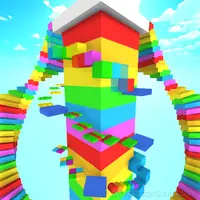


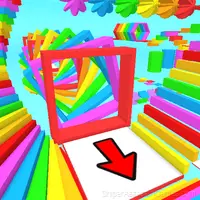

Obby: Pull a Sword
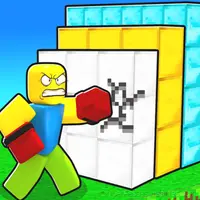
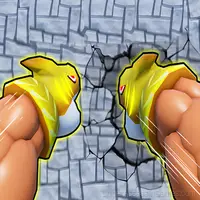
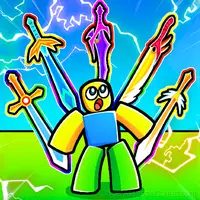
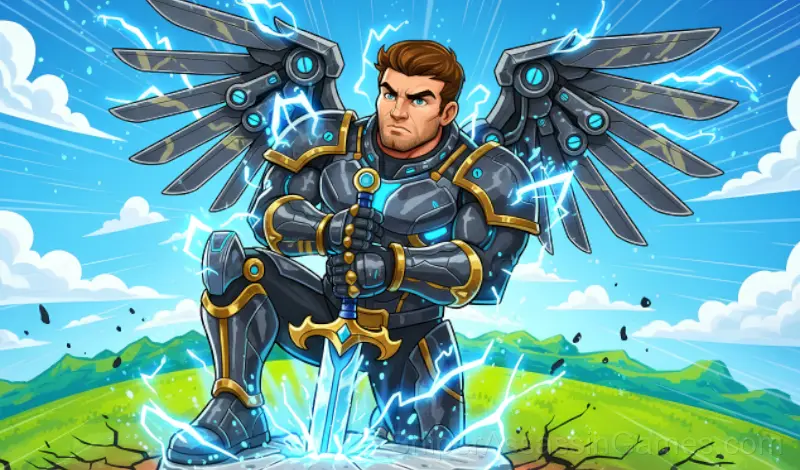
Test your strength in Obby: Pull a Sword! Practice 🏋️, draw swords 🗡️,Fight bosses 💥, get victories 🏆 unlock pets🐾
Obby: Pull a Sword at a Glance
Description:
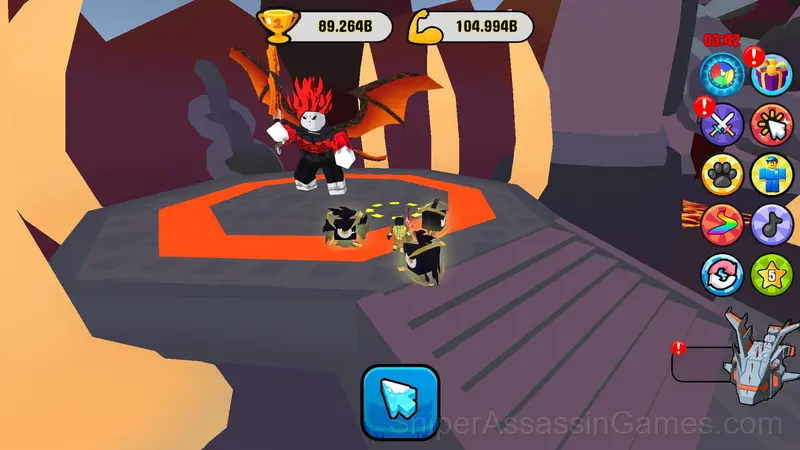
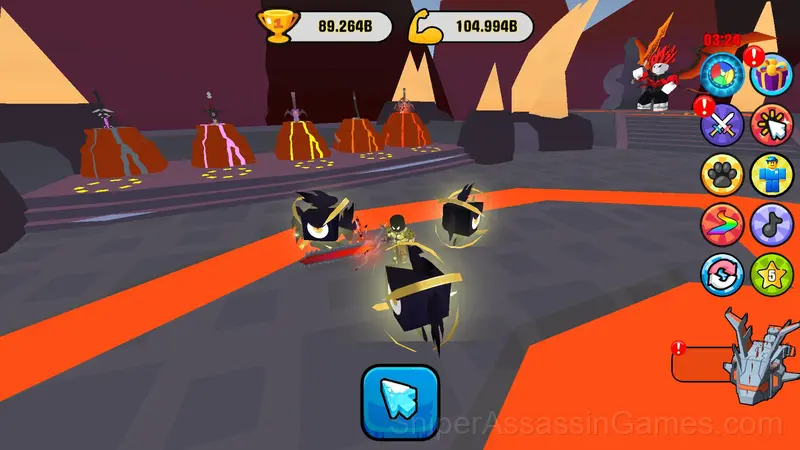
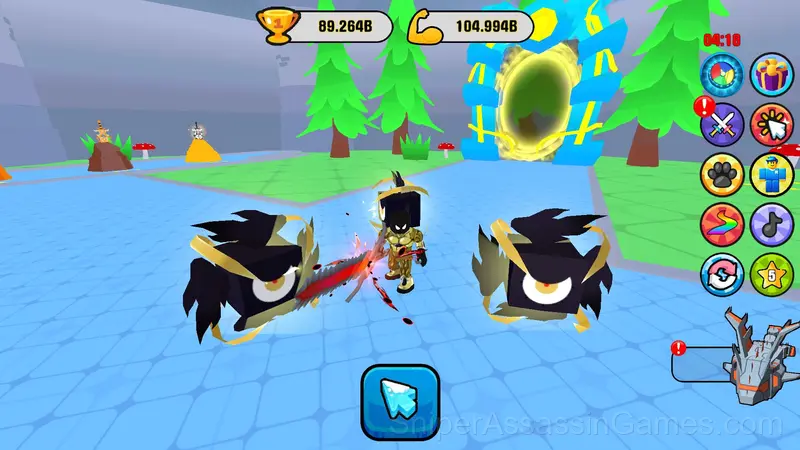
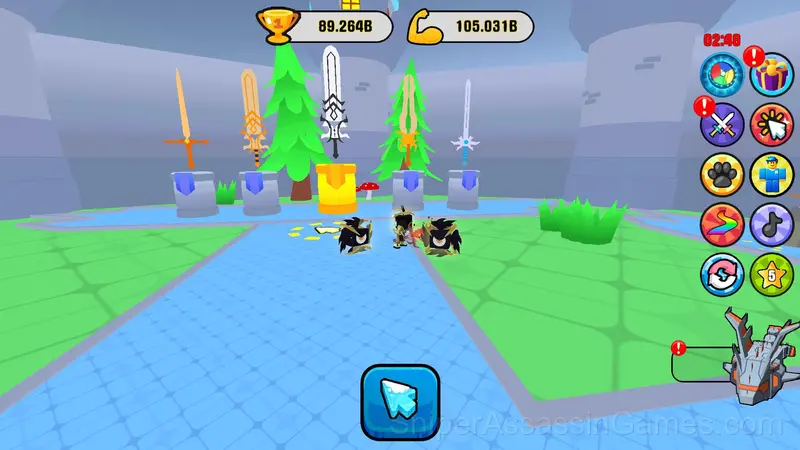
Welcome to Obby: Pull a Sword! In this game, you will train to gain strength and draw swords, unlocking new levels and abilities. Test yourself in battles against powerful bosses, earn victories, collect unique pets, and get stronger with every step!
🔸 Game Features:
🏋️ Train - increase your strength for new achievements.
🗡️ Draw Swords - find powerful and unique blades.
🐾 Pets - unlock allies for extra help.
🏆 Victories - compete against other players.
💥 Fight Bosses - test your skills in epic battles.
🌍 New locations - explore unique worlds.
Tips for Players
- Memorize the layout of the play area if the game reuses it. Spatial awareness is an advantage the game will not give you directly.
- Learn the spawn timing. In arcade games, enemies and obstacles follow a rhythm. Once you internalize it, you can preposition for what comes next.
- Watch your own replays if the game supports them. You will spot mistakes in replay that you completely missed during live play.
- Memorize the sections that kill you most. Targeted practice on weak spots improves your runs faster than just replaying from the start.
- Learn the difference between what costs you progress and what costs you time. Avoiding the first is always more important than optimizing the second.
- Steady, clean play usually beats aggressive, risky play. Consistency compounds over time, and avoiding mistakes matters more than chasing big moments.
Obby: Pull a Sword Features
- Free to play with optional in-game purchases.
- Cloud save support. Pick up where you left off on any device.
- Competitive leaderboards built into the game.
- Landscape orientation, optimized for wider screens on desktop and tablet.
Developer Info
Obby: Pull a Sword is a AppGirl game, originally released in November 2024. It was built for web browsers and distributed as a free title. No download or account is needed to play.
Screenshots
How Obby: Pull a Sword Feels to Play
Every run in Obby: Pull a Sword starts fresh but plays differently. The arcade format means your skill is the only thing that carries over, and each attempt teaches you something the previous one did not.
Pattern recognition drives most of what happens in Obby: Pull a Sword. Obstacles, enemy spawns, item placements. They follow logic you can decode, and decoding them is half the game.
Obby: Pull a Sword Controls
Controls on PC: 🖥️
WASD - character movement
Left mouse button - draw swords
Mouse wheel - zoom in/out
Phone controls: 📱
Joystick for character movement
Buttons on the screen for actions
Supported Platforms
Cross-platform play is built into Obby: Pull a Sword. Open it in any modern browser on any operating system. The game uses landscape (horizontal) orientation and requires no downloads, plugins, or installations.
Games Like Obby: Pull a Sword
The following Arcade Games share common ground with Obby: Pull a Sword and are all playable for free in your browser:
- Obby: Master of the Sword
- Obby: Boxer, Escape from the Island!
- Obby: 1 Step = $1
- Nubik Obby: Boxer
- Nubik Obby: Boxer 2
- Robbie +1 to Damage Per Second
- Fastest Swim | League
- Obby: Tsunami +1 speed
Play Obby: Pull a Sword Online Free
Free, browser-based, and rated 4.5 by 3.4K players. Obby: Pull a Sword loads in seconds and works on desktop and mobile. Click play and start.