 SniperAssassinGames











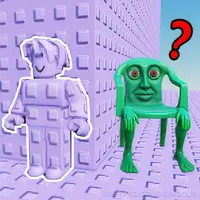

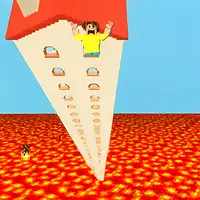
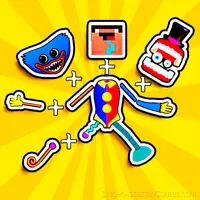

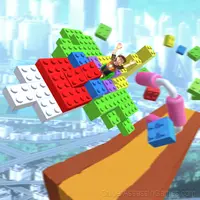


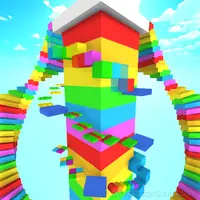


Obby: Break Your Bones 3D Ragdoll
Try to break ALL your bones. - Fun bone-breaking simulator - Lots of different ragdolls - Roll down, crashing into obstacles
Obby: Break Your Bones 3D Ragdoll: The Basics
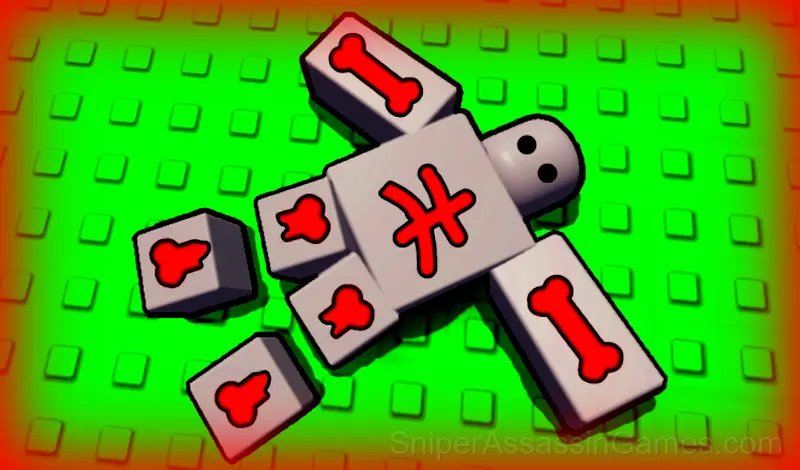
Obby: Break Your Bones 3D Ragdoll - is a physics-based 3D bone-breaking simulator. Choose from 50 different ragdolls and roll down, colliding with a variety of obstacles.
Unlock new ragdolls to make the game even more fun.
Unlock materials to give your ragdoll a unique look.
Main advantages of the game:
- Bright and beautiful graphics
- Realistic 3D physics
- A wide variety of ragdolls
- Tons of cool materials
- Large and diverse map
- Engaging progression system
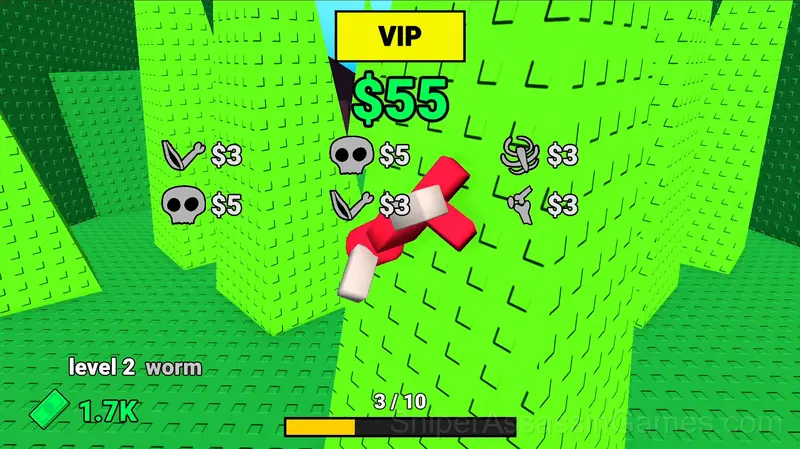
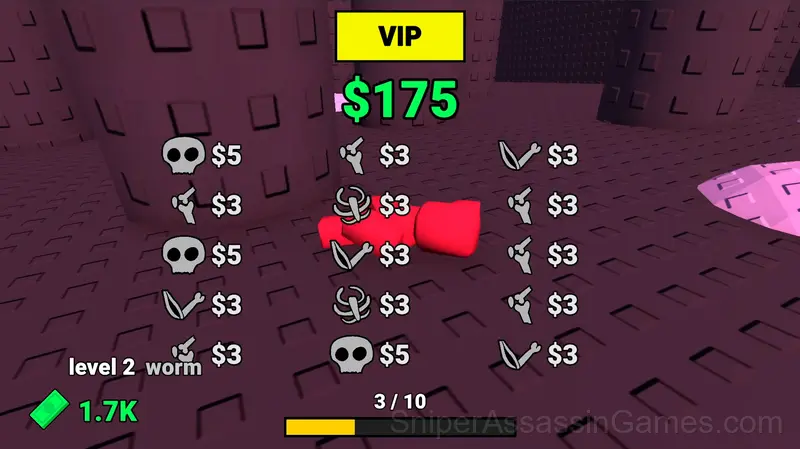
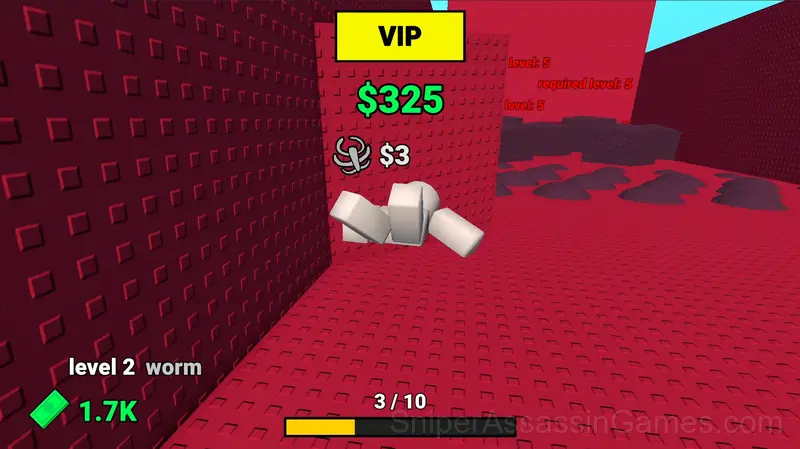
Screenshots
Features in Obby: Break Your Bones 3D Ragdoll
- Global leaderboards to compare your scores with other players.
- Designed for horizontal play, best experienced on desktop or tablet.
- Optional in-game purchases available. The core game is free.
- Cloud save support. Pick up where you left off on any device.
Strategies for Obby: Break Your Bones 3D Ragdoll
- Avoid the edges of the screen unless you know what spawns there. Corners are death traps in most arcade games.
- When a new mechanic appears, use it immediately in a low-pressure situation. Build familiarity before the game puts you in a spot where you need it.
- If there are multiple modes or difficulty levels, start on default. It is tuned for first-time players and gives you the experience the developer intended.
- Figure out what ends your runs most often. The most common failure point is usually the most valuable thing to improve.
- Audio cues exist for a reason. Play with sound on at least once to learn what the game communicates through audio versus visuals.
- Spend the first few rounds learning the controls without chasing a high score. Getting comfortable with the inputs pays off more than early optimization.
How Obby: Break Your Bones 3D Ragdoll Works
Roll down, earning money for every broken bone.
Level up, unlock new ragdolls and materials.
Increase your level to unlock new parts of the map.
PC Controls:
Movement - W A S D
Jump - Spacebar
Camera movement - Hold right mouse button
Mobile Controls:
Mov...
Who Made Obby: Break Your Bones 3D Ragdoll?
Triri Tiriri developed Obby: Break Your Bones 3D Ragdoll for web browsers, originally released in October 2025. The game runs on desktop and mobile devices without needing a download. Triri Tiriri distributes it as a free-to-play title.
Where to Play Obby: Break Your Bones 3D Ragdoll
Browser compatibility for Obby: Break Your Bones 3D Ragdoll includes Chrome, Firefox, Edge, Safari, and Opera on both desktop and mobile. The game is designed for landscape (horizontal) orientation and runs without any downloads on Windows, macOS, Linux, ChromeOS, Android, and iOS.
Playing Obby: Break Your Bones 3D Ragdoll: What to Know
Every run in Obby: Break Your Bones 3D Ragdoll starts fresh but plays differently. The arcade format means your skill is the only thing that carries over, and each attempt teaches you something the previous one did not.
Pattern recognition drives most of what happens in Obby: Break Your Bones 3D Ragdoll. Obstacles, enemy spawns, item placements. They follow logic you can decode, and decoding them is half the game.
Games Like Obby: Break Your Bones 3D Ragdoll
More free Arcade Games for players who like Obby: Break Your Bones 3D Ragdoll. Each one has its own mechanics but fits the same genre:
- Obby: Mini Games Against 1000!
- Obby: Escape from Barry Online
- Nubik Obby: Boxer 2
- Obby: Alien Barri Online
- Throw things off a skyscraper
- Survival in Natural Disasters
- Obby: Clone Madness
- Natural disaster survival Obby
Start Obby: Break Your Bones 3D Ragdoll Now
Try Obby: Break Your Bones 3D Ragdoll for free in your browser. It is rated 4.4 out of 5 by 2.9K players and requires no download or registration to play.