 SniperAssassinGames









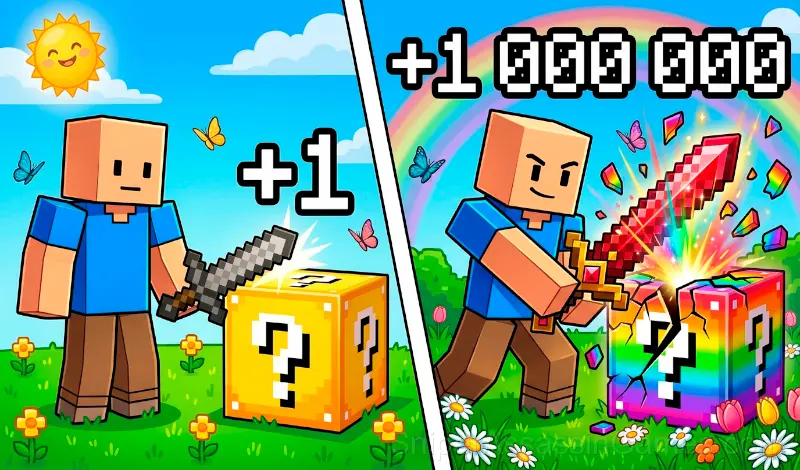




















Robby: Lucky Blocks, Simulator!
Pump up your strength, smash Lucky Blocks and collect pets in the game ‘Robby: Lucky Blocks, Simulator!’.
About This Game
Game Features 💎📦
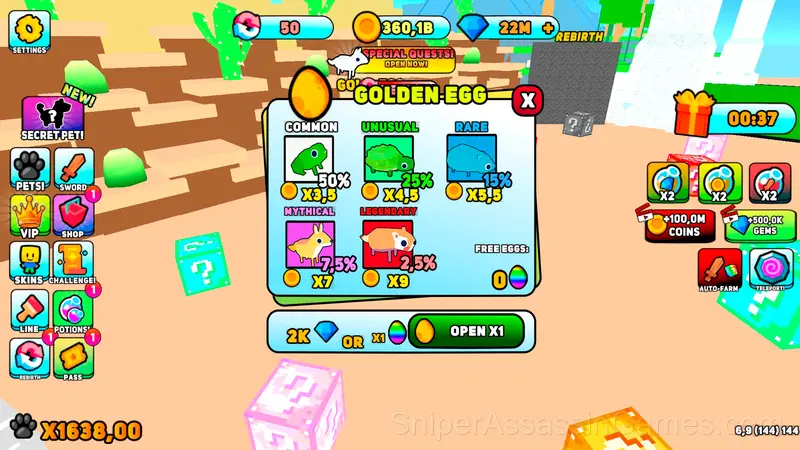
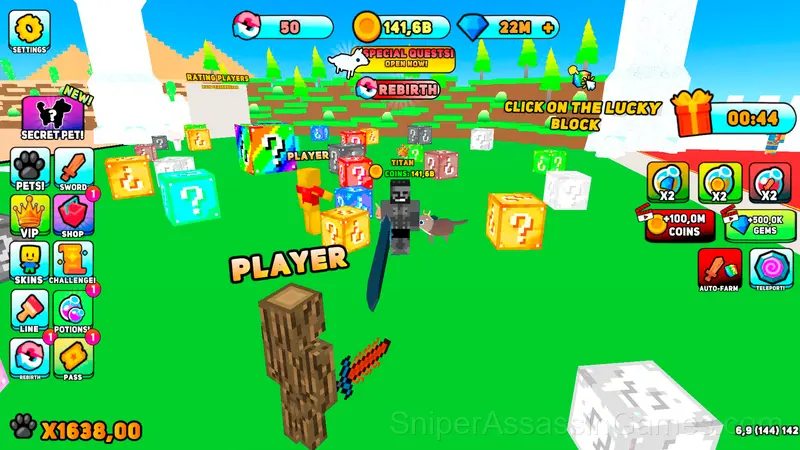
🐾 Pets — your loyal companions for breaking lucky blocks.
🎁 Free gifts every 5 minutes.
🏆 Player leaderboard — compete with other lucky block hunters.
💪 Upgrade your character's strength and become more powerful.
🗡️ Over 30 unique swords for breaking blocks.
⚗️ Potions for faster leveling.
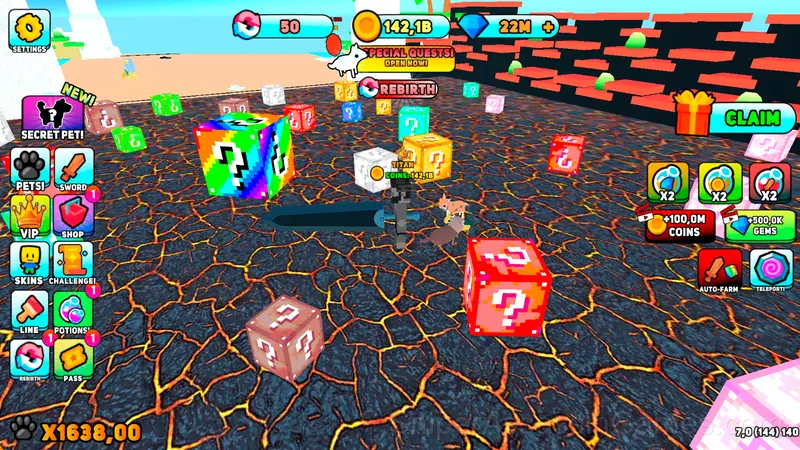
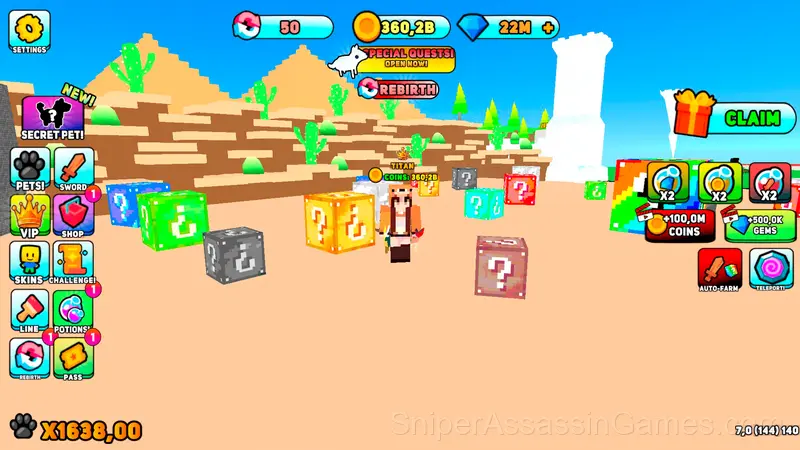
📦 Multiple levels with different types of lucky blocks.
🛒 A large shop with great deals.
🐲 Secret pets waiting to be discovered!
📜 Exciting quests to complete.
👕 Over 20 skins to customize your character.
🏃♂️ Speed boost progression with over 30 levels.
🎶 Play in the game with great music.
Tips and Strategies
- Take breaks when frustration builds. Coming back after a few minutes often makes the solution or the right timing click naturally.
- Test the edges of each mechanic. Move in directions the game does not suggest. Interact with things that look static. The boundaries tell you a lot about how the game works.
- If the game has daily challenges, do them. They force you into situations you would not choose on your own, and that builds flexibility.
- The scoring system tells you what the designers value. If combos score highest, build combos. If accuracy scores highest, slow down.
- When a new mechanic appears, use it immediately in a low-pressure situation. Build familiarity before the game puts you in a spot where you need it.
- Try playing left-handed if the game allows it (or vice versa). It sounds odd, but changing your input hand can reveal patterns your dominant hand was autopiloting through.
- Memorize the layout of the play area if the game reuses it. Spatial awareness is an advantage the game will not give you directly.
Who Built Robby: Lucky Blocks, Simulator!?
MirageGames released Robby: Lucky Blocks, Simulator! as a free online casual game, originally released in December 2024. The game needs no download and works on any device with a web browser.
Platforms and Browsers
Any device running Chrome, Firefox, Edge, or Safari can play Robby: Lucky Blocks, Simulator!. The game supports landscape (horizontal) orientation and works on Windows, macOS, Linux, ChromeOS, Android, and iOS without downloads.
Robby: Lucky Blocks, Simulator! Controls
Controls 🎮
🖥️ For PC:
⬅️🆙➡️⬇️ WASD — move the character
🖱️ Right mouse button — control the camera
🖱️ Left mouse button — interact with the interface
📱 For Mobile:
📍 Left side of the screen — character movement
🔄 Right side of the screen — camera rotation...
What to Expect
The visual language in Robby: Lucky Blocks, Simulator! communicates everything. You know what to tap, swipe, or click without reading instructions. That clarity is the hardest part of casual design to get right.
Robby: Lucky Blocks, Simulator! strips away everything that does not serve the core gameplay. No lengthy tutorials, no forced cutscenes. Just the game, presented cleanly.
Robby: Lucky Blocks, Simulator! Feature Rundown
- Cloud saves. Your progress carries across devices and sessions.
- Landscape orientation, optimized for wider screens on desktop and tablet.
- Rated 6+, family-friendly content.
- Leaderboard support. Track your ranking against the community.
- Free to play with optional in-game purchases.
Screenshots
Games Like Robby: Lucky Blocks, Simulator!
Want more games like Robby: Lucky Blocks, Simulator!? These Casual Games are all free to play online and share a similar style:
- Robby +1 To Speed Per Click
- Obby: Tsunami +1 speed
- OBBY: Party Madness!
- Obby: Master of the Sword
- Obby: Fish training
- Obby World: Parkour Runner
- Obby Parkour: Tower of Hell
- Robby +1 To Jump Power Per Click
Play Robby: Lucky Blocks, Simulator! for Free
Rated 4.7 by 1.6K players, Robby: Lucky Blocks, Simulator! is a free casual game you can play in your browser. No downloads. No accounts. Just the game.