 SniperAssassinGames
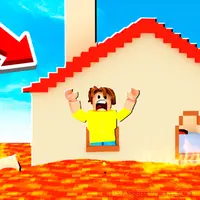

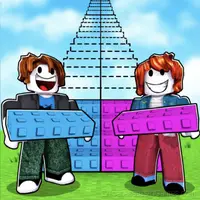




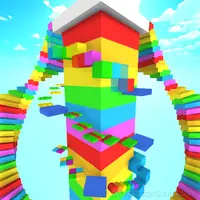











Obby: Tower to the Stars
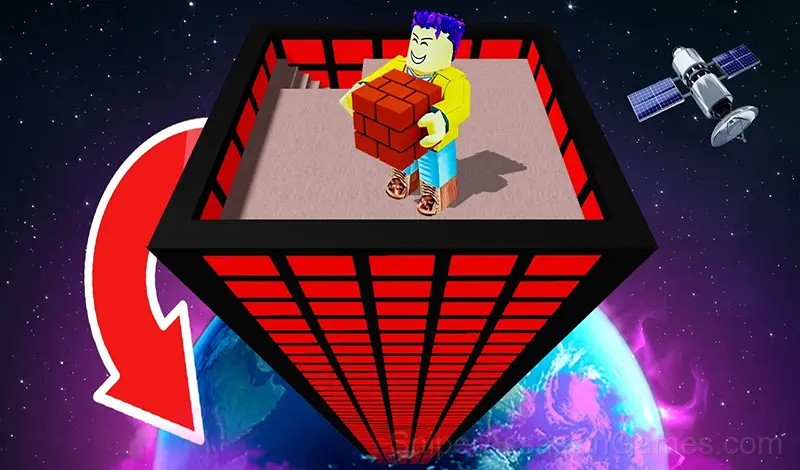
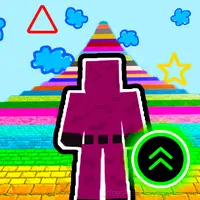
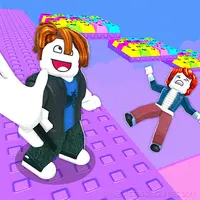
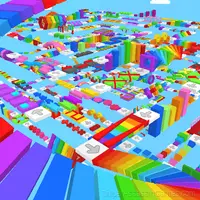
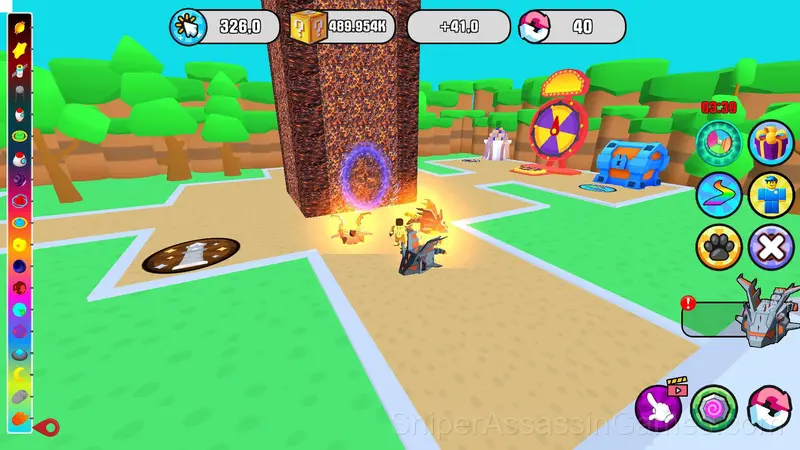
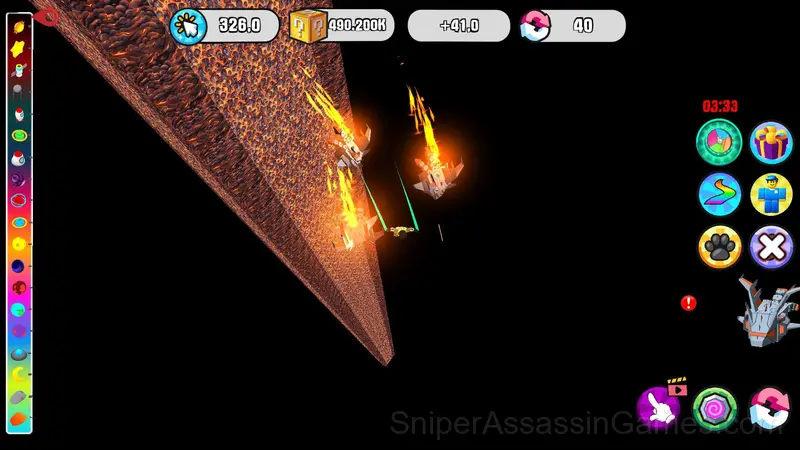
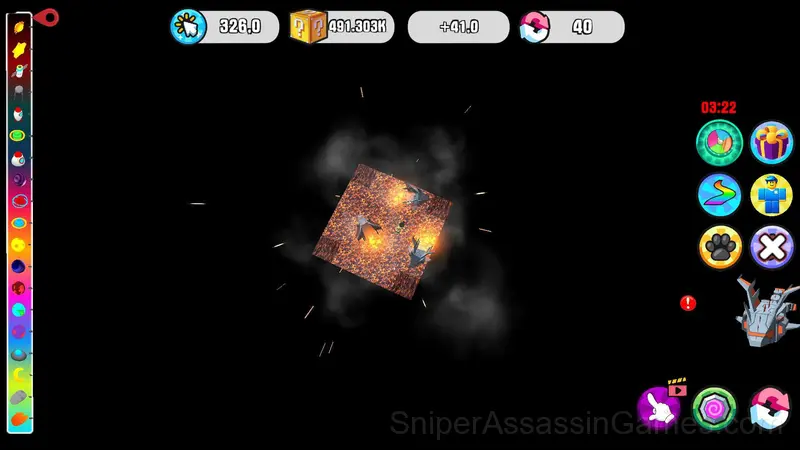
Try a world of exciting construction in Obby: Tower to the Stars! Build a tower that reaches into space - one block is added every second!
Obby: Tower to the Stars Overview
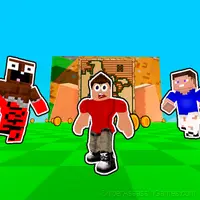
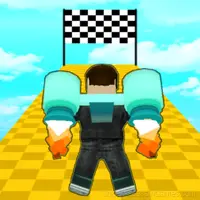
Help Obby build a tower that reaches for the stars! With each second you add a block you go higher, but with each click you speed up the process. Reach incredible heights, compete with friends, and enjoy unique upgrades!
🔸 Game Features:
🐾 Assistance pets - help on your way to the top!
🏃 C haracter Upgrade - make Obby faster and stronger.
🎡 Prize Roulette - get bonuses every 5 minutes.
✨ S pectacular Trails - create colorful effects.
👕 Personalization - lots of skins for Obby.
🏗️ Varied constructions - unlock new tower elements.
🎶 Immersive music - space travel atmosphere.
🏆 Player ratings - compete for the first place!
What Obby: Tower to the Stars Offers
- Age rating: 6+, appropriate for younger players.
- Cloud save support. Pick up where you left off on any device.
- Plays in landscape mode for a wider view of the game.
- Global leaderboards to compare your scores with other players.
Platforms and Browsers
Any device running Chrome, Firefox, Edge, or Safari can play Obby: Tower to the Stars. The game supports landscape (horizontal) orientation and works on Windows, macOS, Linux, ChromeOS, Android, and iOS without downloads.
The Developer
Obby: Tower to the Stars comes from AppGirl, originally released in November 2024. The game was designed for browser-based play and runs across all major platforms without any installation. It is free for all players.
Helpful Tips
- Test the edges of each mechanic. Move in directions the game does not suggest. Interact with things that look static. The boundaries tell you a lot about how the game works.
- Learn the spawn timing. In arcade games, enemies and obstacles follow a rhythm. Once you internalize it, you can preposition for what comes next.
- Avoid the edges of the screen unless you know what spawns there. Corners are death traps in most arcade games.
- Play a few complete rounds before looking up guides. Your own observations about the game's systems are more useful than generic advice written for someone else.
- The early levels teach mechanics that become critical later. Do not skip through them, even if they feel easy. The patterns they introduce come back.
- Play for survival until you understand the scoring system. Dying early teaches you nothing about the late-game patterns where the real points are.
- Take breaks when frustration builds. Coming back after a few minutes often makes the solution or the right timing click naturally.
Inside Obby: Tower to the Stars
Obby: Tower to the Stars tells you your score and dares you to do better. The whole game is built around that dare. No story, no cutscenes, just the score counter and your growing refusal to accept it.
Muscle memory matters more than planning in Obby: Tower to the Stars. The first few runs build awareness. After that, your hands start making decisions before your brain catches up.
How to Play
Controls on PC: 🖥️
ASDW - character movement
Left mouse button - add blocks
Right mouse button - rotate the camera
Mouse wheel - zoom in and out
Phone control: 📱
Buttons on the screen for control
Joystick for movement
Screenshots
Games Like Obby: Tower to the Stars
Here are more Arcade Games that Obby: Tower to the Stars players tend to enjoy. All free, all browser-based:
- Obby: Tsunami +1 speed
- Escape from Lava!
- Obby: Fish training
- Obby: 1 Step = $1
- Infinite Gum Simulator
- Build To Climb
- Obby Parkour: Tower of Hell
- Robby +1 To Jump Power Per Click
Start Obby: Tower to the Stars Now
Obby: Tower to the Stars has been reviewed by 2.2K players who gave it a 4.3 average. Play it free in your browser on desktop or mobile. No download, no registration.