 SniperAssassinGames














Obby: Mini-Games
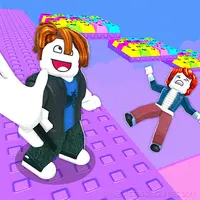
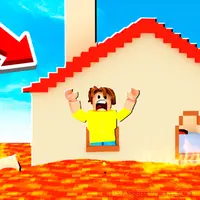
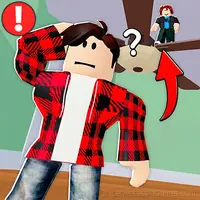
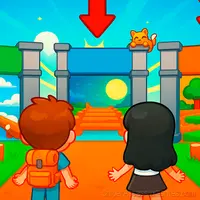
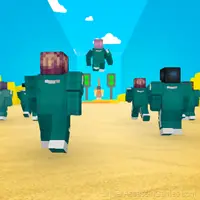
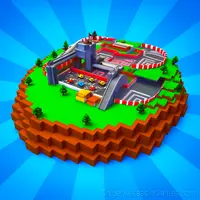
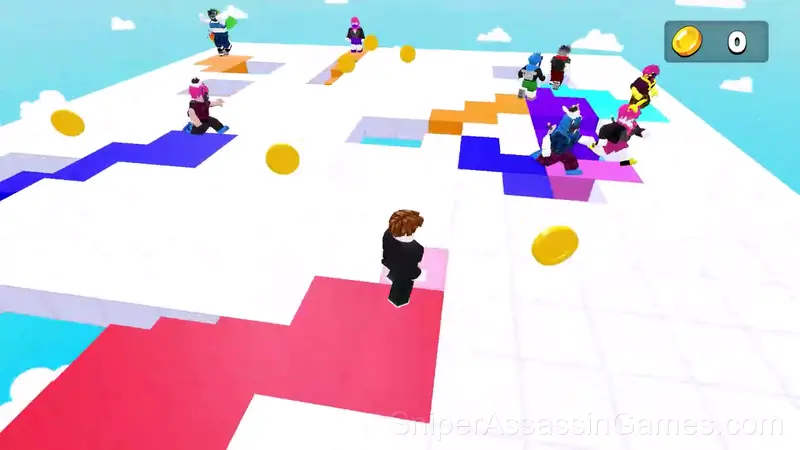
There are 5 competitive modes in the game. Play against other players and fight for Cups! More Cups mean more Hype around You!
About Obby: Mini-Games
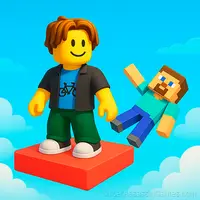
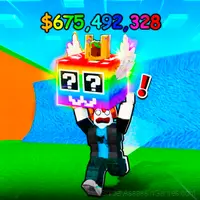
Obby: Mini-Games - play against other players and win Cups! Triumph in each mode and stand on the golden winner's pedestal!
🔴 MODES 🔴
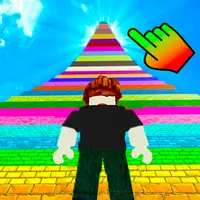
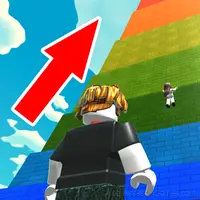
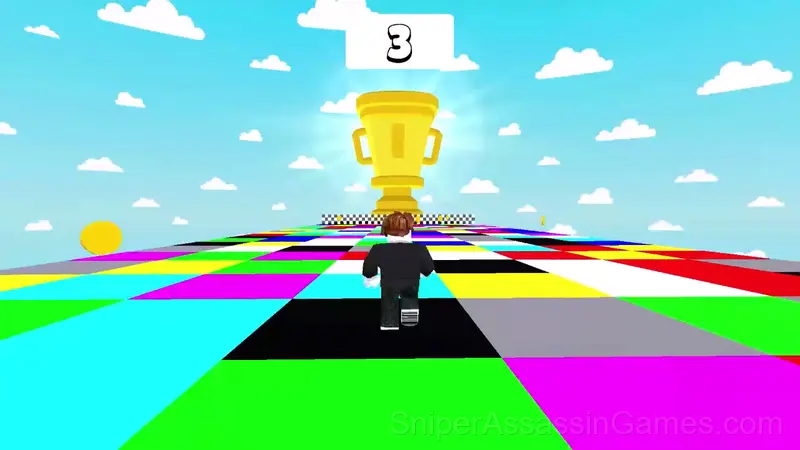
🚀 PARKOUR 🚀
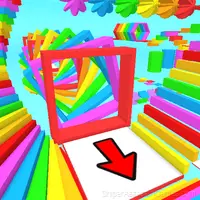
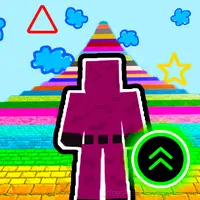
Complete colorful levels on the parkour map and reach the end!
🎯 COLORFUL FLOOR 🎯
In this mode, you need to step on tiles whose color is displayed at the top of the screen.
🎯 GLASS BRIDGE 🎯
And in this mode, you need to choose which glass tile to jump on, but one will break, and the other will remain intact.
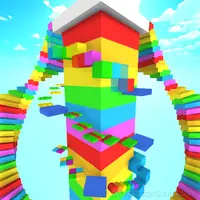
🎯 FALLING TILES 🎯
In this mode, you have to run across tiles, but there's a condition: the tiles you've already run on will fall down and disappear after a second. So, be careful.
☀️ RAIN OF BLOCKS ☀️
This mode will unlock as you progress through the game!
What is Included
- Competitive leaderboards built into the game.
- Automatic cloud saves that sync across devices.
- Landscape orientation, optimized for wider screens on desktop and tablet.
- Family-friendly with a 6+ age rating.
- Optional in-game purchases available. The core game is free.
Gameplay
The difficulty curve in Obby: Mini-Games ramps at a pace that feels fair. Early sections let you build rhythm. Later sections test whether you actually learned anything or just got lucky.
Obby: Mini-Games has that one-more-try pull that good arcade games need. Runs are short enough that restarting never feels like a punishment, but long enough that a good run feels earned.
About the Publisher
The developer GAMEDEV ADULT released Obby: Mini-Games for browser-based play, originally released in May 2024. The game is free and accessible on desktop and mobile devices.
Screenshots
Obby: Mini-Games Tips
- If the game has a tutorial, do it once properly. Skipping it and then struggling with basics wastes more time than the tutorial ever would.
- Figure out what ends your runs most often. The most common failure point is usually the most valuable thing to improve.
- Memorize the layout of the play area if the game reuses it. Spatial awareness is an advantage the game will not give you directly.
- The high score is a byproduct of clean play. Focus on not dying and the score will follow.
- Steady, clean play usually beats aggressive, risky play. Consistency compounds over time, and avoiding mistakes matters more than chasing big moments.
Device Compatibility
Obby: Mini-Games works on any device with a browser and an internet connection. Supported platforms include Windows, macOS, Linux, ChromeOS, Android, and iOS. The game uses landscape (horizontal) orientation.
Obby: Mini-Games Controls
🖥️ Desktop:
WASD — Movement
Spacebar — Jump
Tab — Mouse Cursor
📱 Smartphone:
Movement — Joystick on the left side of the screen
Jump — Button on the bottom right of the screen
Camera Rotation — Finger movements on the right side of the screen
Games Like Obby: Mini-Games
More free Arcade Games for players who like Obby: Mini-Games. Each one has its own mechanics but fits the same genre:
- Obby online with friends: Draw and Jump!
- Obby: Troll Slap Tower Online
- Robby +1 To Jump Power Per Click
- Obby: Escape from Barry Prison
- Obby: Tower of Hell
- Obby: Easy Parkour
- Robby +1 To Speed Per Click
- Obby: Hide and Seek Online with Friends
Start Obby: Mini-Games Now
Free, browser-based, and rated 4.2 by 31K players. Obby: Mini-Games loads in seconds and works on desktop and mobile. Click play and start.