 SniperAssassinGames








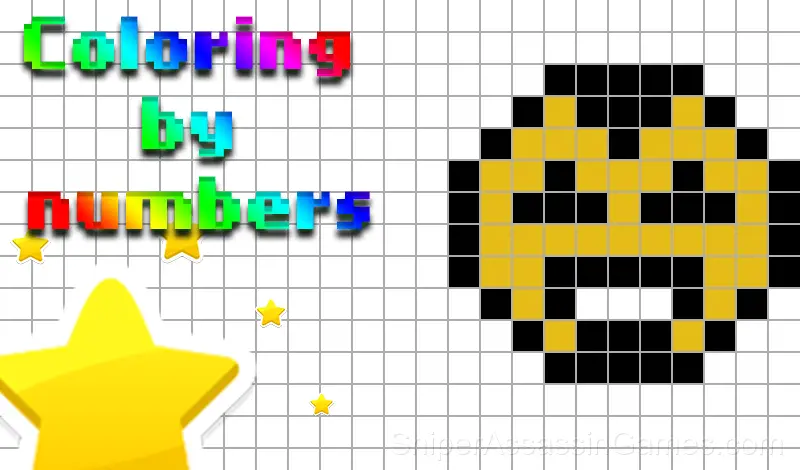



















Coloring by numbers
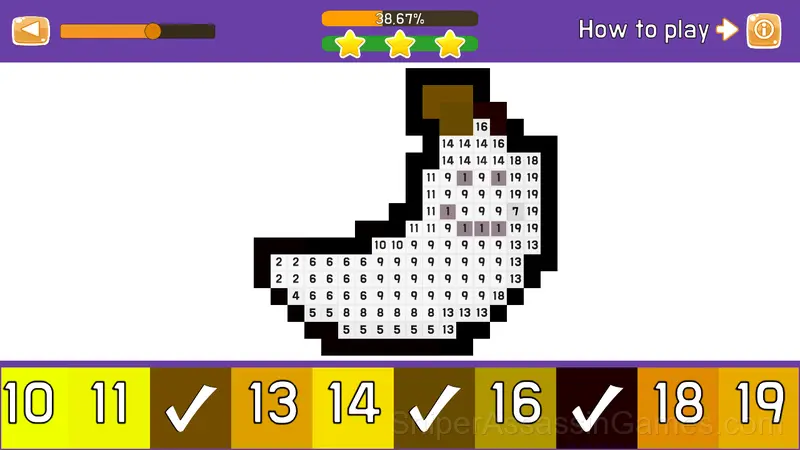
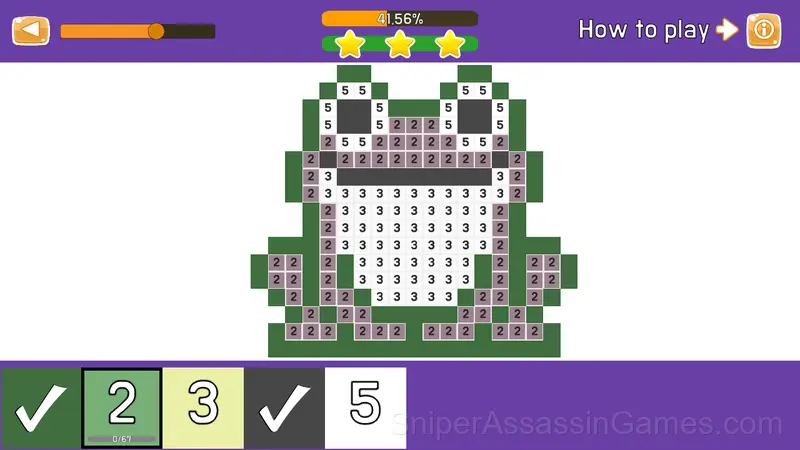
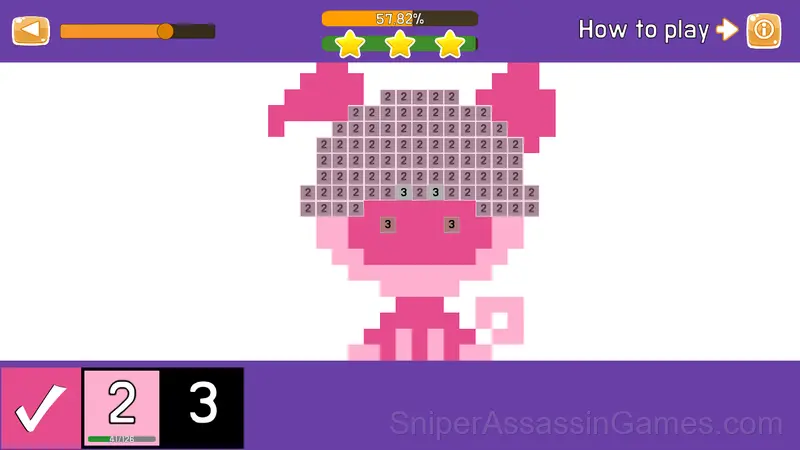
Coloring by Numbers is the best Pixel Art style game to color pictures by numbers and create modern masterpieces based on numbers! The game can be played both on a computer and on tablets and smartphones, right in the browser, without even downloading!
Introduction to Coloring by numbers
Coloring by Numbers is the best Pixel Art style game to color pictures by numbers and create modern masterpieces based on numbers!
The game can be played both on a computer and on tablets and smartphones, right in the browser,
without even downloading!
The goal of the game:
Earn as many stars as possible and climb the leaderboard as high as possible!
Coloring by numbers Developer
Coloring by numbers was created by Another Art and released as a free online game, originally released in November 2022. It runs in your browser on any device.
Features
- Age rating: 0+, appropriate for younger players.
- Landscape orientation, optimized for wider screens on desktop and tablet.
- In-game purchases for optional extras. Free to play without them.
- Global leaderboards to compare your scores with other players.
Devices That Run Coloring by numbers
From smartphones to desktop computers, Coloring by numbers runs everywhere a modern browser is available. It uses landscape (horizontal) orientation and does not require any software installation.
Getting Started
Control on PC:
The left mouse button is responsible for choosing the color, as well as coloring the field.
Right mouse button - when you hold it and move the mouse, you can move around the playing field.
The mouse wheel, when scrolling, moves away or zooms in on a section of the drawing.
Control on mobile devices:
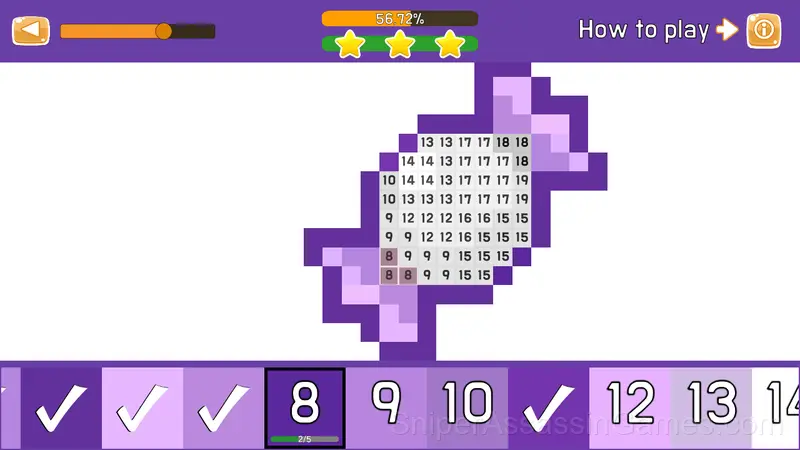
With a single tap on the screen, you can paint a cell on the field, as well as choose a color. If you click on the screen and hold it a little bit, then you can paint over all the cells under your finger without looking up from the screen.
If you immediately move your finger across the screen, then you can move around the playing field using the movement of your finger.
When pinching with two fingers on the playing field, the picture will move away or get closer.
Screenshots
Getting Better at Coloring by numbers
- When you hit a wall, look for a mechanic you are underusing. The game usually gives you the tools before the challenge that requires them.
- If there are multiple modes or difficulty levels, start on default. It is tuned for first-time players and gives you the experience the developer intended.
- Take breaks when frustration builds. Coming back after a few minutes often makes the solution or the right timing click naturally.
- Try playing left-handed if the game allows it (or vice versa). It sounds odd, but changing your input hand can reveal patterns your dominant hand was autopiloting through.
- Short sessions add up. Playing for five minutes several times is often better for improvement than one long sitting.
- Do not restart immediately after a mistake. Play through and see how the game handles recovery. Sometimes there is a comeback mechanic you would miss by quitting early.
Inside Coloring by numbers
What works here is the pacing. Coloring by numbers introduces new elements at a rate that keeps you engaged without overwhelming you. Each session feels slightly different from the last.
One thing Coloring by numbers handles well is feedback. You always know whether your last move was good, bad, or average. That immediate response is what makes casual play sessions feel productive.
Games Like Coloring by numbers
Other Casual Games worth playing if you like Coloring by numbers. Free, browser-based, no download or account needed:
- My Jelly Bear Pet
- Toca Life: Secret Crumpets
- Paint by Number
- Car Wash
- Draw the Logo from Memory ASMR Drawing
- Cute Pet: Cat Rescue
- Memorize and Draw the Logo from Memory ASMR
- Gold Rush Break & Merge
Play Coloring by numbers Online Free
With 2.5K reviews and a 4.3 average, Coloring by numbers has proven its staying power as a free online casual game. It loads instantly in your browser and requires no download or account creation to play.