 SniperAssassinGames






























My Sandbox
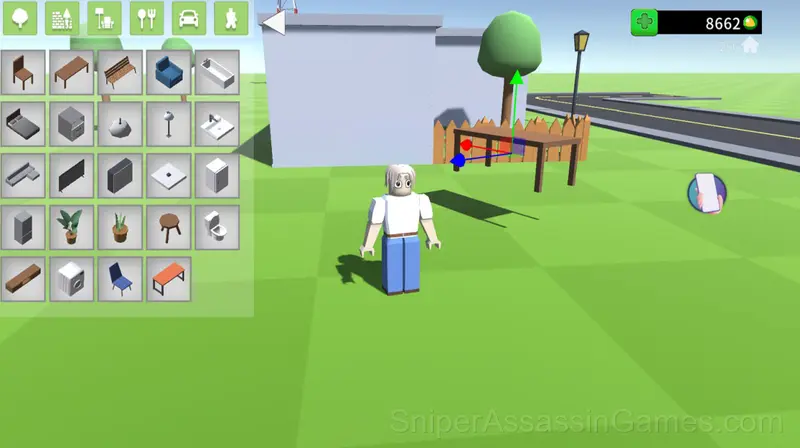
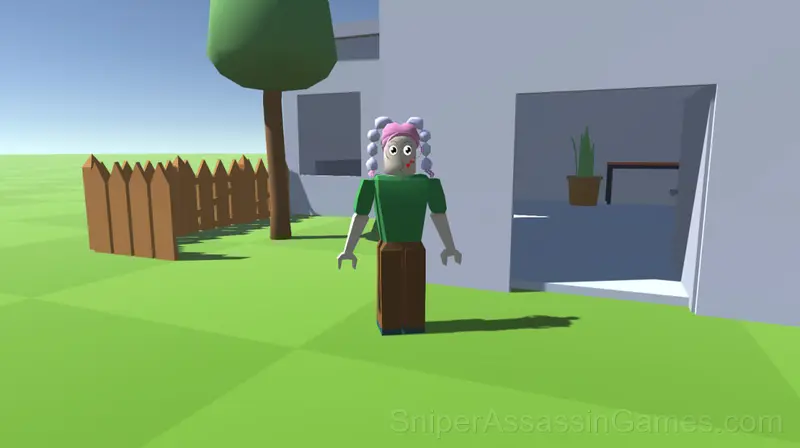
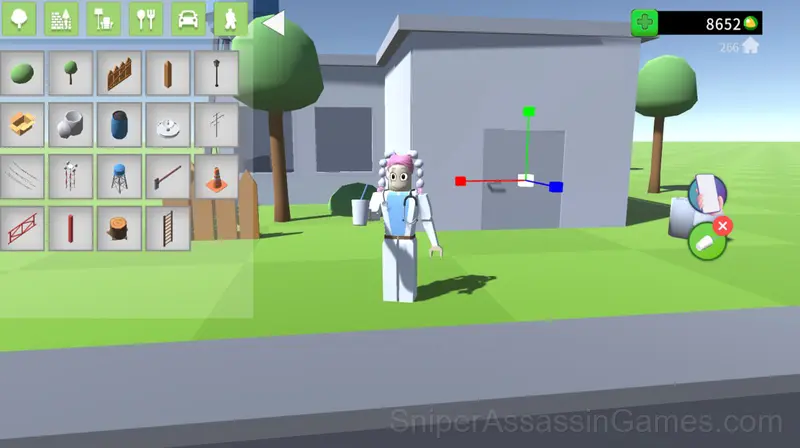
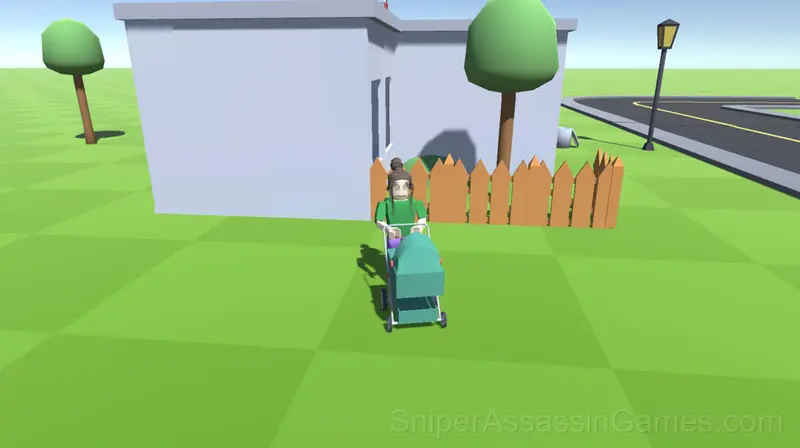
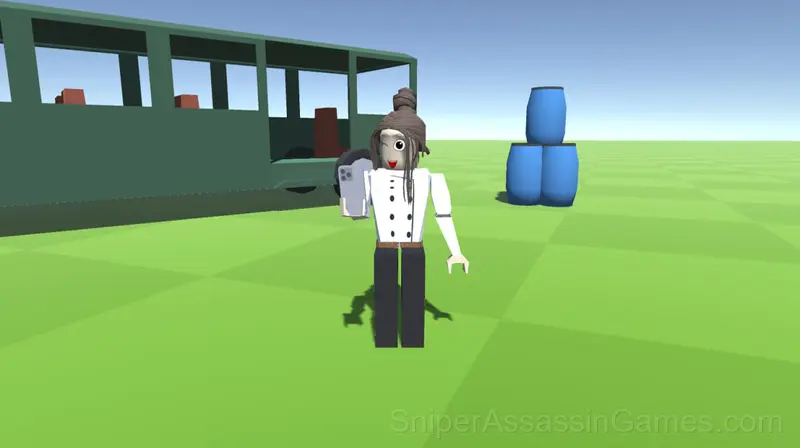
My Sandbox - is a game with a third person view. In the game, you can perform any actions with objects and characters, for example, build, change textures, resize, copy, connect, explode, create vehicles, customize your character.
Introduction to My Sandbox
Welcome to My Sandbox!
Play in our exciting role-playing game My Sandbox, where life is literally in your hands.
📱 Control your virtual phone: create stylish worlds, elegant cars and start your adventure!
🏡 Get a cozy home, host friends and enjoy the simple joys of life.
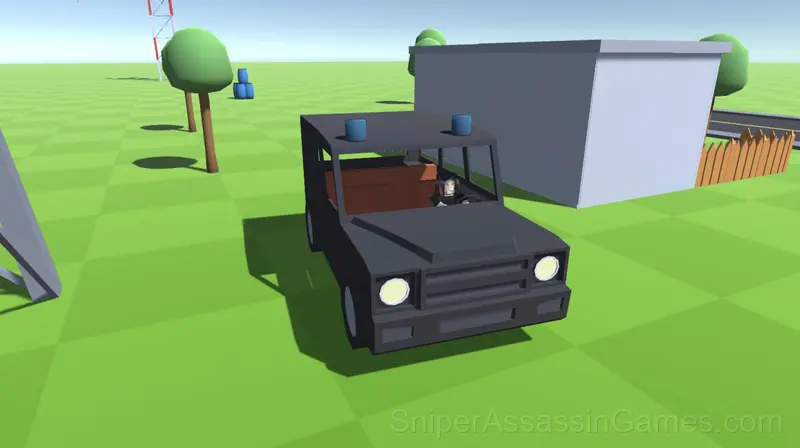
🚘 Drive a car, explore the surroundings.
The game provides the player with huge spaces for creativity.
My Sandbox Gameplay
The core loop in My Sandbox reveals its depth over time. First sessions feel straightforward, but returning players start noticing patterns, shortcuts, and optimizations the game does not advertise.
What keeps My Sandbox engaging past the first session is the balance between familiarity and novelty. The core mechanic stays consistent while the game finds new ways to test your understanding of it.
Platforms and Browsers
Any device running Chrome, Firefox, Edge, or Safari can play My Sandbox. The game supports landscape (horizontal) orientation and works on Windows, macOS, Linux, ChromeOS, Android, and iOS without downloads.
Developer Info
As a browser game, My Sandbox was built by SRBGAMES, originally released in February 2024. It is free and works across desktop and mobile without any setup.
Getting Better at My Sandbox
- Watch how the game responds before committing to a single approach. Most games reward players who experiment early and specialize later.
- Memorize the layout of the play area if the game reuses it. Spatial awareness is an advantage the game will not give you directly.
- If the game has a tutorial, do it once properly. Skipping it and then struggling with basics wastes more time than the tutorial ever would.
Feature List
- Competitive leaderboards built into the game.
- Landscape orientation, optimized for wider screens on desktop and tablet.
- Free to play with optional in-game purchases.
- Cloud saves. Your progress carries across devices and sessions.
How to Play My Sandbox
Create the world of your dreams, and become whatever you want!
Management:
PC:
WASD for character movement and transport.
The mouse is used to rotate the camera.
The space bar is for jumping.
The mouse wheel is used to zoom in or out of the camera.
Mobile:
The left joystick is for moving the character and turning the vehicle.
The right joystick is for character jumping and traffic.
Moving your finger across the screen controls the camera.
Use a sliver of two fingers to zoom in or out of the camera
Screenshots
Games Like My Sandbox
If My Sandbox clicked with you, try these free online Kids Games. They are all browser games with no download required:
- Nubik Miner 3D: Skyblock 2
- Toca Boca build a 5-star hotel
- Sprunki Simulator 3D
- Gacha Life: Love
- link the Ulibashki
- Run from Italian Animals
- Funny Games
- Rare Labubu
Try My Sandbox Free
My Sandbox has been reviewed by 9.5K players who gave it a 4.0 average. Play it free in your browser on desktop or mobile. No download, no registration.