 SniperAssassinGames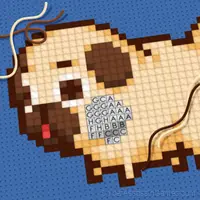


Cross Stitching: Minecraft
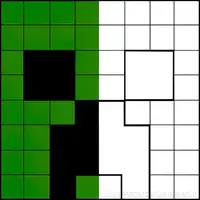
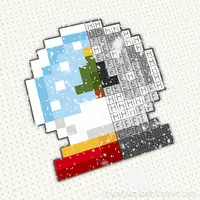
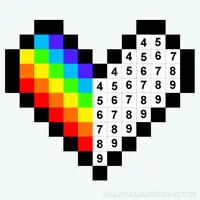
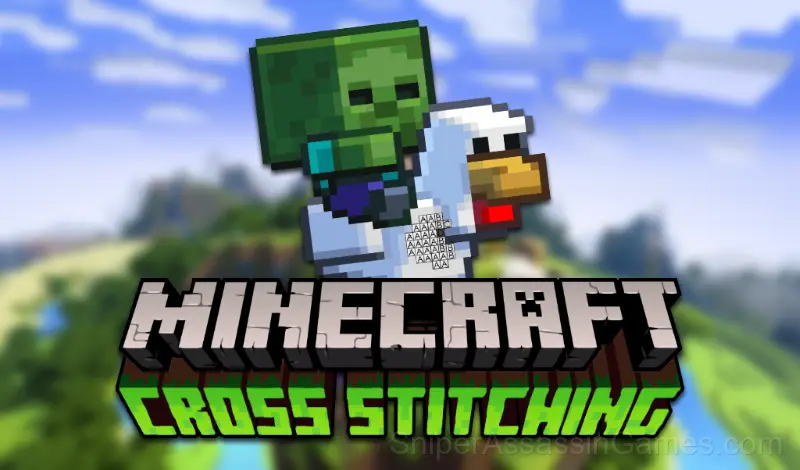
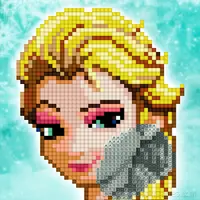
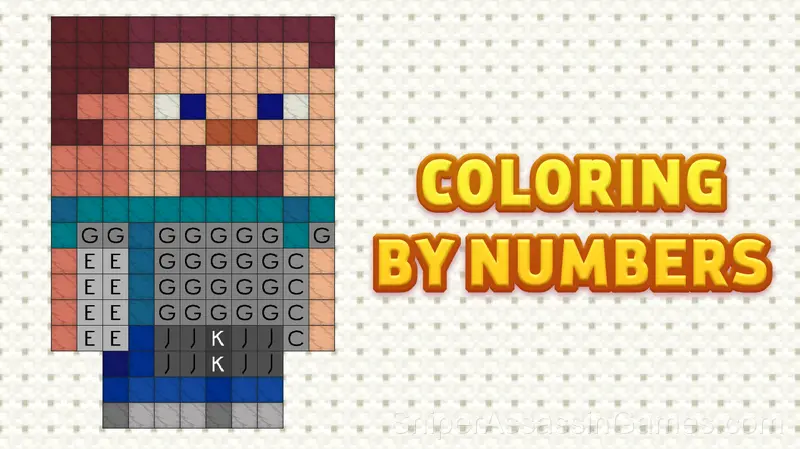
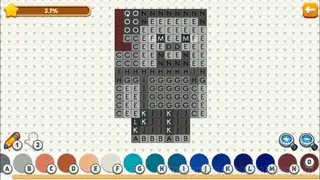
Cross stitching or beadwork is a form of sewing that develops concentration and helps to relax. In the game, you need to look for suitable colors and fill the cells with them, as in coloring by numbers.
About This Game
Cross Stitching is an embroidery simulator in which you need to fill in the cells by numbers.
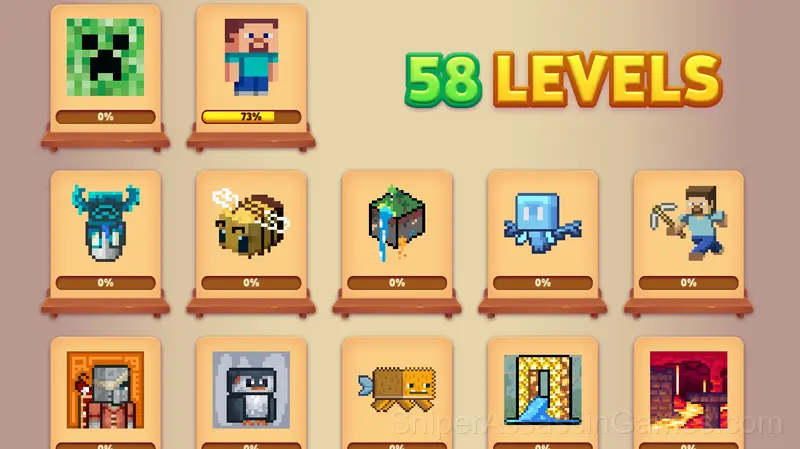
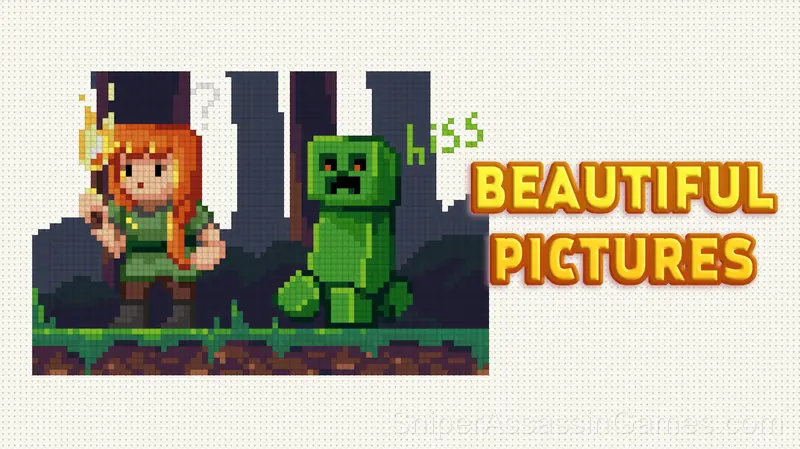
Our game will help you relax and usefully pass the time. Here you will find 58 beautiful drawings, sorted by difficulty level, from easiest to hardest on the theme of Minecraft!
Have a nice game!
The Developer
As a browser game, Cross Stitching: Minecraft was built by CodersElectronics, originally released in April 2023. It is free and works across desktop and mobile without any setup.
Screenshots
Where Can You Play?
Desktop and mobile devices both run Cross Stitching: Minecraft through the browser. Supported browsers are Chrome, Firefox, Edge, Safari, and Opera. The game uses landscape (horizontal) orientation. No downloads or plugins needed.
What is Included
- Automatic cloud saves that sync across devices.
- Plays in landscape mode for a wider view of the game.
- Optional in-game purchases available. The core game is free.
- Rated 0+, family-friendly content.
How to Get Started
Mouse:
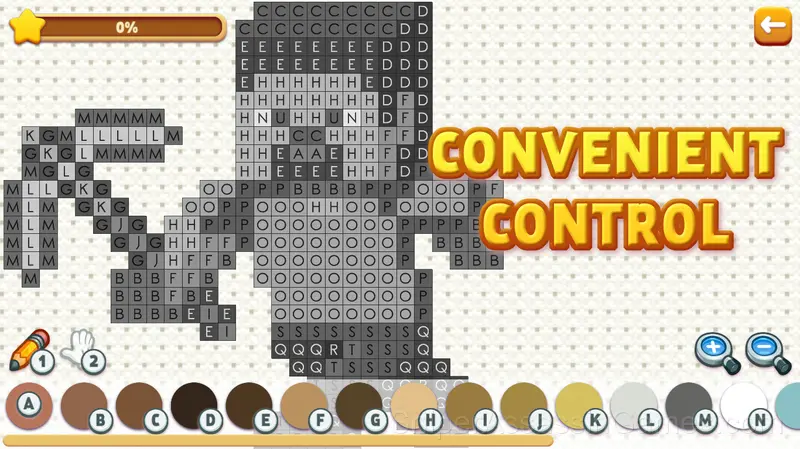
RIGHT mouse button - moves the canvas (must be held and move)
LEFT mouse button - depending on the selected tool draws/moves (you can press once or hold and move)
Keyboard:
1 - brush
2 - move
Other keys on the keyboard - the color from the palette
...
Gameplay Details
The game respects short attention spans without being shallow. Cross Stitching: Minecraft packs meaningful decisions into compact sessions, which is harder to pull off than most developers make it look.
The core loop in Cross Stitching: Minecraft keeps sessions flexible. Play for two minutes between tasks or settle in for a longer stretch. The game works either way. There is no penalty for stepping away and coming back later.
Helpful Tips
- Learn the difference between what costs you progress and what costs you time. Avoiding the first is always more important than optimizing the second.
- Try the opposite of what keeps failing. If you are playing aggressively and dying, play defensively. If you are playing cautiously and timing out, push forward. The answer is often the reverse of your instinct.
- Try playing left-handed if the game allows it (or vice versa). It sounds odd, but changing your input hand can reveal patterns your dominant hand was autopiloting through.
- Memorize the layout of the play area if the game reuses it. Spatial awareness is an advantage the game will not give you directly.
- Do not restart immediately after a mistake. Play through and see how the game handles recovery. Sometimes there is a comeback mechanic you would miss by quitting early.
- If the game offers cosmetic rewards, ignore them until you are comfortable with the core mechanics. Progression systems can distract from actual skill development.
Games Like Cross Stitching: Minecraft
These Casual Games play well alongside Cross Stitching: Minecraft. All of them are free in your browser with no download needed:
- Cross Stitching
- Funny Coloring Pages for Children
- My Jelly Bear Pet
- Toca Life: Secret Crumpets
- Minecraft - Coloring Pages
- Gold Rush Break & Merge
- Cross stitch: Christmas
- Paint by Number
Play Cross Stitching: Minecraft in Your Browser
Try Cross Stitching: Minecraft for free in your browser. It is rated 4.5 out of 5 by 2.6K players and requires no download or registration to play.