 SniperAssassinGames









Make a skin
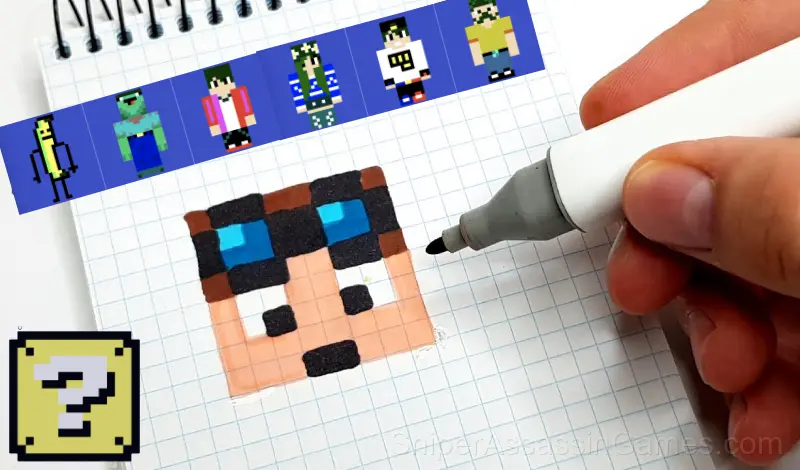
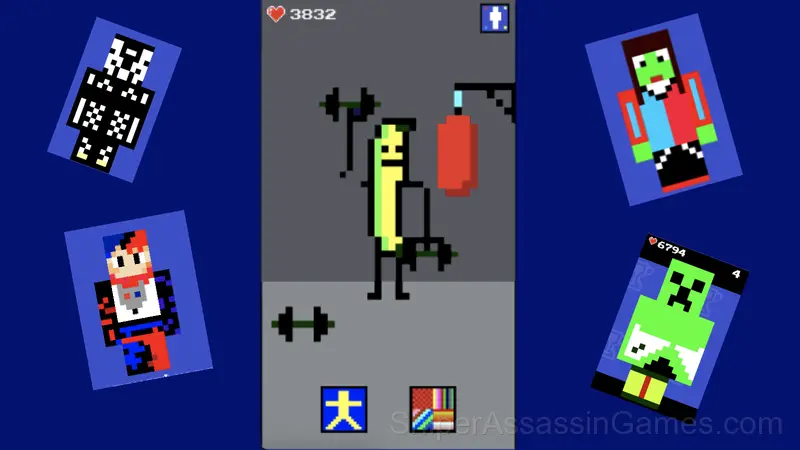
A free online game where you can create your own unique skin or change an existing one. After creating a skin, you can choose an animation for it and look at it in various situations.
Make a skin: The Basics
In this game you will be able to show your creative potential and draw a dream skin or edit an existing one. Also, your skin can be placed in various positions and apply a special animation that can be selected in the appropriate menu. Go to the leaderboard and see which skin is leading among the players.
Platforms and Browsers
Make a skin runs in any modern web browser on desktop and mobile. Compatible browsers include Chrome, Firefox, Edge, Safari, and Opera. The game uses landscape (horizontal) orientation and works on Windows, macOS, Linux, ChromeOS, Android, and iOS devices. No plugins, extensions, or downloads are required.
Strategies for Make a skin
- The early levels teach mechanics that become critical later. Do not skip through them, even if they feel easy. The patterns they introduce come back.
- Do not restart immediately after a mistake. Play through and see how the game handles recovery. Sometimes there is a comeback mechanic you would miss by quitting early.
- If there are multiple modes or difficulty levels, start on default. It is tuned for first-time players and gives you the experience the developer intended.
- Audio cues exist for a reason. Play with sound on at least once to learn what the game communicates through audio versus visuals.
Behind Make a skin
MyGame made Make a skin available for free browser play, originally released in April 2024. It runs on standard web technologies and does not require any plugins, downloads, or installations.
Make a skin Features
- Landscape orientation, optimized for wider screens on desktop and tablet.
- In-game purchases for optional extras. Free to play without them.
- Global leaderboards to compare your scores with other players.
- Localized in 7 languages for global players.
- Cloud save support. Pick up where you left off on any device.
- Rated 6+, family-friendly content.
Gameplay
The design philosophy behind Make a skin seems to be 'depth without complexity.' The mechanics are few, but the situations they create are varied enough to sustain interest over many sessions.
What keeps Make a skin engaging past the first session is the balance between familiarity and novelty. The core mechanic stays consistent while the game finds new ways to test your understanding of it.
Playing Make a skin
To play, use the mouse on your computer or your finger on your phone/tablet.
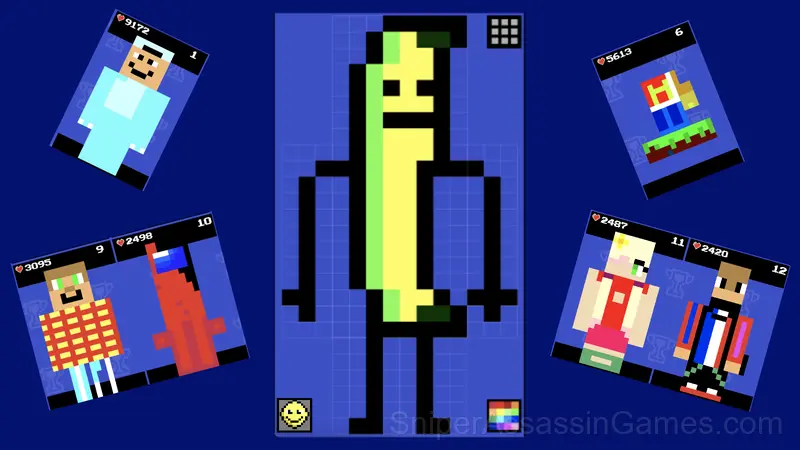
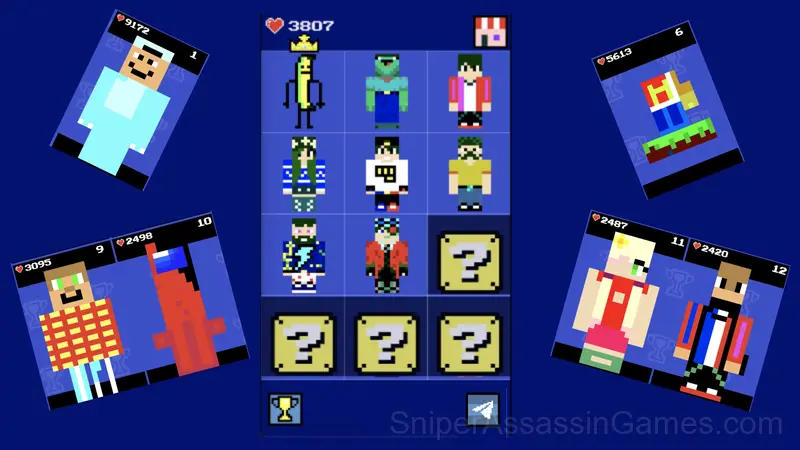
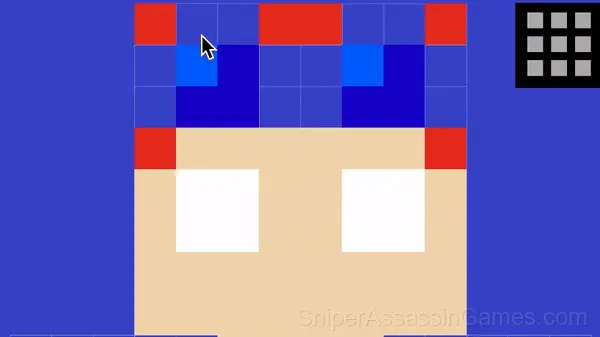
Select a slot to create a skin, then select a color in the lower right corner and click on the block you want to paint over. To see who is the leader among the players, click on th...
Screenshots
Games Like Make a skin
If you enjoy Make a skin, these free online Kids Games are worth checking out. Each one shares similar gameplay elements while bringing its own twist to the genre:
- Coloring Cool pictures!
- Starr Drop opening
- Toca Boca and the Circus: mix
- SPRUNKI LOST Their BODY PARTS!
- Sprunki Kids
- Digital Circus Life
- Woodturning Studio
- Poppy Playtime. Hide and seek.
Play Make a skin Now
Free, browser-based, and rated 4.3 by 8.0K players. Make a skin loads in seconds and works on desktop and mobile. Click play and start.