 SniperAssassinGames
















Squid Game: Mini Games
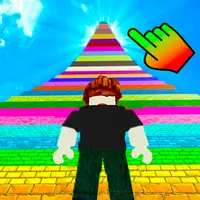
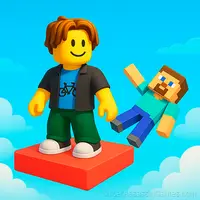
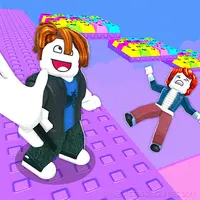
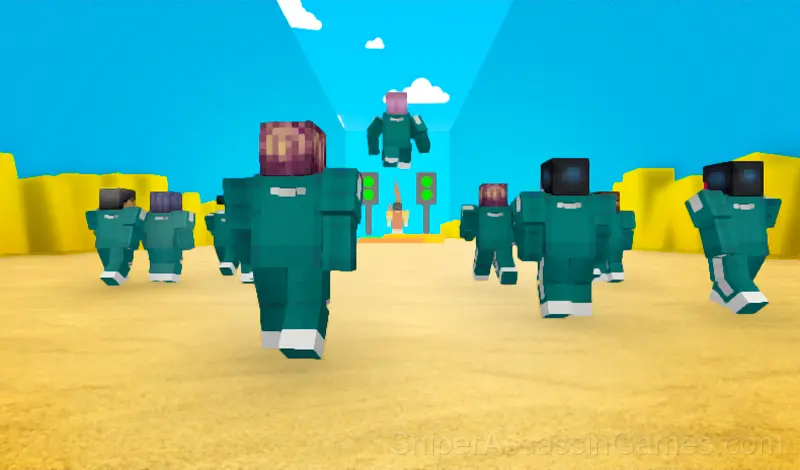
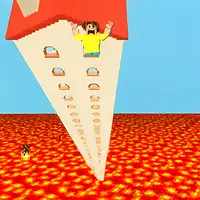
Complete the Roblox mode, as in the TV series "Squid Game", along with Noob from Minecraft!
Squid Game: Mini Games Overview
👋 PLAYERS 👋
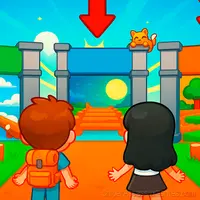
Various characters will be tested with you, who will definitely help you!
🎯 MANY LEVELS 🎯
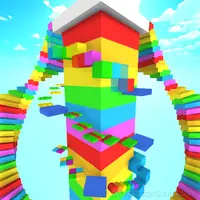
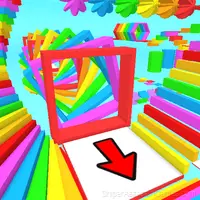
Each level represents a new challenge. You will have to use your skills and logic to pass them!
☀️ BEAUTIFUL GRAPHICS ☀️
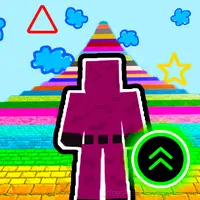
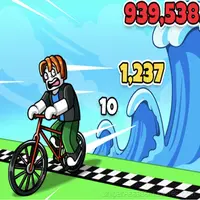
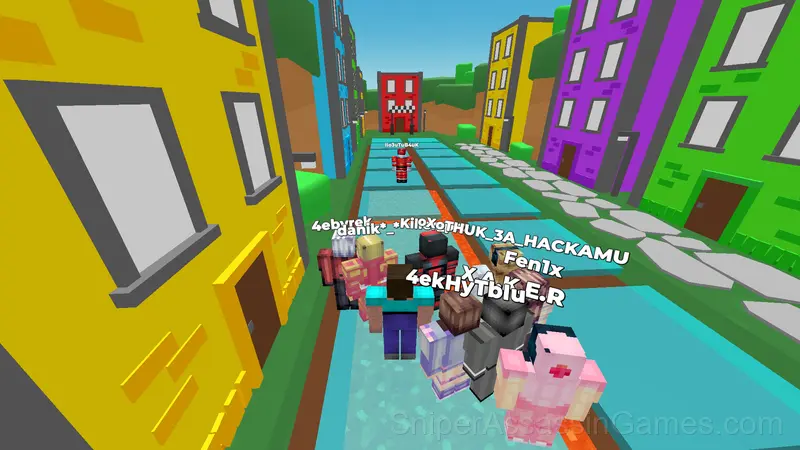
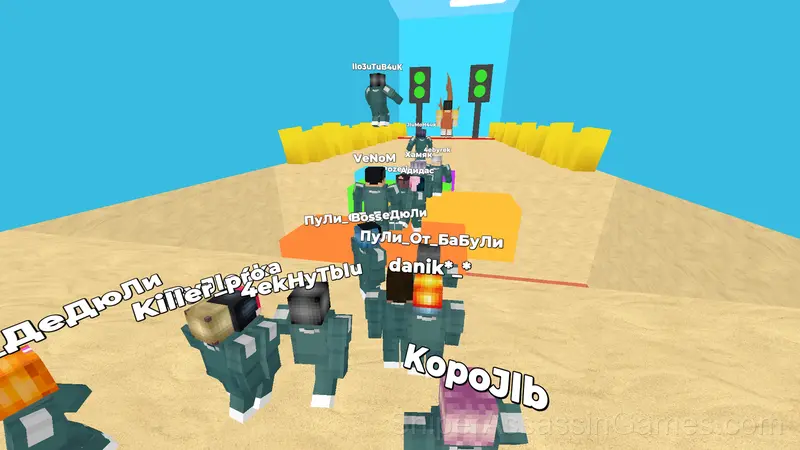
The game is made in the Minecraft style, but with more modern and vivid graphics. This makes the gameplay even more fun!
How to Get Started
🖥️ Desktop:
WASD — Movement
Space — Jump
Tab — Pause
📱 Smartphone:
Movement — The joystick on the left side of the screen
Jump — The button on the right side of the screen
Camera Rotation — Pinch and move on the right side of the screen
Squid Game: Mini Games Tips
- Watch your own replays if the game supports them. You will spot mistakes in replay that you completely missed during live play.
- When a new mechanic appears, use it immediately in a low-pressure situation. Build familiarity before the game puts you in a spot where you need it.
- Audio cues exist for a reason. Play with sound on at least once to learn what the game communicates through audio versus visuals.
- The high score is a byproduct of clean play. Focus on not dying and the score will follow.
- Memorize the sections that kill you most. Targeted practice on weak spots improves your runs faster than just replaying from the start.
- Try the opposite of what keeps failing. If you are playing aggressively and dying, play defensively. If you are playing cautiously and timing out, push forward. The answer is often the reverse of your instinct.
- Do not restart immediately after a mistake. Play through and see how the game handles recovery. Sometimes there is a comeback mechanic you would miss by quitting early.
- Avoid the edges of the screen unless you know what spawns there. Corners are death traps in most arcade games.
Features in Squid Game: Mini Games
- Automatic cloud saves that sync across devices.
- Free to play with optional in-game purchases.
- Plays in landscape mode for a wider view of the game.
- Family-friendly with a 6+ age rating.
Platform and Browser Support
Squid Game: Mini Games is playable on desktops, laptops, tablets, and phones through any modern browser. It uses landscape (horizontal) orientation and is compatible with Windows, macOS, Linux, ChromeOS, Android, and iOS. No app download or plugin installation is needed.
The Gameplay
Speed is the variable that makes Squid Game: Mini Games interesting. Early on you have time to react. Later, the game compresses your decision window until you are playing on instinct, not thought.
The leaderboard pressure in Squid Game: Mini Games is real. Even if you are only competing against yourself, the game frames every run as a chance to set a new personal best.
Screenshots
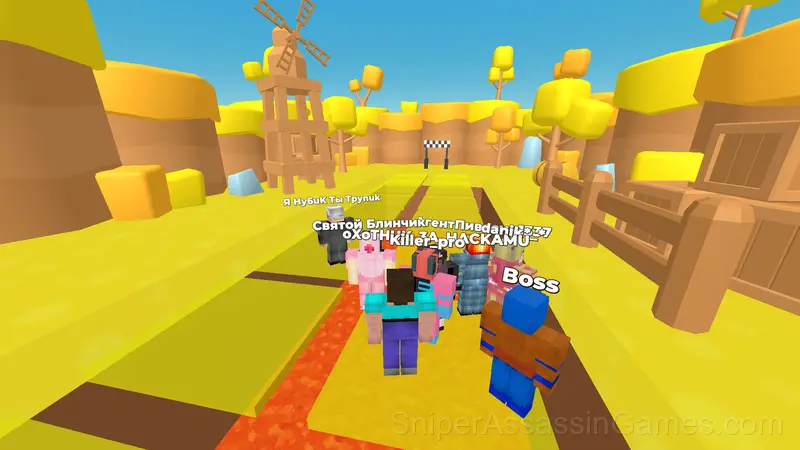
Developer Details
Development of Squid Game: Mini Games is by Hamster Studio, originally released in June 2024. The game is free, browser-based, and accessible on any device with an internet connection and a modern browser.
Games Like Squid Game: Mini Games
More free Arcade Games for players who like Squid Game: Mini Games. Each one has its own mechanics but fits the same genre:
- Robby +1 To Speed Per Click
- Obby: Hide and Seek Online with Friends
- Robby +1 To Jump Power Per Click
- Obby: Mini-Games
- Obby online with friends: Draw and Jump!
- Mines vs Robls: Obby platform
- Blox Obby: The Floor is LAVA Challenge
- Robby +1 To Jump Power Per Jump
Play Squid Game: Mini Games for Free
3.9K players have rated Squid Game: Mini Games at 3.8 out of 5, making it one of the more popular free online Arcade Games. It runs in any modern browser with no download or installation. Just open and play.