 SniperAssassinGames






















Slime Simulator - ASMR & DIY
Make DIY super satisfying slime toys with Slime Simulator. Experience the ASMR-like textures of jelly slimes, indulge in antistress fidgeting, and use your creativity in this real slime-making adventure.
What is Slime Simulator - ASMR & DIY?
Try the most realistic slime simulator right in your browser! Enjoy a large selection of different anti-stress slimes that you can shake! Play with slimes and unlock the most unusual and unique slimes!
What is Included
- Portrait orientation, designed for mobile phones held upright.
- Optional in-game purchases available. The core game is free.
- Cloud save support. Pick up where you left off on any device.
- Family-friendly with a 0+ age rating.
About the Publisher
The developer of Slime Simulator - ASMR & DIY is iDen Games, originally released in August 2023. As a browser-based title, Slime Simulator - ASMR & DIY requires no download and runs on any device with a modern web browser. iDen Games has made the game freely available to play online.
How to Get Better at Slime Simulator - ASMR & DIY
- Turn off notifications. Even a casual game session benefits from two minutes of undivided attention.
- The early levels teach mechanics that become critical later. Do not skip through them, even if they feel easy. The patterns they introduce come back.
- If the game has daily challenges, do them. They force you into situations you would not choose on your own, and that builds flexibility.
- Try the opposite of what keeps failing. If you are playing aggressively and dying, play defensively. If you are playing cautiously and timing out, push forward. The answer is often the reverse of your instinct.
- Play a few complete rounds before looking up guides. Your own observations about the game's systems are more useful than generic advice written for someone else.
- Test the edges of each mechanic. Move in directions the game does not suggest. Interact with things that look static. The boundaries tell you a lot about how the game works.
- Do not restart immediately after a mistake. Play through and see how the game handles recovery. Sometimes there is a comeback mechanic you would miss by quitting early.
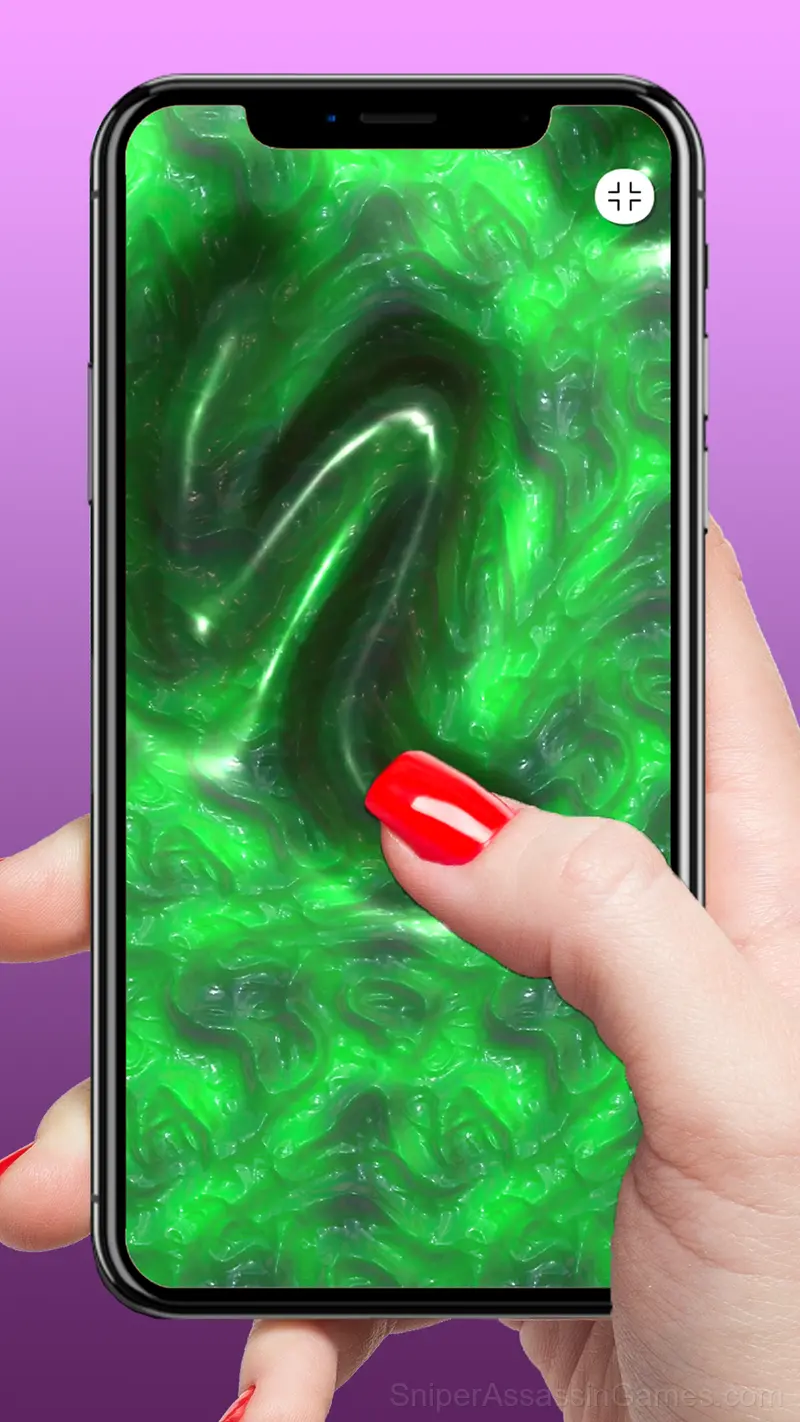
Screenshots




How Slime Simulator - ASMR & DIY Feels to Play
One thing Slime Simulator - ASMR & DIY handles well is feedback. You always know whether your last move was good, bad, or average. That immediate response is what makes casual play sessions feel productive.
Casual games live or die by their first impression, and Slime Simulator - ASMR & DIY makes those opening seconds count. The core mechanic clicks fast, and the progression system gives you reasons to come back.
Slime Simulator - ASMR & DIY Controls
Choose a slime and start clicking! When the scale at the top of the screen fills up, you'll get an awards.
On the computer:
- spacebar: fullscreen mode
Platform and Browser Support
Slime Simulator - ASMR & DIY is playable on desktops, laptops, tablets, and phones through any modern browser. It uses portrait (vertical) orientation and is compatible with Windows, macOS, Linux, ChromeOS, Android, and iOS. No app download or plugin installation is needed.
Games Like Slime Simulator - ASMR & DIY
Want more games like Slime Simulator - ASMR & DIY? These Casual Games are all free to play online and share a similar style:
- Mini Bar
- Build My Mart
- Cleaner Master 3D
- My Big Mart
- Snow Shoveling 3D
- Health Clinic
- Wood Cutting
- Factory Builder
Start Playing Slime Simulator - ASMR & DIY
Slime Simulator - ASMR & DIY is free, works in your browser, and has 13K player reviews with a 4.3 average. Open the page and play on any device.