 SniperAssassinGames









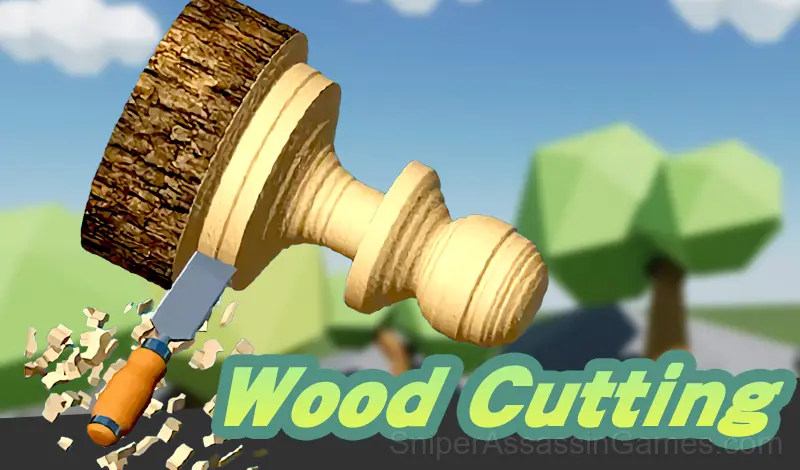



















Wood Cutting
Carve anything you desire, make your wood carving art
Wood Cutting: The Basics
Turn a piece of wood into the given shape, make your wood carving art
Complete customer orders and Earn More Money
Getting Started
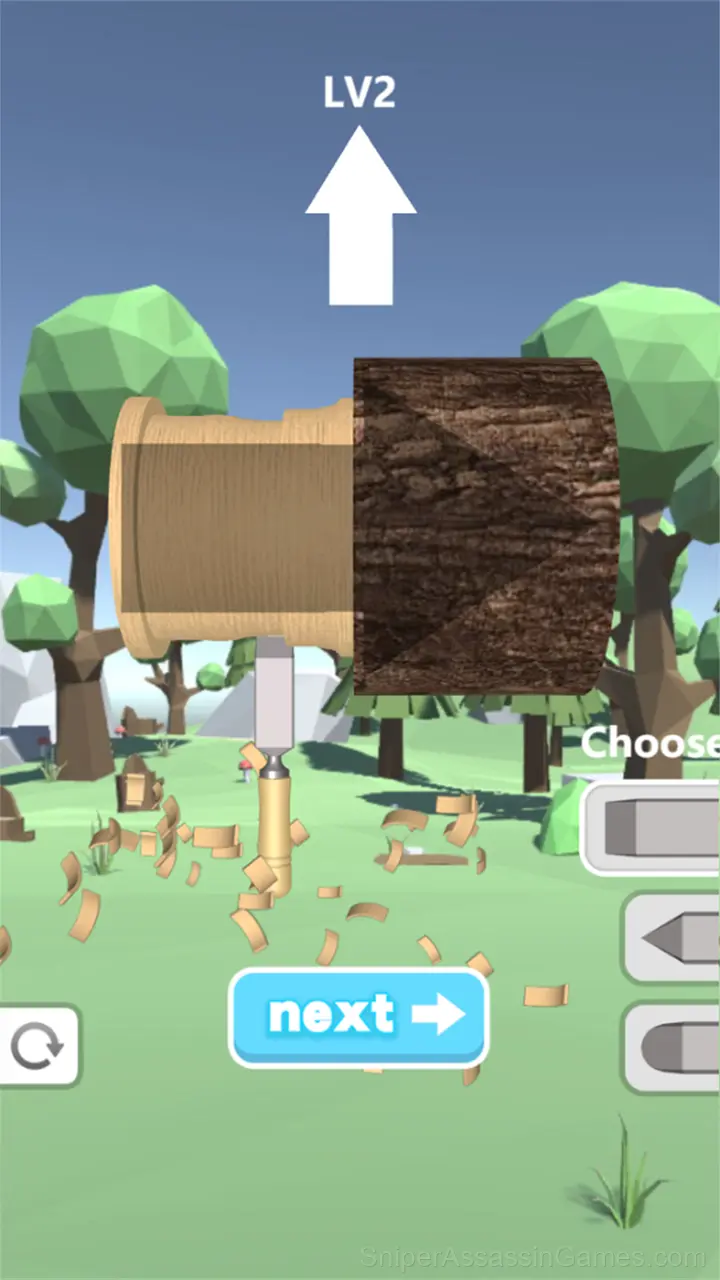
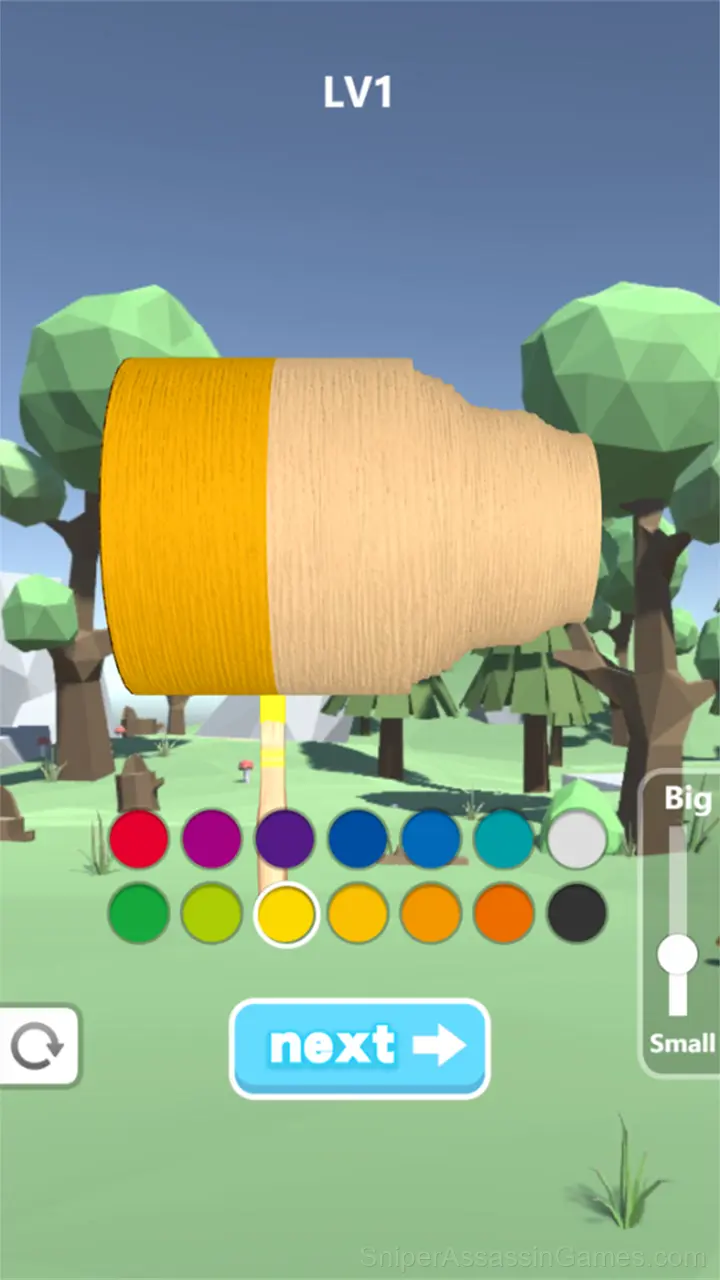
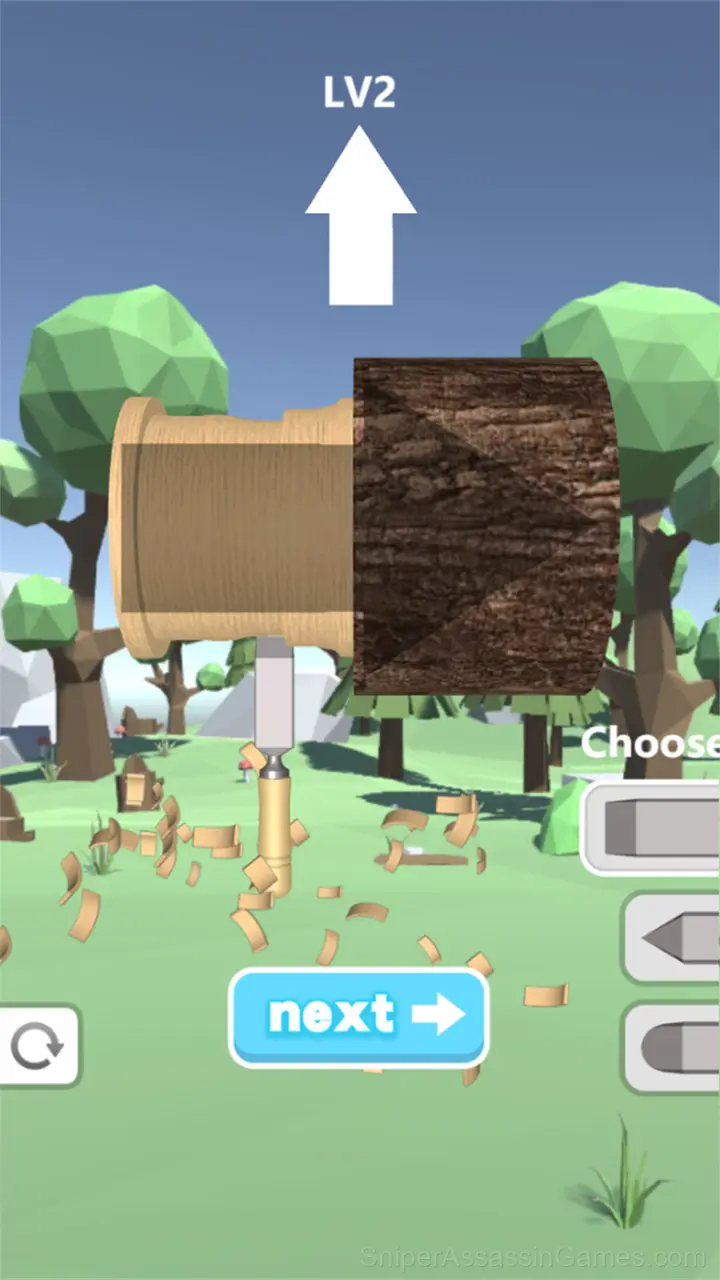
Carve wood, polish wood, paint wood and add a stencil to your work.
Carefully control, touch the screen and move your tools
What is Included
- Portrait mode, optimized for mobile play.
- Family-friendly with a 0+ age rating.
- Available in 7 languages.
- Optional in-game purchases available. The core game is free.
Strategies for Wood Cutting
- The first few levels are not throwaway. They calibrate your understanding of the game's physics and timing.
- Steady, clean play usually beats aggressive, risky play. Consistency compounds over time, and avoiding mistakes matters more than chasing big moments.
- Try playing left-handed if the game allows it (or vice versa). It sounds odd, but changing your input hand can reveal patterns your dominant hand was autopiloting through.
- The early levels teach mechanics that become critical later. Do not skip through them, even if they feel easy. The patterns they introduce come back.
- Tap or click with intention. Random inputs might clear early levels, but they build bad habits that stall progress later.
- When a new mechanic appears, use it immediately in a low-pressure situation. Build familiarity before the game puts you in a spot where you need it.
How Wood Cutting Feels to Play
Sessions in Wood Cutting are self-contained enough to feel complete on their own, but connected enough that returning players see their improvement over time. That balance is what separates good casual design from forgettable time-fillers.
What works here is the pacing. Wood Cutting introduces new elements at a rate that keeps you engaged without overwhelming you. Each session feels slightly different from the last.
Where to Play Wood Cutting
You can play Wood Cutting on virtually any device with a web browser. It supports Chrome, Firefox, Edge, Safari, and other modern browsers. The game plays in portrait (vertical) orientation and works on PCs, Macs, Chromebooks, tablets, and smartphones running Windows, macOS, Linux, ChromeOS, Android, or iOS.
Who Built Wood Cutting?
Wood Cutting comes from Cocos Labs, originally released in August 2022. The game was designed for browser-based play and runs across all major platforms without any installation. It is free for all players.
Screenshots
Games Like Wood Cutting
If you enjoy Wood Cutting, these free online Casual Games are worth checking out. Each one shares similar gameplay elements while bringing its own twist to the genre:
- Turning lathe
- Block Craft World 3D
- Mini Bar
- Build My Mart
- Hero Fall Simulator
- My Big Mart
- Factory Builder
- Grow a Garden
Start Wood Cutting Now
Rated 3.2 by 6.4K players, Wood Cutting is a free casual game you can play in your browser. No downloads. No accounts. Just the game.