 SniperAssassinGames





























Lumber Factory Simulator
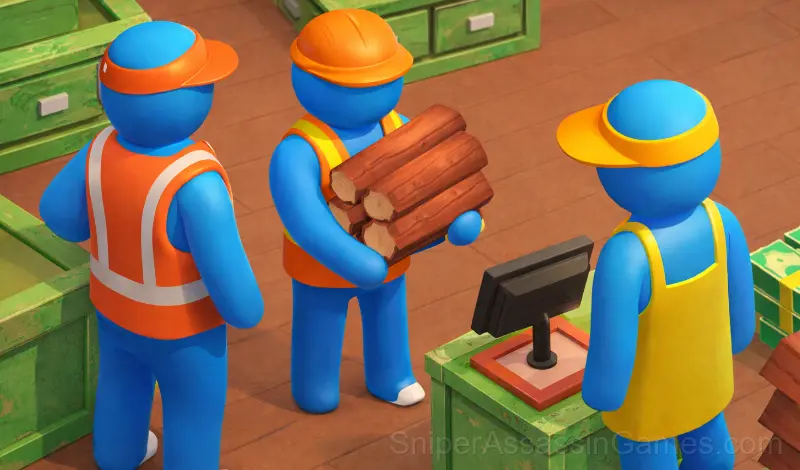
Manage a sawmill: process trees, sell furniture, expand the factory. Improve your equipment, character and hire employees.
What is Lumber Factory Simulator About?
Welcome to "Lumber Mill Simulator"! This is an exciting game where you own a sawmill.
Main features:
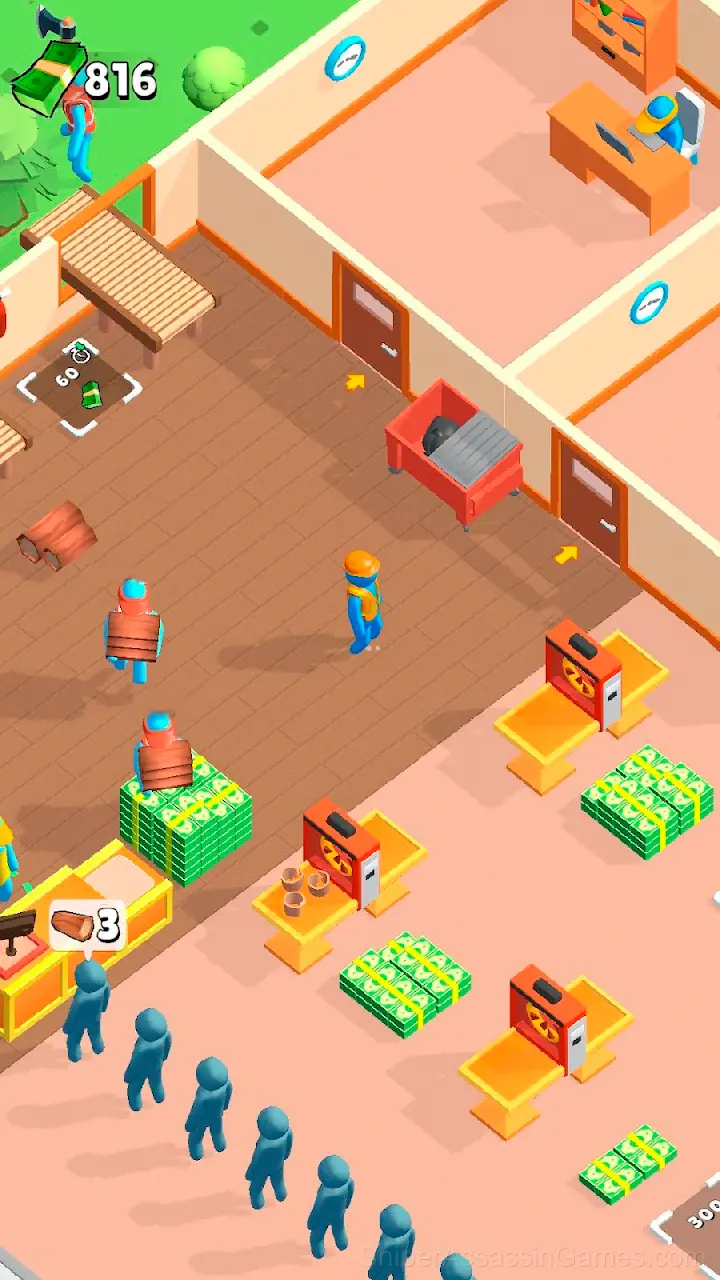
1. Tree Processing: You can process trees into various types of products such as wood and furniture.
2. Selling Products: Earn money by selling your products in the market. Satisfy customer needs and increase your profits.
3. Factory Expansion: Gradually expand your factory by adding new equipment and improving production processes.
5. Character Upgrade: Develop your character's skills to become a successful entrepreneur in the forestry industry.
6. Hiring Employees: Hire employees to help with the production process and management of your business.
Your success depends on your ability to make informed decisions, effectively manage resources and grow your business. Are you ready to become a great lumber tycoon?
Lumber Factory Simulator Controls
The goal of the game is to effectively manage your sawmill, develop it, increase profits and become a successful entrepreneur in the forestry industry.
Tips for Players
- Try playing left-handed if the game allows it (or vice versa). It sounds odd, but changing your input hand can reveal patterns your dominant hand was autopiloting through.
- Learn the difference between what costs you progress and what costs you time. Avoiding the first is always more important than optimizing the second.
- If the game has daily challenges, do them. They force you into situations you would not choose on your own, and that builds flexibility.
- Tap or click with intention. Random inputs might clear early levels, but they build bad habits that stall progress later.
- Memorize the layout of the play area if the game reuses it. Spatial awareness is an advantage the game will not give you directly.
- Watch how the game responds before committing to a single approach. Most games reward players who experiment early and specialize later.
Features in Lumber Factory Simulator
- Portrait mode, optimized for mobile play.
- Age rating: 0+, appropriate for younger players.
- In-game purchases for optional extras. Free to play without them.
Inside Lumber Factory Simulator
There is a satisfying click-reward rhythm to Lumber Factory Simulator. Inputs map to outcomes in a way that feels natural, and the game builds on that foundation without breaking it.
Pick-up-and-play design is where Lumber Factory Simulator gets it right. The controls are immediately understandable, but the game keeps adding small wrinkles that prevent it from going stale after repeated sessions.
Developer Details
Behind Lumber Factory Simulator is MirraGames, originally released in June 2024. They made the game available as a free browser title that works on desktop, laptop, tablet, and mobile devices.
Screenshots


Device Compatibility
Desktop and mobile devices both run Lumber Factory Simulator through the browser. Supported browsers are Chrome, Firefox, Edge, Safari, and Opera. The game uses portrait (vertical) orientation. No downloads or plugins needed.
Games Like Lumber Factory Simulator
If you enjoy Lumber Factory Simulator, these free online Casual Games are worth checking out. Each one shares similar gameplay elements while bringing its own twist to the genre:
- My Mart
- Factory Builder
- Zero to Millionaire!
- Clearing of Debris
- Messenger Master
- Mini Bar
- Build My Mart
- Cleaner Master 3D
Try Lumber Factory Simulator Free
Lumber Factory Simulator has been reviewed by 944 players who gave it a 3.6 average. Play it free in your browser on desktop or mobile. No download, no registration.