 SniperAssassinGames


















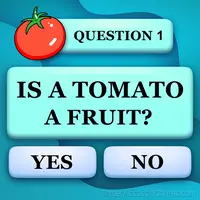







School questions
School Questions is a quiz in which you have to answer hundreds of questions on all school subjects. Test your knowledge in an interesting quiz.
Introduction to School questions
In this game you have to test your knowledge of various school subjects. From mathematics to literature, from physics to history - here you will find hundreds of questions to test your erudition. Intuition will help answer some questions, while others will require applying your knowledge and analytical skills.
Developer Info
Released by Teston, originally released in December 2021, School questions is a free online quiz game built for browser play. It works across all major browsers and devices, from desktop PCs to smartphones, with no download required.
School questions Features
- Automatic cloud saves that sync across devices.
- Age rating: 6+, appropriate for younger players.
- In-game purchases for optional extras. Free to play without them.
- Landscape orientation, optimized for wider screens on desktop and tablet.
- Global leaderboards to compare your scores with other players.
- Localized in 35 languages for global players.
Getting Started
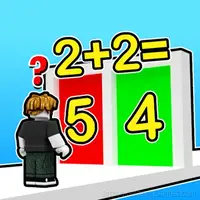
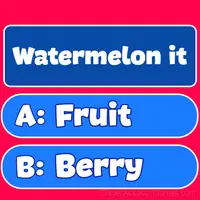
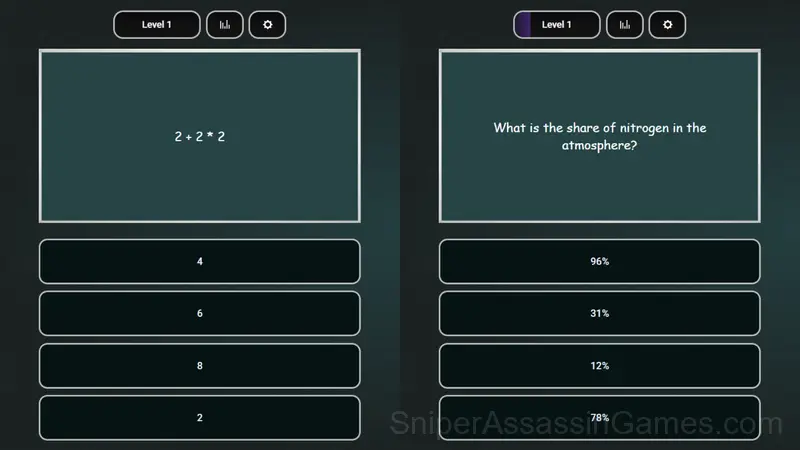
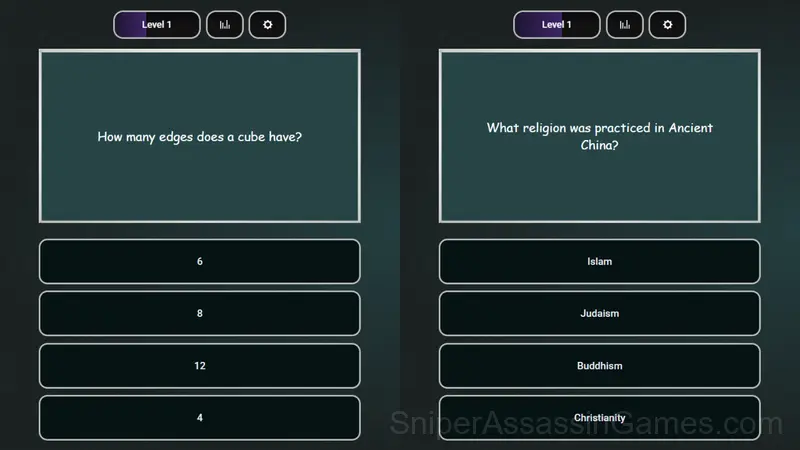
1. You will be presented with a question with four possible answers. Choose the answer options until you guess the correct one. The fewer mistakes you make, the more points you get (from 0 to 5).
2. Points for correct answers will increase your level. Cli...
School questions Tips
- Figure out what ends your runs most often. The most common failure point is usually the most valuable thing to improve.
- When you hit a wall, look for a mechanic you are underusing. The game usually gives you the tools before the challenge that requires them.
- Memorize the layout of the play area if the game reuses it. Spatial awareness is an advantage the game will not give you directly.
- Try the opposite of what keeps failing. If you are playing aggressively and dying, play defensively. If you are playing cautiously and timing out, push forward. The answer is often the reverse of your instinct.
- Play a few complete rounds before looking up guides. Your own observations about the game's systems are more useful than generic advice written for someone else.
Device Compatibility
Browser-based and download-free, School questions is accessible on Windows, macOS, Linux, ChromeOS, Android, and iOS through Chrome, Firefox, Edge, or Safari. It uses landscape (horizontal) orientation.
How School questions Plays
Controls in School questions are responsive enough that mistakes feel like your fault, not the game's. That accountability is what makes improvement satisfying. You know exactly what to do differently next time.
What keeps School questions engaging past the first session is the balance between familiarity and novelty. The core mechanic stays consistent while the game finds new ways to test your understanding of it.
Screenshots
Games Like School questions
Enjoyed School questions? These related Quiz Games offer similar gameplay and are all free to play with no download:
- Trivia Quiz: Live Nature
- A Wonderful Field: capital show
- AMONG US - TEST AND MINI GAMES
- Guess the Italian Animal 2
- Trivia Quiz: Guess the flag
- Guess the famous logos
- Collect word from 4 photos
- Who is lying?
Play School questions Now
5.7K players have rated School questions at 4.3 out of 5, making it one of the more popular free online Quiz Games. It runs in any modern browser with no download or installation. Just open and play.