 SniperAssassinGames


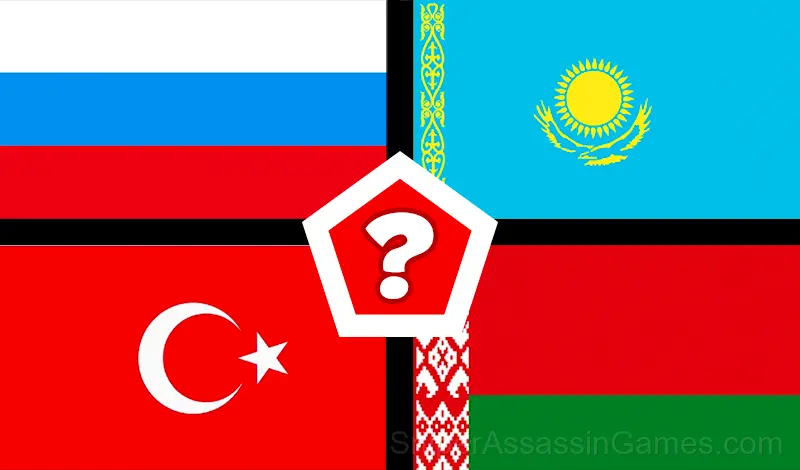

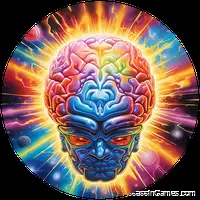
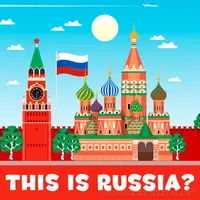
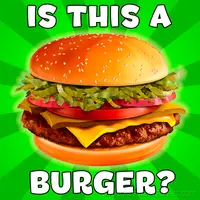
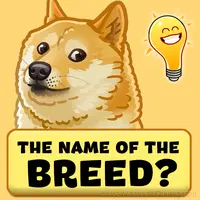


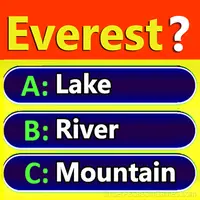
Trivia Quiz: Guess the flag
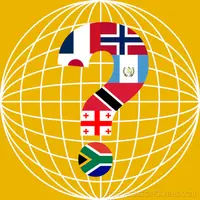
Guess all the flags of the world in the new quiz. Start playing right now! quiz: Flags of the world. Guess the country.
A Look at Trivia Quiz: Guess the flag
Play an entertaining anti-stress quiz with thousands of questions.
Take a break from the routine and expand your horizons.
Open chests and collect the entire collection of funny characters.
Participate in the ratings and take the top lines of the smartest players.
Log into the game every day and get special rewards.
The quiz is:
- a great way to start your day with a good mood and a wonderful game for the night
- a game in which you can test your intelligence.
- relaxing game - simple and difficult questions to test IQ.
Don't waste time, start developing your intelligence right now!
Start the game :)
Features
- Age rating: 6+, appropriate for younger players.
- Automatic cloud saves that sync across devices.
- In-game purchases for optional extras. Free to play without them.
- Global leaderboards to compare your scores with other players.
- Designed for horizontal play, best experienced on desktop or tablet.
Where to Play Trivia Quiz: Guess the flag
Browser compatibility for Trivia Quiz: Guess the flag includes Chrome, Firefox, Edge, Safari, and Opera on both desktop and mobile. The game is designed for landscape (horizontal) orientation and runs without any downloads on Windows, macOS, Linux, ChromeOS, Android, and iOS.
Screenshots
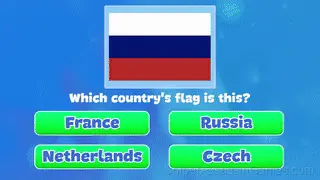
Tips for Players
- Audio cues exist for a reason. Play with sound on at least once to learn what the game communicates through audio versus visuals.
- When a new mechanic appears, use it immediately in a low-pressure situation. Build familiarity before the game puts you in a spot where you need it.
- When you hit a wall, look for a mechanic you are underusing. The game usually gives you the tools before the challenge that requires them.
- Do not restart immediately after a mistake. Play through and see how the game handles recovery. Sometimes there is a comeback mechanic you would miss by quitting early.
About the Developer
Behind Trivia Quiz: Guess the flag is QuizKings, originally released in March 2023. They made the game available as a free browser title that works on desktop, laptop, tablet, and mobile devices.
Getting Started
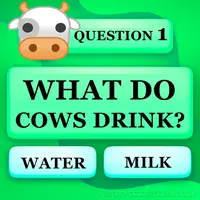
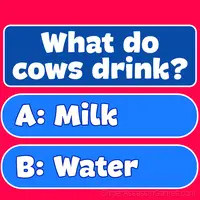
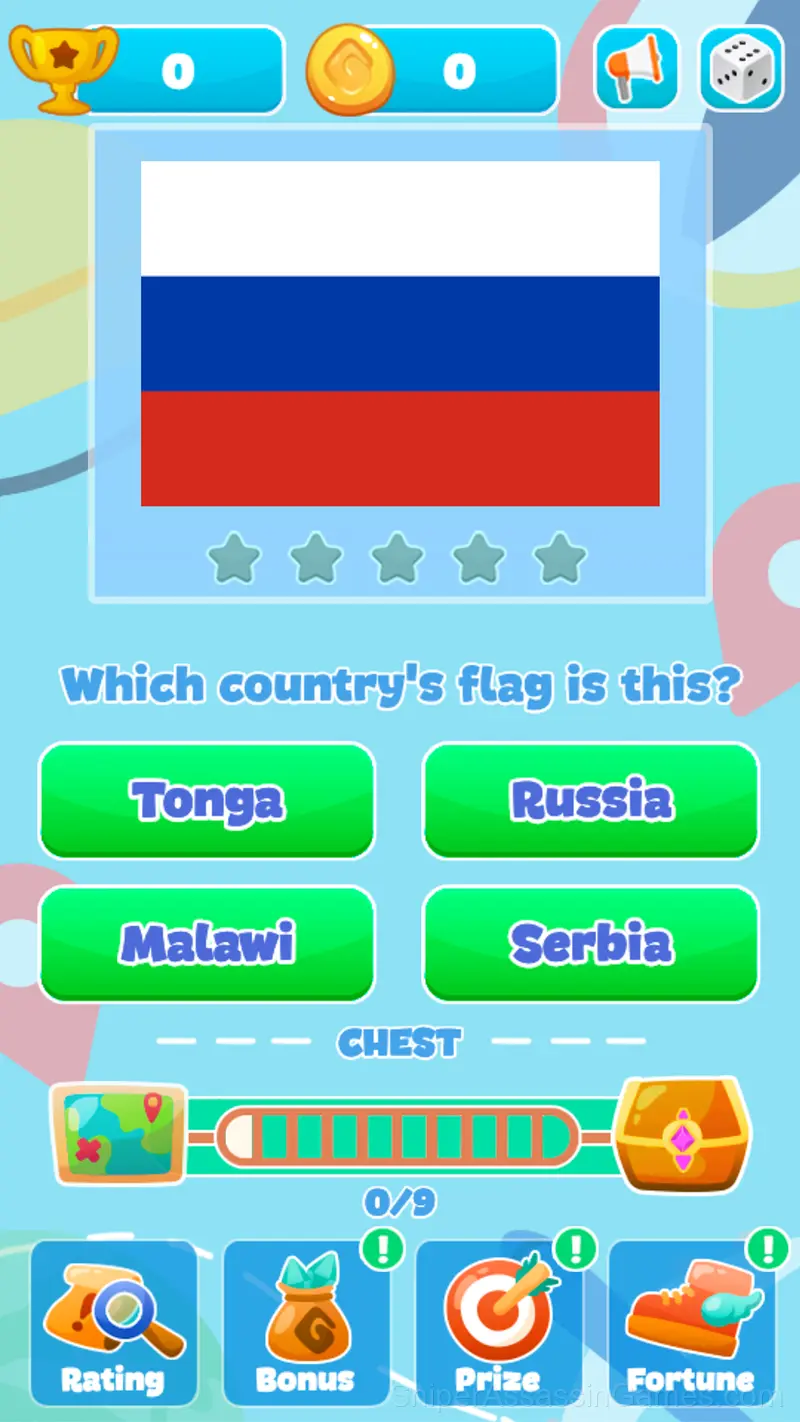
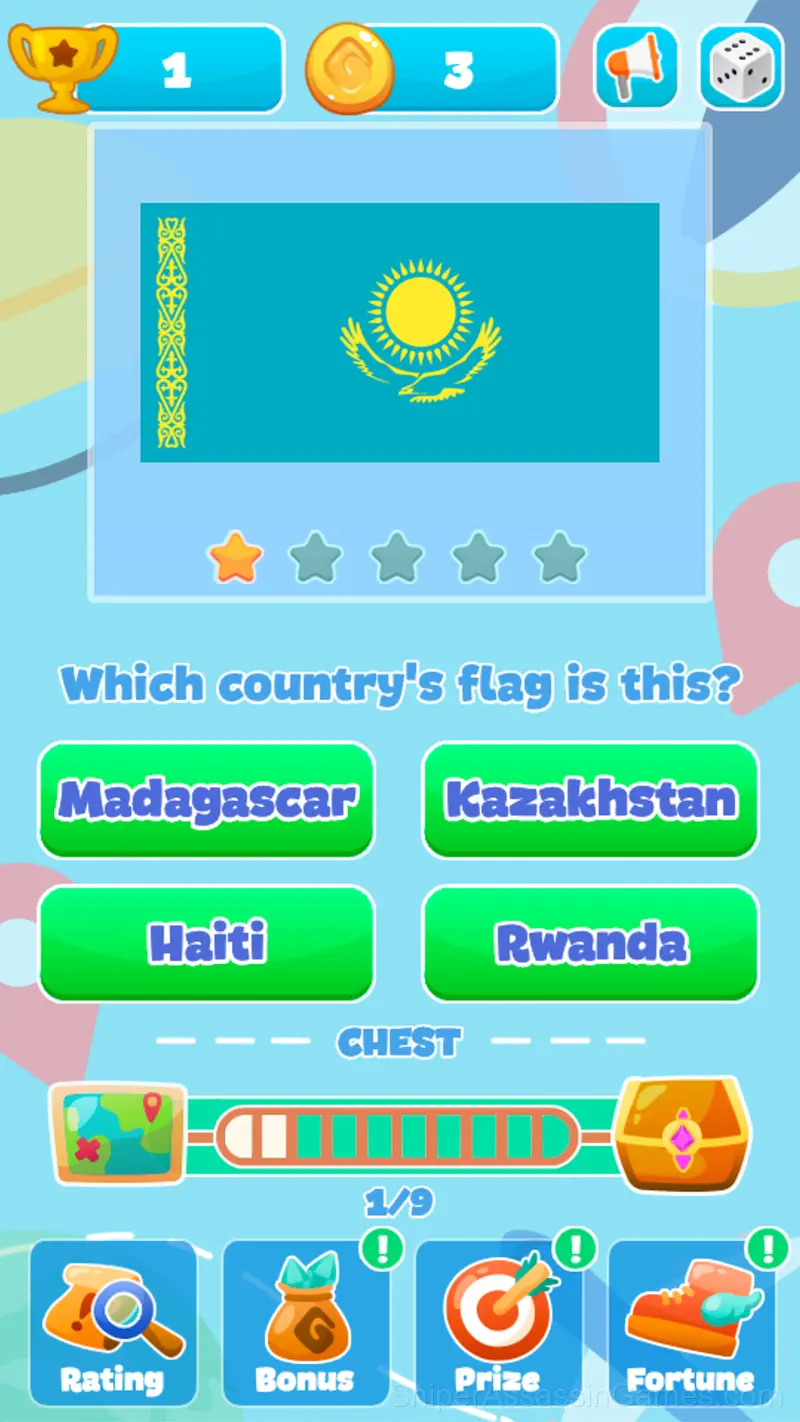
You are asked a question and several possible answers.
If you answer correctly, then bonus coins and cups are awarded to you (they increase you in the rating table).
For answers without errors, you get additional stars that multiply your reward.
If the answ...
Inside Trivia Quiz: Guess the flag
Trivia Quiz: Guess the flag works because it respects the player's time. Sessions can be short or long, and both feel productive. The game does not gate progress behind time walls or force you to grind.
The game does not explain everything upfront. Trivia Quiz: Guess the flag trusts you to figure things out through experimentation, and the moments of self-discovery are more satisfying than any tutorial could be.
Games Like Trivia Quiz: Guess the flag
If Trivia Quiz: Guess the flag clicked with you, try these free online Educational Games. They are all browser games with no download required:
- Obby: Maths Racing
- Trivia Quiz: Live Nature
- Word Catcher: Word Search
- Game of Flags Quiz
- Collect word from 4 photos
- World Country Capital - Geography Trivia Quiz
- Trivia Quiz: Who is this?
- Trivia Quiz: Fruits & Vegetables
Try Trivia Quiz: Guess the flag Free
5.2K players have rated Trivia Quiz: Guess the flag at 4.4 out of 5, making it one of the more popular free online Educational Games. It runs in any modern browser with no download or installation. Just open and play.