 SniperAssassinGames


























School Teacher Simulator
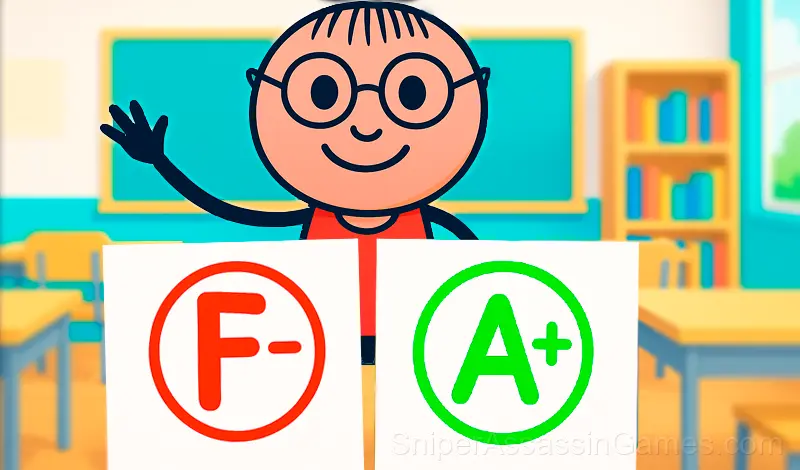
Evaluate the students' answers in the School Teacher Simulator game! Give grades to students, check your homework and test your school knowledge! This is a cool game for teachers, as well as for students who want to try themselves as a teacher!
Introduction to School Teacher Simulator
In the School Teacher Simulator game, you will have to evaluate students' answers, check their homework, conduct tests for two-year students and check your school knowledge. Become the best teacher and cope with any challenges that your students throw at you!
Features of the game:
- Put twos and fives
- Conduct control and tests
- Ask the students
- Test your school knowledge
- Interesting questions from the school curriculum and more!
School Teacher Simulator Tips
- Watch how the game responds before committing to a single approach. Most games reward players who experiment early and specialize later.
- Take breaks when frustration builds. Coming back after a few minutes often makes the solution or the right timing click naturally.
- Memorize the layout of the play area if the game reuses it. Spatial awareness is an advantage the game will not give you directly.
- The early levels teach mechanics that become critical later. Do not skip through them, even if they feel easy. The patterns they introduce come back.
- If there are multiple modes or difficulty levels, start on default. It is tuned for first-time players and gives you the experience the developer intended.
What to Expect
School Teacher Simulator works because it respects the player's time. Sessions can be short or long, and both feel productive. The game does not gate progress behind time walls or force you to grind.
The design philosophy behind School Teacher Simulator seems to be 'depth without complexity.' The mechanics are few, but the situations they create are varied enough to sustain interest over many sessions.
Screenshots
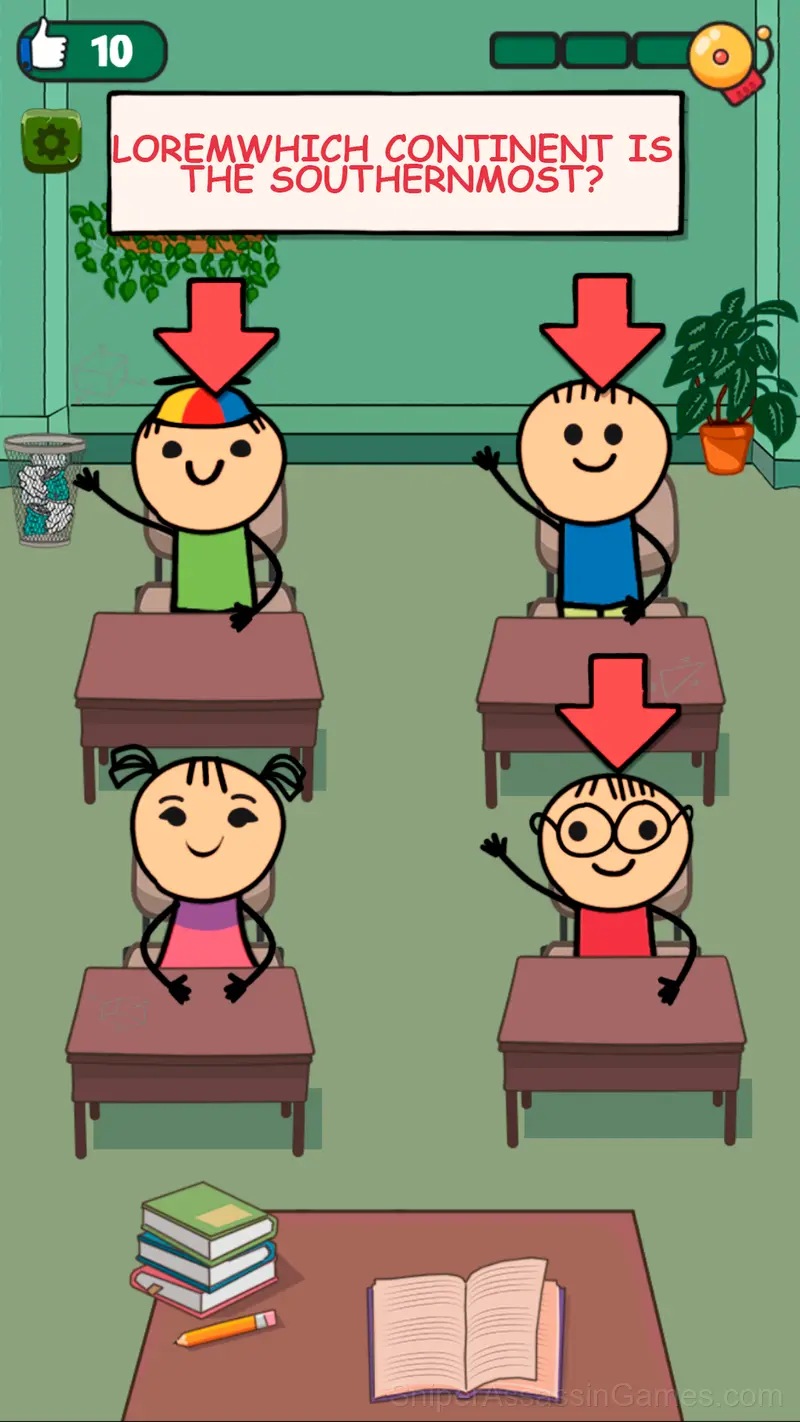
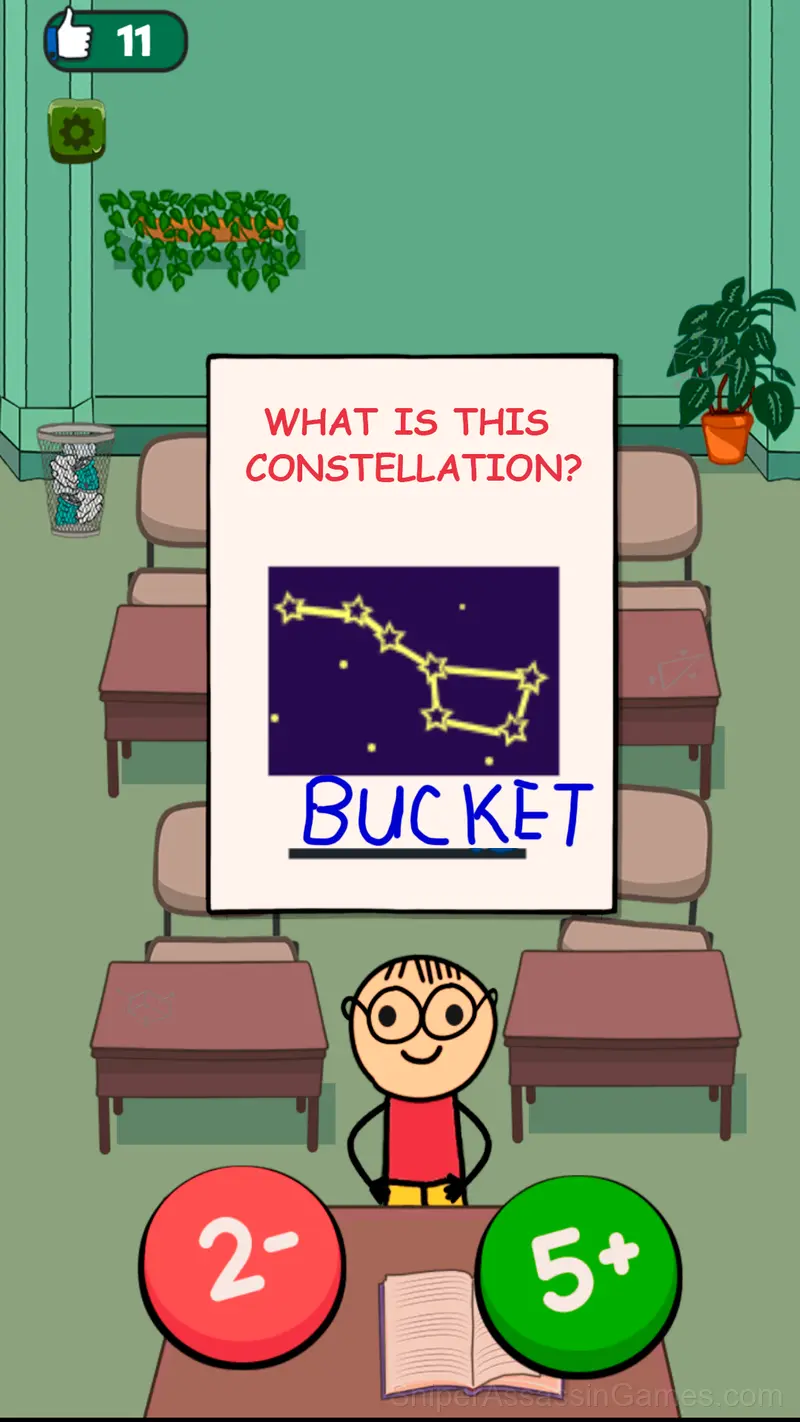
How School Teacher Simulator Works
Use the mouse to play with the PC, and touch input to play with the phone. Choose who will answer from the students by clicking on the student. Put a two or a five by clicking on the appropriate buttons
Developer Info
The team at X7 GAMES built School Teacher Simulator as a free browser game, originally released in May 2024. It loads directly in Chrome, Firefox, Edge, Safari, and other browsers on any desktop or mobile device.
Supported Platforms
School Teacher Simulator works on any device with a browser and an internet connection. Supported platforms include Windows, macOS, Linux, ChromeOS, Android, and iOS. The game uses portrait (vertical) orientation.
What School Teacher Simulator Offers
- Age rating: 6+, appropriate for younger players.
- Leaderboard support. Track your ranking against the community.
- Free to play with optional in-game purchases.
- Portrait orientation, designed for mobile phones held upright.
Games Like School Teacher Simulator
Players who like School Teacher Simulator tend to enjoy these Quiz Games as well. All of them are free to play in your browser:
- Cure Teeth: Dentist Simulator
- Brainy: Trivia & Logic
- Do you want to be a millionaire?
- Millionaire - Quiz
- Brawl Stars Mega Simulator
- Millionaire: Quiz 2025
- Makeup Aritst
- Cure the cats!
Jump Into School Teacher Simulator
School Teacher Simulator does what a good free online quiz game should: it is fast to load, easy to pick up, and engaging enough to keep 41K players coming back. Play it in your browser. No download needed.