 SniperAssassinGames









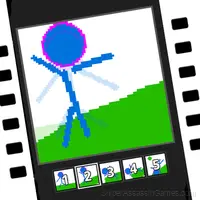









Pixel Animator: creating GIF animation
A game for creating frame by frame pixel animation! You can save an animated image as GIF!
What is Pixel Animator: creating GIF animation?
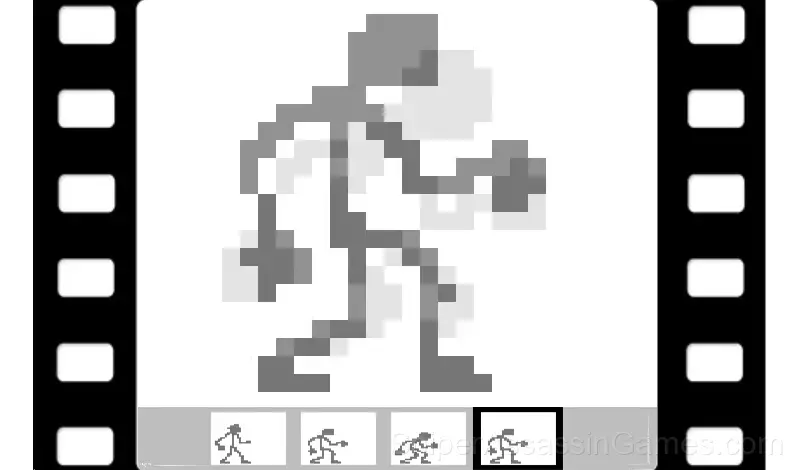
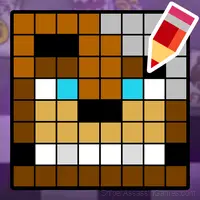
The game is a program for creating and editing frame-by-frame animation.
The game will be of interest to anyone who wants to create frame-by-frame animation.
In the game you can:
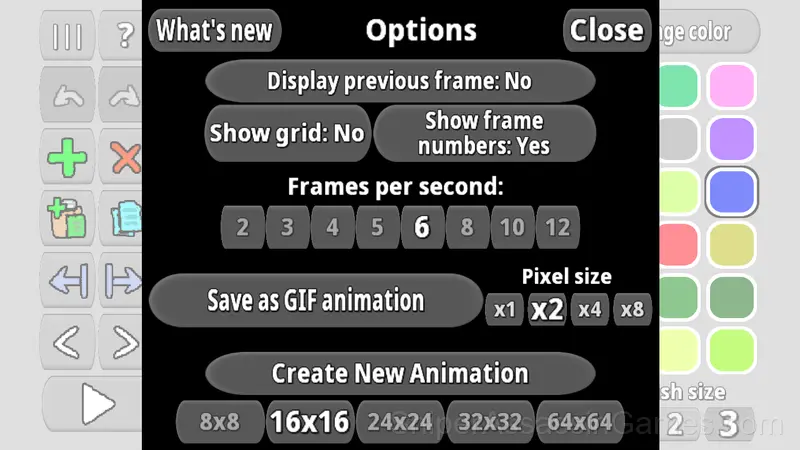
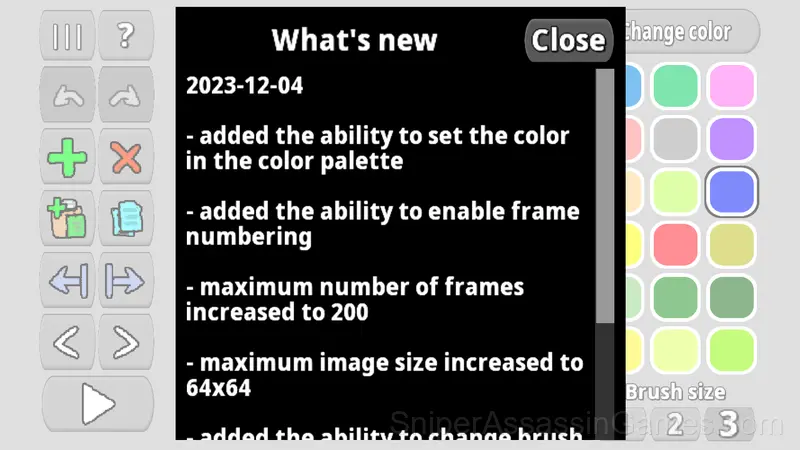
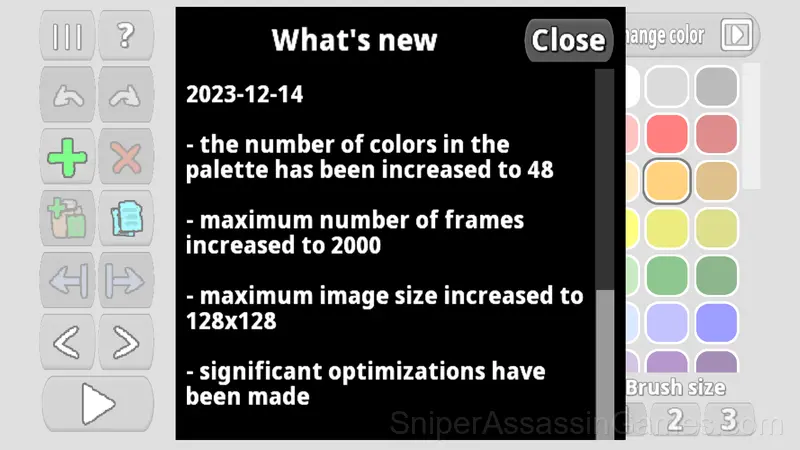
- create pixel animation with frame sizes 8x8, 16x16, 24x24, 32x32, 64x64, 128x128, 256x256
- adjust the number of frames per second (2, 3, 4, 5, 6, 8, 10, 12, 16)
- enable grid display
- enable highlighting of the previous frame for more convenient drawing
- enable display of frame numbers
- change brush size
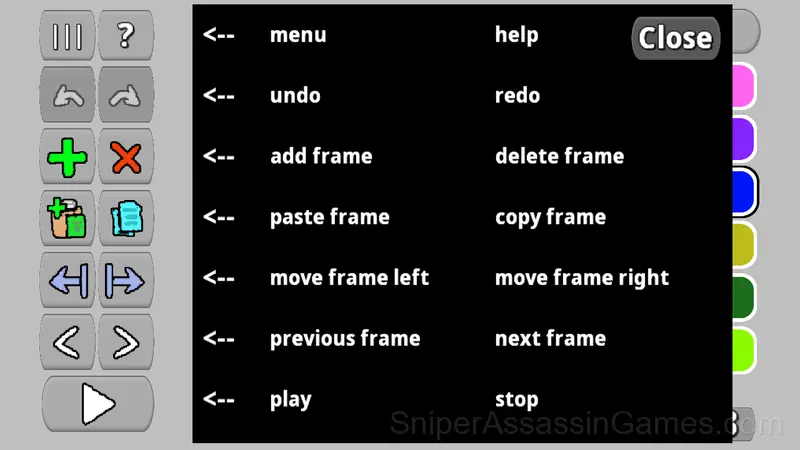
- copy, paste, and move frames of the image
- undo and redo actions (up to 20 undo times)
- create up to 2000 frames in one animation
- save animation to file as GIF animated image
- increase pixel size when saving as GIF animation
Browser and Device Support
Browser-based and download-free, Pixel Animator: creating GIF animation is accessible on Windows, macOS, Linux, ChromeOS, Android, and iOS through Chrome, Firefox, Edge, or Safari. It uses landscape (horizontal) orientation.
Strategies for Pixel Animator: creating GIF animation
- Pay attention to what the scoring system rewards. Understanding the game's priorities helps you focus on the right actions.
- Try the opposite of what keeps failing. If you are playing aggressively and dying, play defensively. If you are playing cautiously and timing out, push forward. The answer is often the reverse of your instinct.
- If there are multiple modes or difficulty levels, start on default. It is tuned for first-time players and gives you the experience the developer intended.
Controls and Rules
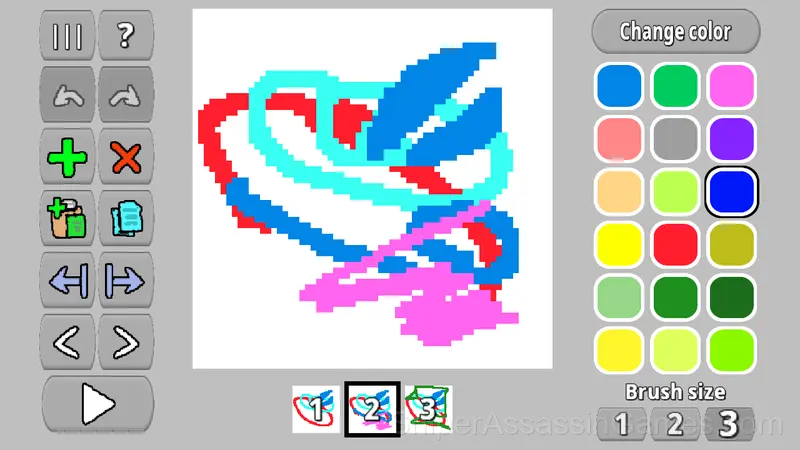
Choose a color from the color palette and paint with it. Add new frames or copy and paste them. Adjust the number of frames per second. Save the result as a GIF animation.
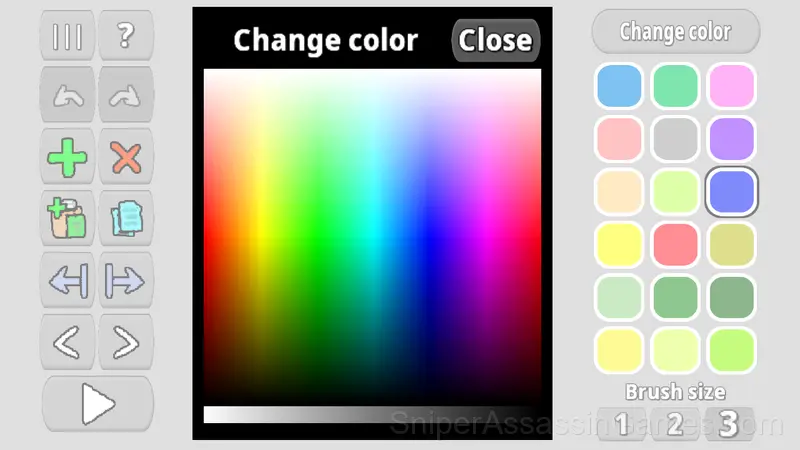
There is a color palette. You can fill it with the colors you need and paint with them.
About the Developer
Pixel Animator: creating GIF animation comes from VyaGames, originally released in September 2023. The game was designed for browser-based play and runs across all major platforms without any installation. It is free for all players.
Screenshots
Feature List
- Plays in landscape mode for a wider view of the game.
- Age rating: 0+, appropriate for younger players.
- Free to play with optional in-game purchases.
How Pixel Animator: creating GIF animation Feels to Play
The design philosophy behind Pixel Animator: creating GIF animation seems to be 'depth without complexity.' The mechanics are few, but the situations they create are varied enough to sustain interest over many sessions.
Session length in Pixel Animator: creating GIF animation is flexible. The game saves progress in ways that let you stop and return without losing momentum. Quick sessions and long sessions both feel worthwhile.
Games Like Pixel Animator: creating GIF animation
Other Kids Games worth playing if you like Pixel Animator: creating GIF animation. Free, browser-based, no download or account needed:
- Prize Machine Pop It Simulator
- Minecraft - Coloring Pages
- Coloring Book for Kids
- Cross Stitching: Minecraft
- Pizza Maker - Cooking Games For Kids
- My Talking Jelly Bear 3
- My Sprunki Incredibox Pet: Create Your Own Morph!
- Rainbow Friends - Coloring Pages
Try Pixel Animator: creating GIF animation Free
With 13K reviews and a 4.3 average, Pixel Animator: creating GIF animation has proven its staying power as a free online kids game. It loads instantly in your browser and requires no download or account creation to play.