 SniperAssassinGames






















Pixamator (Pixel Animator 2)
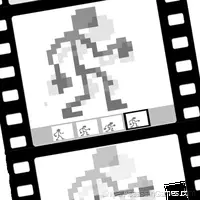
Create your own cartoons, avatars, icons and export them to GIF animated images. Pixamator (Pixel Animator 2)is so fun!
About Pixamator (Pixel Animator 2)
Welcome to the game "Pixamator (Pixel Animator 2)".
In this game you can:
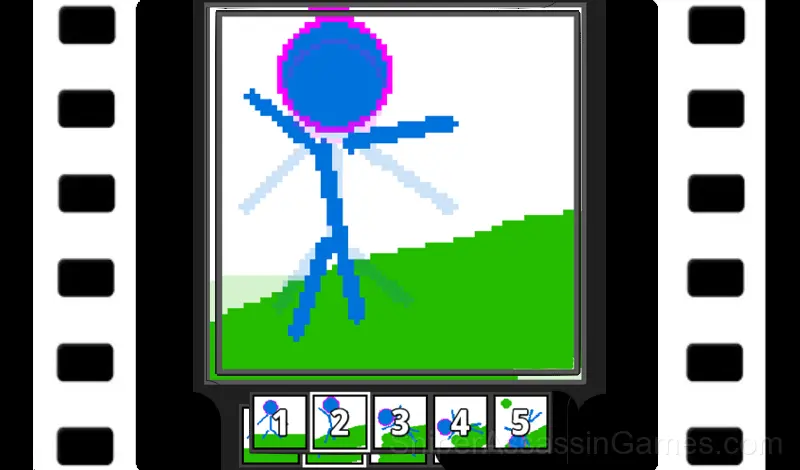
- create your own cartoons, avatars, icons and export them to GIF animated images.
- draw character animations frame by frame, export them to PNG images, sprite sheets, tile maps and various formats, and then use them in your game for any game engine!
- draw and create fonts for your games, export them to any game engine.
You can store your projects:
- in files on your computer
- in web browser's local storage
- in cloud storage
The game has layers and support for image transparency.
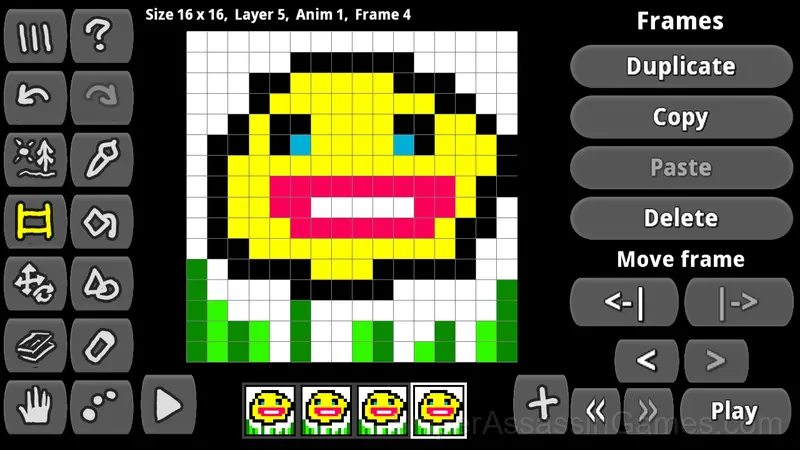
You can copy, duplicate, and paste animation frames. Create multiple animations in a project.
Copy and paste images from layers to other layers and projects.
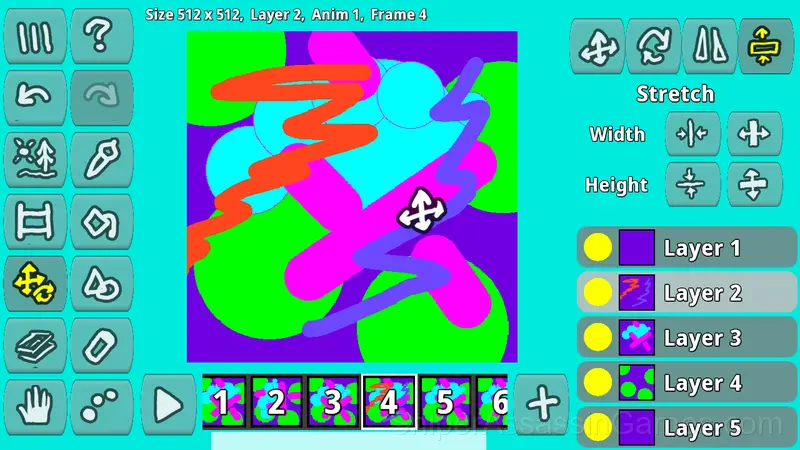
The game has Brush, Eraser, Color Fill, Drawing Shapes, Image Transformations
Platform and Browser Support
Play Pixamator (Pixel Animator 2) on any platform: Windows, macOS, Linux, ChromeOS, Android, or iOS. The game runs in Chrome, Firefox, Edge, Safari, and Opera using landscape (horizontal) orientation. Nothing to install.
Tips for Players
- Figure out what ends your runs most often. The most common failure point is usually the most valuable thing to improve.
- Take breaks when frustration builds. Coming back after a few minutes often makes the solution or the right timing click naturally.
- If the game offers cosmetic rewards, ignore them until you are comfortable with the core mechanics. Progression systems can distract from actual skill development.
- Pay attention to what the scoring system rewards. Understanding the game's priorities helps you focus on the right actions.
- Play a few complete rounds before looking up guides. Your own observations about the game's systems are more useful than generic advice written for someone else.
Playing Pixamator (Pixel Animator 2)
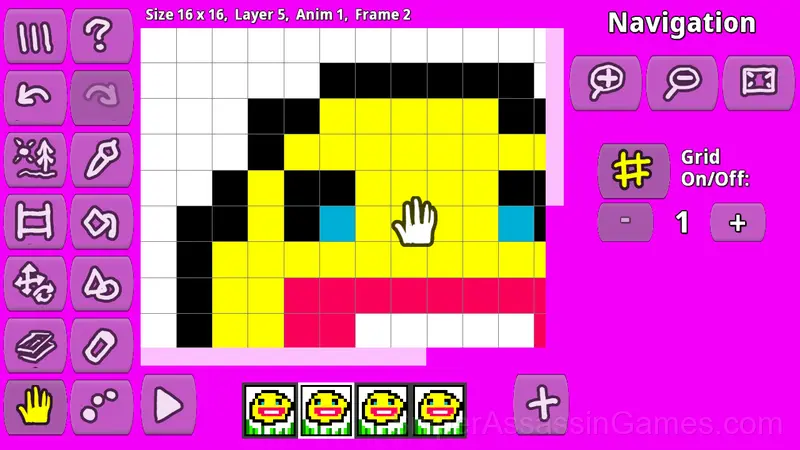
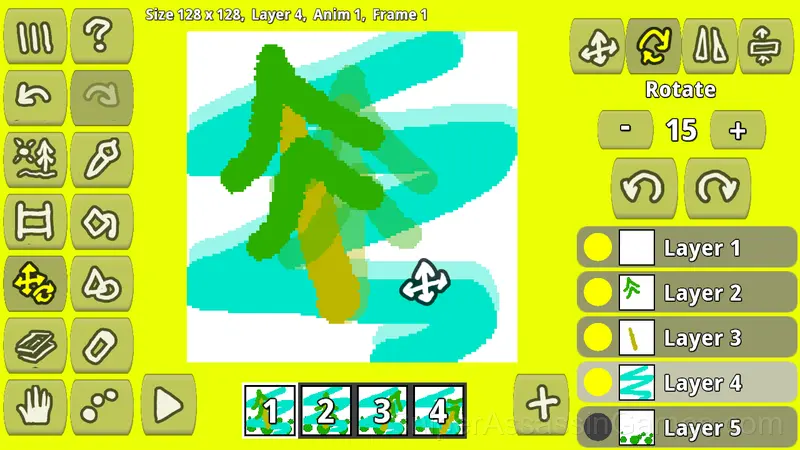
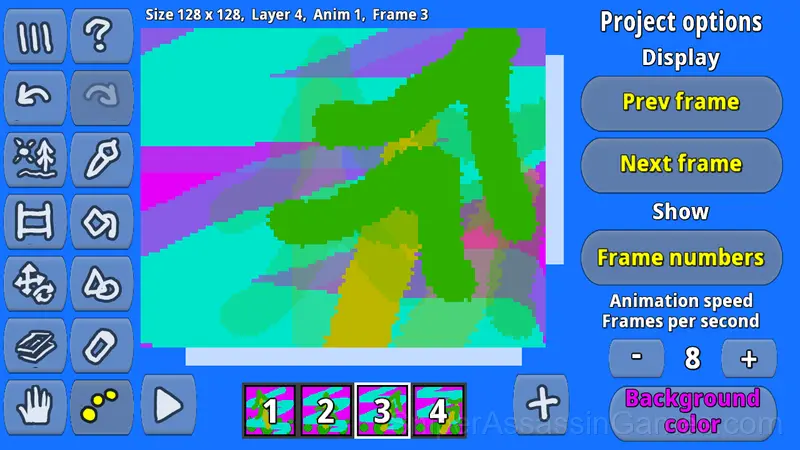
Сreate a new project, choose a canvas size, choose a brush, color, brush size, and you paint. Create new animation frames and draw on them. Adjust the animation speed (fps).
You draw individual image elements on separate layers so that they can be moved an...
How Pixamator (Pixel Animator 2) Feels to Play
The design philosophy behind Pixamator (Pixel Animator 2) seems to be 'depth without complexity.' The mechanics are few, but the situations they create are varied enough to sustain interest over many sessions.
Visual clarity in Pixamator (Pixel Animator 2) is strong. Game elements are easy to distinguish, interactive objects stand out from backgrounds, and the UI communicates what you need to know without getting in the way.
Behind Pixamator (Pixel Animator 2)
VyaGames is the studio behind Pixamator (Pixel Animator 2), originally released in May 2024. The game was built for browser play from the ground up, running on web technologies that work across devices. Players can access Pixamator (Pixel Animator 2) for free on desktop computers, laptops, tablets, and mobile phones.
What Pixamator (Pixel Animator 2) Offers
- Optional in-game purchases available. The core game is free.
- Plays in landscape mode for a wider view of the game.
- Age rating: 0+, appropriate for younger players.
- Automatic cloud saves that sync across devices.
Screenshots
Games Like Pixamator (Pixel Animator 2)
Want more games like Pixamator (Pixel Animator 2)? These Kids Games are all free to play online and share a similar style:
- Coloring Book for Kids
- Pixel Animator: creating GIF animation
- Rainbow Friends - Coloring Pages
- Minecraft - Coloring Pages
- Cross Stitching: Minecraft
- Find Hidden Objects: Puzzles
- Funny Coloring Pages for Children
- Cross Stitching
Start Playing Pixamator (Pixel Animator 2)
Play Pixamator (Pixel Animator 2) free in your browser right now. With a 4.0 rating across 1.7K reviews, the game has a solid track record. No download, no account, no cost.