 SniperAssassinGames



























Multiplication Simulator
With this online multiplication and division trainer, your child can learn multiplication tables!
What is Multiplication Simulator?
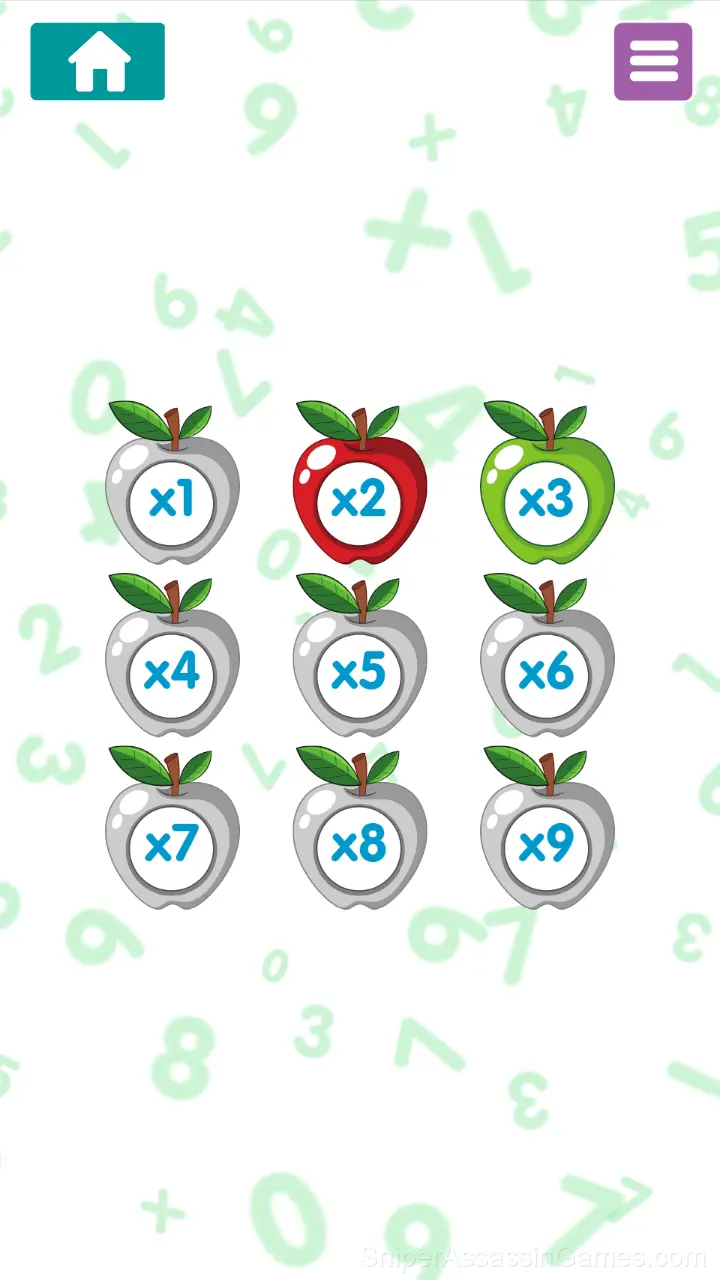
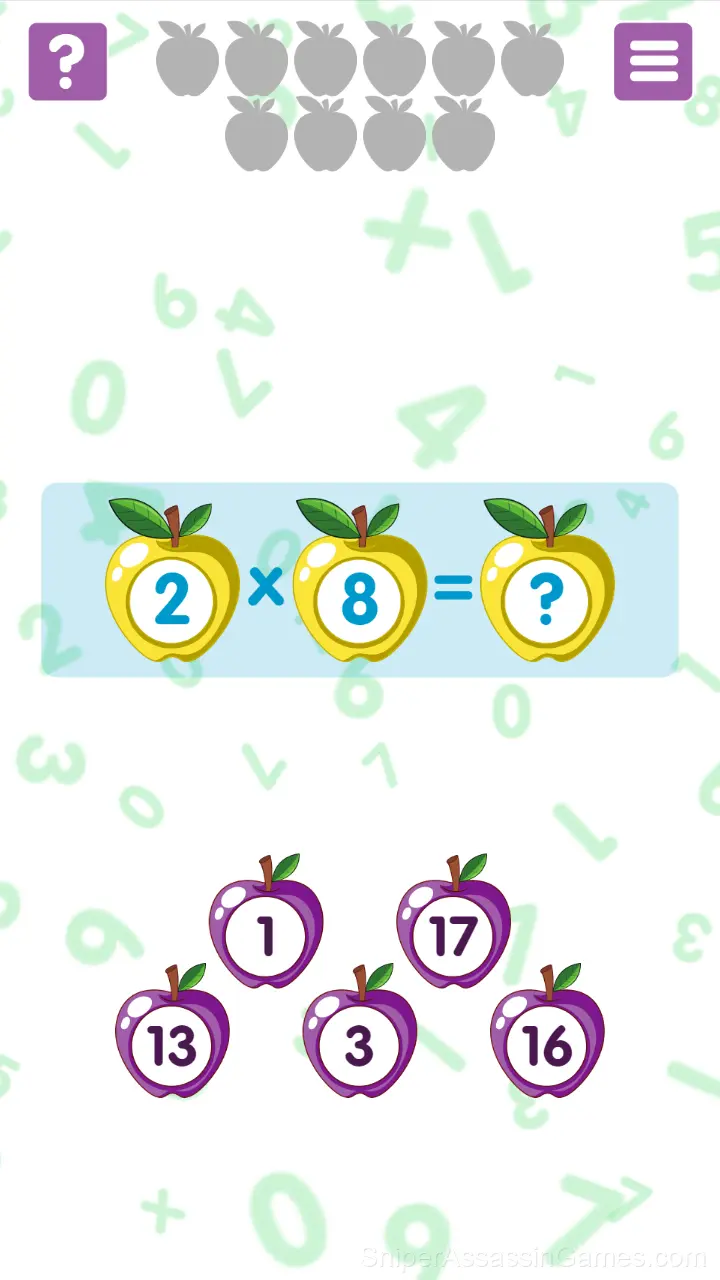
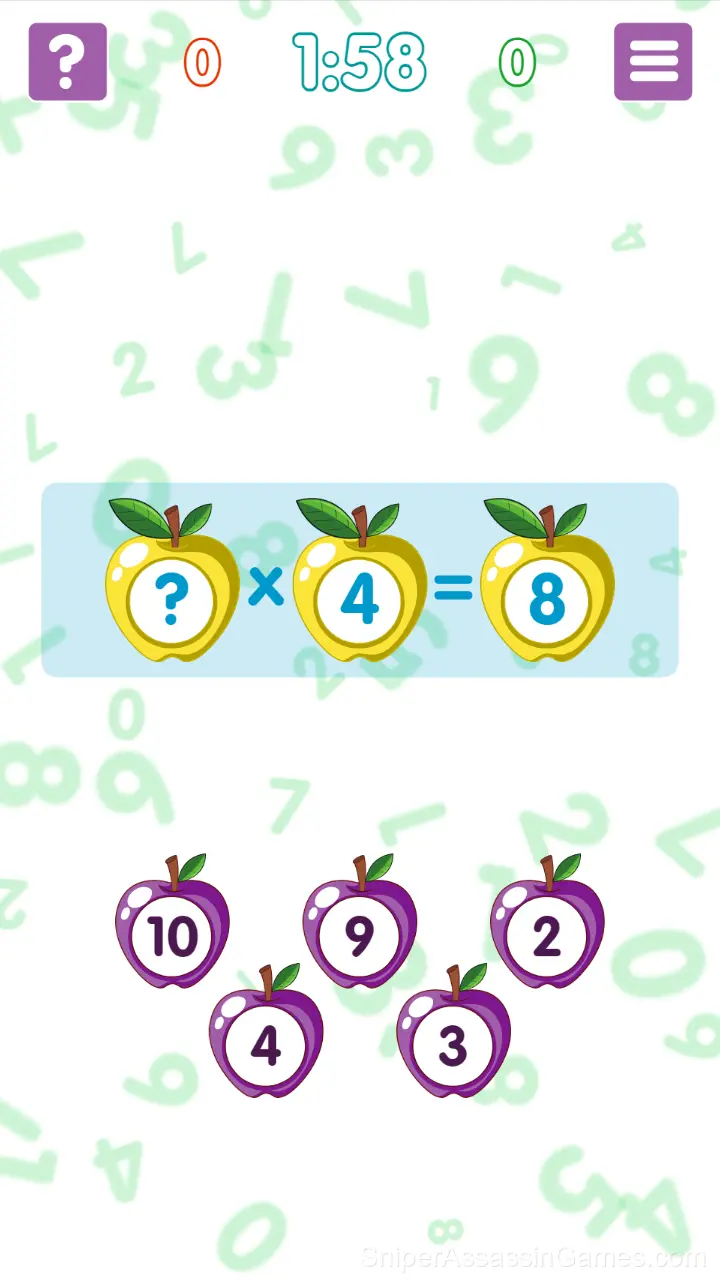
You'll see apples when you start the game, and there are problems for you to solve.
You can practice before starting the game, during which answering correctly will earn you green apples.
With this trainer, learning to multiply and divide is fun!
Using this game, you can quickly test, learn, and practice multiplication tables.
Game Features
- Cloud saves. Your progress carries across devices and sessions.
- Age rating: 0+, appropriate for younger players.
- Designed for horizontal play, best experienced on desktop or tablet.
- Supports 13 languages.
- Competitive leaderboards built into the game.
- In-game purchases for optional extras. Free to play without them.
Screenshots
How to Get Better at Multiplication Simulator
- When you hit a wall, look for a mechanic you are underusing. The game usually gives you the tools before the challenge that requires them.
- If the game offers cosmetic rewards, ignore them until you are comfortable with the core mechanics. Progression systems can distract from actual skill development.
- Spend the first few rounds learning the controls without chasing a high score. Getting comfortable with the inputs pays off more than early optimization.
- Do not restart immediately after a mistake. Play through and see how the game handles recovery. Sometimes there is a comeback mechanic you would miss by quitting early.
- Learn the difference between what costs you progress and what costs you time. Avoiding the first is always more important than optimizing the second.
About the Publisher
TapLabGames made Multiplication Simulator available for free browser play, originally released in September 2020. It runs on standard web technologies and does not require any plugins, downloads, or installations.
Gameplay Details
Multiplication Simulator works because it respects the player's time. Sessions can be short or long, and both feel productive. The game does not gate progress behind time walls or force you to grind.
Session length in Multiplication Simulator is flexible. The game saves progress in ways that let you stop and return without losing momentum. Quick sessions and long sessions both feel worthwhile.
Multiplication Simulator Controls
For each correct answer, you earn a green apple. If you make a mistake, you get a red apple.
If you used a hint, you don't earn an apple.
Your goal is to score as many green apples as possible.
Platform and Browser Support
You can access Multiplication Simulator from Windows PCs, Macs, Chromebooks, Linux machines, Android phones, iPhones, and iPads. It runs in Chrome, Firefox, Edge, and Safari using landscape (horizontal) orientation.
Games Like Multiplication Simulator
If you enjoy Multiplication Simulator, these free online Educational Games are worth checking out. Each one shares similar gameplay elements while bringing its own twist to the genre:
- Matchstick Puzzle
- Multiplication Table Training
- Addition and Subtraction
- Mathematical crossword
- Math Crossword: Improve Your Arithmetic
- Words of Nature
- Nubik's Alchemy
- Word Catcher: Word Search
Try Multiplication Simulator Free
With 1.9K reviews and a 4.2 average, Multiplication Simulator has proven its staying power as a free online educational game. It loads instantly in your browser and requires no download or account creation to play.