 SniperAssassinGames














Keyboard Typing Test
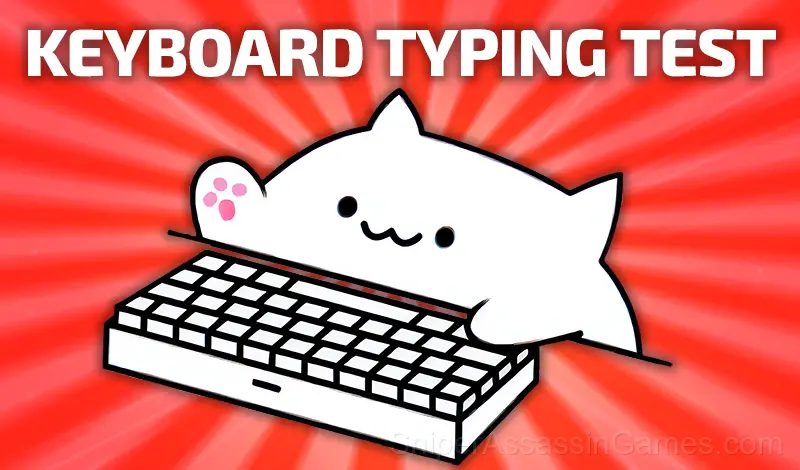
Monkeytype: Complete a typing test in 30 seconds online. Practice typing and start typing fast. Check your wpm typing speed test for free. Test your touch typing speed for free. Get fast typing speed in words per minute. Typing test for 1 minute.
About This Game
Complete an online typing speed test. You can complete the test in English, Spanish and other 12 languages. The game supports several modes with time limits of 15, 30, 60 and 120 seconds.
A different typing speed record is saved for each language for each timer. Test your typing speed online and improve your typing speed and stamina!
Platform Support
From smartphones to desktop computers, Keyboard Typing Test runs everywhere a modern browser is available. It uses landscape (horizontal) orientation and does not require any software installation.
About the Developer
Sugar Dani Games made Keyboard Typing Test available for free browser play, originally released in March 2024. It runs on standard web technologies and does not require any plugins, downloads, or installations.
Playing Keyboard Typing Test
Start typing and the test will automatically start.
Press the [Tab] key to restart this test.
In the results, each word means 5 characters.
Keyboard Typing Test Feature Rundown
- Leaderboard support. Track your ranking against the community.
- Cloud saves. Your progress carries across devices and sessions.
- In-game purchases for optional extras. Free to play without them.
- Rated 0+, family-friendly content.
- Plays in landscape mode for a wider view of the game.
Screenshots
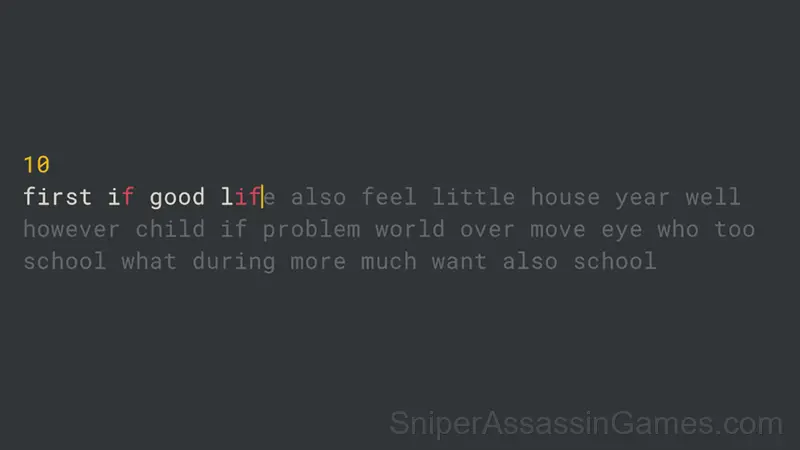
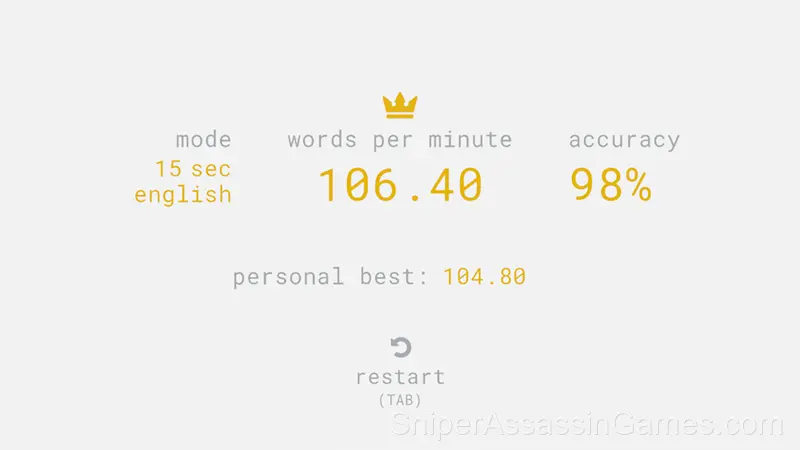
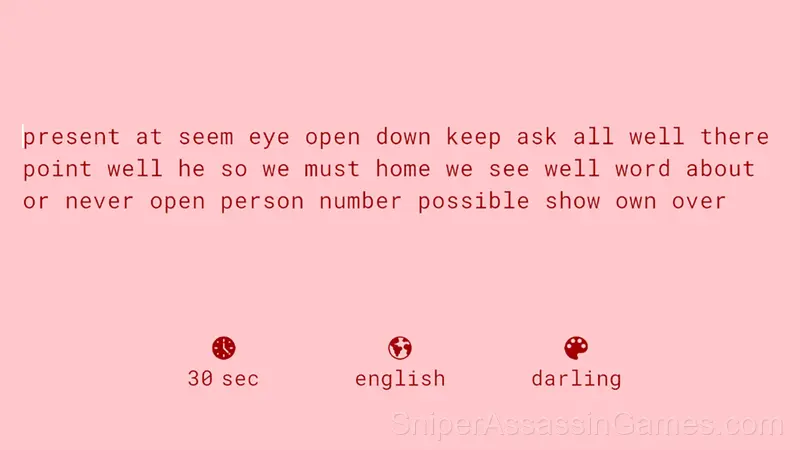
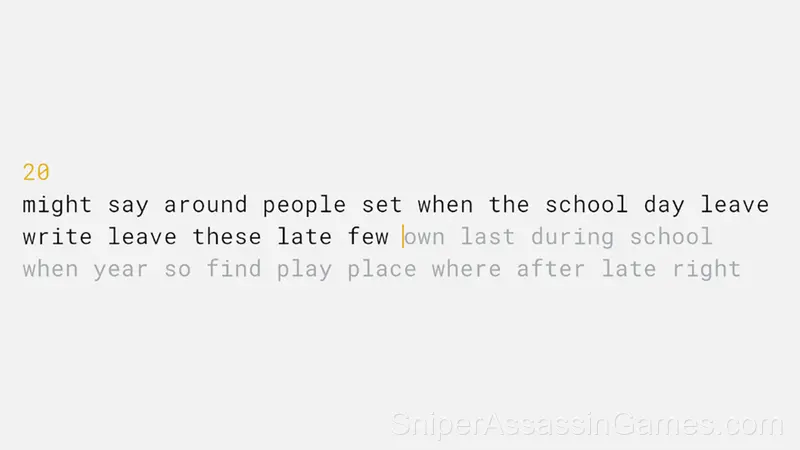
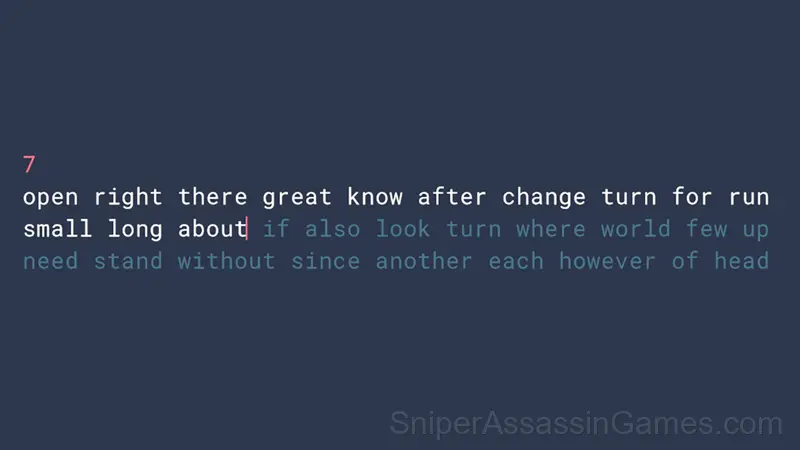
Inside Keyboard Typing Test
Session length in Keyboard Typing Test is flexible. The game saves progress in ways that let you stop and return without losing momentum. Quick sessions and long sessions both feel worthwhile.
The design philosophy behind Keyboard Typing Test seems to be 'depth without complexity.' The mechanics are few, but the situations they create are varied enough to sustain interest over many sessions.
Player Tips
- The early levels teach mechanics that become critical later. Do not skip through them, even if they feel easy. The patterns they introduce come back.
- Play a few complete rounds before looking up guides. Your own observations about the game's systems are more useful than generic advice written for someone else.
- Watch how the game responds before committing to a single approach. Most games reward players who experiment early and specialize later.
- Do not restart immediately after a mistake. Play through and see how the game handles recovery. Sometimes there is a comeback mechanic you would miss by quitting early.
Games Like Keyboard Typing Test
These Educational Games play well alongside Keyboard Typing Test. All of them are free in your browser with no download needed:
- Matchstick Puzzle
- Piano for kids
- Addition and Subtraction
- Multiplication Simulator
- Lady Bug and Marinette Coloring Pages
- Words of Nature
- Nubik's Alchemy
- Word Catcher: Word Search
Play Keyboard Typing Test Now
Free, browser-based, and rated 4.5 by 1.3K players. Keyboard Typing Test loads in seconds and works on desktop and mobile. Click play and start.