 SniperAssassinGames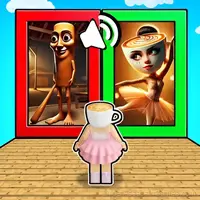








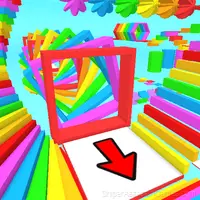



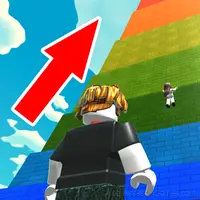

Guess Meme: Hard Mode
🎧 «Guess Meme: Hard Mode» — an arcade game where you recognize memes by sound. Can you identify them all? Try now! 🔥
A Look at Guess Meme: Hard Mode
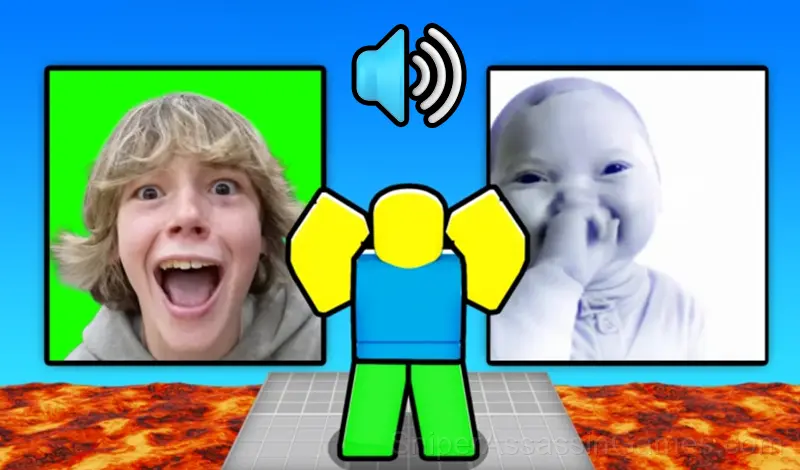
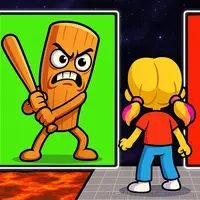
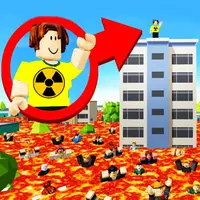
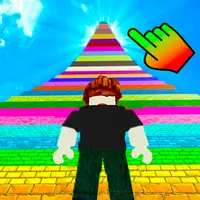
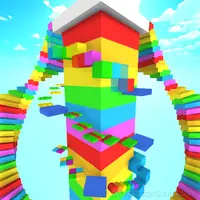
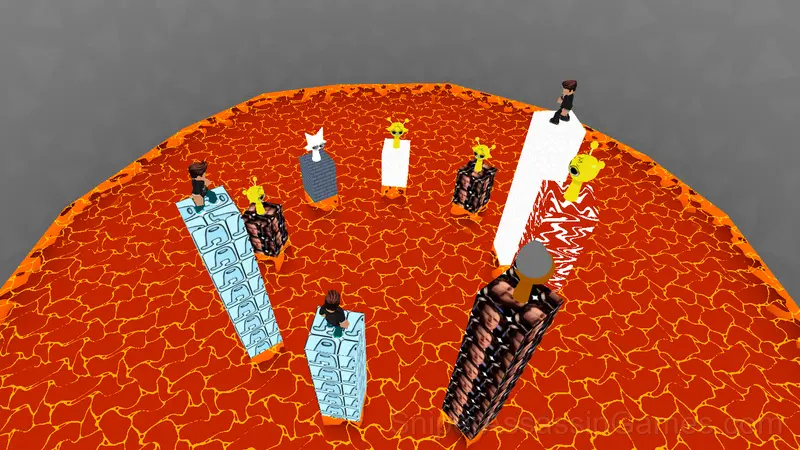
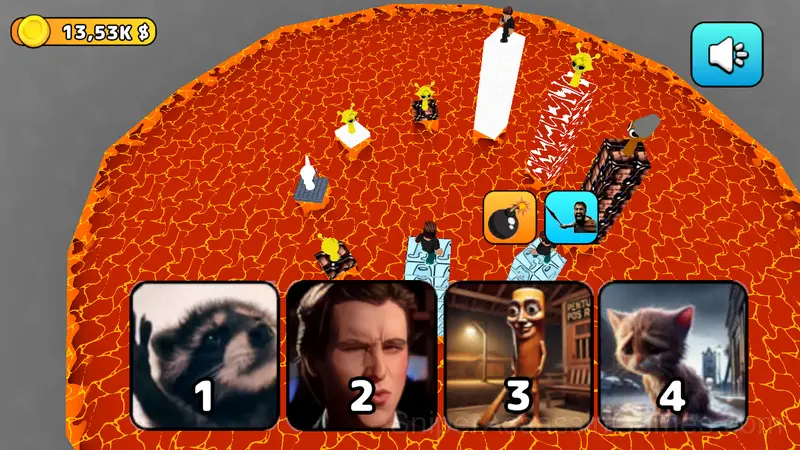
Listen carefully! One sound — one chance. Guess the meme, and your tower rises with you! Make a mistake — and burn in boiling lava.
Only one survivor will remain — the Meme King who takes it all! 👑💶
Game Features:
🎧 30+ meme sounds — from iconic to obscure
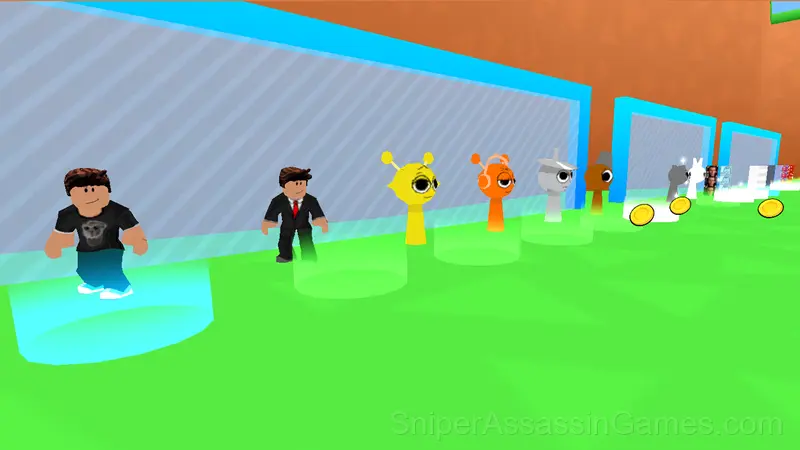
👕 15+ skins — stand out with style
💣 Troll others — throw bombs and push them off towers
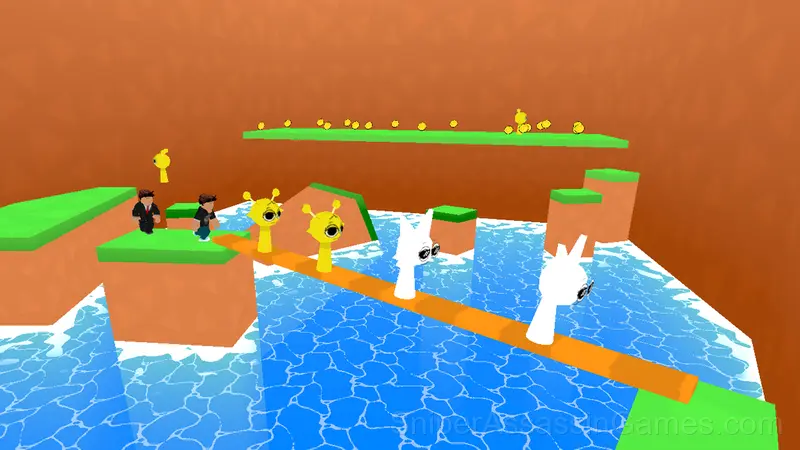
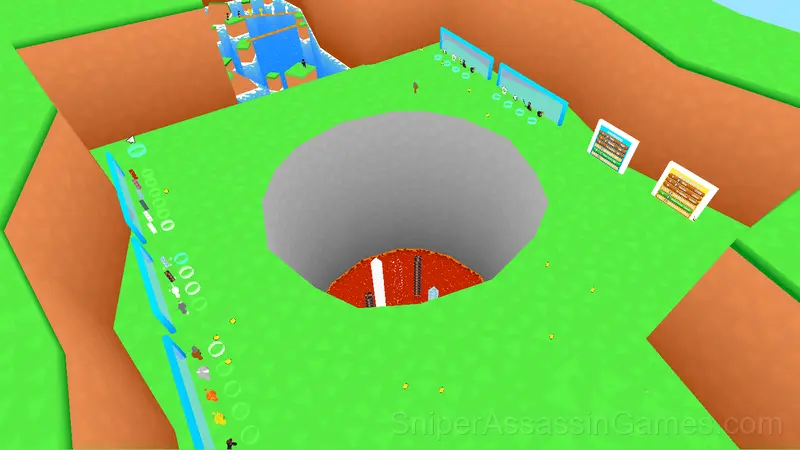
🪙 Parkour and gold in the lobby — stay busy while waiting
🏆 Leaderboard — prove you're the ultimate meme master
Will you take the crown or melt in lava? Play now! 🌋
About the Publisher
Guess Meme: Hard Mode was created by Nulla Games and released as a free online game, originally released in June 2025. It runs in your browser on any device.
Platforms and Browsers
Guess Meme: Hard Mode runs in any modern web browser on desktop and mobile. Compatible browsers include Chrome, Firefox, Edge, Safari, and Opera. The game uses landscape (horizontal) orientation and works on Windows, macOS, Linux, ChromeOS, Android, and iOS devices. No plugins, extensions, or downloads are required.
Guess Meme: Hard Mode Features
- Landscape orientation, optimized for wider screens on desktop and tablet.
- Global leaderboards to compare your scores with other players.
- Optional in-game purchases available. The core game is free.
- Automatic cloud saves that sync across devices.
- Family-friendly with a 6+ age rating.
Screenshots
How to Get Started
💻 Computer
WASD or arrows — Movement
Right mouse button (Hold) — Camera movement
Mouse wheel — Zoom camera In / Out
Space — Jump
Tab — Hide / Show Cursor
📱 Phone:
Left joystick — Movement
Swipe on the screen — Camera movement
Right-side Up button — Jump
...
Tips to Improve
- If the game has a tutorial, do it once properly. Skipping it and then struggling with basics wastes more time than the tutorial ever would.
- Early runs are for learning the patterns, not for high scores. Treat them as reconnaissance.
- Test the edges of each mechanic. Move in directions the game does not suggest. Interact with things that look static. The boundaries tell you a lot about how the game works.
- Take breaks when frustration builds. Coming back after a few minutes often makes the solution or the right timing click naturally.
Guess Meme: Hard Mode Gameplay
Each section of Guess Meme: Hard Mode tests a different reflex. Some demand timing. Others demand positioning. The best runs string all of them together without dropping the thread.
Score-chasing is the engine behind Guess Meme: Hard Mode. Your first run sets a baseline; every run after that is about beating it. The game keeps track, and so do you, mentally replaying the moment where things went wrong.
Games Like Guess Meme: Hard Mode
Here are more Arcade Games that Guess Meme: Hard Mode players tend to enjoy. All free, all browser-based:
- Guess Brainrot 3D Original
- Rat Dance: Escape from Memes
- The Floor is Lava: Obby!
- Meme Dash: Battle 2!
- Buy a Brainrot Original 3D
- Meme Dash: Battle!
- Mines vs Robls: Obby platform
- Blox Obby: The Floor is LAVA Challenge
Play Guess Meme: Hard Mode Now
Guess Meme: Hard Mode has been reviewed by 1.7K players who gave it a 3.8 average. Play it free in your browser on desktop or mobile. No download, no registration.