 SniperAssassinGames


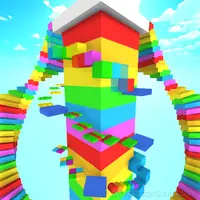


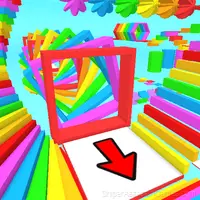



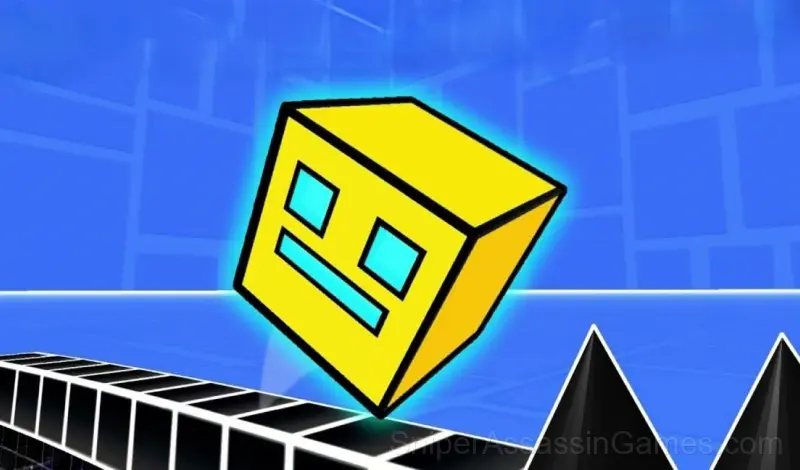














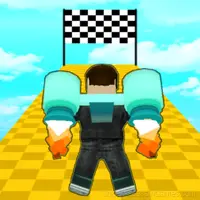




Geometry Dash 3D: Build a level
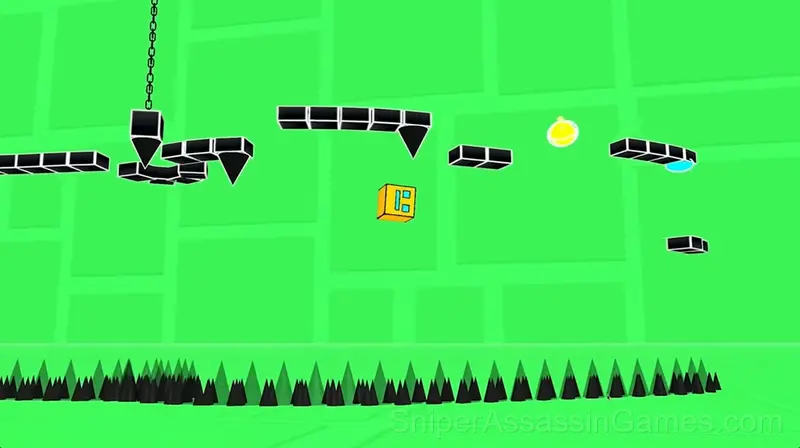
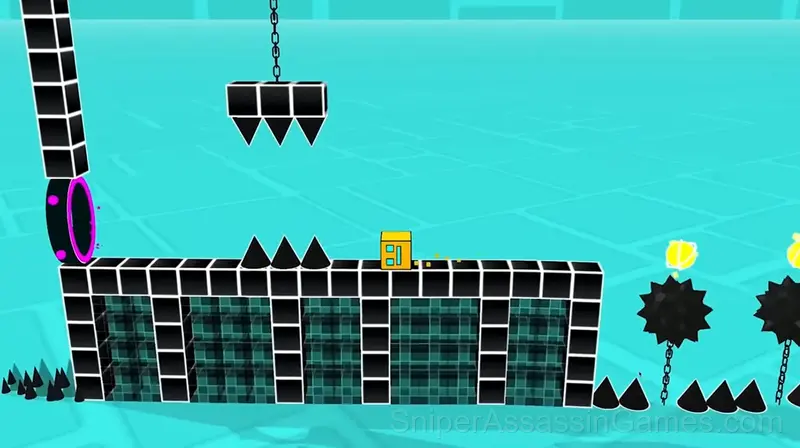
The player's task is to overcome various obstacles and reach the finish line in each level.
About Geometry Dash 3D: Build a level
Addictive gameplay: Fast-paced levels filled with various obstacles require the player's reaction, dexterity and accuracy.
Three-dimensional Worlds: Players immerse themselves in exciting three-dimensional locations filled with colorful colors, unique designs, and animations.
A variety of levels: From simple starting levels to complex mazes and traps, the game will offer a variety of challenges for players of all skill levels.
Geometry Dash 3D: Build a level Features
- Cloud saves. Your progress carries across devices and sessions.
- Optional in-game purchases available. The core game is free.
- Rated 6+, family-friendly content.
- Landscape orientation, optimized for wider screens on desktop and tablet.
Platform and Browser Support
You can access Geometry Dash 3D: Build a level from Windows PCs, Macs, Chromebooks, Linux machines, Android phones, iPhones, and iPads. It runs in Chrome, Firefox, Edge, and Safari using landscape (horizontal) orientation.
Screenshots
Tips to Improve
- Learn the difference between what costs you progress and what costs you time. Avoiding the first is always more important than optimizing the second.
- Turn off notifications. Even a casual game session benefits from two minutes of undivided attention.
- Pay attention to what the scoring system rewards. Understanding the game's priorities helps you focus on the right actions.
- Test the edges of each mechanic. Move in directions the game does not suggest. Interact with things that look static. The boundaries tell you a lot about how the game works.
- When you hit a wall, look for a mechanic you are underusing. The game usually gives you the tools before the challenge that requires them.
Getting Started
Select a level and start the game. The difficulty of the level depends on the emoji drawn on the button.
Tap on the screen to jump.
If you encounter difficulties, enter practice mode from the pause menu to complete the levels with checkpoints.
Good luck!
Inside Geometry Dash 3D: Build a level
Geometry Dash 3D: Build a level leans into simplicity without being boring. The surface level works fine for quick play. Underneath, there are scoring patterns and timing mechanics that reward attention.
Pick-up-and-play design is where Geometry Dash 3D: Build a level gets it right. The controls are immediately understandable, but the game keeps adding small wrinkles that prevent it from going stale after repeated sessions.
About the Developer
Quix is the studio behind Geometry Dash 3D: Build a level, originally released in April 2025. The game was built for browser play from the ground up, running on web technologies that work across devices. Players can access Geometry Dash 3D: Build a level for free on desktop computers, laptops, tablets, and mobile phones.
Games Like Geometry Dash 3D: Build a level
Enjoyed Geometry Dash 3D: Build a level? These related Casual Games offer similar gameplay and are all free to play with no download:
- Obby Parkour: Tower of Hell
- Robby +1 To Jump Power Per Click
- Obby: Escape from Barry Prison
- Obby: Tower of Hell
- Obby: Mini-Games
- Rainbow Friends Return
- Obby: Easy Parkour
- Buy a Brainrot Original 3D
Try Geometry Dash 3D: Build a level Free
With 2.3K reviews and a 3.8 average, Geometry Dash 3D: Build a level has proven its staying power as a free online casual game. It loads instantly in your browser and requires no download or account creation to play.