 SniperAssassinGames










Command Strike FPS
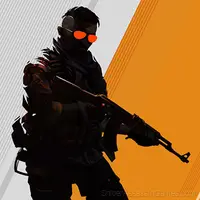
Command Strike FPS is a new shooter game, you can play online for free.
What You Get in Command Strike FPS
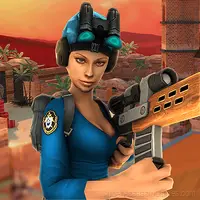
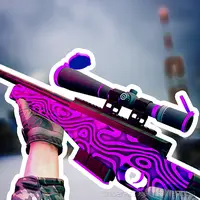
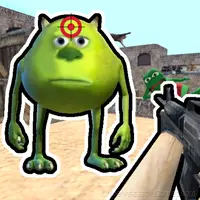
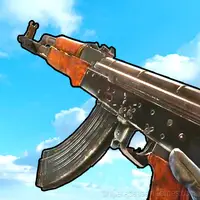
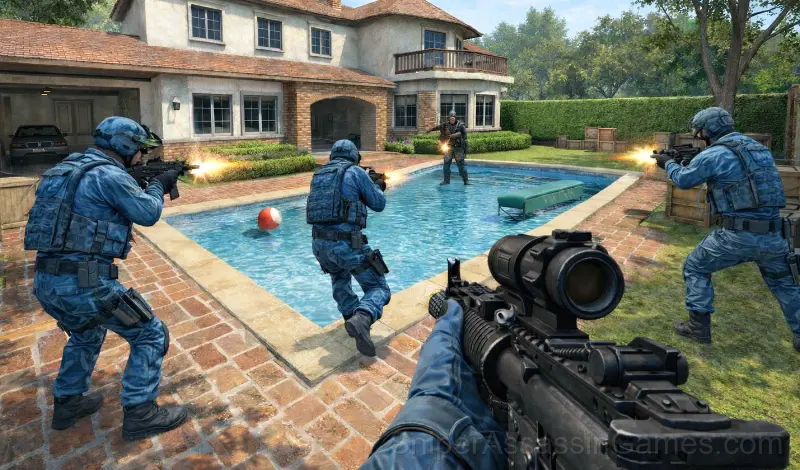
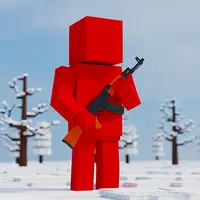
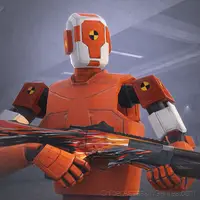
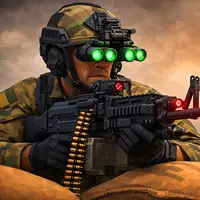
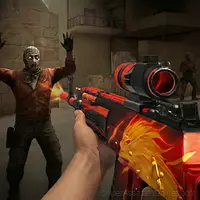
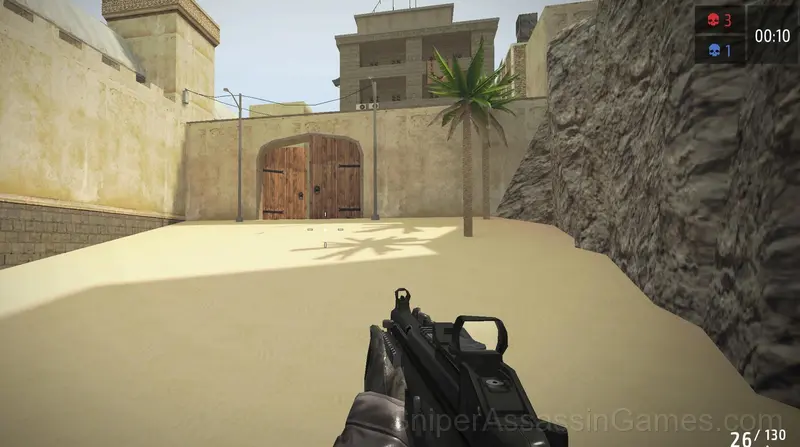
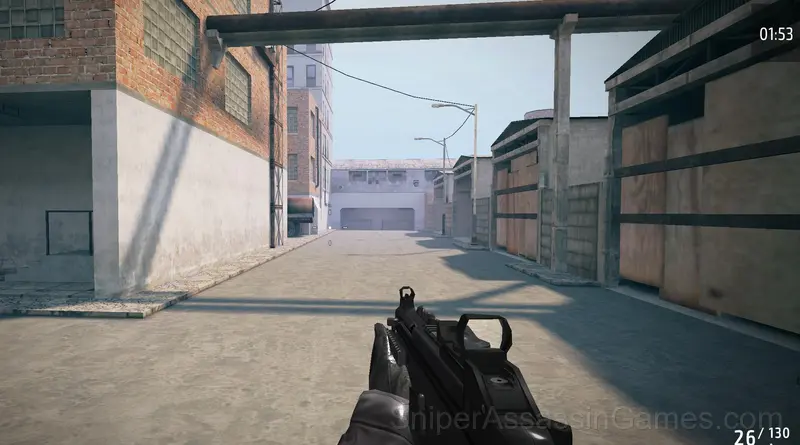
Welcome to a new shooter game! Take part in a real commando mission! Here you’ll find classic and favorite features of shooting games. About Command Strike FPS: - various maps for battles - offline games modes: Deathmatch, Flag capture, Missions - weaponry: powerful guns & pistols - simple shooting controls - action-packed gameplay Use your skills to become a super soldier - get a gun and join battles! It’s time to complete special commando missions!
Screenshots
Playing Command Strike FPS: What to Know
The action pacing in Command Strike FPS cycles between pressure and relief. Intense sequences are followed by brief windows to regroup, creating a rhythm that keeps tension high without causing fatigue.
Power progression in Command Strike FPS feels tangible. New abilities do not just add damage numbers. They change how encounters play out, giving you options you did not have before.
About the Publisher
Command Strike FPS was developed by MirraGames, originally released in April 2023. The game is available as a free browser title, playable on desktop and mobile devices without any download or installation. MirraGames designed Command Strike FPS to be accessible through any modern web browser, making it available to players worldwide.
Tips for Players
- Watch your own replays if the game supports them. You will spot mistakes in replay that you completely missed during live play.
- When a new mechanic appears, use it immediately in a low-pressure situation. Build familiarity before the game puts you in a spot where you need it.
- Audio cues exist for a reason. Play with sound on at least once to learn what the game communicates through audio versus visuals.
- Not every fight is worth fighting. Action games often reward knowing when to engage and when to move through.
- Health pickups have optimal timing. Grabbing one at full health wastes it. Wait until you need it, but do not wait so long that you die before reaching it.
- Spend the first few rounds learning the controls without chasing a high score. Getting comfortable with the inputs pays off more than early optimization.
- Positioning matters more than firepower. Being in the right spot lets you deal damage while avoiding it.
- Try the opposite of what keeps failing. If you are playing aggressively and dying, play defensively. If you are playing cautiously and timing out, push forward. The answer is often the reverse of your instinct.
Features in Command Strike FPS
- Localized in 6 languages for global players.
- Cloud save support. Pick up where you left off on any device.
- Free to play with optional in-game purchases.
- Global leaderboards to compare your scores with other players.
- Landscape orientation, optimized for wider screens on desktop and tablet.
Command Strike FPS Controls
Keyboard:
WASD for moving
G for grenade
H for use first aid kit
C for squat
M1 for aim
M2 for shooting
SPACE for jump
TAB for menu SCROLL
WHEEL for change weapon.
Platform and Browser Support
Browser compatibility for Command Strike FPS includes Chrome, Firefox, Edge, Safari, and Opera on both desktop and mobile. The game is designed for landscape (horizontal) orientation and runs without any downloads on Windows, macOS, Linux, ChromeOS, Android, and iOS.
Games Like Command Strike FPS
Here are more Shooting Games that Command Strike FPS players tend to enjoy. All free, all browser-based:
- Funny Shooter 2
- Sniper Clash 3D
- Tank Fury: Boss Battle 2D
- KS Russian Snipers
- Save Memes 3D
- FPS Commando: 3D Shooter
- World War 2 Shooter
- Obby: Battle Online
Start Playing Command Strike FPS
Command Strike FPS holds a 4.1 rating from 9.1K players. It is a free online shooting game that runs in your browser on any device. No download or installation needed.