 SniperAssassinGames
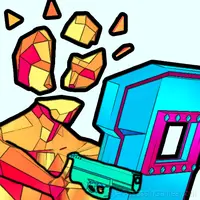

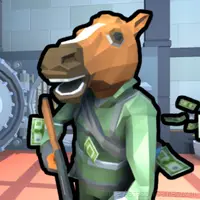



Save Memes 3D
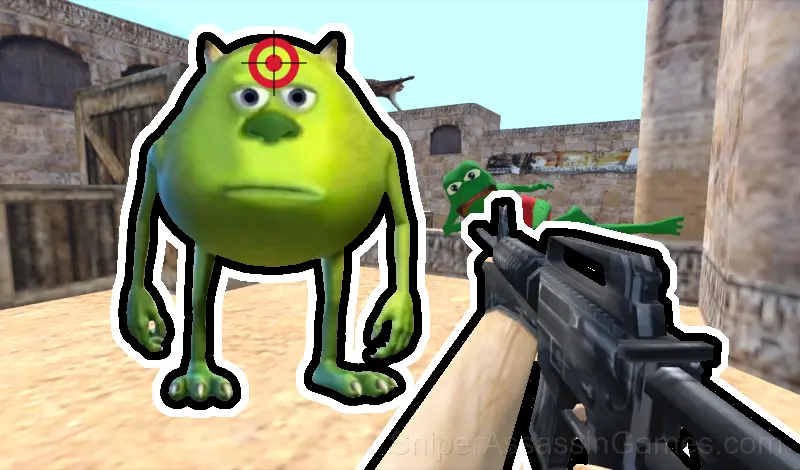
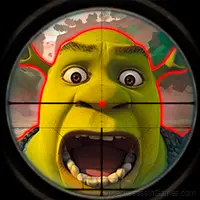
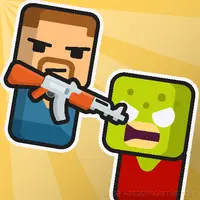
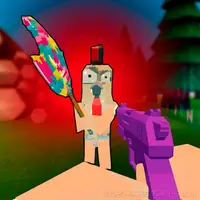
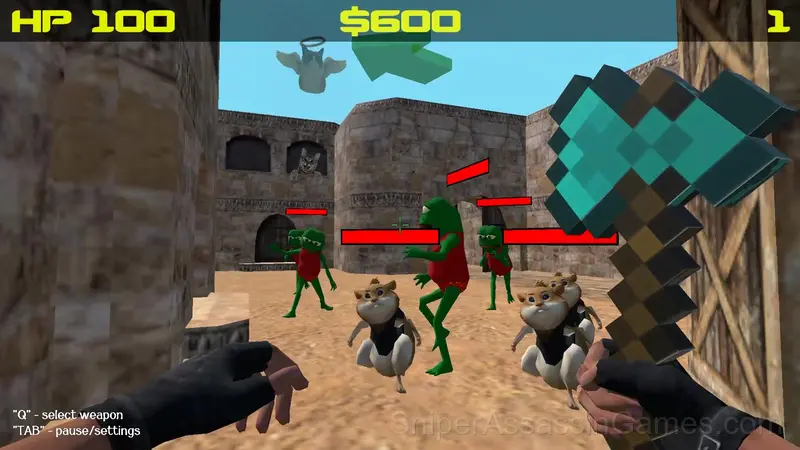
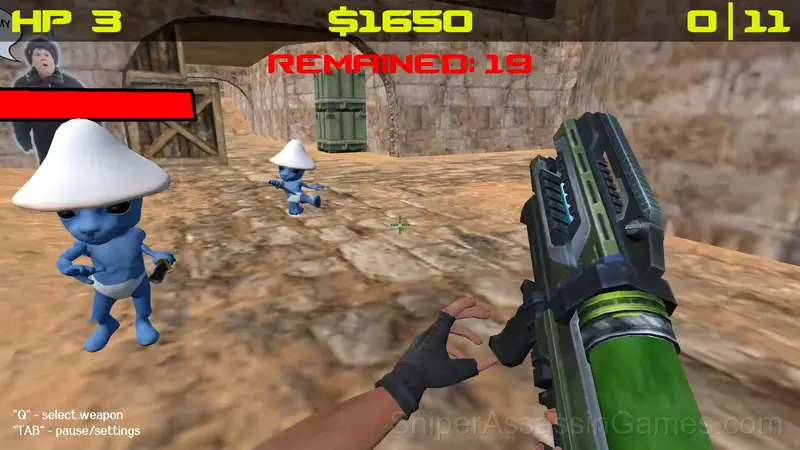
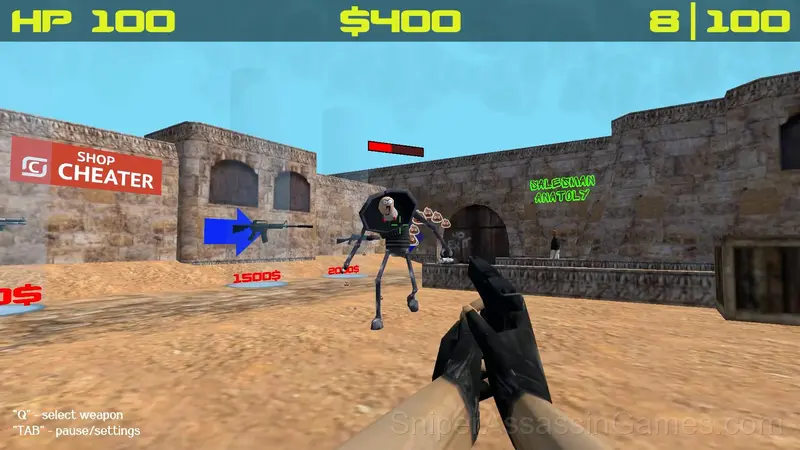
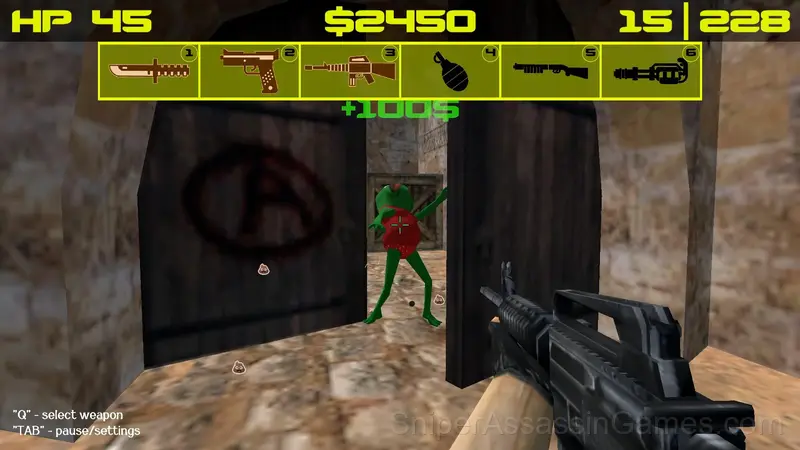
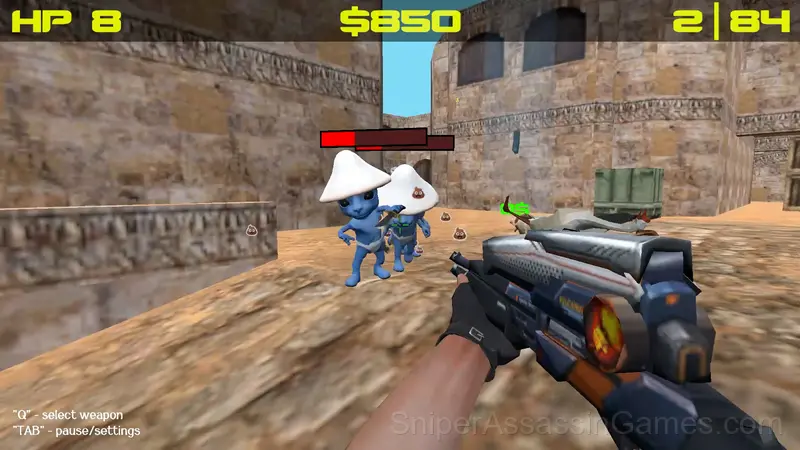
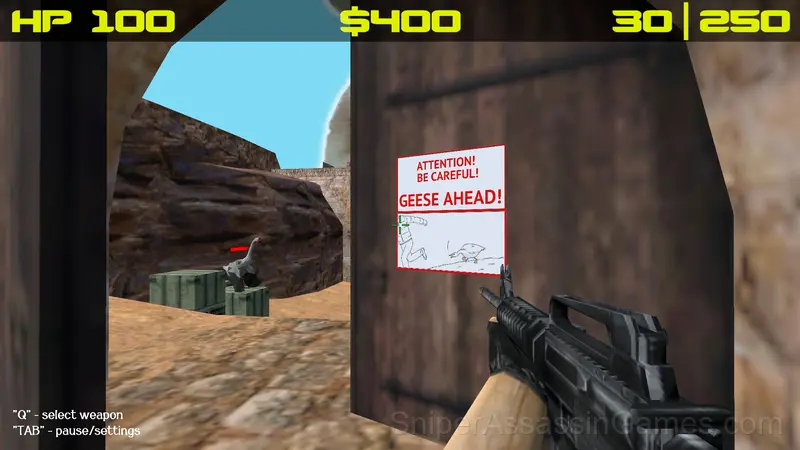
Save Memes 3D is a funny 3D meme shooter, referring to the game "Counter Strike 1.6". A funny and exciting adventure that will not make you bored!
What is Save Memes 3D About?
Memland is captured by evil memes. Your task is to free the inhabitants of this cheerful country and return their former freedom to them. A hilariously funny and at the same time responsible adventure awaits you. Forward, friend! They are waiting for your help!
- Complete quests for a reward;
- Buy weapons;
- Fight like a fierce lion with enemies;
- Get a magic carrot and open a portal;
Gameplay Breakdown
Weapon variety in Save Memes 3D changes the feel of combat. Different loadouts are not just damage numbers with different skins. They alter your timing, range, and approach to each fight.
Hitboxes in Save Memes 3D are fair. When you take damage, you can see exactly why. When you dodge, you know the margin. That precision is what separates frustrating action games from satisfying ones.
Playing Save Memes 3D
For PC:
- WASD- character movement (forward, backward, left, right);
- Left mouse button - shoot, hit with an axe or throw a grenade;
- ТАВ - call settings/pause;
- Q - display the player's weapons;
- R - reloading weapons
- 1,2,3,4,5,6 - quick access to available weapons;
For mobile devices:
- Movement using the joystick on the left side of the screen;
- Using the lower right part of the screen to control the camera;
- The buttons for shooting, changing weapons and reloading are located in the upper right corner;
- The button for calling settings/pause is located in the upper left part;
Strategy Guide
- Use the environment. Walls block projectiles, elevation gives range, and chokepoints turn numbers against enemies.
- Keep moving. Standing still in action games is usually the worst option, even when you are trying to aim carefully.
- Play a few complete rounds before looking up guides. Your own observations about the game's systems are more useful than generic advice written for someone else.
- When you hit a wall, look for a mechanic you are underusing. The game usually gives you the tools before the challenge that requires them.
- Learn the difference between what costs you progress and what costs you time. Avoiding the first is always more important than optimizing the second.
Who Built Save Memes 3D?
Behind Save Memes 3D is digitalcaramel2, originally released in September 2024. They made the game available as a free browser title that works on desktop, laptop, tablet, and mobile devices.
What the Game Includes
- Plays in landscape mode for a wider view of the game.
Where to Play Save Memes 3D
Save Memes 3D works on any device with a browser and an internet connection. Supported platforms include Windows, macOS, Linux, ChromeOS, Android, and iOS. The game uses landscape (horizontal) orientation.
Screenshots
Games Like Save Memes 3D
If Save Memes 3D clicked with you, try these free online Shooting Games. They are all browser games with no download required:
- Mine Shooter - Save Your World
- Squid Shooter
- Funny Shooter 2
- Time Shooter 2
- Time Shooter 3: SWAT
- Bunny Boy online
- Shootoff: Counterattack
- World War 2 Shooter
Start Save Memes 3D Now
Free, browser-based, and rated 4.6 by 3.5K players. Save Memes 3D loads in seconds and works on desktop and mobile. Click play and start.