 SniperAssassinGames
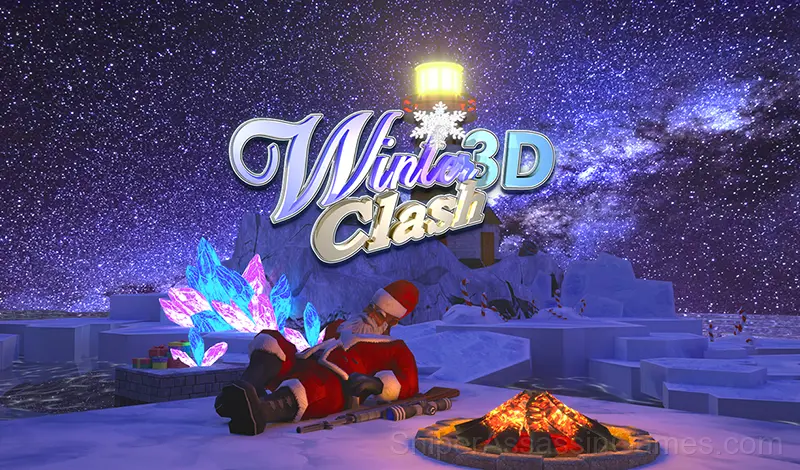




Winter Clash 3D
Freeze the elf with a sniper bullet! Play this exciting 3D shooter in browser for free!
Winter Clash 3D Overview
This Christmas, the evil elves plan to capture a secret lair at the pole and summon the evil Baba Yaga, also known as the Filthy Idol, into this world.
Don't let this happen! Take your weapon and punish everyone you come across you in the brand new team shooter Winter Clash 3D.
Try on the role of a powerful Santa Claus to capture a pagan idol from a deserted island with a lighthouse and burn it in your Christmas fire.
The new headshot system will allow you to fully experience your tactical superiority.
Those who like to wreak havoc will love the new automatic shotgun. Use magic boots to increase your movement speed and restore health with powerful bonuses.
Controls and Rules
Keyboard controls:
WASD - movement,
C - sit down,
SPACE - jump,
Left-click - shoot,
Right-click - aim,
TAB - score table
Controls on mobile devices:
Move with the joystick in the lower-left corner of the screen.
Jump and aim using the buttons in the ...
What You Get in Winter Clash 3D
- In-game purchases for optional extras. Free to play without them.
- Localized in 13 languages for global players.
- Designed for horizontal play, best experienced on desktop or tablet.
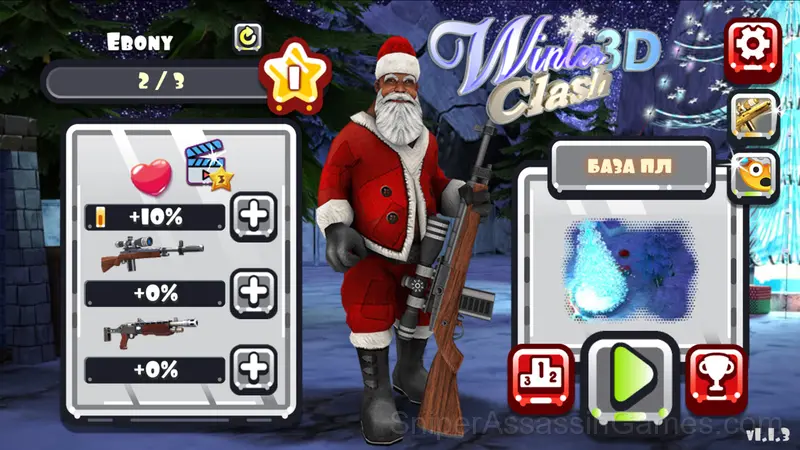
Screenshots
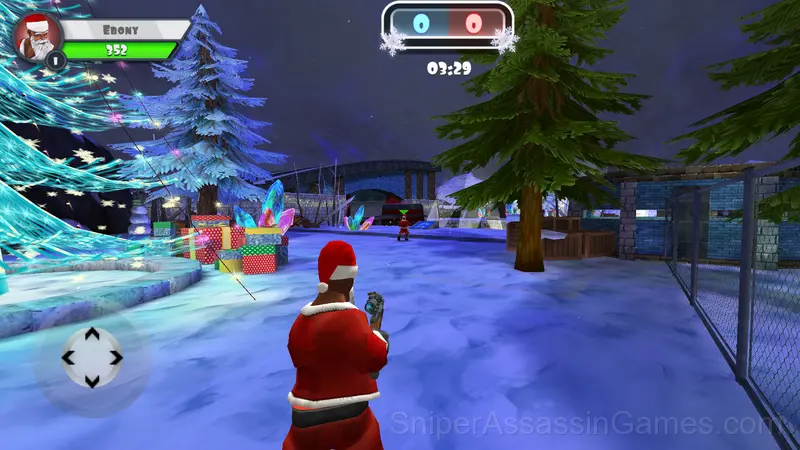
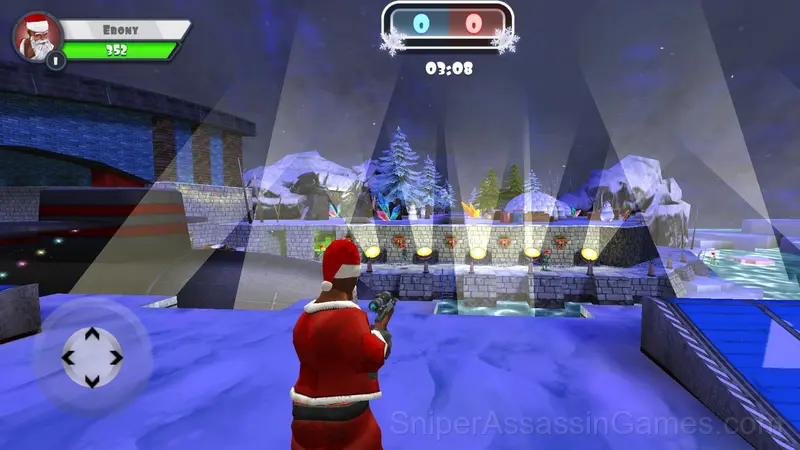
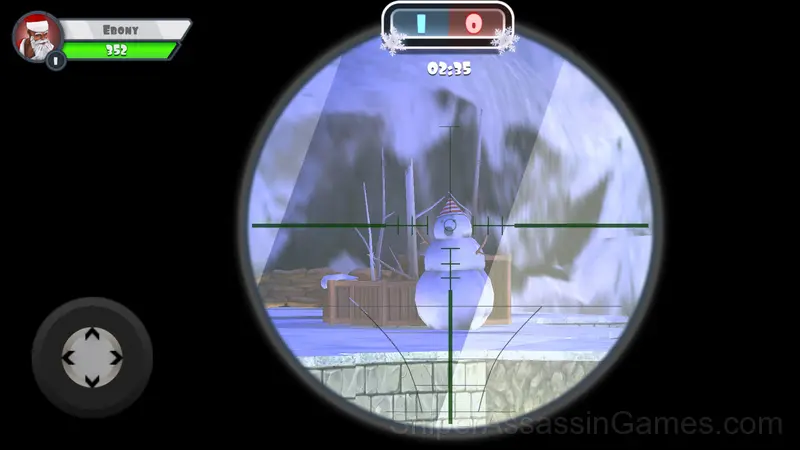
How Winter Clash 3D Plays
Power progression in Winter Clash 3D feels tangible. New abilities do not just add damage numbers. They change how encounters play out, giving you options you did not have before.
Winter Clash 3D makes movement feel important. Positioning determines whether an encounter is manageable or chaotic, and the game rewards players who think about where they stand, not just what they are shooting at.
Developer Details
Freeway Interactive made Winter Clash 3D available for free browser play, originally released in December 2019. It runs on standard web technologies and does not require any plugins, downloads, or installations.
Tips for Players
- Take breaks when frustration builds. Coming back after a few minutes often makes the solution or the right timing click naturally.
- Spend the first few rounds learning the controls without chasing a high score. Getting comfortable with the inputs pays off more than early optimization.
- If there are multiple modes or difficulty levels, start on default. It is tuned for first-time players and gives you the experience the developer intended.
- Health pickups have optimal timing. Grabbing one at full health wastes it. Wait until you need it, but do not wait so long that you die before reaching it.
- Learn the attack patterns before engaging. Most enemies telegraph their moves. Recognizing those tells gives you reaction time you would not otherwise have.
- Learn the difference between what costs you progress and what costs you time. Avoiding the first is always more important than optimizing the second.
- Prioritize ranged enemies first in mixed groups. Melee threats are easier to manage when nothing is shooting at you from across the room.
Compatible Devices
Cross-platform play is built into Winter Clash 3D. Open it in any modern browser on any operating system. The game uses landscape (horizontal) orientation and requires no downloads, plugins, or installations.
Games Like Winter Clash 3D
Players who like Winter Clash 3D tend to enjoy these Shooting Games as well. All of them are free to play in your browser:
- CS: Shooter
- Vegas Clash 3D
- Sniper Clash 3D
- Rocket Clash 3D
- KS Z
- Time Shooter 2
- Airport Clash 3D
- Funny Shooter 2
Play Winter Clash 3D Online Free
A 4.4 rating from 43K players puts Winter Clash 3D among the better free Shooting Games available online. It plays in your browser with no download required and works on both desktop and mobile.