 SniperAssassinGames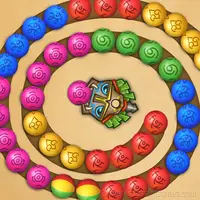
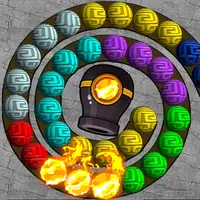








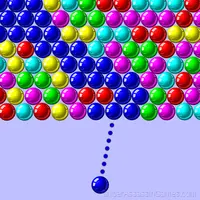




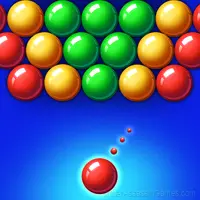


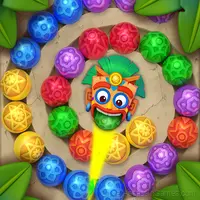
Zumbla classic
Play a quick game, challenge yourself with hundreds levels and become the king of marble shooting.
Introduction to Zumbla classic
🍓 - Start easy and increase difficulty;
🍍 - Freeze stone, Lighting stone, Bomb stone and many interesting props waiting for your exploration in shooting marbles;
🍌 - Beautiful graphics;
🍒 - More than 3000 levels.
Play a quick game, challenge yourself with hundreds levels and become the king of marble shooting. Your target is to eliminate all the marbles, but don’t let the chain reach the end.
Platform Support
Play Zumbla classic on any platform: Windows, macOS, Linux, ChromeOS, Android, or iOS. The game runs in Chrome, Firefox, Edge, Safari, and Opera using portrait (vertical) orientation. Nothing to install.
What is Included
- Cloud saves. Your progress carries across devices and sessions.
- Global leaderboards to compare your scores with other players.
- Localized in 7 languages for global players.
- Age rating: 6+, appropriate for younger players.
- Built for vertical screens. Plays naturally on phones.
- In-game purchases for optional extras. Free to play without them.
Screenshots
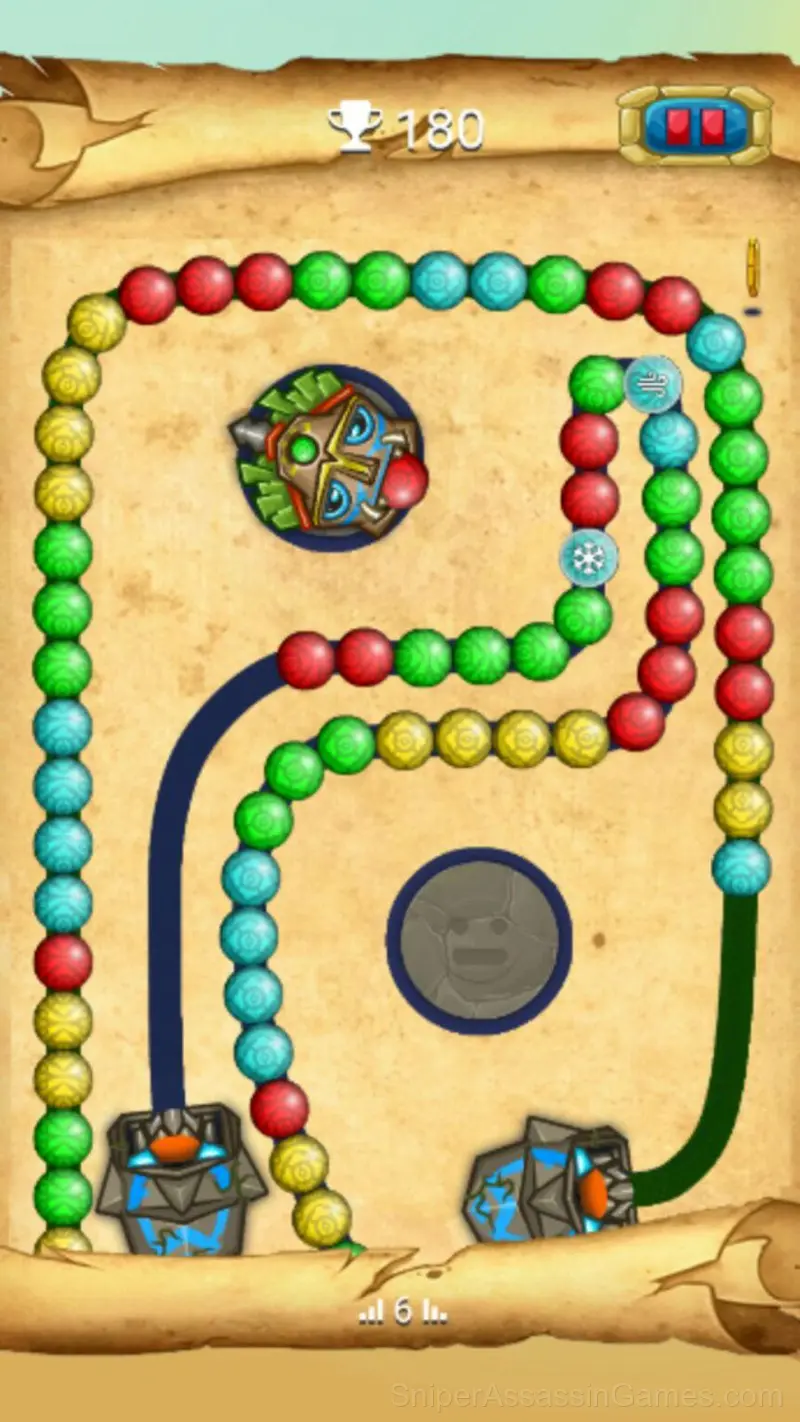
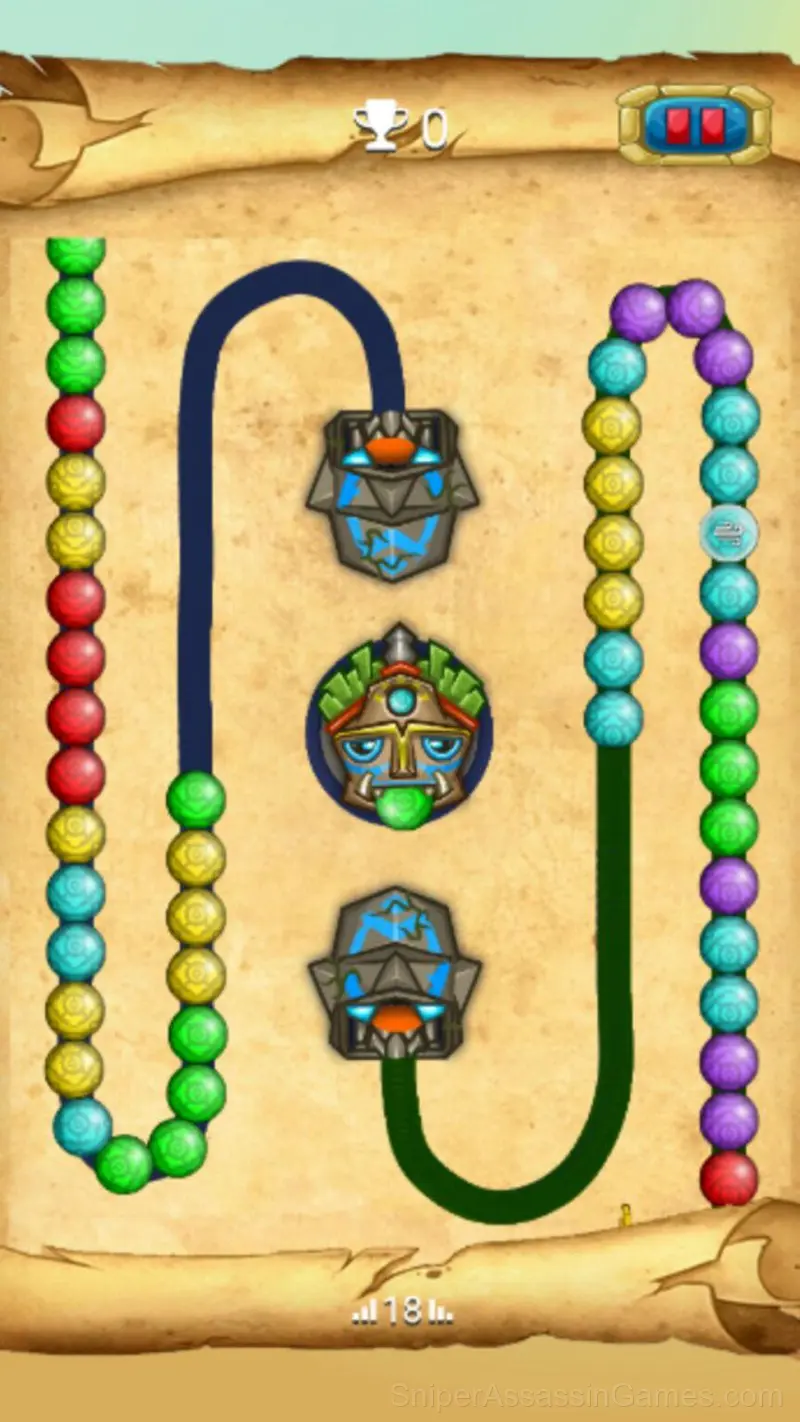
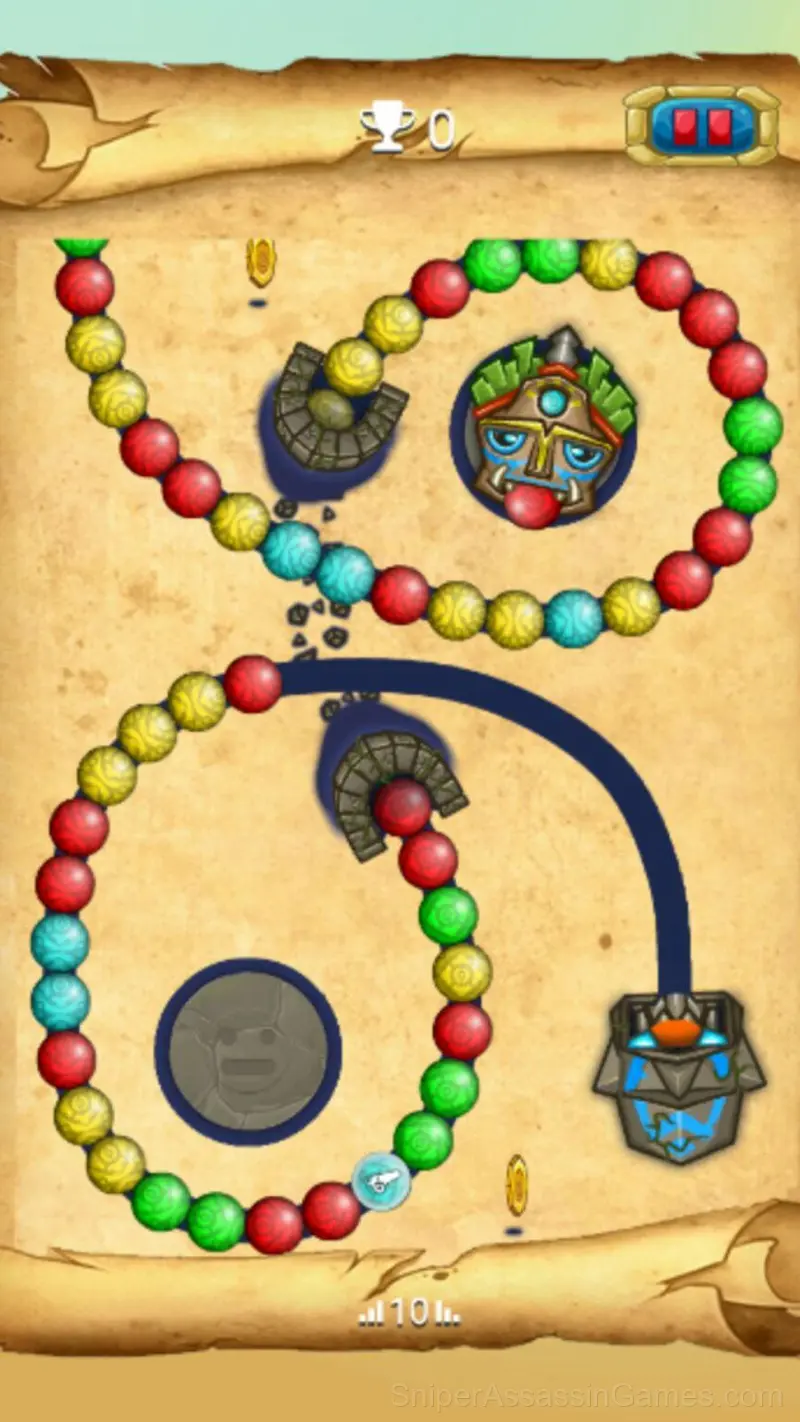
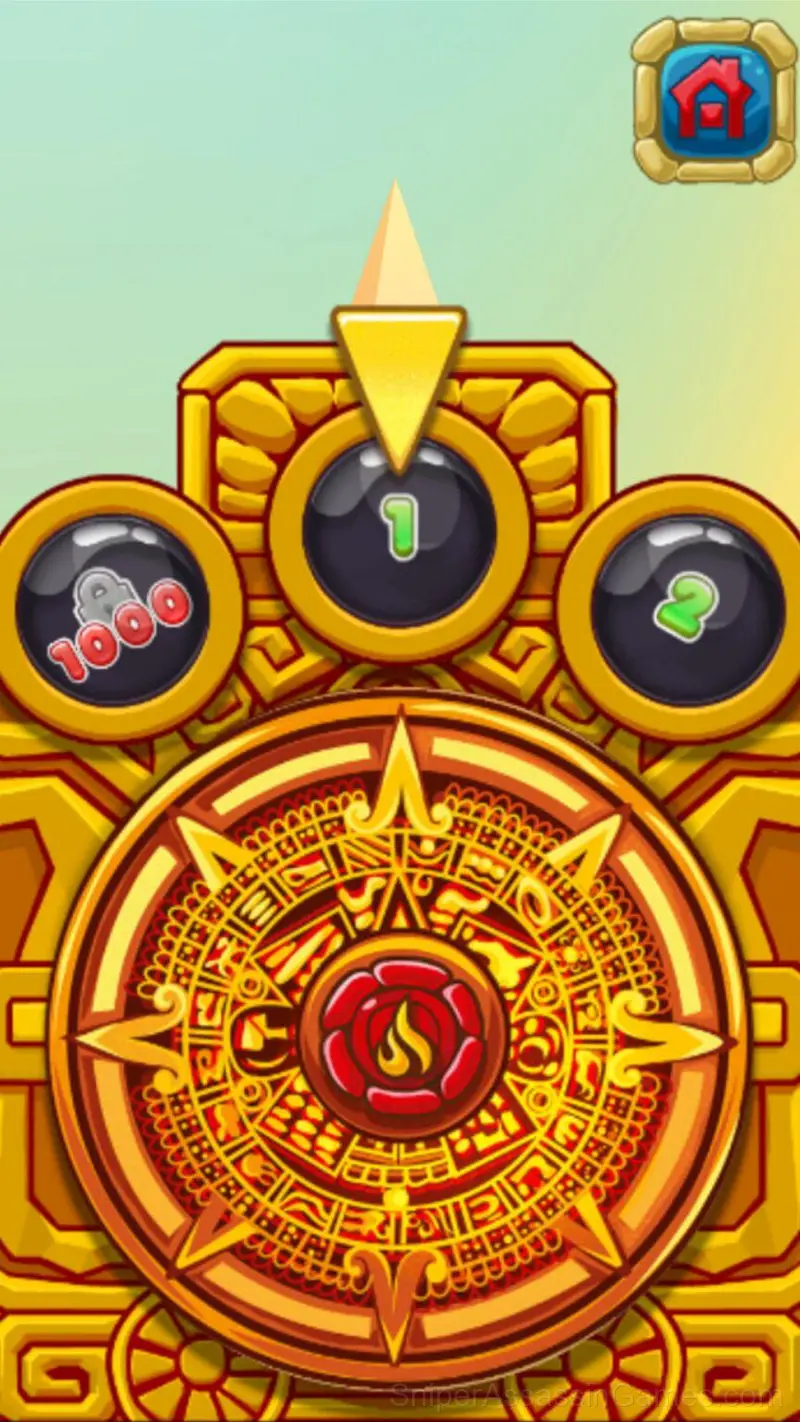
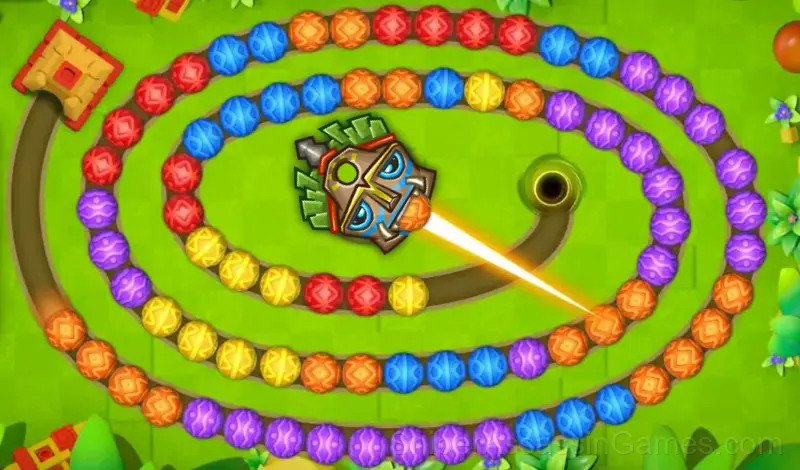
Zumbla classic Gameplay
Pick-up-and-play design is where Zumbla classic gets it right. The controls are immediately understandable, but the game keeps adding small wrinkles that prevent it from going stale after repeated sessions.
The core loop in Zumbla classic keeps sessions flexible. Play for two minutes between tasks or settle in for a longer stretch. The game works either way. There is no penalty for stepping away and coming back later.
Controls and Gameplay
1. Touch the screen where you want to shoot. 🎉
2. Match 3 or more same color marbles to eliminate them. 💥
3. Make more Combos and Chains to get the higher score. 🔥
Zumbla classic Developer
As a browser game, Zumbla classic was built by elsid.apps, originally released in December 2022. It is free and works across desktop and mobile without any setup.
Player Tips
- Spend the first few rounds learning the controls without chasing a high score. Getting comfortable with the inputs pays off more than early optimization.
- Learn one mechanic at a time. Casual games layer simplicity, and mastering each layer separately is faster than trying to handle everything at once.
- Watch your own replays if the game supports them. You will spot mistakes in replay that you completely missed during live play.
- If there are multiple modes or difficulty levels, start on default. It is tuned for first-time players and gives you the experience the developer intended.
- The scoring system tells you what the designers value. If combos score highest, build combos. If accuracy scores highest, slow down.
Games Like Zumbla classic
Other Casual Games worth playing if you like Zumbla classic. Free, browser-based, no download or account needed:
- Zumbly
- Zuma cannon shooting
- Bubble Fall
- Bubble Blast
- Goods Sort: Matching Items by Shelves
- Logic Balls
- Namby-Pamby Explode the bubbles
- Balloons Rhombics
Play Zumbla classic for Free
Try Zumbla classic for free in your browser. It is rated 4.3 out of 5 by 10K players and requires no download or registration to play.