 SniperAssassinGames



















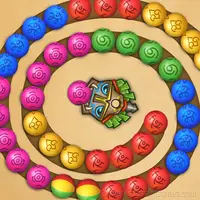


Logic Balls
Match balls of the same color! Train your logic and quick wits in a logic puzzle!
About Logic Balls
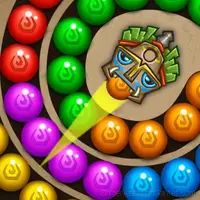
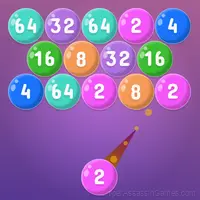
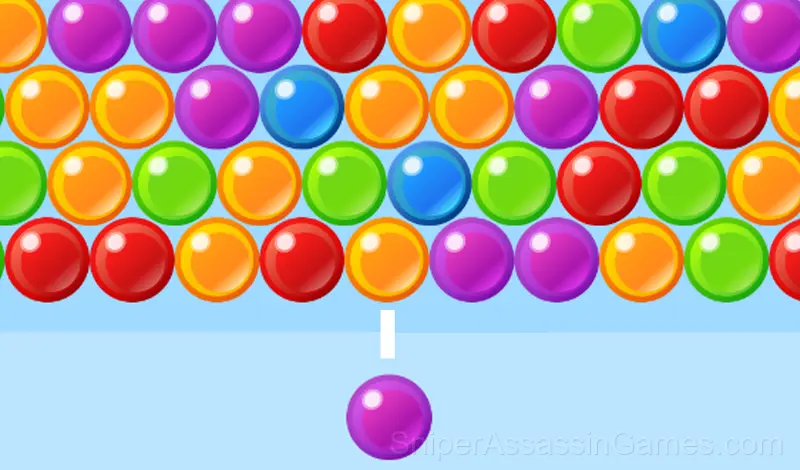
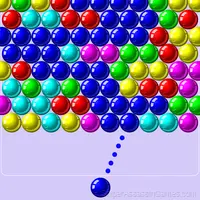
Shoot at the balls, connect balls of the same color and earn points!
If, after destroying identical balls, a separate island of balls appears, it will be destroyed and will count toward the points.
After the shot, you can change the trajectory of the ball for tricky moves.
Destroy the balls as quickly as possible, the lines will go down every 5 moves!
Logic Balls Tips
- Spend the first few rounds learning the controls without chasing a high score. Getting comfortable with the inputs pays off more than early optimization.
- Figure out what ends your runs most often. The most common failure point is usually the most valuable thing to improve.
- Turn off notifications. Even a casual game session benefits from two minutes of undivided attention.
- If the game has daily challenges, do them. They force you into situations you would not choose on your own, and that builds flexibility.
- When you hit a wall, look for a mechanic you are underusing. The game usually gives you the tools before the challenge that requires them.
- Try playing left-handed if the game allows it (or vice versa). It sounds odd, but changing your input hand can reveal patterns your dominant hand was autopiloting through.
- When a new mechanic appears, use it immediately in a low-pressure situation. Build familiarity before the game puts you in a spot where you need it.
- Test the edges of each mechanic. Move in directions the game does not suggest. Interact with things that look static. The boundaries tell you a lot about how the game works.
Device Compatibility
From smartphones to desktop computers, Logic Balls runs everywhere a modern browser is available. It uses portrait (vertical) orientation and does not require any software installation.
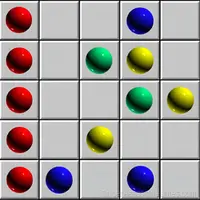
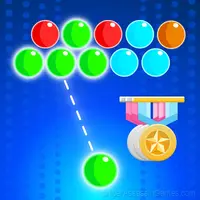
Screenshots
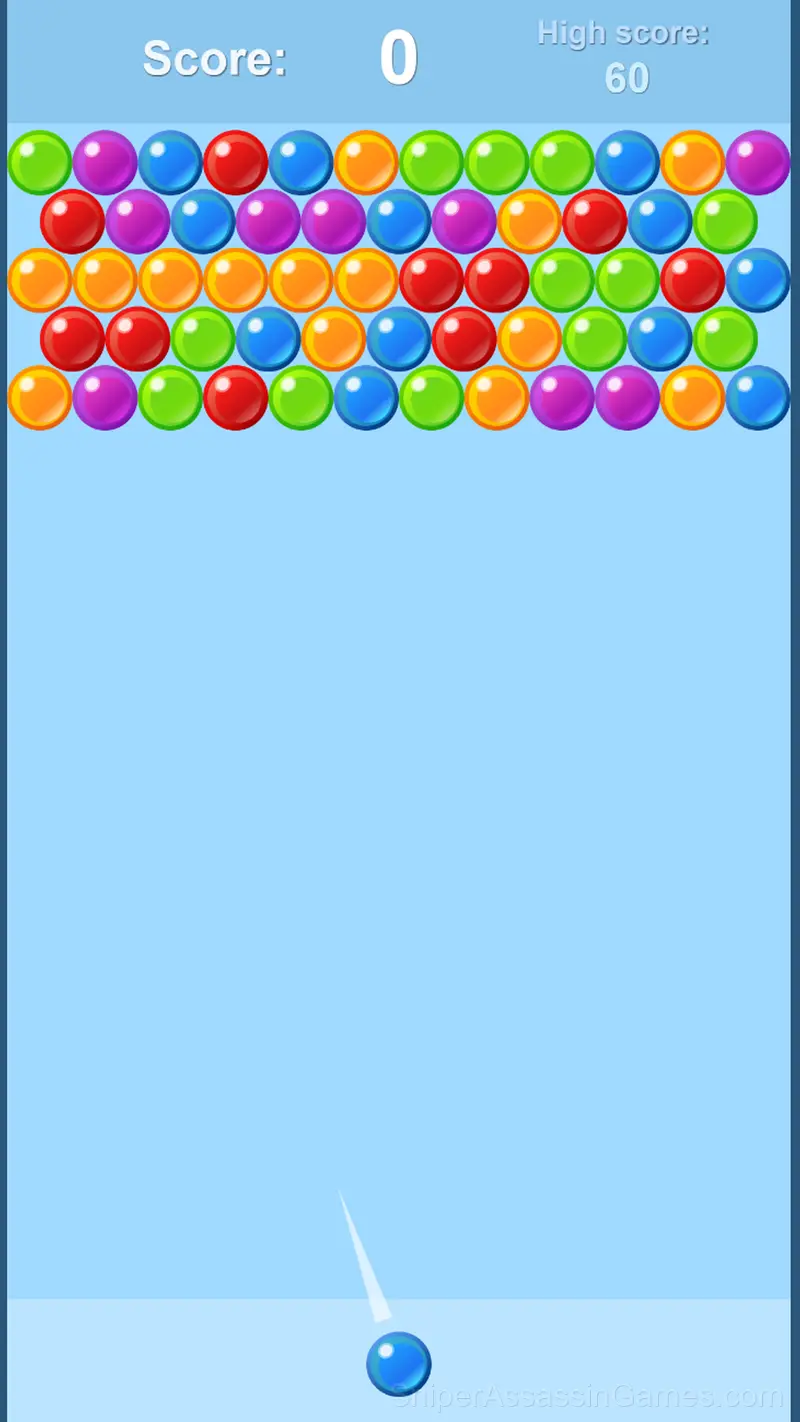
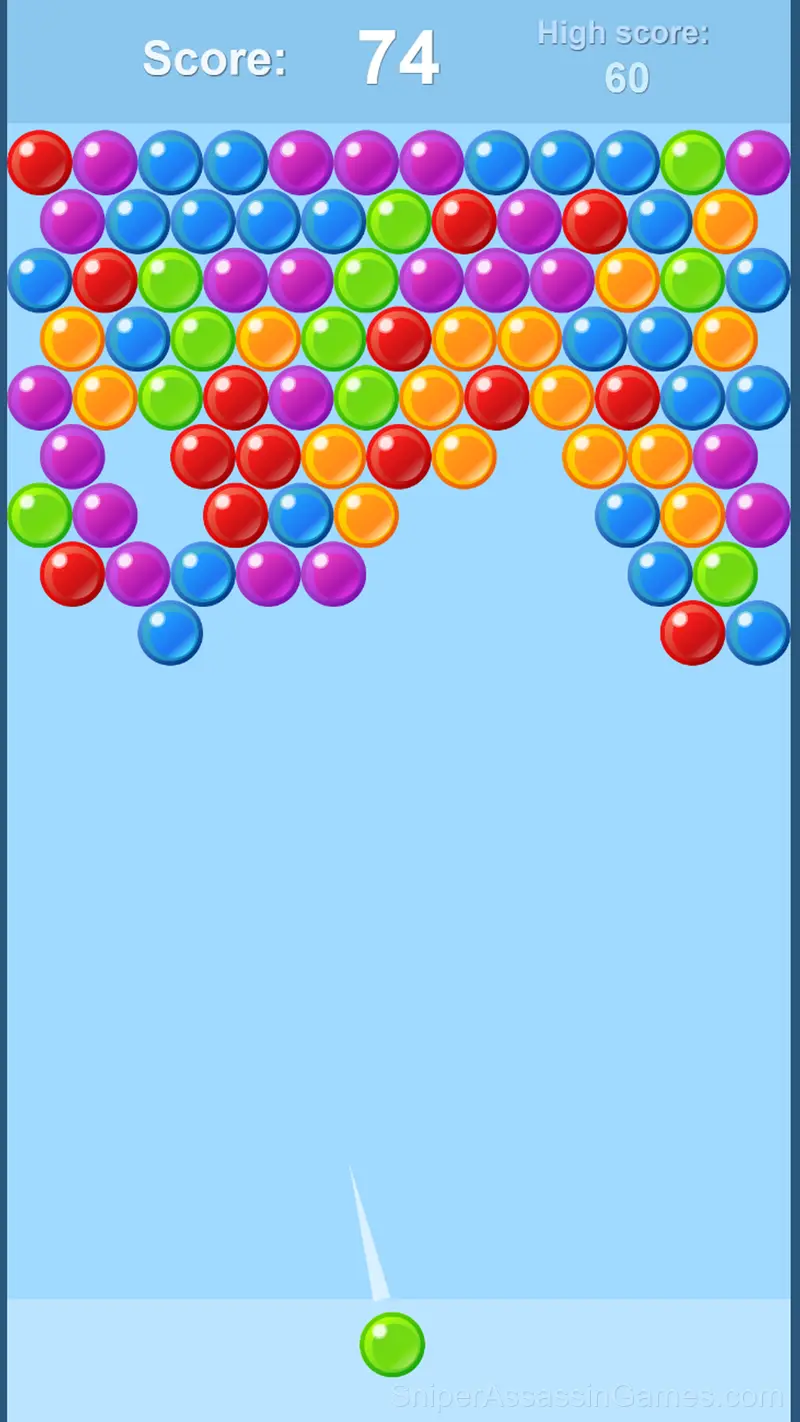
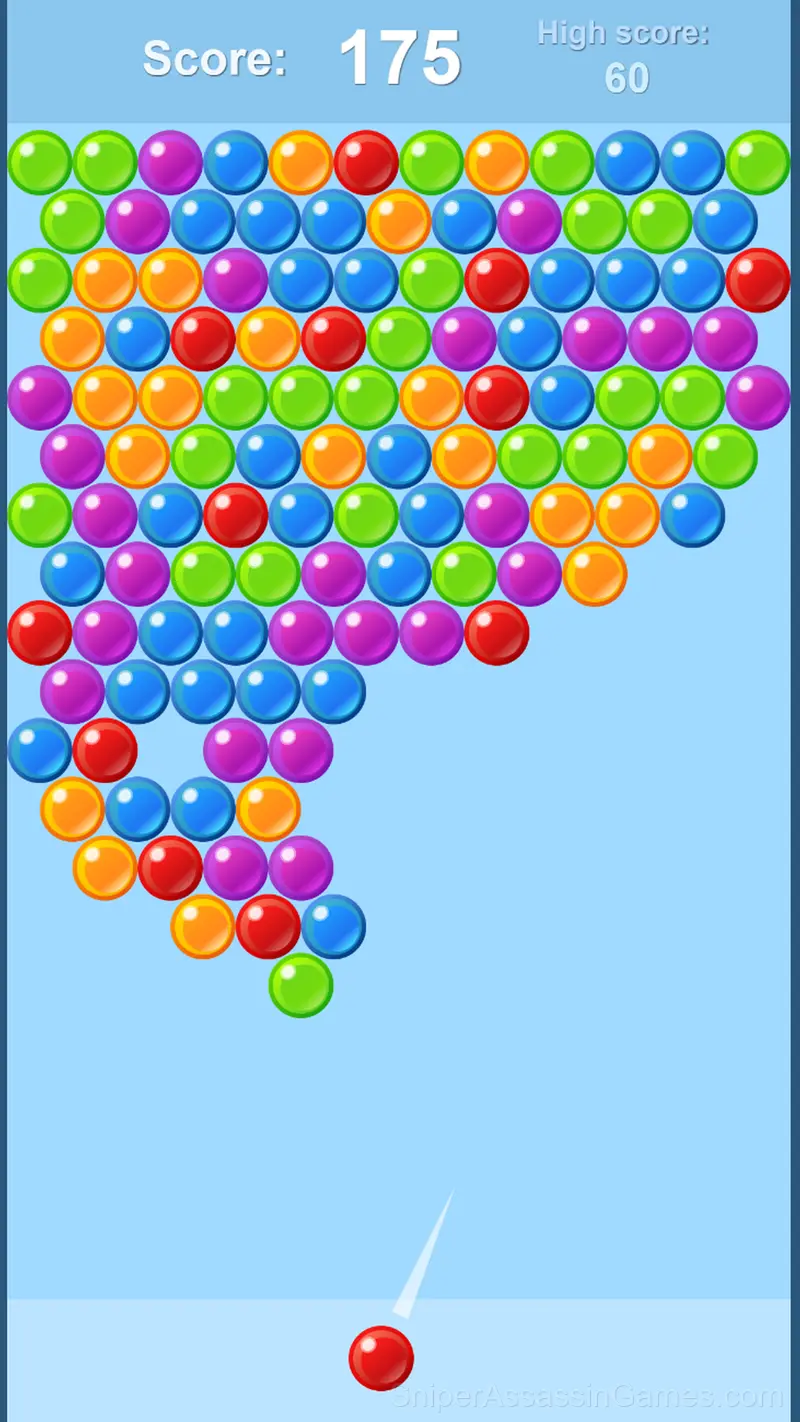
Getting Started
- Direct the ball with your mouse or finger on your phone, aim and release, the ball will start moving
- While the ball is moving, you can change its trajectory by pressing and re-aiming
- Remove more than three balls of the same color at a time, so you get...
Gameplay Breakdown
Pick-up-and-play design is where Logic Balls gets it right. The controls are immediately understandable, but the game keeps adding small wrinkles that prevent it from going stale after repeated sessions.
There is a satisfying click-reward rhythm to Logic Balls. Inputs map to outcomes in a way that feels natural, and the game builds on that foundation without breaking it.
Developer Details
Logic Balls comes from Star Games, originally released in March 2024. The game was designed for browser-based play and runs across all major platforms without any installation. It is free for all players.
Game Features
- Cloud save support. Pick up where you left off on any device.
- Free to play with optional in-game purchases.
- Portrait mode, optimized for mobile play.
- Leaderboard support. Track your ranking against the community.
- Age rating: 0+, appropriate for younger players.
Games Like Logic Balls
Players who like Logic Balls tend to enjoy these Casual Games as well. All of them are free to play in your browser:
- Bubble Shooter - Shoot and Burst!
- Zumbla classic
- Bubble Fall
- Balloons around!
- Merge Emoji
- Balloons Pyramids
- Shoot the Bubbles
- Panda Pop
Start Playing Logic Balls
Try Logic Balls for free in your browser. It is rated 3.8 out of 5 by 5.2K players and requires no download or registration to play.