 SniperAssassinGames

















Winter Mine Blocks
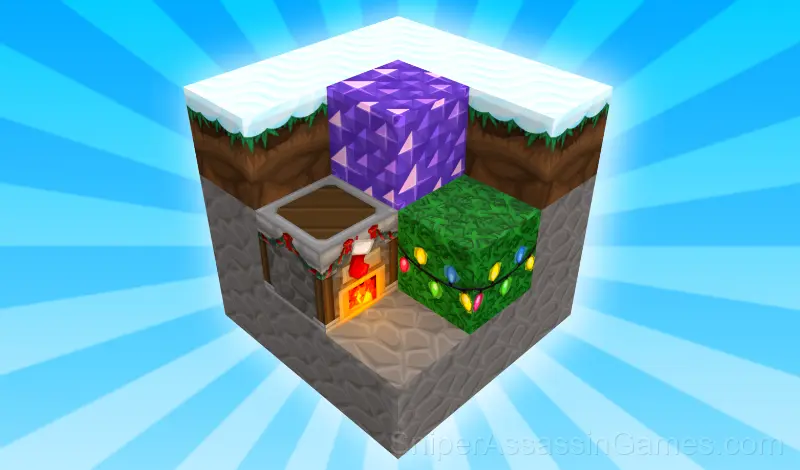
"Winter Mine Blocks" - an exciting game in the genre of construction and creativity, which will take you to the magical winter world. You can show your imagination and create amazing winter buildings, using a variety of blocks and decorative elements.
Introduction to Winter Mine Blocks
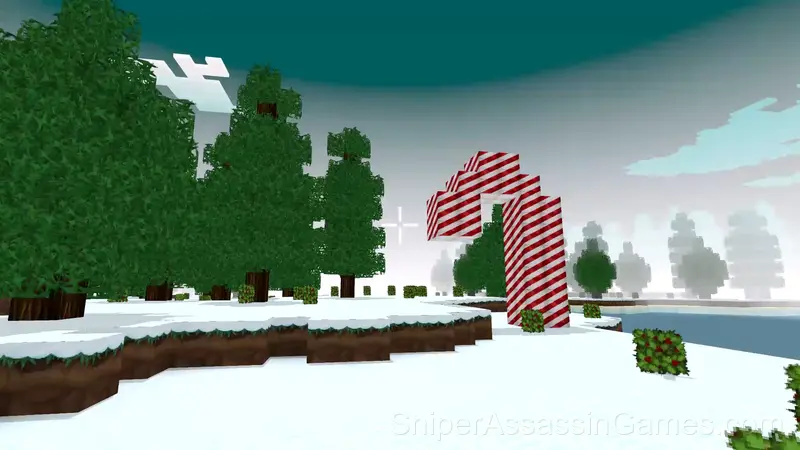
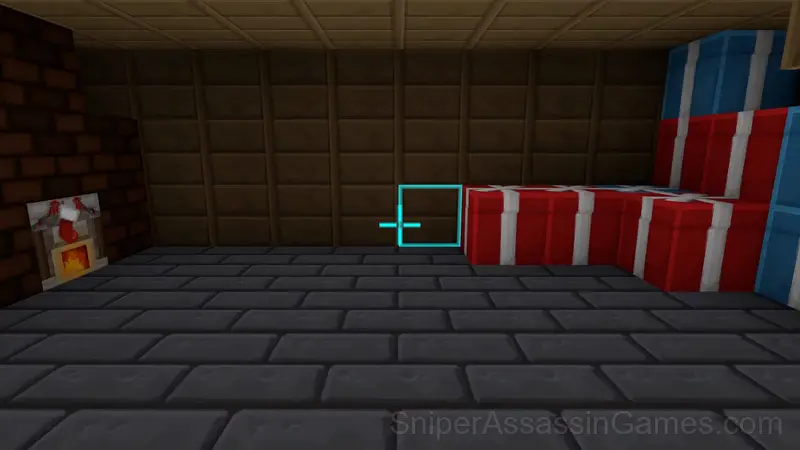
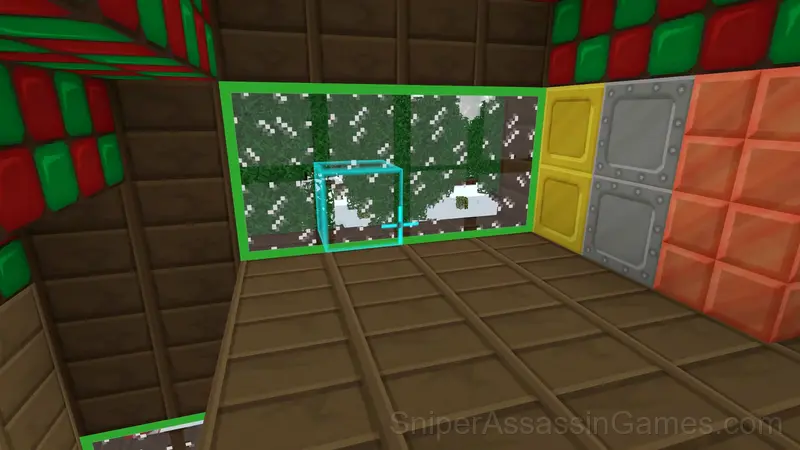
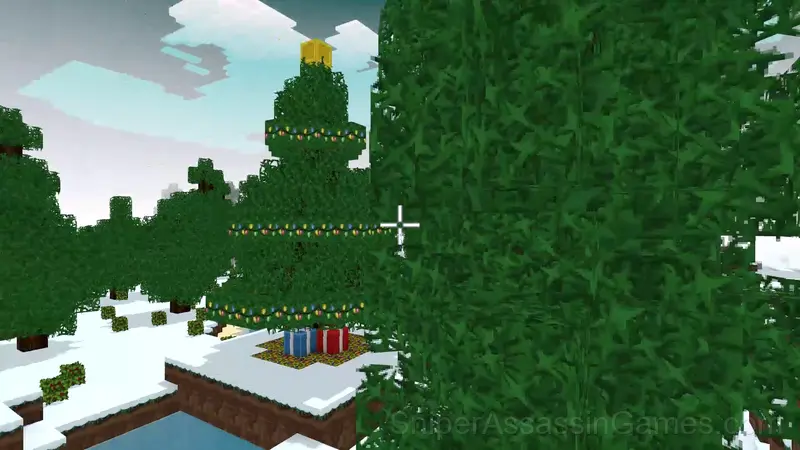
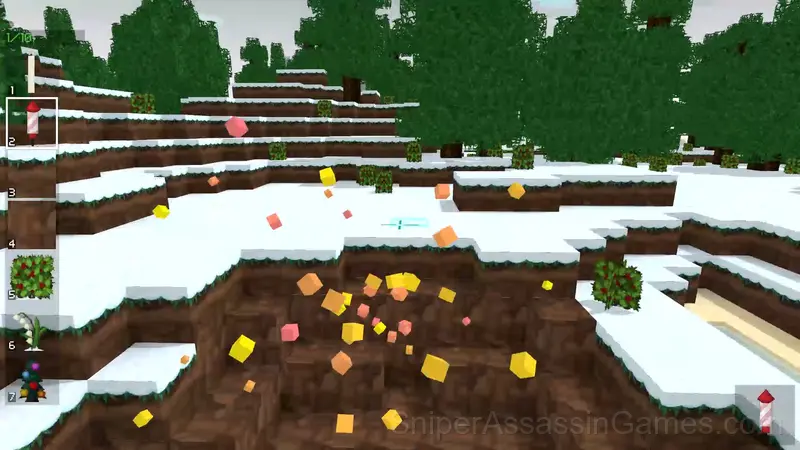
"Winter Mine Blocks" is an exciting construction and design game with a winter and New Year's theme. Create unique winter buildings using a variety of blocks and decor elements. Play in a magical world where the whole landscape is covered with snow and enjoy the atmosphere of winter magic. Develop your building and design skills by creating fabulous ice palaces, cozy houses and huge Christmas trees.
About the Publisher
The team at GlitchGum built Winter Mine Blocks as a free browser game, originally released in December 2023. It loads directly in Chrome, Firefox, Edge, Safari, and other browsers on any desktop or mobile device.
Helpful Tips
- Test the edges of each mechanic. Move in directions the game does not suggest. Interact with things that look static. The boundaries tell you a lot about how the game works.
- The scoring system tells you what the designers value. If combos score highest, build combos. If accuracy scores highest, slow down.
- Pay attention to what the scoring system rewards. Understanding the game's priorities helps you focus on the right actions.
- If there are multiple modes or difficulty levels, start on default. It is tuned for first-time players and gives you the experience the developer intended.
- The early levels teach mechanics that become critical later. Do not skip through them, even if they feel easy. The patterns they introduce come back.
Controls and Rules
- Use keys W, A, S, D to move the player. Use the mouse to look around and change the direction of view.
- To flip through pages of items forward, use the E key. To go backwards through the pages, use the Q key.
- The numbers on the keyboard will help you select an item on the item page. Press the corresponding number to select the desired item.
- The Tab key allows you to close the selection of items.
- If you want to activate the flight mode, press the F key.
- For faster movement, use the Shift key.
- To jump, press the Space key.
- The left mouse button allows you to break a block, and the right mouse button puts a block.
- Press the G key to open the door.
- Press the L button to turn on the lights around the player.
- Press the C button to crouch.
- Press the P button to open a menu with buttons for creating a new world, saving, and loading.
Winter Mine Blocks Features
- Age rating: 6+, appropriate for younger players.
- In-game purchases for optional extras. Free to play without them.
- Designed for horizontal play, best experienced on desktop or tablet.
- Available in 6 languages.
Gameplay Details
Winter Mine Blocks follows the best casual design principle: teach by doing, not by explaining. You figure out the mechanics through play, and by the third round you are already developing your own strategies.
Casual games live or die by their first impression, and Winter Mine Blocks makes those opening seconds count. The core mechanic clicks fast, and the progression system gives you reasons to come back.
Devices That Run Winter Mine Blocks
Any device running Chrome, Firefox, Edge, or Safari can play Winter Mine Blocks. The game supports landscape (horizontal) orientation and works on Windows, macOS, Linux, ChromeOS, Android, and iOS without downloads.
Screenshots
Games Like Winter Mine Blocks
Enjoyed Winter Mine Blocks? These related Casual Games offer similar gameplay and are all free to play with no download:
- Tap Wood Blocks Away
- Words from Words
- Obby Parkour: Tower of Hell
- Noob Miner: Jailbreak
- Fillwords: Word Search
- Stendof 2 Cases
- Om Nom: Run
- Hidden Object: Clues and Mysteries
Start Playing Winter Mine Blocks
Free, browser-based, and rated 4.2 by 1.8K players. Winter Mine Blocks loads in seconds and works on desktop and mobile. Click play and start.