 SniperAssassinGames


















Wildlife: Hunting 3D
Go out to hunt a wild beast! Show everyone who is the best hunter!
Introduction to Wildlife: Hunting 3D
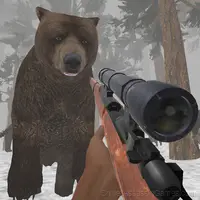
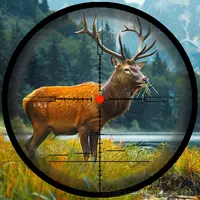
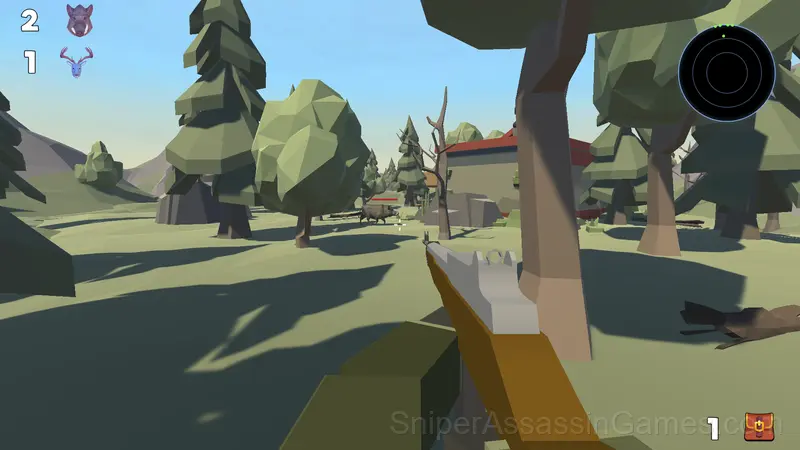
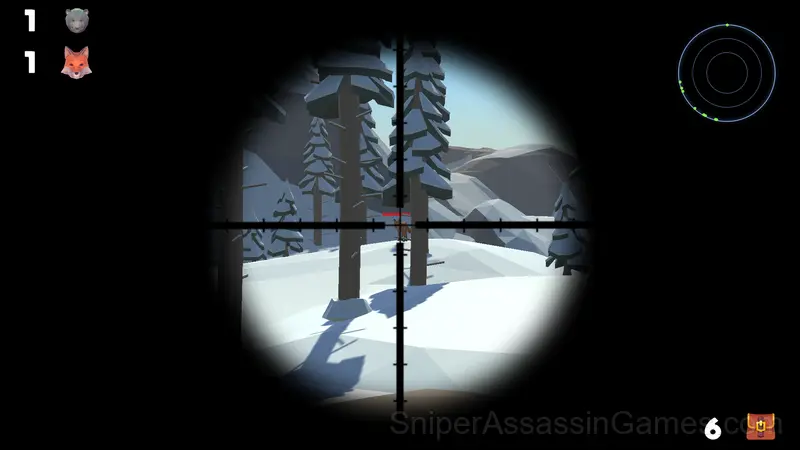
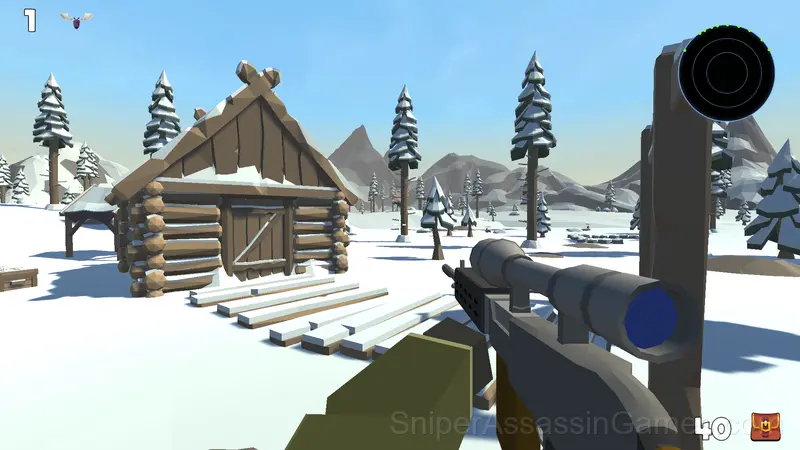
In the game, you have to hunt wild animals in various natural conditions. The main features of the game are:
💥 9 types of weapons,
🐗 10 types of animals,
🏝️ a large open world,
😈 some animals can attack the player,
👂 animals hear the sound of a shot and the noise of the player's footsteps - sneak up on the prey.
Who Made Wildlife: Hunting 3D?
TRAgames released Wildlife: Hunting 3D as a free online action game, originally released in July 2024. The game needs no download and works on any device with a web browser.
Browser and Device Support
Cross-platform play is built into Wildlife: Hunting 3D. Open it in any modern browser on any operating system. The game uses landscape (horizontal) orientation and requires no downloads, plugins, or installations.
The Gameplay
Controls in Wildlife: Hunting 3D are responsive enough that mistakes feel like your fault, not the game's. That accountability is what makes improvement satisfying. You know exactly what to do differently next time.
The core loop in Wildlife: Hunting 3D reveals its depth over time. First sessions feel straightforward, but returning players start noticing patterns, shortcuts, and optimizations the game does not advertise.
Game Features
- In-game purchases for optional extras. Free to play without them.
- Plays in landscape mode for a wider view of the game.
- Cloud saves. Your progress carries across devices and sessions.
Screenshots
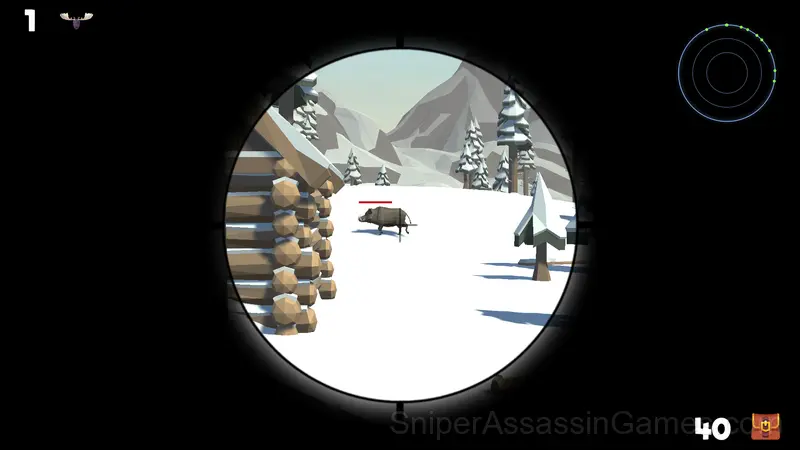
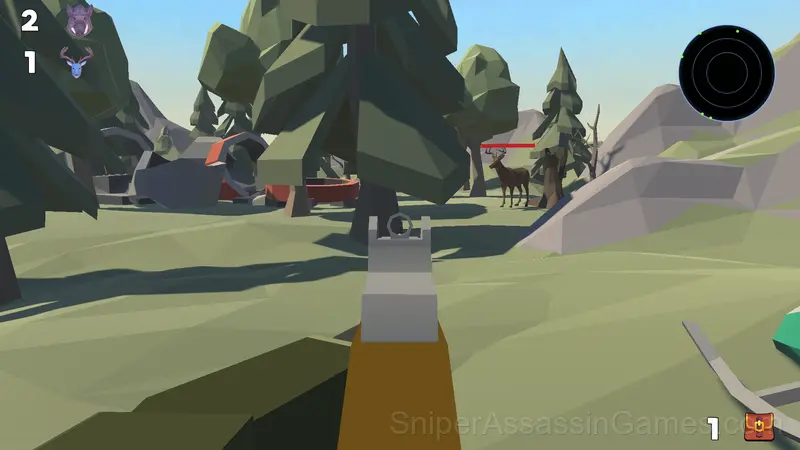
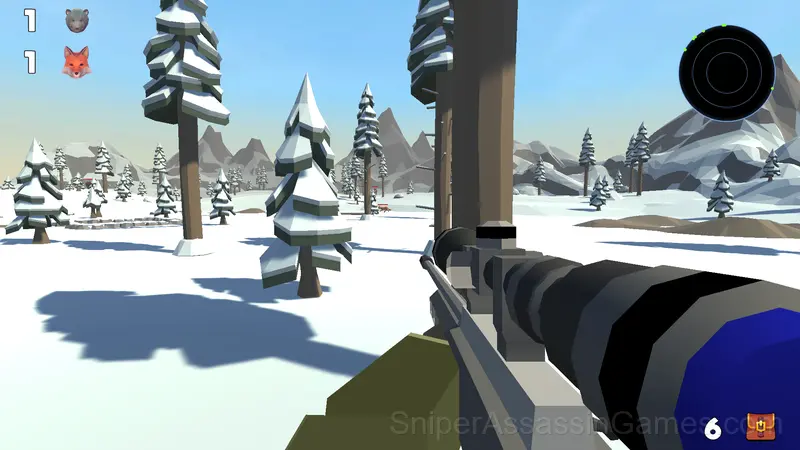
Helpful Tips
- The early levels teach mechanics that become critical later. Do not skip through them, even if they feel easy. The patterns they introduce come back.
- Watch how the game responds before committing to a single approach. Most games reward players who experiment early and specialize later.
- Play a few complete rounds before looking up guides. Your own observations about the game's systems are more useful than generic advice written for someone else.
Getting Started
➕ At the beginning, select the language and device you want to play on.
➕ Computer management:
W, up arrow - the character moves forward.
A or left arrow - the character moves to the left.
S or down arrow - the character moves backwards.
D or right arrow - the character moves to the right.
C - sit down.
R - reload.
Shift - acceleration.
Space - jump.
The right mouse button is aiming.
➕ Control on the phone:
Use the joystick in the left corner of the screen to move the character.
Use the area on the right side of the screen to direct the weapon.
When you press the "Attack" button, it lights up and auto-shooting at targets turns on.
Games Like Wildlife: Hunting 3D
Other Action Games worth playing if you like Wildlife: Hunting 3D. Free, browser-based, no download or account needed:
- Wildlife 3: Back to the Dinosaurs 3D
- Wildlife: Africa Hunting 3D
- The Makarov pistol
- Wild Hunter 3D
- Monster hunt
- Body Drop 3D
- Real Fishing
- Mine - Online
Play Wildlife: Hunting 3D Now
Try Wildlife: Hunting 3D for free in your browser. It is rated 4.0 out of 5 by 7.4K players and requires no download or registration to play.