 SniperAssassinGames





















Wildlife 3: Back to the Dinosaurs 3D
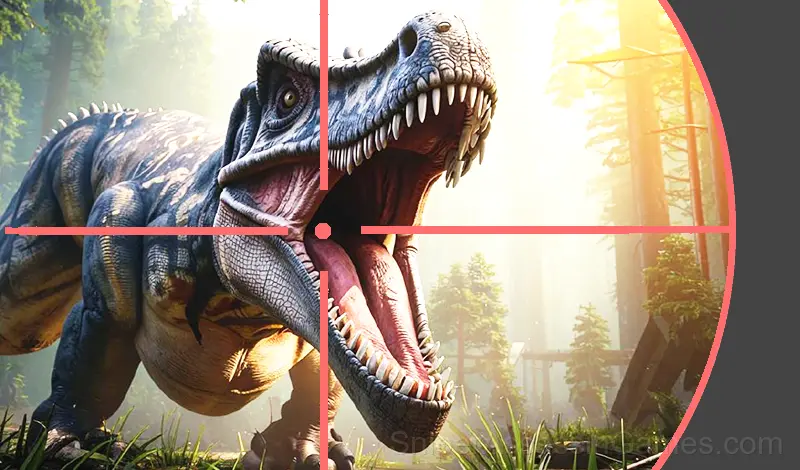
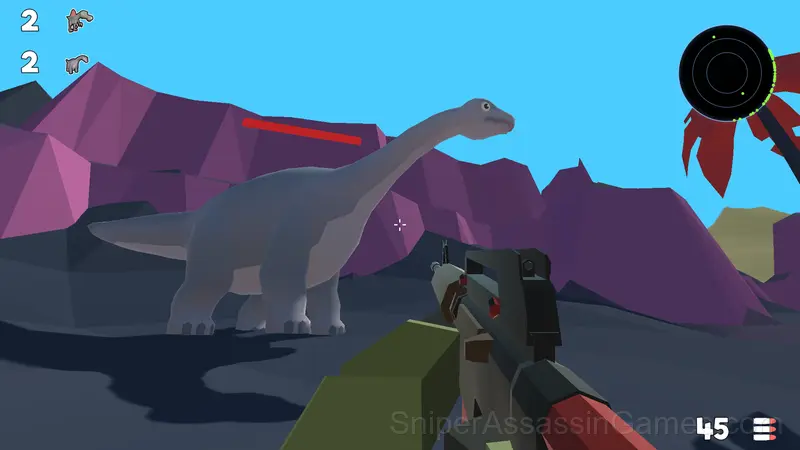
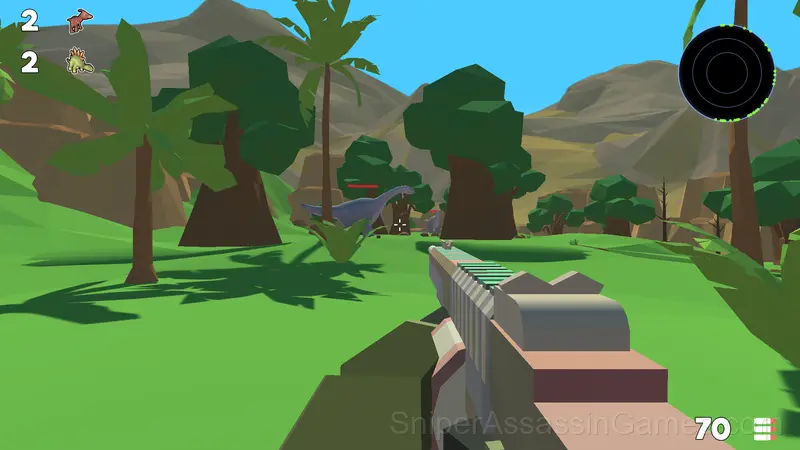
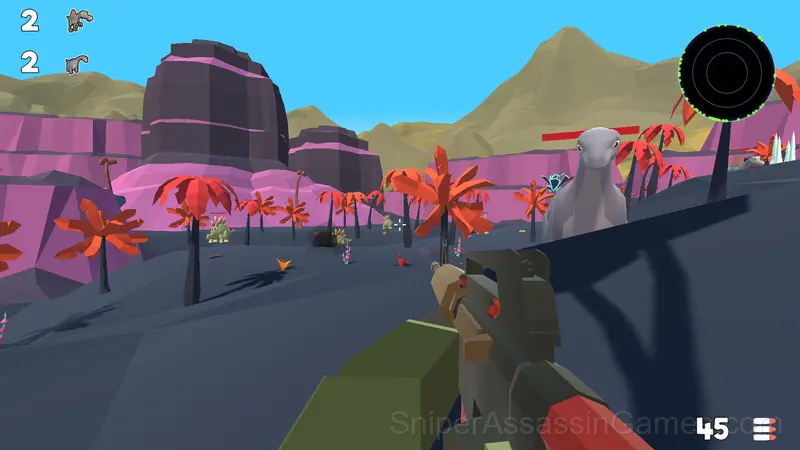
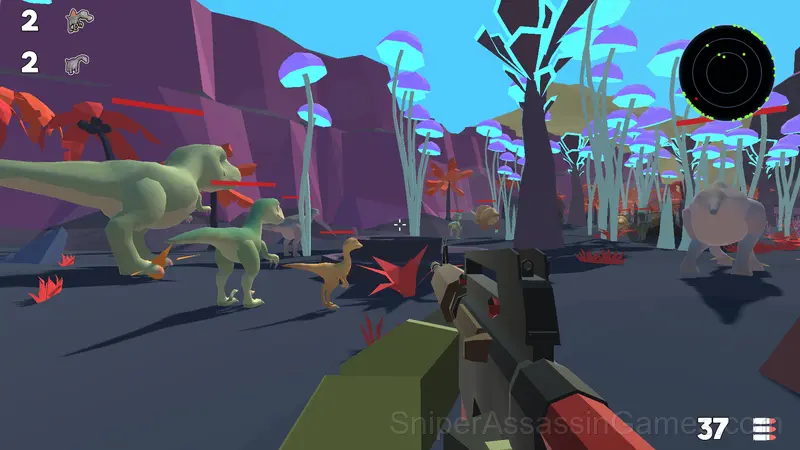
Welcome to the Jurassic World! Go out on a dinosaur hunt!
Introduction to Wildlife 3: Back to the Dinosaurs 3D
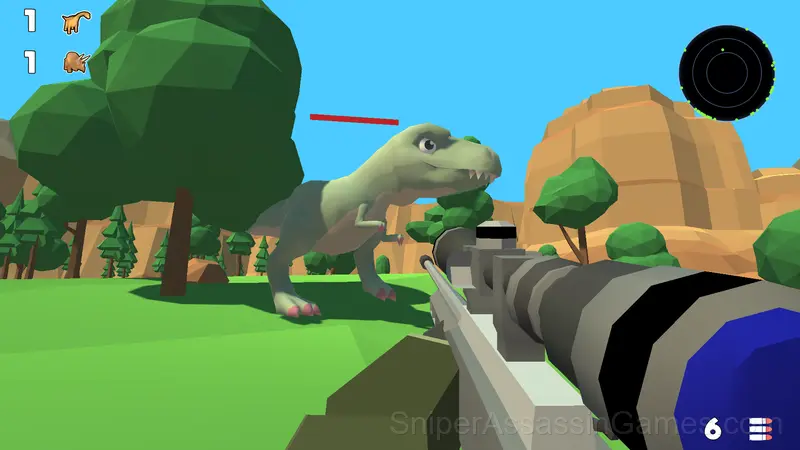
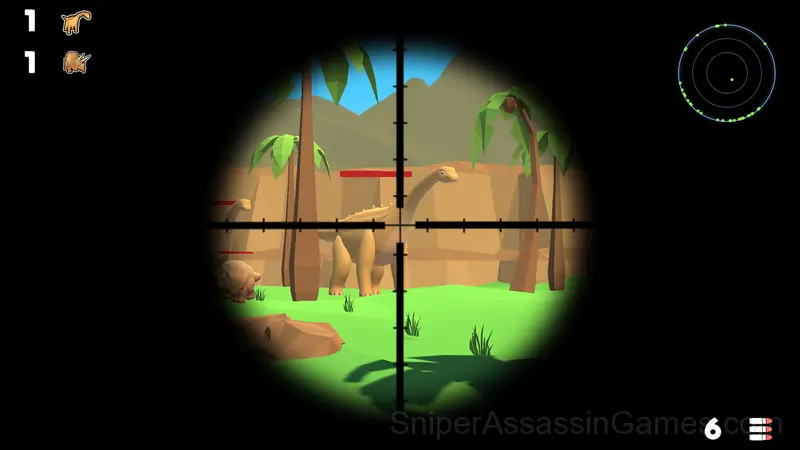
In the game you have to hunt dinosaurs.
The main features of the game:
💥 many types of weapons,
🐗 a variety of dinosaurs,
🏝️ a large open world,
🔥 detailed 3D graphics,
👂 dinosaurs hear the sound of a shot and the noise of the player's footsteps — sneak up on the prey.
What You Get in Wildlife 3: Back to the Dinosaurs 3D
- Free to play with optional in-game purchases.
- Cloud save support. Pick up where you left off on any device.
- Landscape orientation, optimized for wider screens on desktop and tablet.
Devices That Run Wildlife 3: Back to the Dinosaurs 3D
Browser-based and download-free, Wildlife 3: Back to the Dinosaurs 3D is accessible on Windows, macOS, Linux, ChromeOS, Android, and iOS through Chrome, Firefox, Edge, or Safari. It uses landscape (horizontal) orientation.
Getting Better at Wildlife 3: Back to the Dinosaurs 3D
- Bottleneck analysis wins games. Find the system that limits your output and fix that one first, even if other areas also need work.
- Watch how the game responds before committing to a single approach. Most games reward players who experiment early and specialize later.
- Figure out what ends your runs most often. The most common failure point is usually the most valuable thing to improve.
- Audio cues exist for a reason. Play with sound on at least once to learn what the game communicates through audio versus visuals.
Who Made Wildlife 3: Back to the Dinosaurs 3D?
The developer TRAgames released Wildlife 3: Back to the Dinosaurs 3D for browser-based play, originally released in October 2024. The game is free and accessible on desktop and mobile devices.
Wildlife 3: Back to the Dinosaurs 3D Controls
➕ At the beginning, select the language and device you want to play on.
➕ Computer management:
W, up arrow - the character moves forward.
A or left arrow - the character moves to the left.
S or down arrow - the character moves backwards.
D or right arrow - the character moves to the right.
C - sit down.
R - reload.
Shift - acceleration.
Space - jump.
The right mouse button is aiming.
➕ Control on the phone:
Use the joystick in the left corner of the screen to move the character.
Use the area on the right side of the screen to direct the weapon.
When you press the "Attack" button, it lights up and auto-shooting at targets turns on.
Playing Wildlife 3: Back to the Dinosaurs 3D: What to Know
Efficiency curves in Wildlife 3: Back to the Dinosaurs 3D flatten unless you actively look for the next bottleneck. The game rewards the player who asks 'what is the weakest link right now?' on every cycle.
Time compression in Wildlife 3: Back to the Dinosaurs 3D works well. You can fast-forward through slow periods and pause during high-activity moments, keeping the simulation engaging without forcing you to watch numbers tick slowly.
Screenshots
Games Like Wildlife 3: Back to the Dinosaurs 3D
If you enjoy Wildlife 3: Back to the Dinosaurs 3D, these free online Simulator Games are worth checking out. Each one shares similar gameplay elements while bringing its own twist to the genre:
- Wildlife: Hunting 3D
- The Makarov pistol
- Wildlife: Africa Hunting 3D
- Wild Hunter 3D
- Monster hunt
- Boxteria
- Gun Maker
- Hunting Online
Play Wildlife 3: Back to the Dinosaurs 3D in Your Browser
A 4.2 rating from 2.6K players puts Wildlife 3: Back to the Dinosaurs 3D among the better free Simulator Games available online. It plays in your browser with no download required and works on both desktop and mobile.