 SniperAssassinGames
























Traffic Control
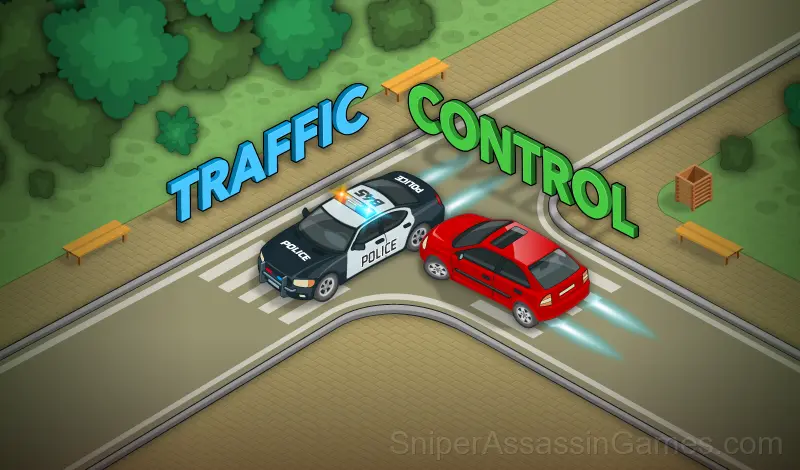
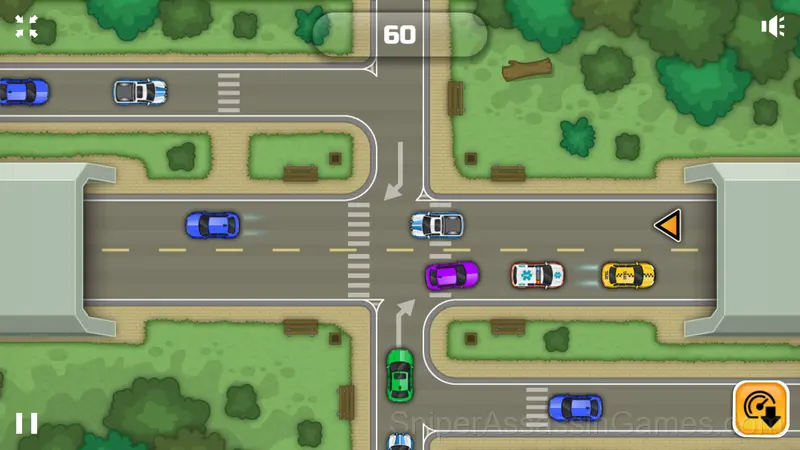
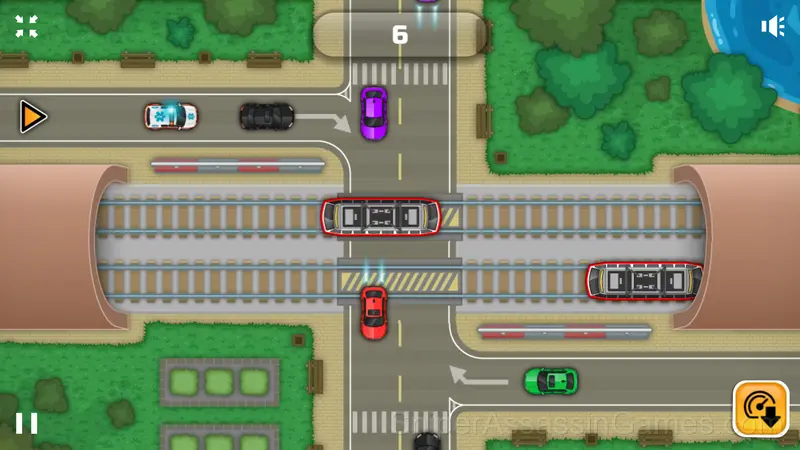
A fun game where you drive an intersection and avoid accidents. Be careful, cars can't stop!
Traffic Control: The Basics
The traffic went crazy! It's up to you to get helpless drivers to the finish traffic successfully. Use your management skills to avoid fatal collisions on dangerous roads.
What is Included
- Designed for horizontal play, best experienced on desktop or tablet.
- In-game purchases for optional extras. Free to play without them.
- Age rating: 0+, appropriate for younger players.
How Traffic Control Works
Get the cars to the finish traffic successfully. Avoid collisions with other cars or trams. Tap on the car to speed up the car and get extra points. Use the slow down in difficult situations.
How Traffic Control Feels to Play
There is a satisfying click-reward rhythm to Traffic Control. Inputs map to outcomes in a way that feels natural, and the game builds on that foundation without breaking it.
Traffic Control leans into simplicity without being boring. The surface level works fine for quick play. Underneath, there are scoring patterns and timing mechanics that reward attention.
About the Publisher
As a browser game, Traffic Control was built by Inlogic, originally released in October 2021. It is free and works across desktop and mobile without any setup.
Traffic Control Tips
- Tap or click with intention. Random inputs might clear early levels, but they build bad habits that stall progress later.
- Learn one mechanic at a time. Casual games layer simplicity, and mastering each layer separately is faster than trying to handle everything at once.
- Figure out what ends your runs most often. The most common failure point is usually the most valuable thing to improve.
- If the game has a tutorial, do it once properly. Skipping it and then struggling with basics wastes more time than the tutorial ever would.
- Watch how the game responds before committing to a single approach. Most games reward players who experiment early and specialize later.
- Watch your own replays if the game supports them. You will spot mistakes in replay that you completely missed during live play.
- Learn the difference between what costs you progress and what costs you time. Avoiding the first is always more important than optimizing the second.
- Try playing left-handed if the game allows it (or vice versa). It sounds odd, but changing your input hand can reveal patterns your dominant hand was autopiloting through.
Screenshots
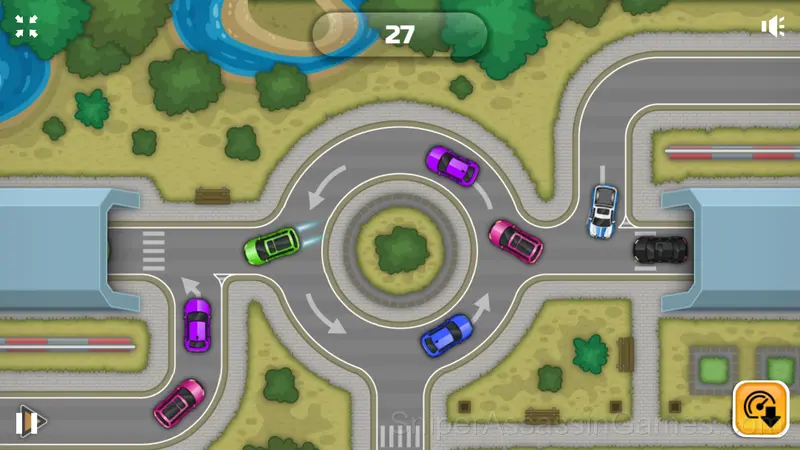
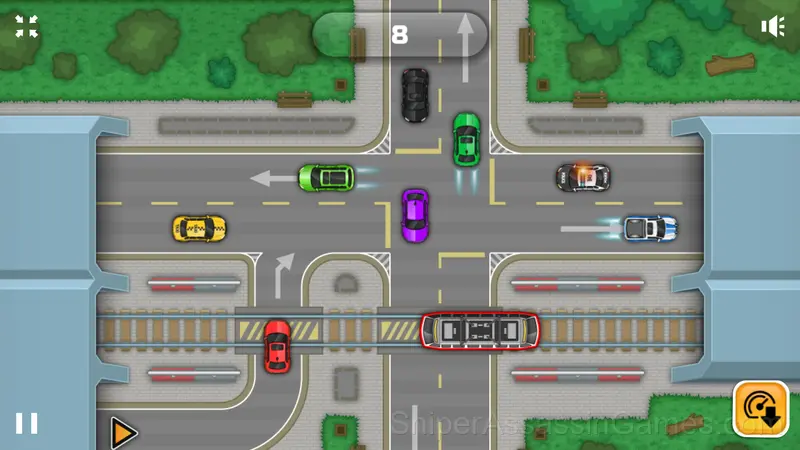
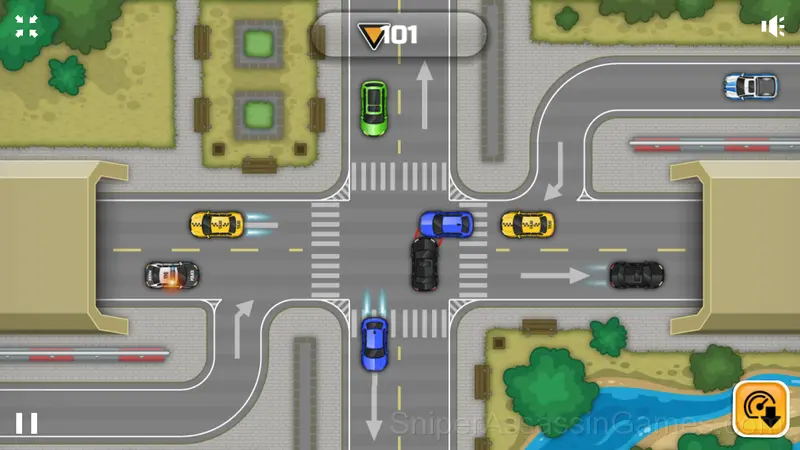
Browser and Device Support
Traffic Control has broad device support. It works in Chrome, Firefox, Edge, Safari, and Opera across Windows, macOS, Linux, ChromeOS, Android, and iOS. The game plays in landscape (horizontal) orientation and needs no download.
Games Like Traffic Control
The following Casual Games share common ground with Traffic Control and are all playable for free in your browser:
- Assemble the Car
- Brain Test
- What's the difference?
- Purr tour Find differences
- Words Crossword Puzzle
- Fruit Mahjong
- Save The Pets
- Numbers 19
Jump Into Traffic Control
Traffic Control is free, works in your browser, and has 955 player reviews with a 4.1 average. Open the page and play on any device.