 SniperAssassinGames














Favorite Puzzles
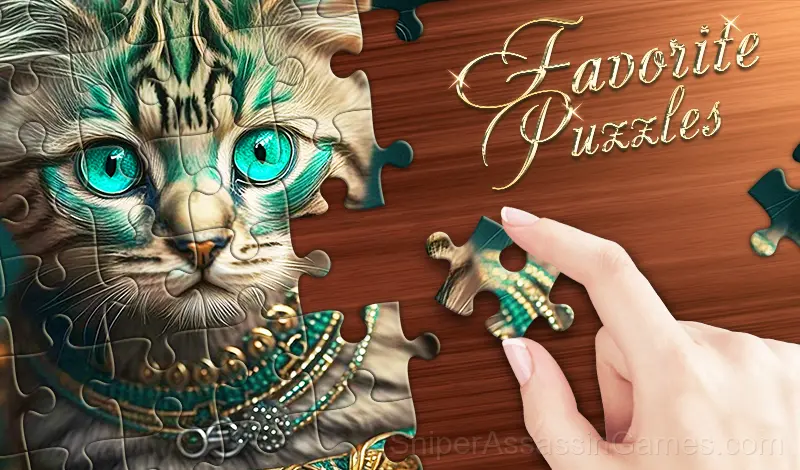
Favorite Puzzles - beautiful jigsaw puzzle game for kids and adult where you can solve puzzles online free and without registration! Create puzzle from photo!
What is Favorite Puzzles?
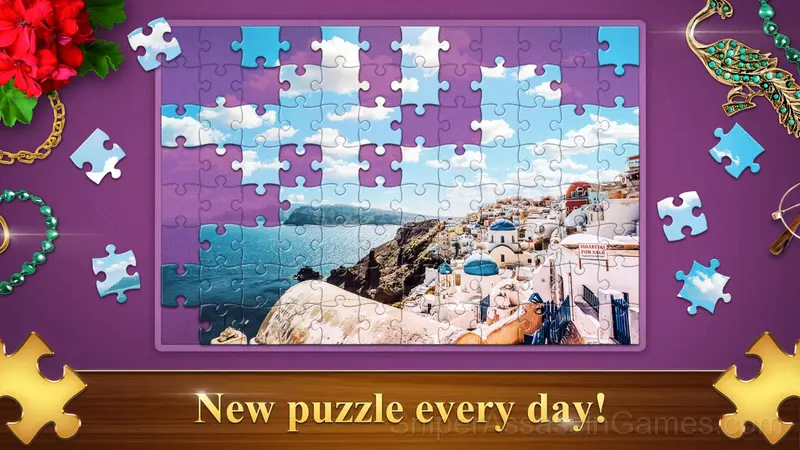
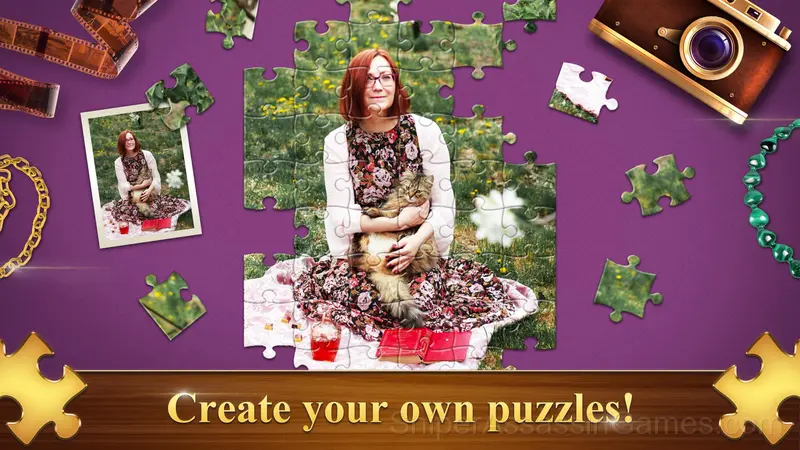
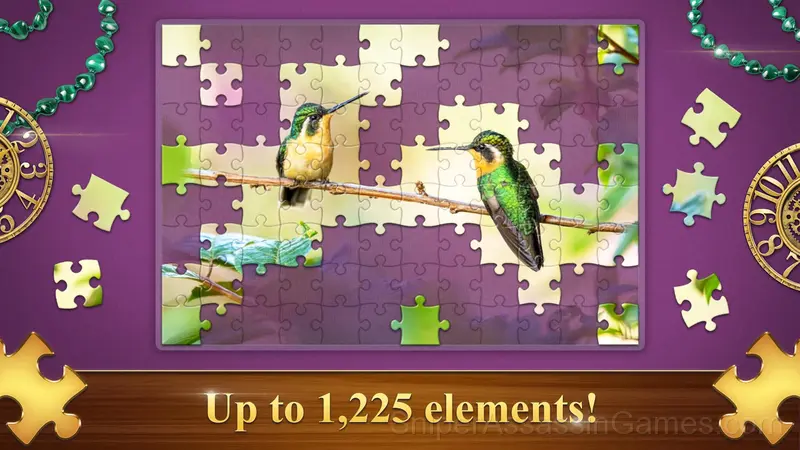
Meet Favorite Puzzles, your new favorite jigsaw puzzles! This addictive puzzle game will delight you with an endless gallery of beautiful images for every taste! Favorite Puzzles will be interesting for kids and adult, in this game you can adjust the difficulty and divide the picture from 6 to 1200 elements! To make jigsaw puzzles even more enjoyable and easier - you can always get a hint, include an example and display the grid! Love complexity? Then turn on the Realistic mode and solve jigsaw puzzles from pieces scattered across the field! And you can also create a puzzle from your own picture or photo! Compete with other players, collect interesting achievements and earn Malachite!
Features:
🧩 Difficulty from 6 to 1200 elements with and without rotation
🧩 48 image categories and VIP image base search
🧩 Create jigsaw puzzles from your photos
🧩 Classic and Realistic game modes
🧩 Customizable interface and background color
🧩 Leaderboard and achievements
🧩 Weekly Tournaments
Compatible Devices
Browser-based and download-free, Favorite Puzzles is accessible on Windows, macOS, Linux, ChromeOS, Android, and iOS through Chrome, Firefox, Edge, or Safari. It uses landscape (horizontal) orientation.
Favorite Puzzles Developer
Development of Favorite Puzzles is by RAD BROTHERS, originally released in December 2022. The game is free, browser-based, and accessible on any device with an internet connection and a modern browser.
Screenshots
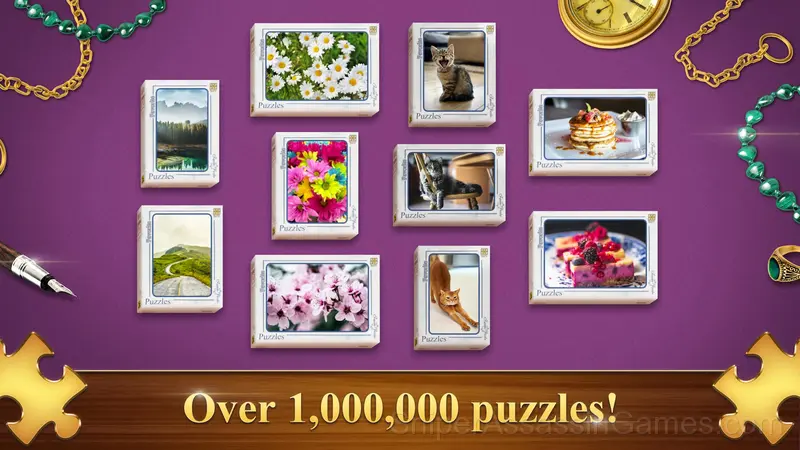
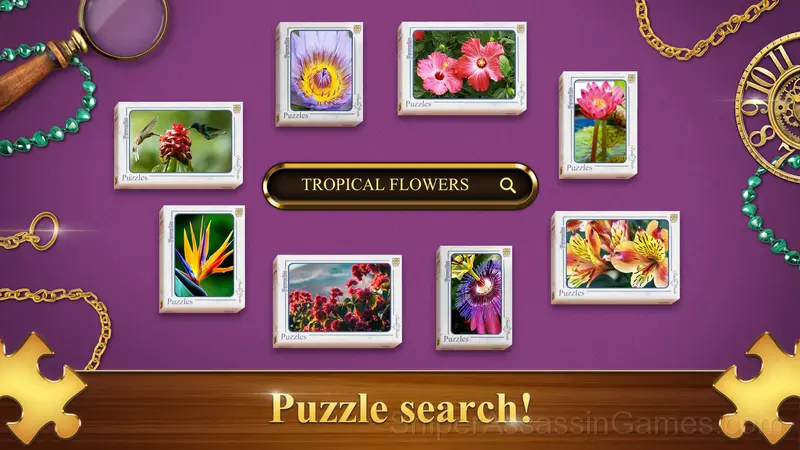
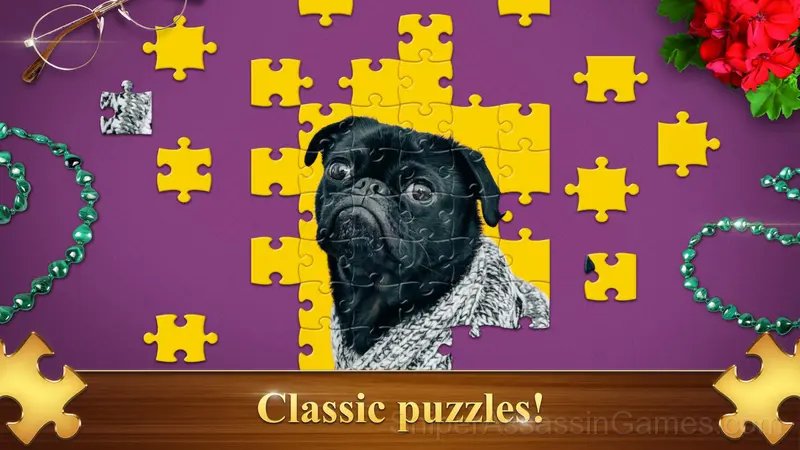
Inside Favorite Puzzles
Favorite Puzzles rewards observation over speed. Rushing through levels works until it does not, and the game is patient enough to let you sit with a problem until the answer surfaces.
What makes Favorite Puzzles satisfying is the moment the solution clicks. You stare at the screen, try a few things, and then suddenly see the path. That sequence never stops being rewarding.
Features in Favorite Puzzles
- Plays in landscape mode for a wider view of the game.
- Supports 15 languages.
- Optional in-game purchases available. The core game is free.
- Competitive leaderboards built into the game.
- Rated 0+, family-friendly content.
- Cloud saves. Your progress carries across devices and sessions.
Strategy Guide
- Spend the first few rounds learning the controls without chasing a high score. Getting comfortable with the inputs pays off more than early optimization.
- The first object you notice in a puzzle is rarely the first one you should move. Scan the full layout before acting.
- Try the opposite of what keeps failing. If you are playing aggressively and dying, play defensively. If you are playing cautiously and timing out, push forward. The answer is often the reverse of your instinct.
- Look for visual patterns in the level design. Puzzle games often use repeated visual cues that hint at the solution method.
- Watch how the game responds before committing to a single approach. Most games reward players who experiment early and specialize later.
- When you hit a wall, look for a mechanic you are underusing. The game usually gives you the tools before the challenge that requires them.
- Memorize the layout of the play area if the game reuses it. Spatial awareness is an advantage the game will not give you directly.
How Favorite Puzzles Works
On PC:
🧩 Use the cursor and left mouse button to grab and move the puzzle element
🧩 Use the mouse wheel to zoom in or out and to scroll through the elements feed
On mobile devices:
🧩 Use your fingers to move elements and scale the screen
Games Like Favorite Puzzles
If you enjoy Favorite Puzzles, these free online Puzzle Games are worth checking out. Each one shares similar gameplay elements while bringing its own twist to the genre:
- Villa by the sea Find the differences
- Word Game Online
- What's the difference?
- Purr tour Find differences
- Save The Pets
- Worldtrip Find the differences
- Charge it!
- Connect Merge
Play Favorite Puzzles for Free
Favorite Puzzles is a free browser puzzle game that delivers on its premise. With 5.5K player reviews and a 4.5 rating, it has the engagement numbers to back up the quality. No download, no signup. Open the page and play.