 SniperAssassinGames






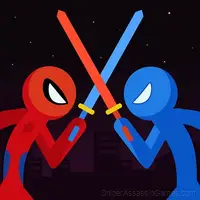
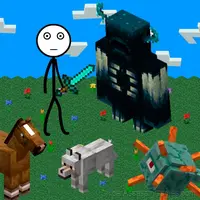
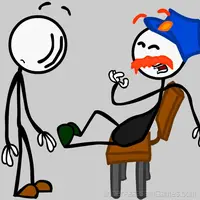

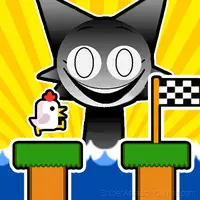



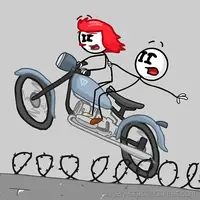

Stick - Left or right?
The character Stick goes on a journey of parallel worlds.
A Look at Stick - Left or right?
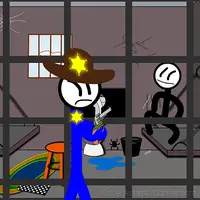
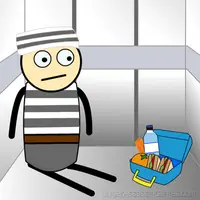
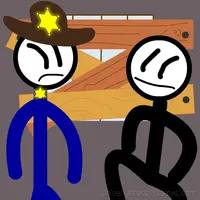
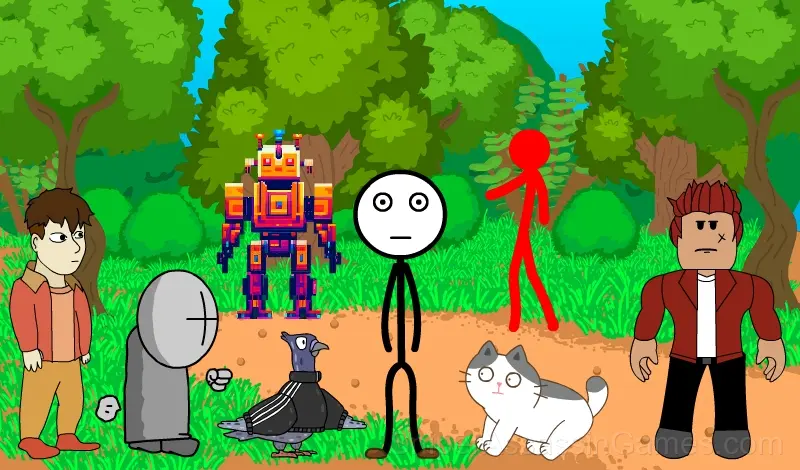
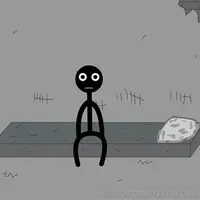
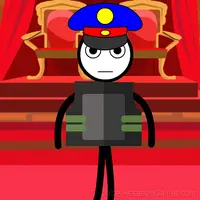
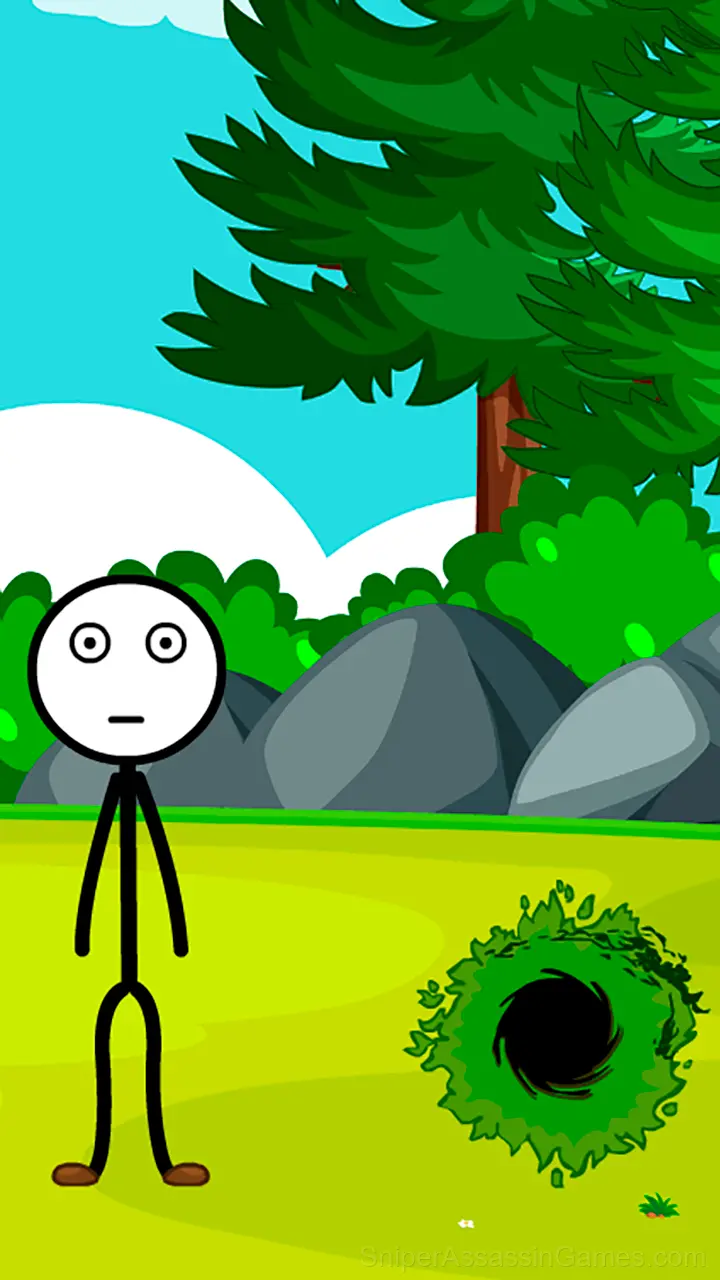
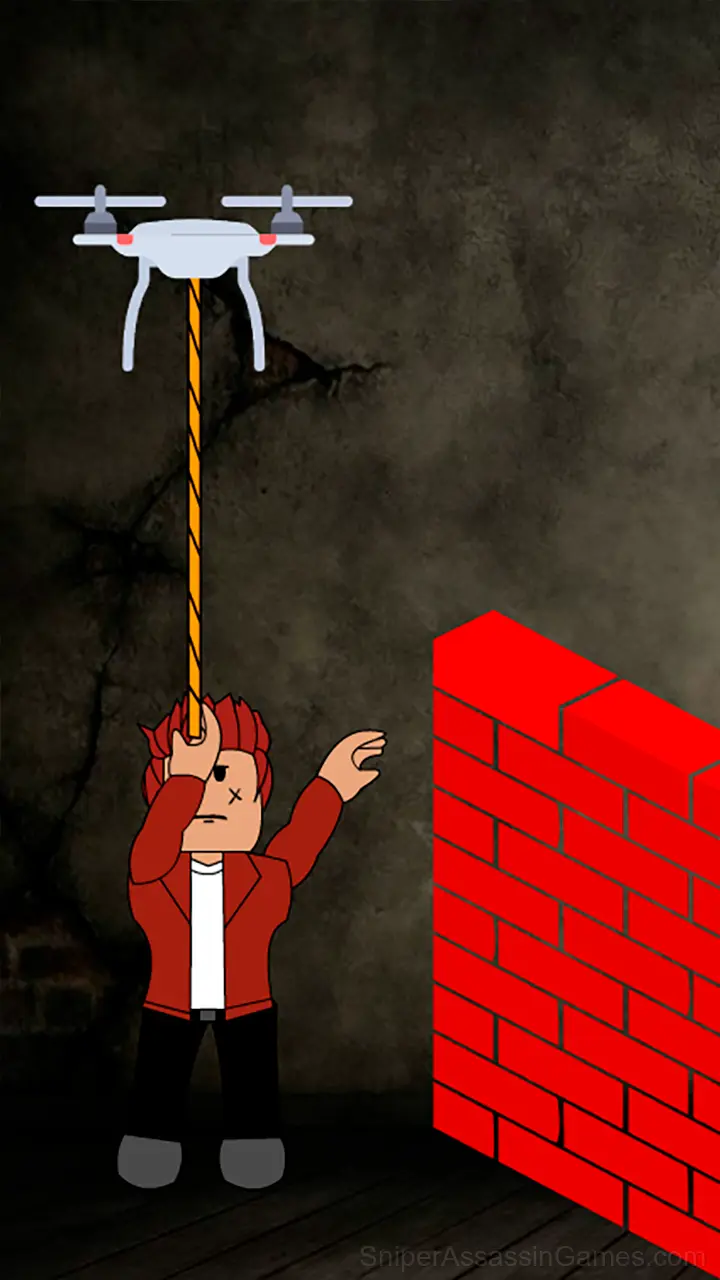
You will play as the character Stick. One day Stick was walking down the street and saw a portal. Stick, without thinking twice, decided to enter this portal. After passing through the portal, Stick found himself in a prison in a parallel world. Help the character find all the ways to successfully escape from all parallel worlds and return home.
The Developer
Starodymov made Stick - Left or right? available for free browser play, originally released in November 2023. It runs on standard web technologies and does not require any plugins, downloads, or installations.
Player Tips
- Test the edges of each mechanic. Move in directions the game does not suggest. Interact with things that look static. The boundaries tell you a lot about how the game works.
- The scoring system tells you what the designers value. If combos score highest, build combos. If accuracy scores highest, slow down.
- Learn the difference between what costs you progress and what costs you time. Avoiding the first is always more important than optimizing the second.
- The first few levels are not throwaway. They calibrate your understanding of the game's physics and timing.
- Try playing left-handed if the game allows it (or vice versa). It sounds odd, but changing your input hand can reveal patterns your dominant hand was autopiloting through.
- Steady, clean play usually beats aggressive, risky play. Consistency compounds over time, and avoiding mistakes matters more than chasing big moments.
Where Can You Play?
Stick - Left or right? works on any device with a browser and an internet connection. Supported platforms include Windows, macOS, Linux, ChromeOS, Android, and iOS. The game uses landscape (horizontal) orientation.
Stick - Left or right? Gameplay
One thing Stick - Left or right? handles well is feedback. You always know whether your last move was good, bad, or average. That immediate response is what makes casual play sessions feel productive.
The difficulty curve in Stick - Left or right? never spikes. It moves in small increments, keeping first-time players comfortable and giving veterans enough resistance to stay interested.
Screenshots
Stick - Left or right? Feature Rundown
- Free to play with optional in-game purchases.
- Designed for horizontal play, best experienced on desktop or tablet.
Playing Stick - Left or right?
Use your computer mouse or control by touch!
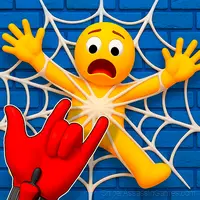
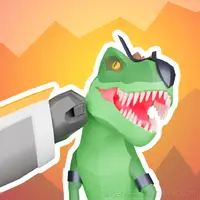
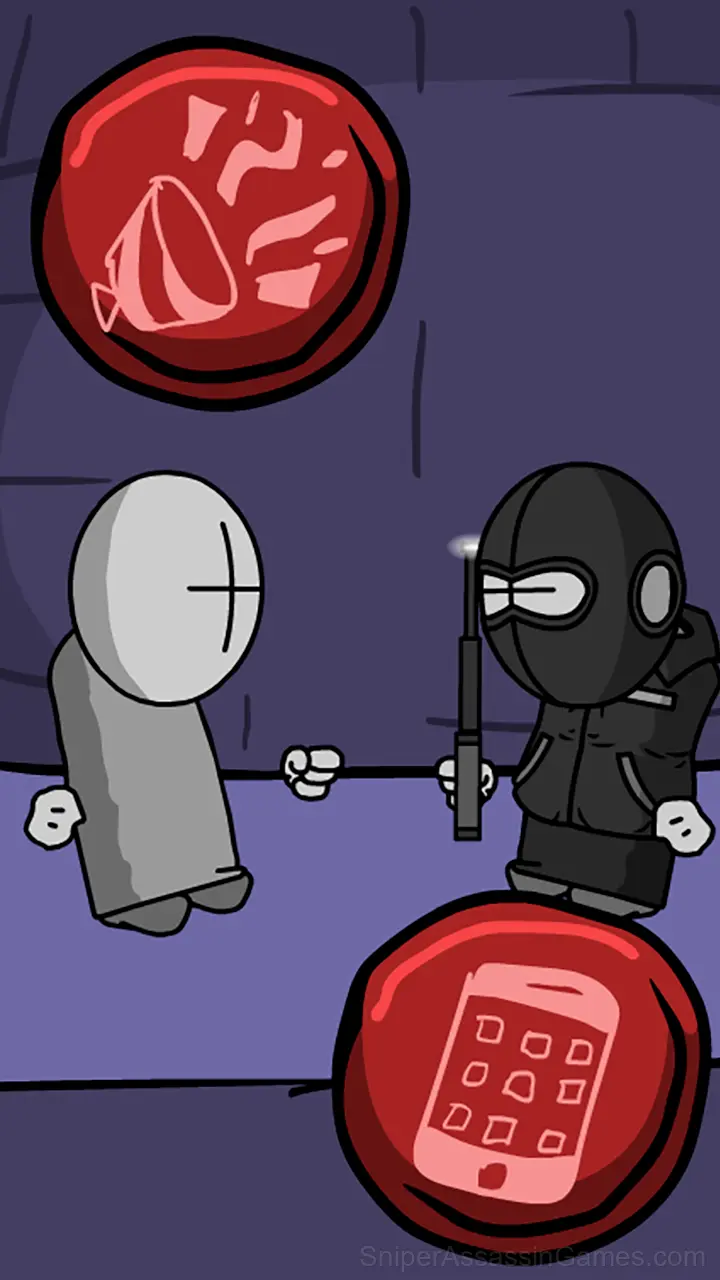
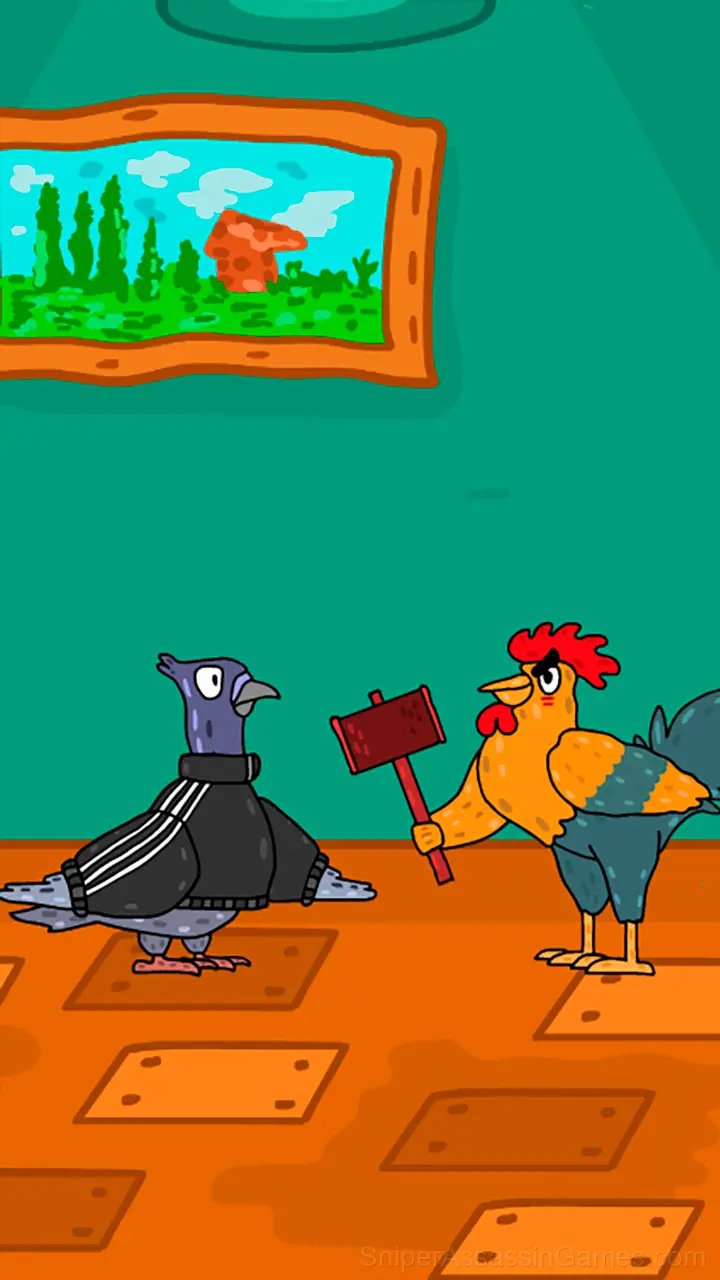
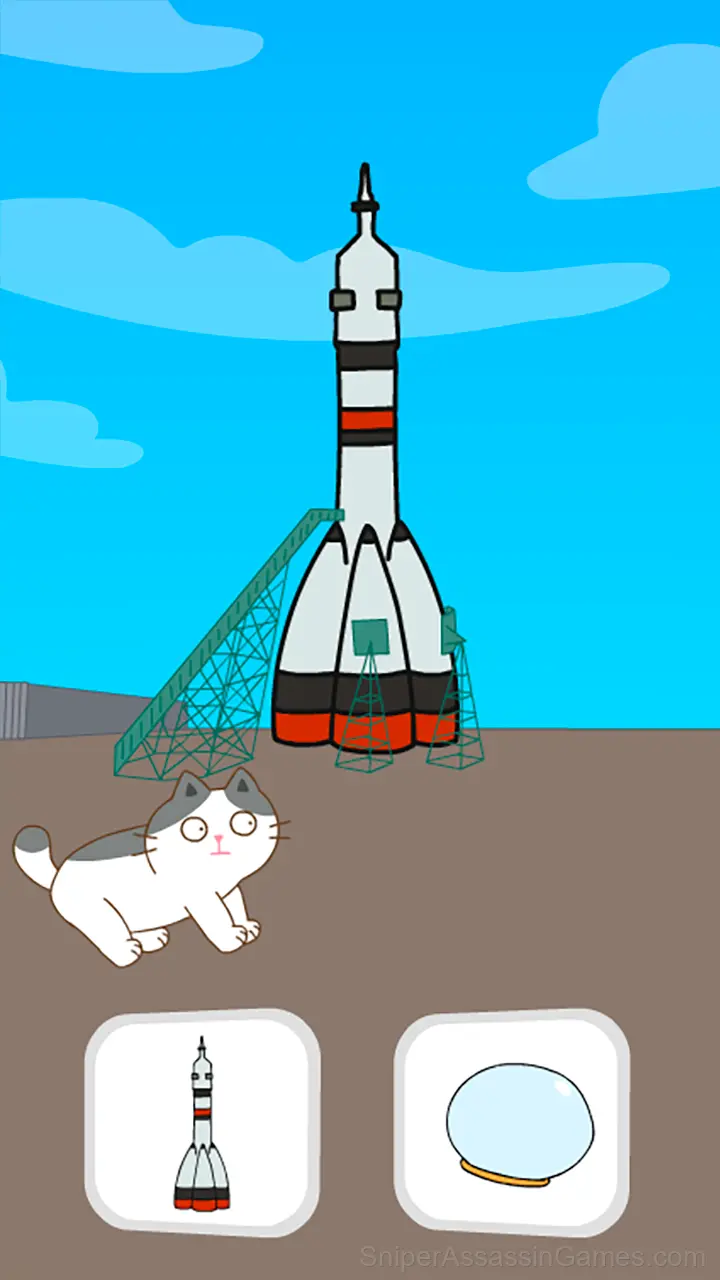
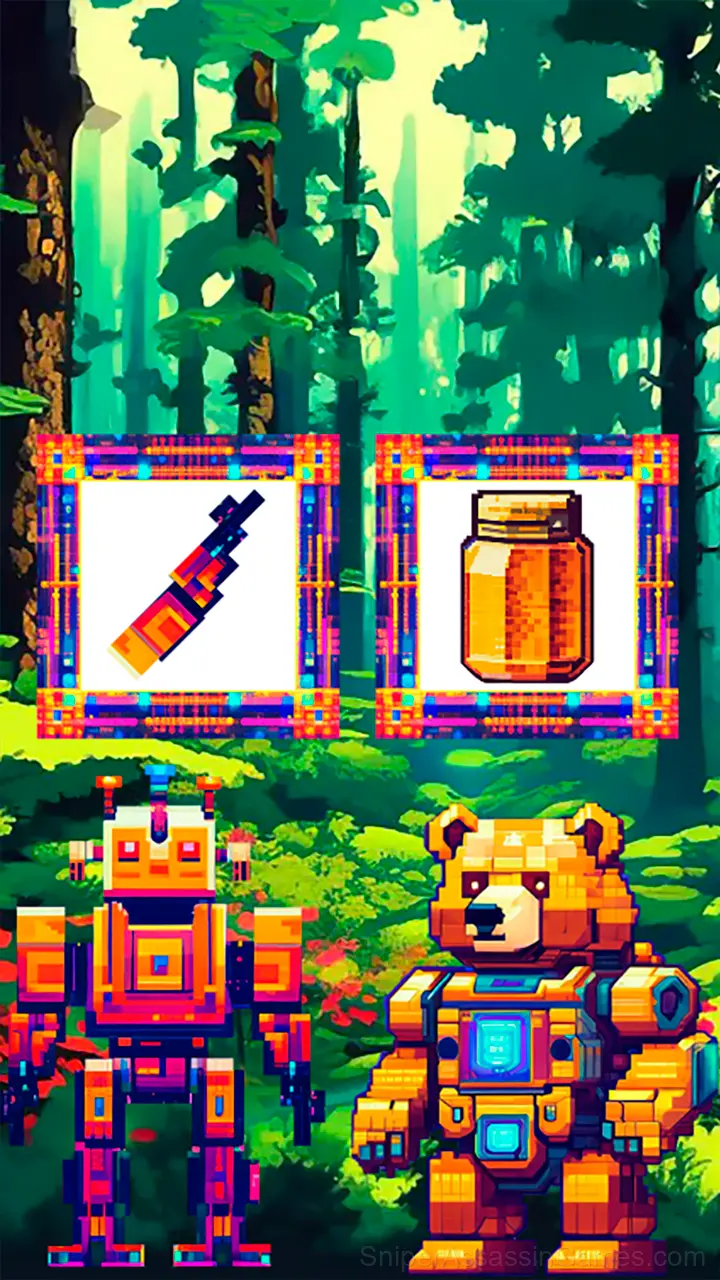
Different objects will appear on the left and right. You need to choose the item that will allow you to continue your gaming adventure.
Games Like Stick - Left or right?
If Stick - Left or right? clicked with you, try these free online Casual Games. They are all browser games with no download required:
- Baldi at school
- Stickman Jailbreak 3
- Stickman Jailbreak 2
- Huggy Waggie Adventure
- Stickman jailbreak 2
- Stickman Escape Elevator
- Robby: Climb and Jump Tower
- Stickman jailbreak 3
Start Stick - Left or right? Now
Stick - Left or right? has been reviewed by 1.2K players who gave it a 4.3 average. Play it free in your browser on desktop or mobile. No download, no registration.