 SniperAssassinGames





Starr Gifts Opening
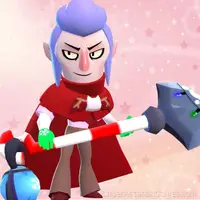
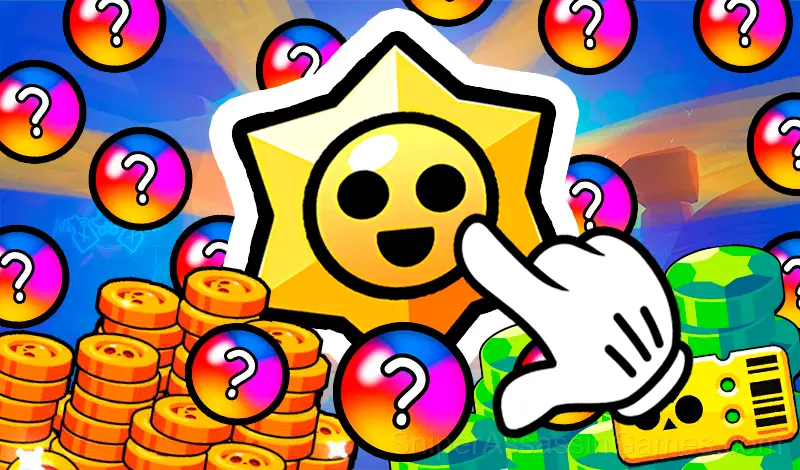
Open Starr Drops from Brawl Stars, collect Brawlers, skins, pins, sprays & icons, and progress through the Brawl Pass!
About This Game
Try the world of Brawl Stars!
Open Starr Drops, complete the Brawl Pass, collect your favorite Brawlers, rare skins, pins, sprays, and exclusive icons! This fan-made app is built for fun — enjoy the thrill of collecting without limits!
Note:
This is an unofficial, non-commercial fan-made application created for entertainment purposes only. It is not affiliated with, endorsed, sponsored, or approved by Supercell. All rights to Brawl Stars and its content belong to Supercell. We respect Supercell’s intellectual property and have no intention of violating any trademarks.
Screenshots
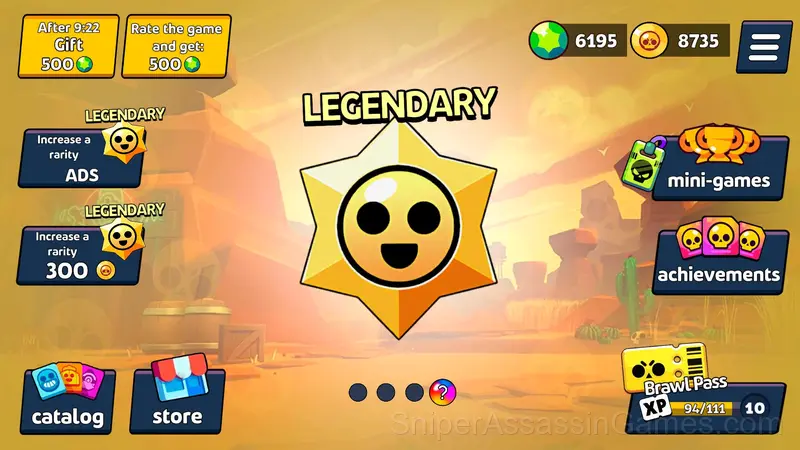
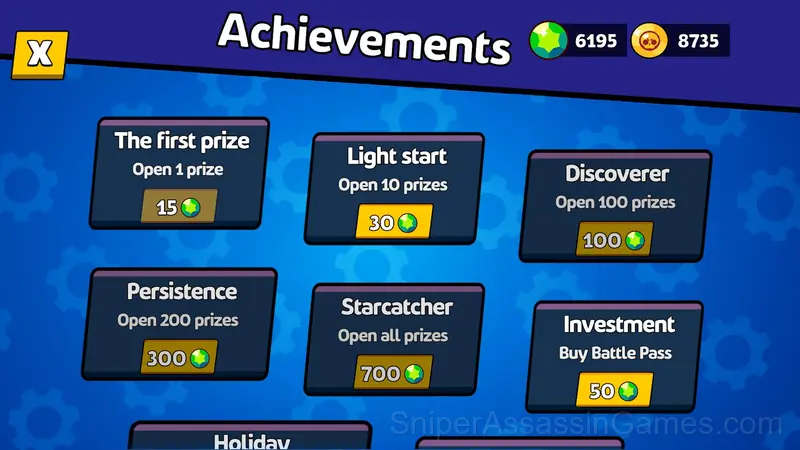
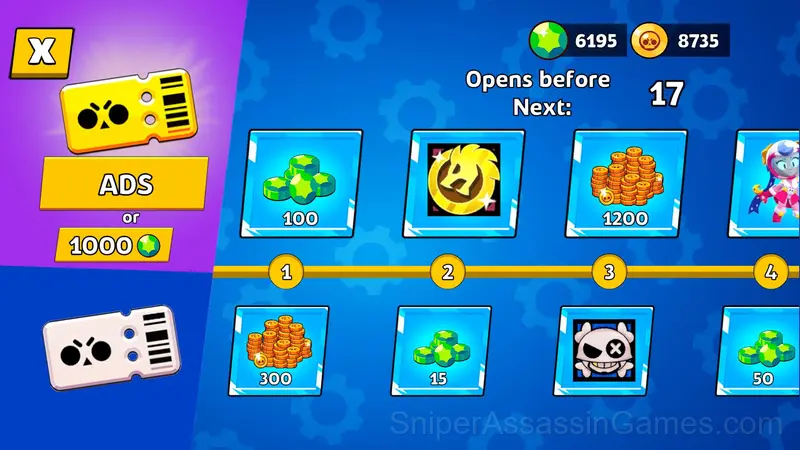
How Starr Gifts Opening Works
Tap the screen or click the mouse to open Starr Drops! Unlock new Brawlers, skins, and prizes. Claim rewards for each Brawl Pass level!
Behind Starr Gifts Opening
Starr Gifts Opening was developed by Starodymov, originally released in July 2025. The game is available as a free browser title, playable on desktop and mobile devices without any download or installation. Starodymov designed Starr Gifts Opening to be accessible through any modern web browser, making it available to players worldwide.
What is Included
- Family-friendly with a 6+ age rating.
- Automatic cloud saves that sync across devices.
- Landscape orientation, optimized for wider screens on desktop and tablet.
- In-game purchases for optional extras. Free to play without them.
Where Can You Play?
Starr Gifts Opening is playable on desktops, laptops, tablets, and phones through any modern browser. It uses landscape (horizontal) orientation and is compatible with Windows, macOS, Linux, ChromeOS, Android, and iOS. No app download or plugin installation is needed.
Tips and Strategies
- When a new mechanic appears, use it immediately in a low-pressure situation. Build familiarity before the game puts you in a spot where you need it.
- The scoring system tells you what the designers value. If combos score highest, build combos. If accuracy scores highest, slow down.
- Spend the first few rounds learning the controls without chasing a high score. Getting comfortable with the inputs pays off more than early optimization.
- Watch your own replays if the game supports them. You will spot mistakes in replay that you completely missed during live play.
- Take breaks when frustration builds. Coming back after a few minutes often makes the solution or the right timing click naturally.
- Try playing left-handed if the game allows it (or vice versa). It sounds odd, but changing your input hand can reveal patterns your dominant hand was autopiloting through.
- Turn off notifications. Even a casual game session benefits from two minutes of undivided attention.
- Do not restart immediately after a mistake. Play through and see how the game handles recovery. Sometimes there is a comeback mechanic you would miss by quitting early.
Starr Gifts Opening Gameplay
Pick-up-and-play design is where Starr Gifts Opening gets it right. The controls are immediately understandable, but the game keeps adding small wrinkles that prevent it from going stale after repeated sessions.
There is a satisfying click-reward rhythm to Starr Gifts Opening. Inputs map to outcomes in a way that feels natural, and the game builds on that foundation without breaking it.
Games Like Starr Gifts Opening
These Casual Games play well alongside Starr Gifts Opening. All of them are free in your browser with no download needed:
- Starr Drop opening
- Stolen
- Unlock all Brawlers
- Coloring Cool pictures!
- Nubik Miner 3D: Skyblock 2
- Make a skin
- Toca Boca and the Circus: mix
- Sprunki Simulator 3D
Play Starr Gifts Opening in Your Browser
2.3K players have rated Starr Gifts Opening at 4.5 out of 5, making it one of the more popular free online Casual Games. It runs in any modern browser with no download or installation. Just open and play.