 SniperAssassinGames


























Standardized Exam Simulator
You came to school for the standardized exam, your task is to pass it with the highest possible score, you don’t want to get a belt from your mother, do you?
About Standardized Exam Simulator
The day has come when you take the standardized exam, an exam for which the grade is given in DOUBLE POWER. At stake are your grades, the attitude of your teachers, your mother's happiness and your father's belt. On your way there will be teachers, and beautiful girls, and friends, and enemies, and a security guard. Will you cheat or will you pass honestly? Decide for yourself!
Getting Started
Your goal is to pass the standardized exam. Interact with characters, look for money, walk around the school, talk to teachers and students. REMEMBER: time is limited and a security guard is watching you!
Controls:
WASD (or arrows) - Walk
Left mouse button/...
Devices That Run Standardized Exam Simulator
Desktop and mobile devices both run Standardized Exam Simulator through the browser. Supported browsers are Chrome, Firefox, Edge, Safari, and Opera. The game uses landscape (horizontal) orientation. No downloads or plugins needed.
How Standardized Exam Simulator Feels to Play
The respawn loop in Standardized Exam Simulator is instant. Die, restart, go. That zero-friction restart keeps you in the flow state and removes the sting from failure.
Score-chasing is the engine behind Standardized Exam Simulator. Your first run sets a baseline; every run after that is about beating it. The game keeps track, and so do you, mentally replaying the moment where things went wrong.
Getting Better at Standardized Exam Simulator
- Audio cues exist for a reason. Play with sound on at least once to learn what the game communicates through audio versus visuals.
- If the game offers cosmetic rewards, ignore them until you are comfortable with the core mechanics. Progression systems can distract from actual skill development.
- Learn the difference between what costs you progress and what costs you time. Avoiding the first is always more important than optimizing the second.
- Early runs are for learning the patterns, not for high scores. Treat them as reconnaissance.
- Test the edges of each mechanic. Move in directions the game does not suggest. Interact with things that look static. The boundaries tell you a lot about how the game works.
- Steady, clean play usually beats aggressive, risky play. Consistency compounds over time, and avoiding mistakes matters more than chasing big moments.
- Learn the spawn timing. In arcade games, enemies and obstacles follow a rhythm. Once you internalize it, you can preposition for what comes next.
Screenshots
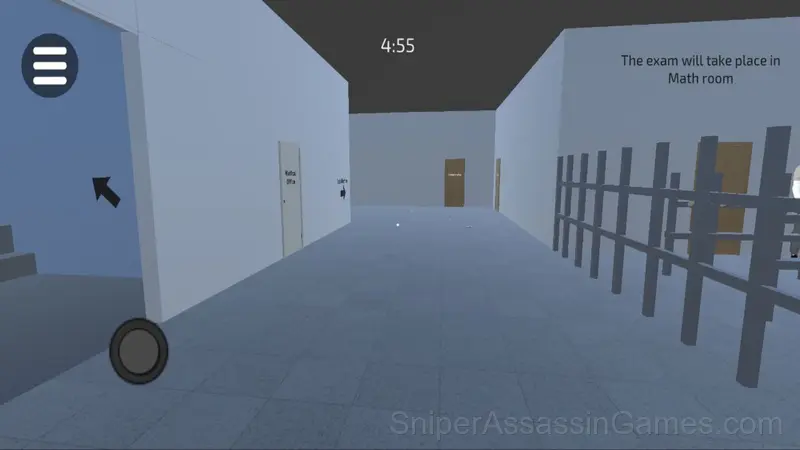


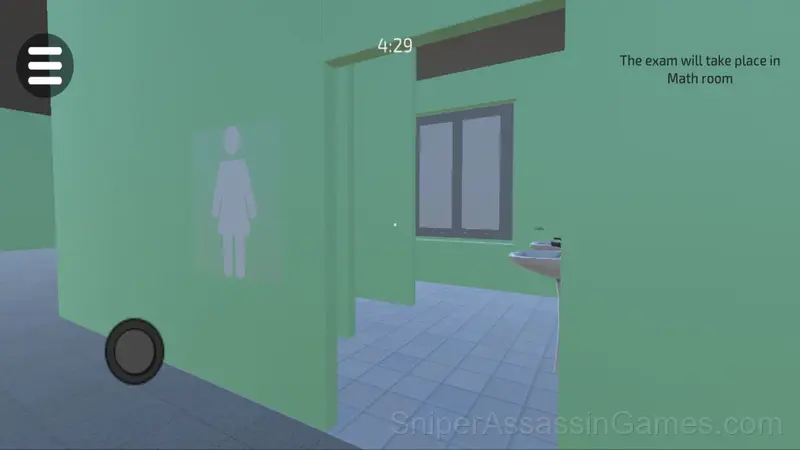
Game Features
- Age rating: 6+, appropriate for younger players.
- Plays in landscape mode for a wider view of the game.
About the Developer
Standardized Exam Simulator is a CowGamer game, originally released in April 2025. It was built for web browsers and distributed as a free title. No download or account is needed to play.
Games Like Standardized Exam Simulator
If Standardized Exam Simulator clicked with you, try these free online Arcade Games. They are all browser games with no download required:
- Cat and Granny
- Parkour Block 3D
- Cat & Granny: Escape
- Cat vs Granny. Cat Simulator
- Mine: Miner Simulator
- Cart Ride Obby
- Drift vanity on ZIL
- Cube World 3D
Jump Into Standardized Exam Simulator
Standardized Exam Simulator is a free browser arcade game that delivers on its premise. With 1.4K player reviews and a 4.0 rating, it has the engagement numbers to back up the quality. No download, no signup. Open the page and play.