 SniperAssassinGames







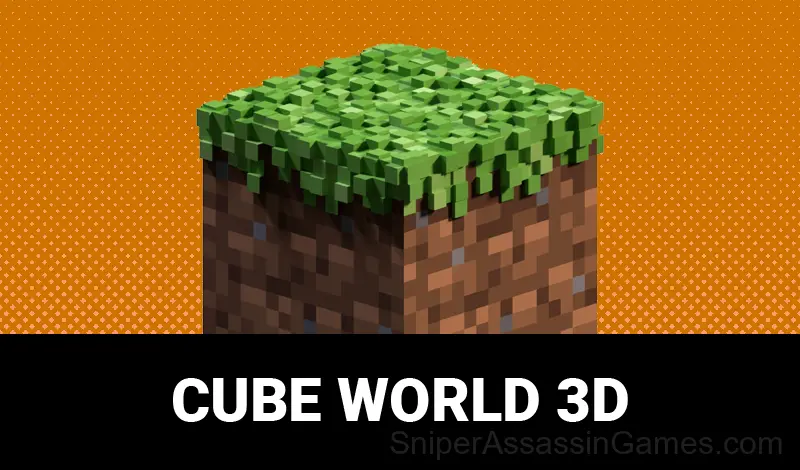



















Cube World 3D
Use blocks to build your buildings in a cubic world!
What You Get in Cube World 3D
The game is a sandbox where you can build your own buildings! You can build your own cozy little house or a huge castle!
Compatible Devices
Any device running Chrome, Firefox, Edge, or Safari can play Cube World 3D. The game supports landscape (horizontal) orientation and works on Windows, macOS, Linux, ChromeOS, Android, and iOS without downloads.
Screenshots
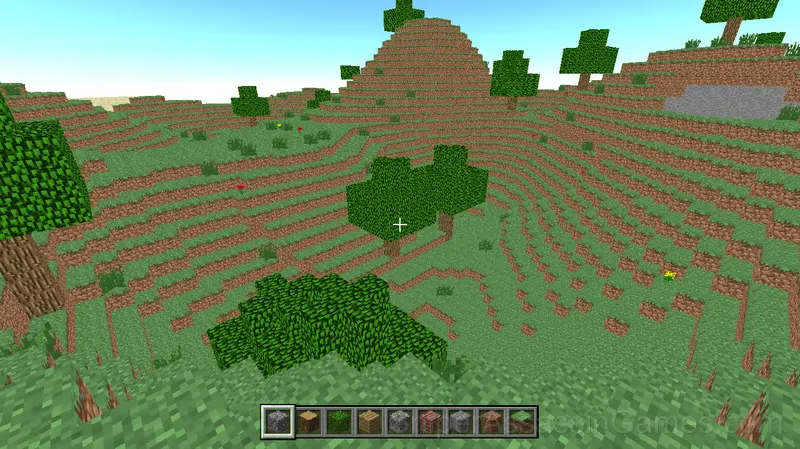
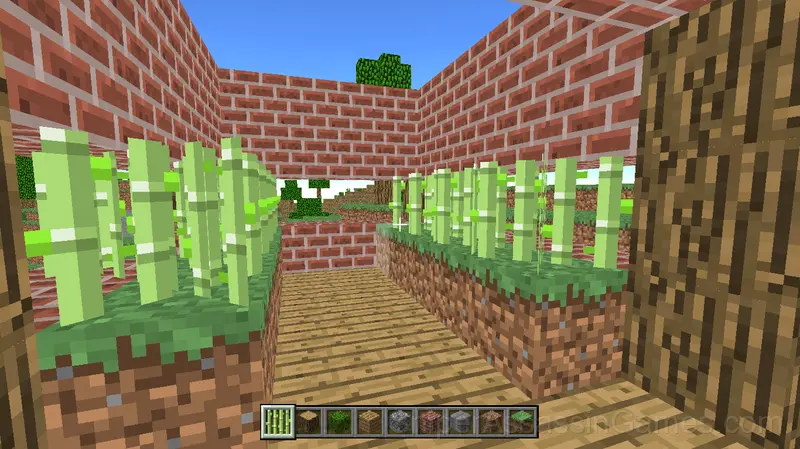
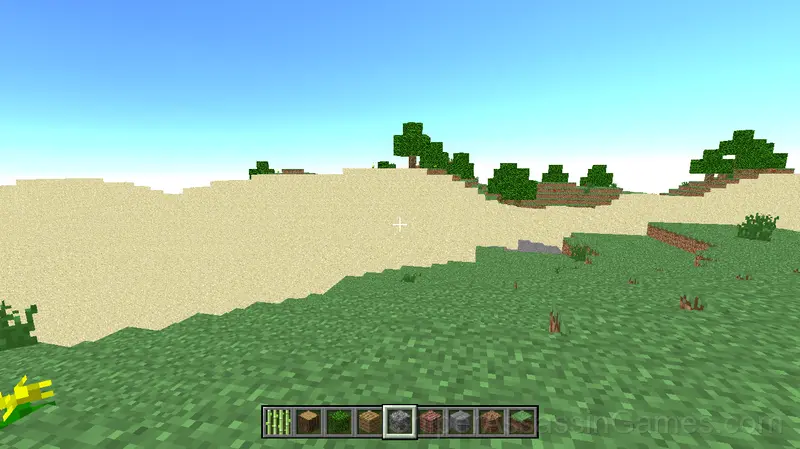
What to Expect
The game communicates danger fast. Visual and audio cues in Cube World 3D give you just enough warning to react, and learning to read those signals is the core skill you are building.
Each section of Cube World 3D tests a different reflex. Some demand timing. Others demand positioning. The best runs string all of them together without dropping the thread.
Getting Started
Character control:
WASD - move
SPACE - jump
LEFT SHIFT - running
E - open inventory
Left mouse button - remove the block
Right mouse button - put block
ESC - exit the menu
Mouse wheel - block selection
To rotate the camera, use the mouse
Who Made Cube World 3D?
Released by LSS GAMES, originally released in March 2022, Cube World 3D is a free online arcade game built for browser play. It works across all major browsers and devices, from desktop PCs to smartphones, with no download required.
Cube World 3D Tips
- If the game has a tutorial, do it once properly. Skipping it and then struggling with basics wastes more time than the tutorial ever would.
- Risk management matters more than raw skill. Knowing when to play safe versus when to go for a risky bonus separates good scores from great ones.
- Try the opposite of what keeps failing. If you are playing aggressively and dying, play defensively. If you are playing cautiously and timing out, push forward. The answer is often the reverse of your instinct.
- Figure out what ends your runs most often. The most common failure point is usually the most valuable thing to improve.
- Test the edges of each mechanic. Move in directions the game does not suggest. Interact with things that look static. The boundaries tell you a lot about how the game works.
- Play a few complete rounds before looking up guides. Your own observations about the game's systems are more useful than generic advice written for someone else.
Cube World 3D Feature Rundown
- Age rating: 6+, appropriate for younger players.
- Landscape orientation, optimized for wider screens on desktop and tablet.
- In-game purchases for optional extras. Free to play without them.
Games Like Cube World 3D
Enjoyed Cube World 3D? These related Arcade Games offer similar gameplay and are all free to play with no download:
- Cat and Granny
- Parkour Block 3D
- Cat & Granny: Escape
- Cat vs Granny. Cat Simulator
- Mine: Miner Simulator
- Cart Ride Obby
- Drift vanity on ZIL
- Infinity World Of Cubes
Start Cube World 3D Now
Cube World 3D holds a 3.8 rating from 5.4K players. It is a free online arcade game that runs in your browser on any device. No download or installation needed.