 SniperAssassinGames










Obby: Mini Games with Friends
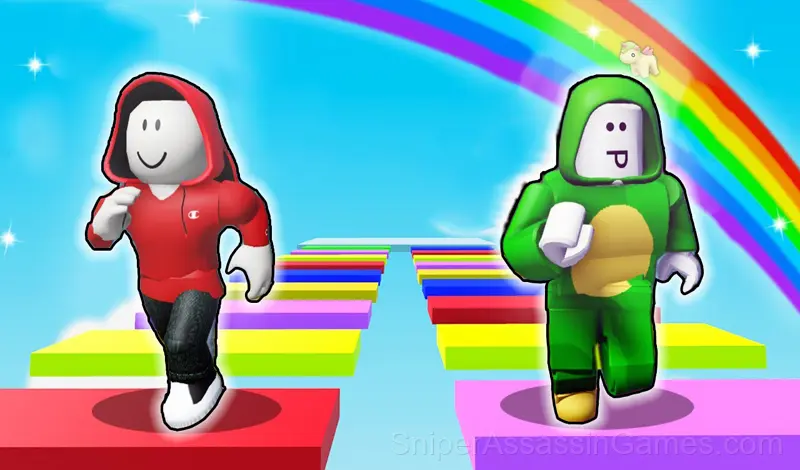
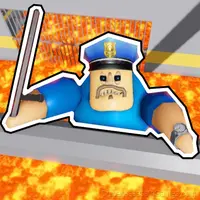
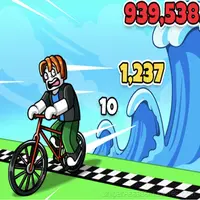
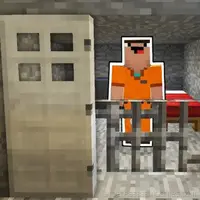
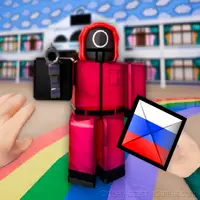
Fun mini-games in the style of Roblox! Hide-and-seek, catch-up, parkour, escape from lava, luck tests, ! Play with friends!
What is Obby: Mini Games with Friends About?
🌟 Welcome to the world of exciting mini-games! 🌟
Start an incredible adventure! 🏰
- Climb to the top of the castle and spin the wheel of luck to get cool rewards!
- Search for the treasure chest - what if there's something magical inside?
- Amazing challenges await you through the portals:
⚡ Dodge falling platforms and show how fast you can move!
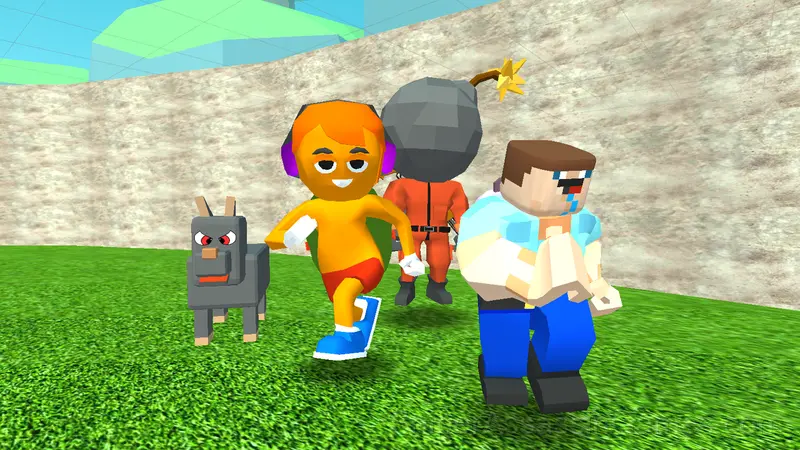
🏃 Escape from hunters and run away from bombs in a fun catch-up game!
🧩 Make your way through a confusing maze - only the most attentive will find the way out!
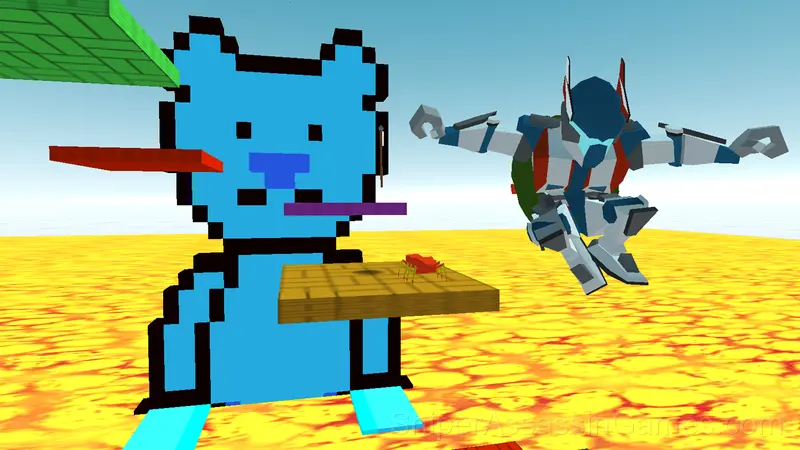
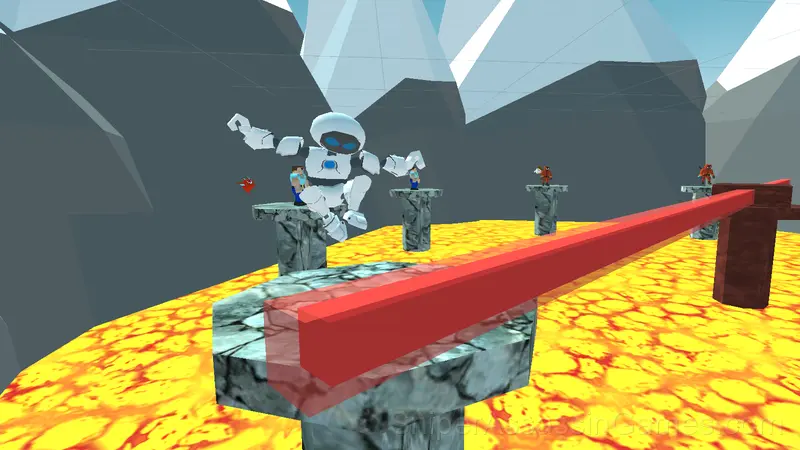
🌋 Escape the rising lava - who will be the fastest?
💥 Avoid deadly lasers - you'll need great reactions!
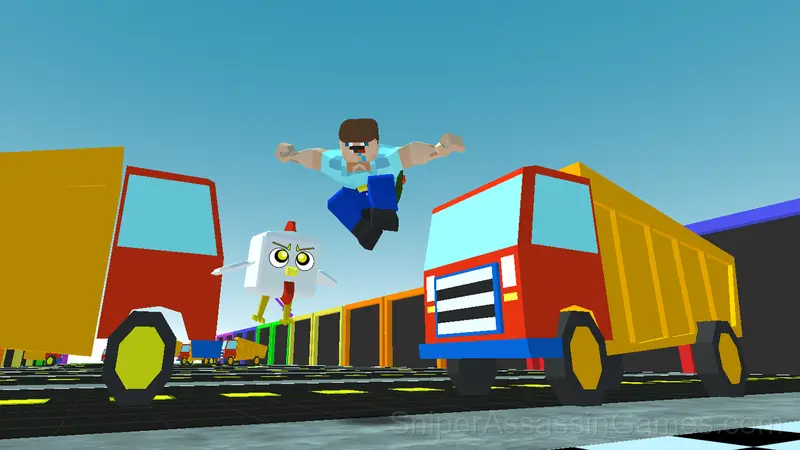
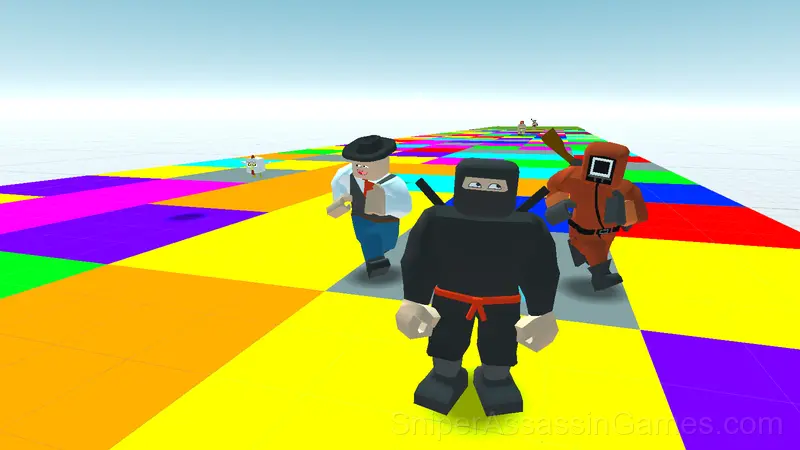
🌈 Jump on the colored platforms and choose the right path to get to the finish line!
Test your speed, reaction and luck in these dynamic and fun mini-games! Can you become the champion? 🏆
Devices That Run Obby: Mini Games with Friends
Obby: Mini Games with Friends runs in any modern web browser on desktop and mobile. Compatible browsers include Chrome, Firefox, Edge, Safari, and Opera. The game uses landscape (horizontal) orientation and works on Windows, macOS, Linux, ChromeOS, Android, and iOS devices. No plugins, extensions, or downloads are required.
Screenshots
Controls and Rules
🖥️ Desktop:
WASD - Move
Spacebar - Jump
Tab or Escape - Mouse Cursor
📱 Smartphone:
Move - Joystick on the left side of the screen
Jump - Button at the bottom right of the screen
Camera Rotation - Finger movements on the right side of the screen
What the Game Includes
- Supports 6 languages.
- Free to play with optional in-game purchases.
- Global leaderboards to compare your scores with other players.
- Automatic cloud saves that sync across devices.
- Landscape orientation, optimized for wider screens on desktop and tablet.
Who Made Obby: Mini Games with Friends?
Obby: Mini Games with Friends was created by Make Solo Studio and released as a free online game, originally released in February 2025. It runs in your browser on any device.
Tips to Improve
- Figure out what ends your runs most often. The most common failure point is usually the most valuable thing to improve.
- If there are multiple modes or difficulty levels, start on default. It is tuned for first-time players and gives you the experience the developer intended.
- Avoid the edges of the screen unless you know what spawns there. Corners are death traps in most arcade games.
- Pay attention to what the scoring system rewards. Understanding the game's priorities helps you focus on the right actions.
The Gameplay
Score-chasing is the engine behind Obby: Mini Games with Friends. Your first run sets a baseline; every run after that is about beating it. The game keeps track, and so do you, mentally replaying the moment where things went wrong.
The difficulty curve in Obby: Mini Games with Friends ramps at a pace that feels fair. Early sections let you build rhythm. Later sections test whether you actually learned anything or just got lucky.
Games Like Obby: Mini Games with Friends
If Obby: Mini Games with Friends clicked with you, try these free online Arcade Games. They are all browser games with no download required:
- Obby: Hide and Seek with Friends
- Leave 2: Escape from prison
- Obby: Bubblegum Simulator
- Robby +1 To Speed Per Click
- Escape from the Kindergarten: Baby Bobby!
- Your Obby Labyrinth
- Barry's Prison Break Original!
- Rainbow friends escape
Play Obby: Mini Games with Friends for Free
2.7K reviews. 4.4 average rating. Obby: Mini Games with Friends is a free arcade game that plays in your browser without downloads or signups.