 SniperAssassinGames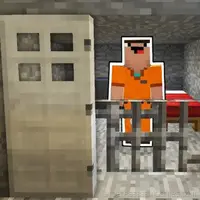

























Leave
A new adventure awaits you! This time you're in jail, try to get out!
What is Leave About?
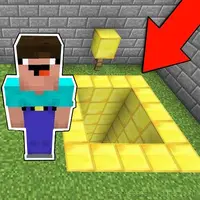
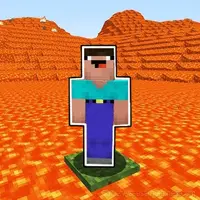
You're in jail and you need to get out of there while Barry guards you! The evil teacher is waiting for you here too! Start a new adventure with your favorite characters and memes!
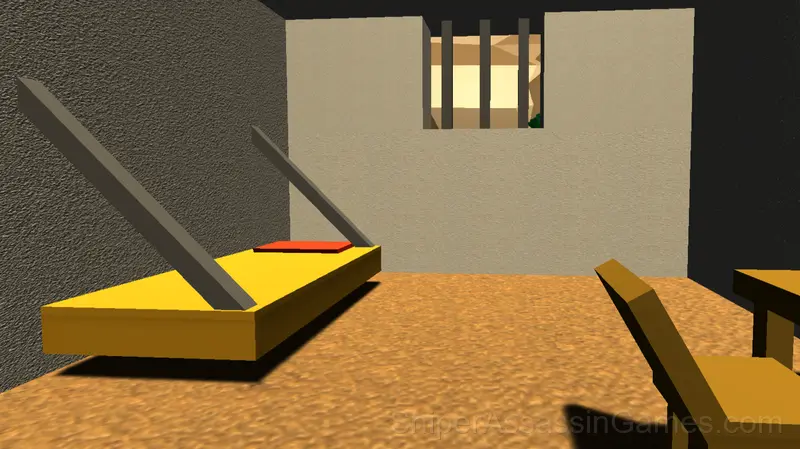
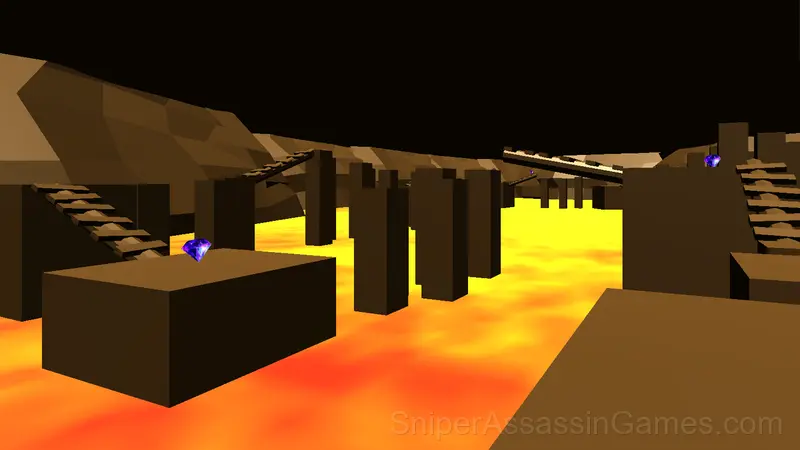
Screenshots

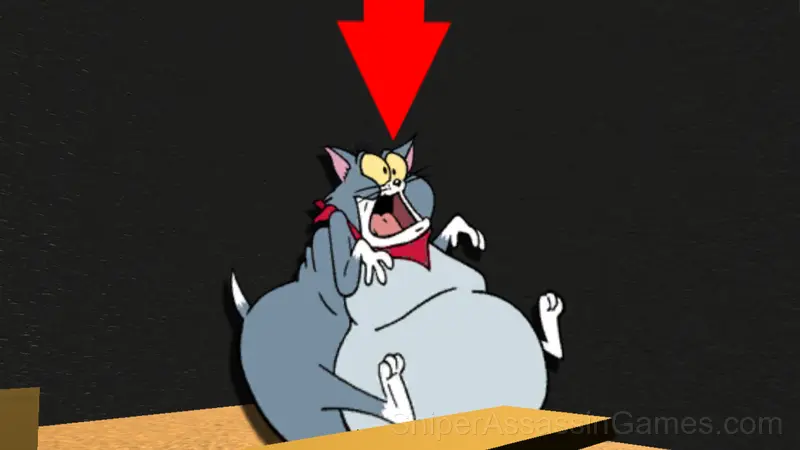
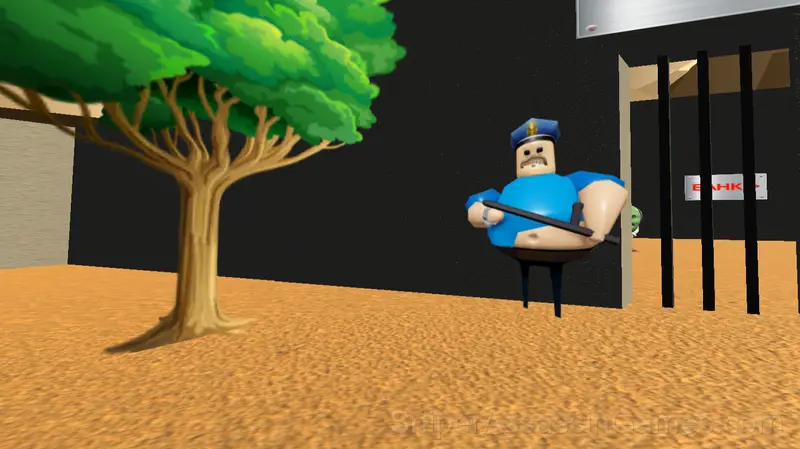
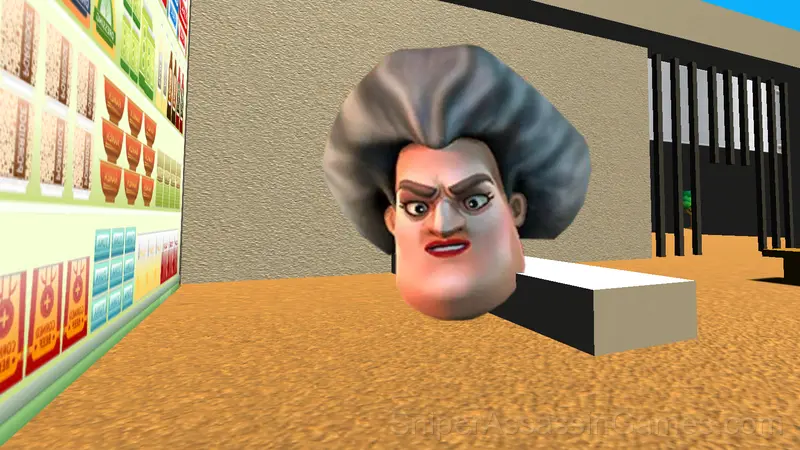
Tips for Players
- Try the opposite of what keeps failing. If you are playing aggressively and dying, play defensively. If you are playing cautiously and timing out, push forward. The answer is often the reverse of your instinct.
- The early levels teach mechanics that become critical later. Do not skip through them, even if they feel easy. The patterns they introduce come back.
- Steady, clean play usually beats aggressive, risky play. Consistency compounds over time, and avoiding mistakes matters more than chasing big moments.
- Test the edges of each mechanic. Move in directions the game does not suggest. Interact with things that look static. The boundaries tell you a lot about how the game works.
What You Get in Leave
- Family-friendly with a 6+ age rating.
- Optional in-game purchases available. The core game is free.
- Designed for horizontal play, best experienced on desktop or tablet.
How Leave Feels to Play
Controls in Leave are responsive enough that mistakes feel like your fault, not the game's. That accountability is what makes improvement satisfying. You know exactly what to do differently next time.
Visual clarity in Leave is strong. Game elements are easy to distinguish, interactive objects stand out from backgrounds, and the UI communicates what you need to know without getting in the way.
Who Built Leave?
ArtCO is the studio behind Leave, originally released in September 2024. The game was built for browser play from the ground up, running on web technologies that work across devices. Players can access Leave for free on desktop computers, laptops, tablets, and mobile phones.
Getting Started
Computer control:
W, A, S, D - Move
Space – Jump
Shift - Acceleration
Mouse movement - Camera rotation
Mobile devices:
Touch joystick on the left side of the screen - Move
The button above the joystick - Acceleration
The right side of the screen is the cam...
Device Compatibility
Browser compatibility for Leave includes Chrome, Firefox, Edge, Safari, and Opera on both desktop and mobile. The game is designed for landscape (horizontal) orientation and runs without any downloads on Windows, macOS, Linux, ChromeOS, Android, and iOS.
Games Like Leave
More free Kids Games for players who like Leave. Each one has its own mechanics but fits the same genre:
- Obbi School Prison Playground
- Find Labubu
- Come in New Year
- Pink Prison Escape
- Pit Parkour
- This way for you
- Leave 2: Escape from prison
- Boo Scared 3: New Year with Schoolboy
Play Leave Online Free
A free browser kids game with 4.5K player reviews and a 4.1 rating. That is Leave. Play it on any device with no download.